The local AI conversation shifted in late October 2026. Comments attributed to OpenAI CEO Sam Altman questioning local inference set off one of the biggest debates on r/LocalLLaMA in a while, and in the same few days Mistral's roughly trillion-parameter Large 4 was slated to get open weights at the end of October. Whatever you think of the argument, more people are asking a practical question: if I want to run serious models locally, what does the hardware look like?
At the top of the single-card options sits NVIDIA's RTX PRO 6000 Blackwell with 96GB of GDDR7. Here's how it compares to the obvious alternatives.
The contenders
RTX PRO 6000 Blackwell Workstation Edition: 96GB of ECC GDDR7 on a 512-bit bus, 24,064 CUDA cores, 600W. RTX PRO 6000 Blackwell Max-Q: the same 96GB and core count in a 300W blower design meant for multi-GPU workstations. GeForce RTX 5090: 32GB of GDDR7 on a 512-bit bus, 21,760 CUDA cores, 575W. RTX PRO 5000 Blackwell 72GB: a step down in cores with 72GB of ECC memory.
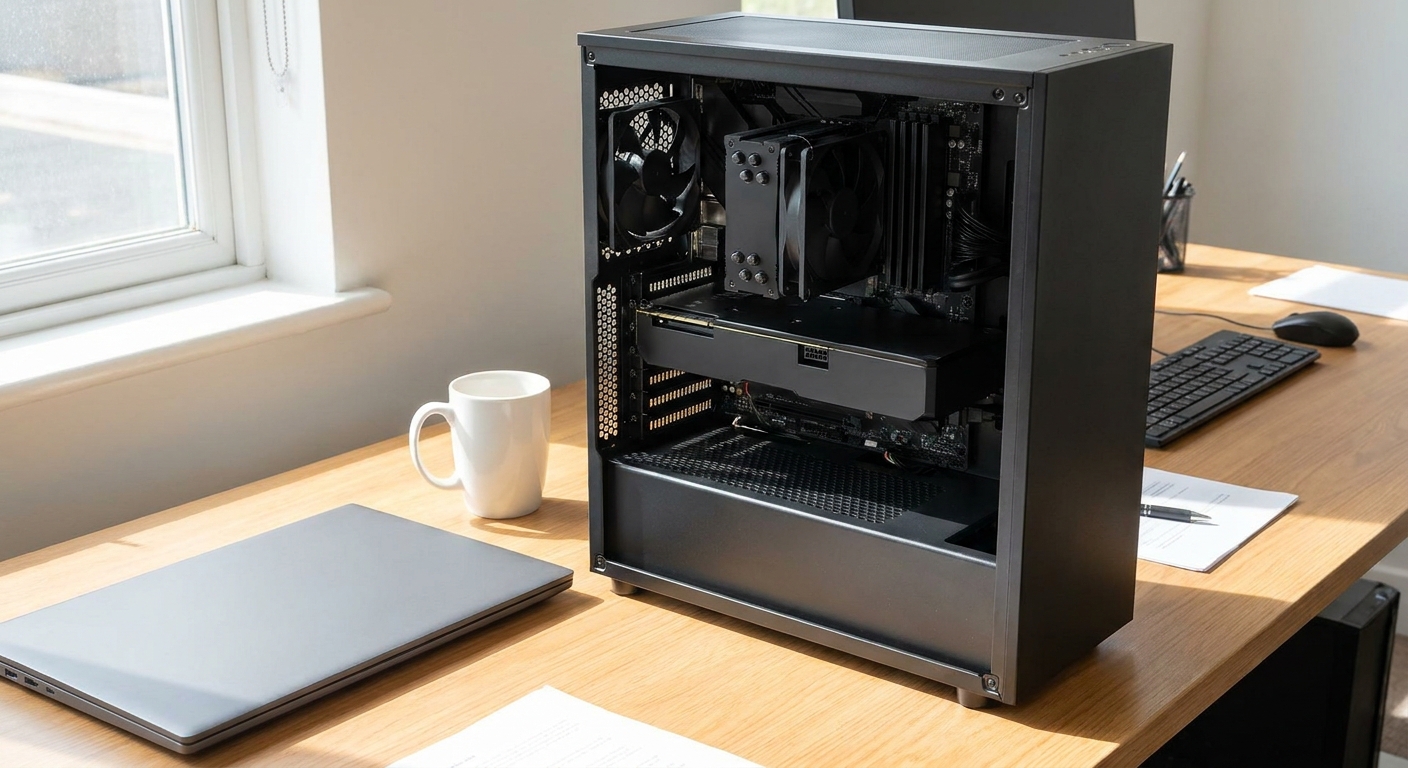
Side by side
| Card | Memory | CUDA cores | Power | Cooler |
|---|---|---|---|---|
| RTX PRO 6000 Workstation | 96GB GDDR7 ECC | 24,064 | 600W | Double flow-through |
| RTX PRO 6000 Max-Q | 96GB GDDR7 ECC | 24,064 | 300W | Blower |
| RTX PRO 5000 (72GB) | 72GB GDDR7 ECC | 14,080 | Not listed | Blower |
| GeForce RTX 5090 | 32GB GDDR7 | 21,760 | 575W | Open-air |
Deep dive: why 96GB changes what you can run
For local language models, VRAM capacity decides what fits. A 70B-parameter model at 4-bit quantization needs roughly 40GB including context, which is more than a single RTX 5090 holds. On a 96GB card it fits with room for longer context, or you can step up to larger models and higher-precision quantization. That's the core case for the PNY RTX PRO 6000 Blackwell Workstation Edition.
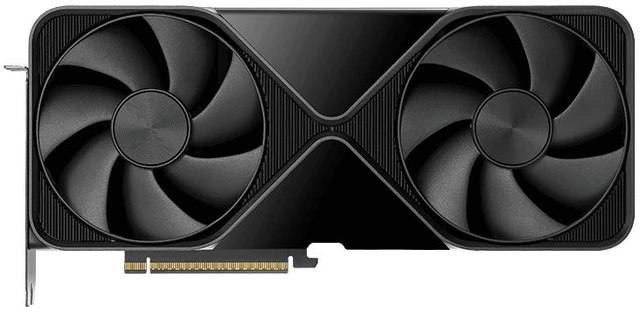
The NVIDIA RTX PRO 6000 Blackwell Max-Q and the PNY RTX PRO 6000 Max-Q trade peak power for density. At 300W with a blower that exhausts out the back, two or more can sit next to each other in a workstation, which is how you get to 192GB of GPU memory.
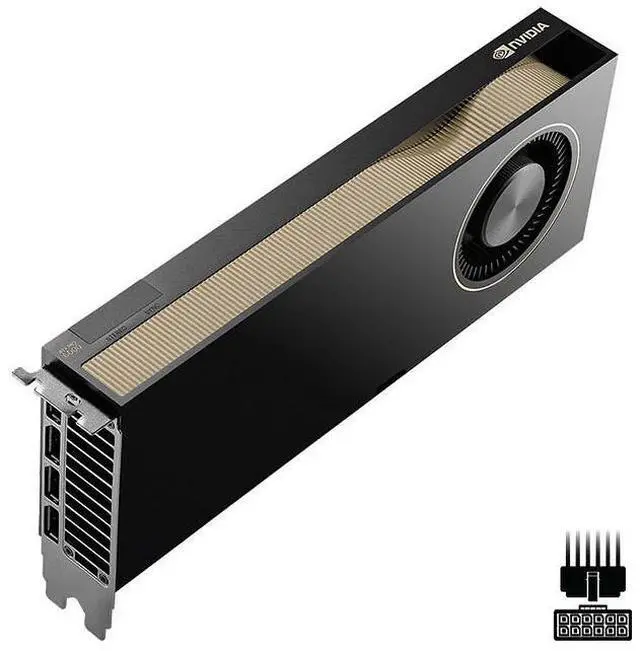
The ASUS ROG Astral RTX 5090 is the consumer alternative. Its 32GB limits model size, but it has the same 512-bit memory bus width as the PRO 6000, so on models that fit, token generation can be quick. It's also a gaming card, which matters if the machine pulls double duty.
The RTX PRO 5000 Blackwell 72GB sits in between. It has fewer CUDA cores than either flagship, but 72GB is enough for 70B-class models with room to spare.
Deep dive: multi-GPU versus one big card
Splitting a model across two GPUs works with tools like llama.cpp and vLLM, but it adds overhead and complexity, and consumer cards are hard to fit side by side because of their thickness and power draw. One large-memory card is simpler. If you need more than 96GB, two Max-Q cards are the cleaner route than stacking open-air gaming cards.
Buying a whole system instead
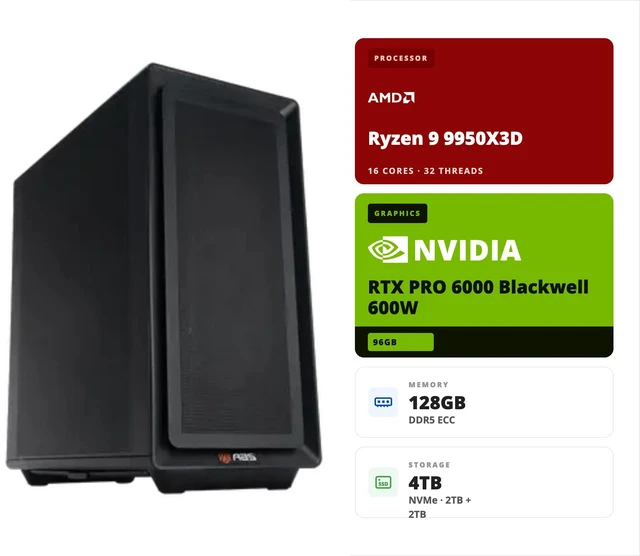
If you'd rather not source a 1300W-class power supply and validate a build yourself, ready-made systems save time. The ABS AI Workstation with an RTX PRO 6000 and Ryzen 9 9950X3D pairs the 600W card with 128GB of ECC DDR5, two 2TB NVMe drives and a 1300W Platinum PSU. There's also a version with the 300W Max-Q card on a 1000W Platinum PSU. For 192GB of GPU memory, the ABS AI Workstation with two RTX PRO 6000 Max-Q cards uses an Intel Xeon W9-3575X and a 2000W PSU.
What actually fits in 96GB
As a rough guide, model memory at 4-bit quantization is about half a gigabyte per billion parameters, plus room for context. That puts a 70B model around 40GB at 4-bit and roughly double that at 8-bit, which still fits on a 96GB card. Larger mixture-of-experts models can also fit at 4-bit, depending on their total parameter count. Very large models, such as Mistral's roughly trillion-parameter Large 4, are a different class entirely and need multi-GPU servers.
Long context windows add up quickly too. If you plan to feed whole codebases or long documents to a model, that extra memory for context is often the reason to step up from 72GB to 96GB.
There are practical considerations beyond memory. A 600W card produces a lot of heat in a room, and a workstation running long jobs is louder than a typical desktop. The Max-Q's 300W rating makes it easier to live with, at the cost of some peak performance. I'd also plan for a UPS if the machine will run important jobs overnight.
Winner by category
Largest models on one card: RTX PRO 6000 Workstation Edition. Best for multi-GPU density: RTX PRO 6000 Max-Q. Best if it also has to game: RTX 5090. Middle ground on memory: RTX PRO 5000 72GB. Least hassle: a prebuilt AI workstation.
My view is that the "local vs. cloud" debate misses the point for most buyers. If your data can't leave the building, or you run models all day, owning the hardware makes sense. If you only experiment occasionally, a smaller card and cloud credits might be the smarter mix.
Frequently Asked Questions
What's the difference between RTX PRO 6000 Workstation Edition and Max-Q? Both have 96GB of GDDR7 and 24,064 CUDA cores. The Workstation Edition is rated at 600W with a flow-through cooler, while the Max-Q is a 300W blower card designed for multi-GPU systems.
Can an RTX 5090 run a 70B model? Not entirely in VRAM at typical 4-bit quantization, which needs about 40GB including context. You'd need to offload part of it to system memory, which slows it down significantly.
Is 96GB of VRAM worth it for local AI? If you want to run 70B-class or larger models with long context on one card, yes. For smaller models, a 32GB card is often enough.
Can I use two RTX PRO 6000 Max-Q cards together? Yes. Tools like llama.cpp and vLLM can split models across GPUs, and the Max-Q's blower design is made for side-by-side installation.
What power supply does an RTX PRO 6000 Workstation Edition need? It's rated at 600W on its own, so systems built around it typically use 1300W-class power supplies, as in the ABS workstation in this guide.
Read More
- NVIDIA: RTX PRO 6000 Blackwell Workstation Edition - Official specifications for the 600W 96GB card.
- NVIDIA: RTX PRO 6000 Blackwell Max-Q - Official specifications for the 300W blower version.
- NVIDIA: GeForce RTX 5090 - Official specs for the consumer flagship.
- GitHub: llama.cpp - The open-source inference engine behind many local AI apps, with multi-GPU support.
- Newegg Insider: Local AI vs. Cloud AI - What it takes to run AI models on your own PC.