If you were bracing for Windows 10's consumer security updates to stop on October 13, 2026, you got a reprieve. Microsoft quietly extended the consumer Extended Security Updates program to October 12, 2027, according to updated ESU documentation reported by Windows Central and others in June 2026. In late October, an r/pcmasterrace thread about Windows sales falling as holdouts refuse to switch drew a lot of attention, so clearly plenty of people are still on Windows 10.
An extra year is useful, but it's still a deadline. Here's how I'd use it depending on your situation.
First, are you actually enrolled?
ESU doesn't apply automatically. You need Windows 10 version 22H2 with current updates and a Microsoft account with admin rights. Enrollment options include turning on Windows Backup to sync settings, redeeming 1,000 Microsoft Rewards points, or buying a one-year license. Check Settings, then Update and Security, then Windows Update for the enrollment prompt.
Scenario 1: Your PC already meets Windows 11 requirements
Run Microsoft's PC Health Check app. Windows 11 needs a supported 64-bit CPU, 4GB of RAM, 64GB of storage, UEFI with Secure Boot capability and TPM 2.0. Many PCs from 2018 onward qualify but have TPM or Secure Boot switched off in the BIOS. If yours passes, upgrade soon rather than in a rush in fall 2027. Before you do, back up your files. A Samsung T7 Shield 2TB portable SSD is fast enough to make a full backup painless.
Scenario 2: Your PC fails only because of the CPU
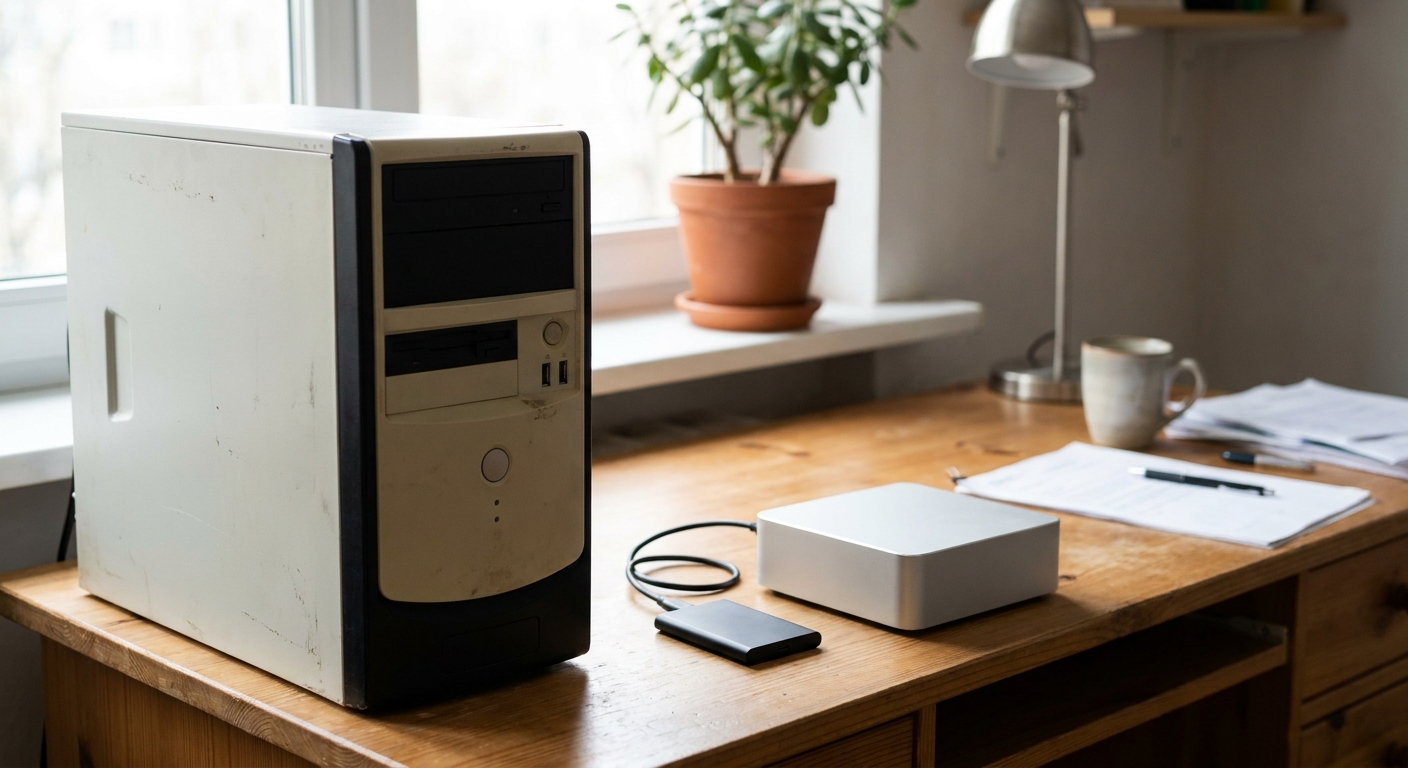
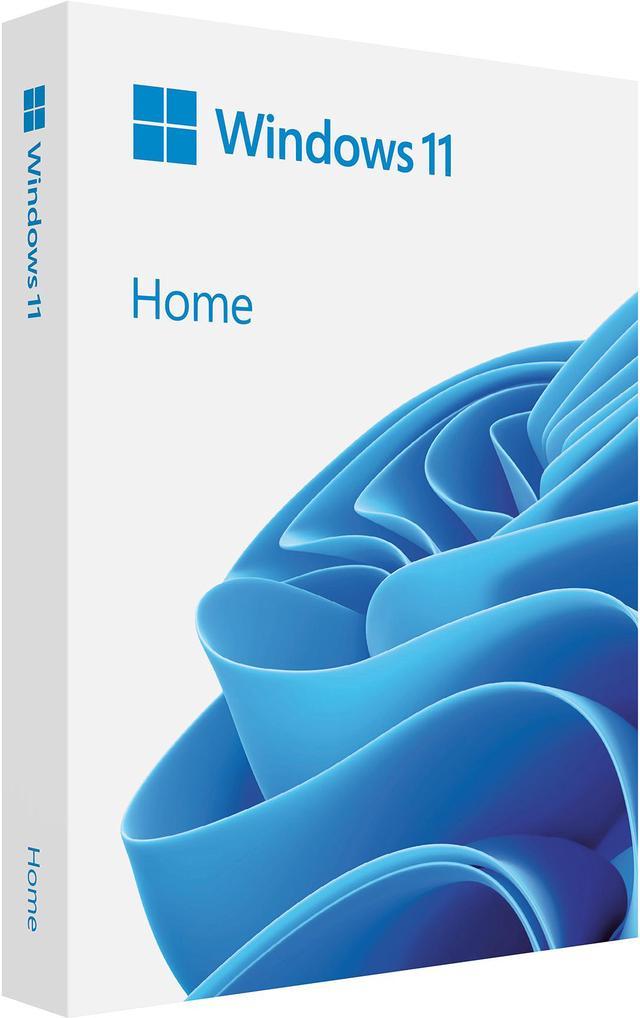
Older desktops with most Intel 7th-gen and all earlier CPUs, or first-generation Ryzen chips, don't meet the official CPU list. Here you have a choice: keep using Windows 10 with ESU until October 2027, or replace the PC. If the rest of the machine is fine and you build your own, a newer CPU and motherboard plus a fresh Windows 11 Home USB install is an option. If you're on Home and need BitLocker or Remote Desktop hosting, the Windows 11 Pro upgrade adds those.
Scenario 3: The PC is old and slow anyway
This is when I'd stop spending money on it. A mini PC is the simplest desktop replacement for browsing, office work and media. The Beelink SER8 uses a Ryzen 7 8745HS with Radeon 780M graphics, 32GB of DDR5 and a 1TB SSD, and supports three 4K displays. The MINISFORUM UM880 Plus steps up to a Ryzen 7 8845HS with 32GB of RAM, a 1TB SSD, USB4 and an OCuLink port for an external GPU later.

Scenario 4: You want a laptop that will last
If you're replacing a Windows 10 laptop, a Copilot+ PC gets you Windows 11 with a capable NPU and long battery life. The MSI Prestige 14 AI+ uses an Intel Core Ultra 7 258V with a 47 TOPS NPU, 32GB of LPDDR5X, a 1TB SSD and Wi-Fi 7. If you want some gaming and creative headroom, the Acer Swift X 14 pairs a Ryzen AI 7 350 with an RTX 5050 and a 14.5-inch 2880x1800 OLED touchscreen. Its 16GB of memory is soldered, so that's what it'll have for its whole life.

Scenario 5: You're reusing a desktop and want it to feel new
If the PC qualifies for Windows 11 but boots from an old SATA drive or a small SSD, a fresh NVMe drive makes a bigger difference than people expect. The Samsung 9100 PRO 1TB is a PCIe 5.0 drive, but it works in PCIe 4.0 and 3.0 M.2 slots at those slots' speeds, so it's a reasonable buy even for an older board you might replace later.
Moving your stuff without losing anything
Whether you upgrade in place or move to a new PC, the prep is the same. Back up your documents, photos and anything on the desktop to an external drive, not just to the cloud. Sign in to your browser's sync so bookmarks and passwords follow you. Make a list of the apps you use and where you got them, and dig out license keys for anything you paid for, like office software or creative tools.
Windows Backup, the same feature that can enroll you in ESU, can also carry your settings and some app information to a new Windows 11 PC when you sign in with the same Microsoft account. It doesn't move every program, so expect to reinstall most of them.
One thing I'd skip is the workarounds that install Windows 11 on unsupported CPUs. Microsoft says unsupported devices aren't guaranteed to receive updates, which defeats the point of upgrading for security. If the CPU isn't on the list, staying on Windows 10 with ESU until you replace the PC is the cleaner path.
What I'd do
Enroll in ESU now so you're covered, then use the next few months to either upgrade an eligible PC to Windows 11 or replace one that isn't. Waiting until September 2027 means doing it under pressure, possibly while hardware prices are still high. Doing it over the winter of 2026 to 2027 means doing it on your own schedule.
Frequently Asked Questions
When do Windows 10 security updates end for consumers? Microsoft extended the consumer Extended Security Updates program to October 12, 2027, for enrolled PCs running Windows 10 version 22H2.
Is Windows 10 ESU free? You can enroll at no cost by turning on Windows Backup to sync your settings, or by redeeming 1,000 Microsoft Rewards points. A paid one-year option is also available.
How do I check if my PC can run Windows 11? Run Microsoft's PC Health Check app. It checks the CPU, TPM 2.0, Secure Boot, RAM and storage requirements.
Can I upgrade to Windows 11 with an unsupported CPU? Microsoft doesn't support it on CPUs outside its compatibility list. The supported options are staying on Windows 10 with ESU or moving to newer hardware.
Do I need to reinstall my apps when moving to a new PC? Usually yes. Back up your files first, then reinstall apps on the new Windows 11 PC and restore your data.
Read More
- Microsoft: Windows 10 Extended Security Updates - Microsoft's ESU overview and enrollment details.
- Microsoft: Windows 11 specifications - Official minimum system requirements for Windows 11.
- Microsoft Support: How to use the PC Health Check app - Check whether your PC can run Windows 11.
- Windows Central: Microsoft extends Windows 10 ESU to October 2027 - Coverage of the extension and what it means.
- Newegg Insider: How to Move Windows to a Bigger NVMe SSD - Moving your install without reinstalling.