







We develop. We innovate. We create. j5create is a team that has come together from a diverse set of backgrounds to make technologies more meaningful and inclusive. We design, build, sell and support innovative technology, and we find creative ways to apply new technologies to provide computing solutions.
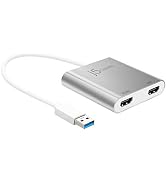
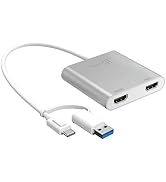
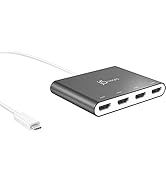
j5create USB-HDMI Adapters
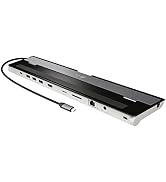
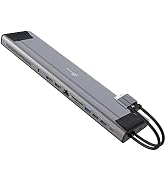
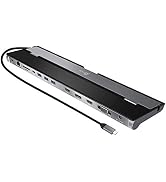
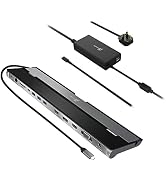
j5create Docking Stations
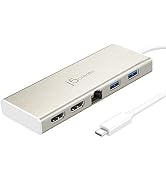
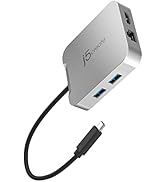
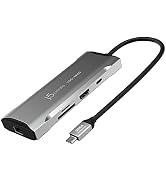
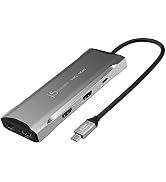
j5create USB-C Hubs
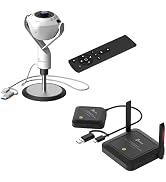
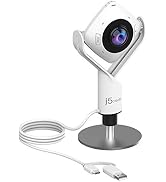
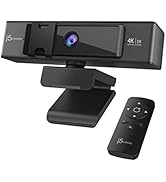
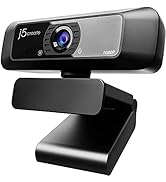
j5create Webcams
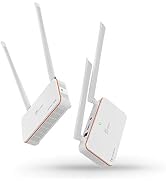
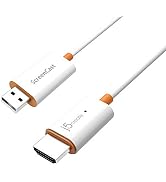
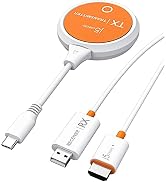
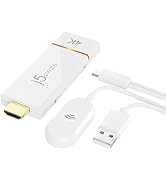
j5create Screencast Adapters
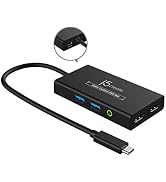
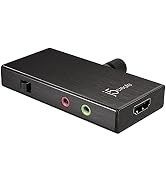
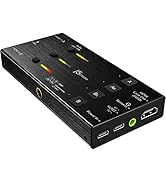
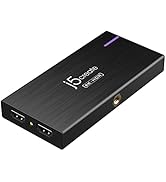
j5create Video Capture Cards
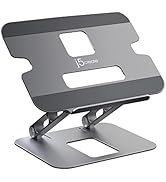
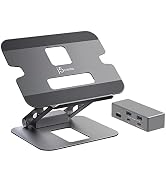
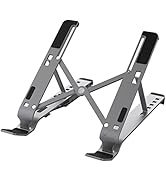
j5create Laptop Stands
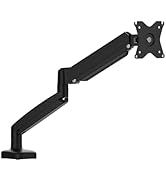
j5create Monitor Mounts

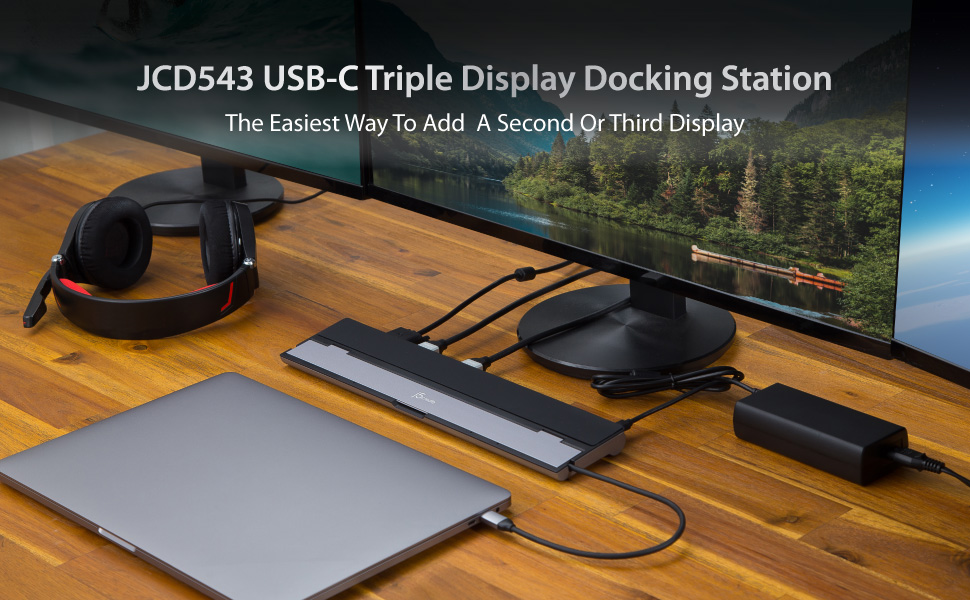
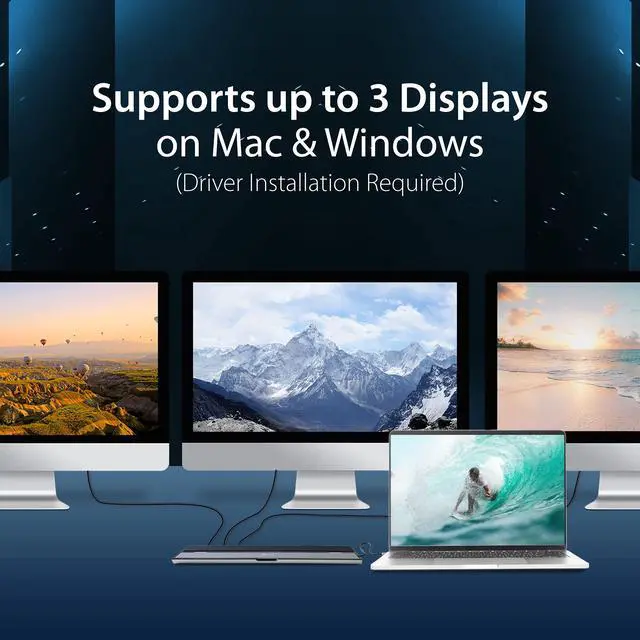
Simultaneous HDMI, DisplayPort and VGA Output
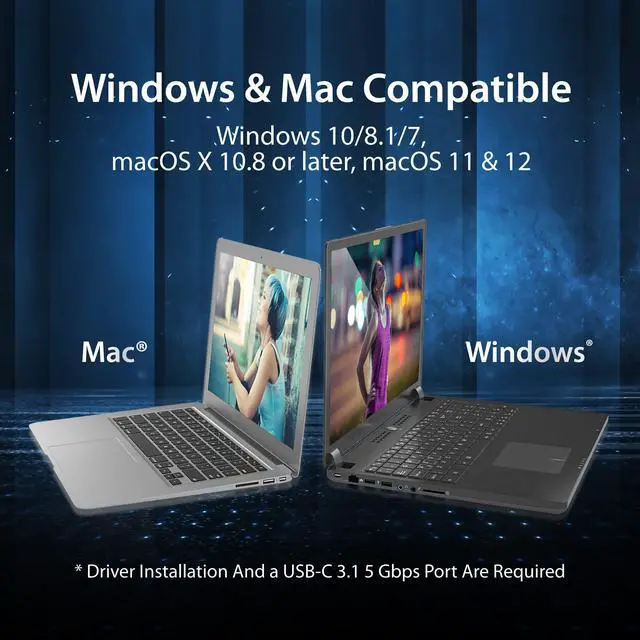
Supports Mirror and Extended modes on both Mac & Windows. The easiest way to add a second or third display.
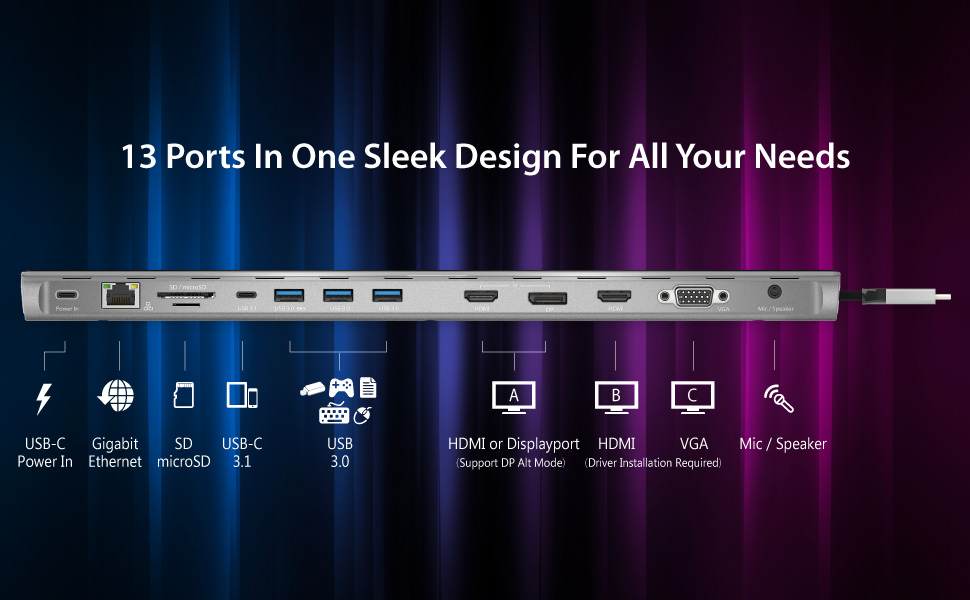
Cutting-Edge Design
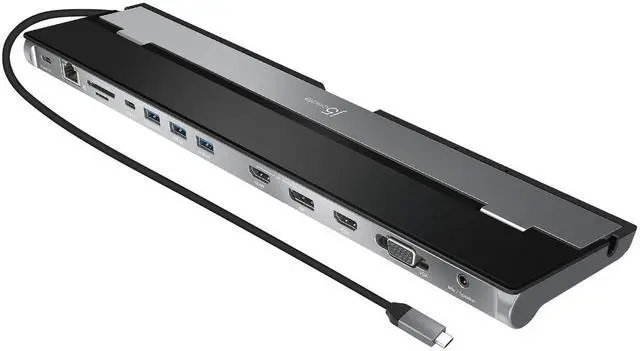
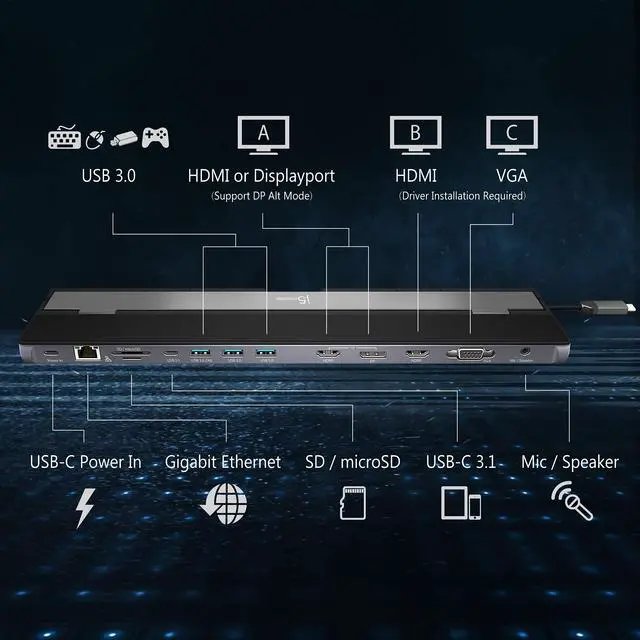
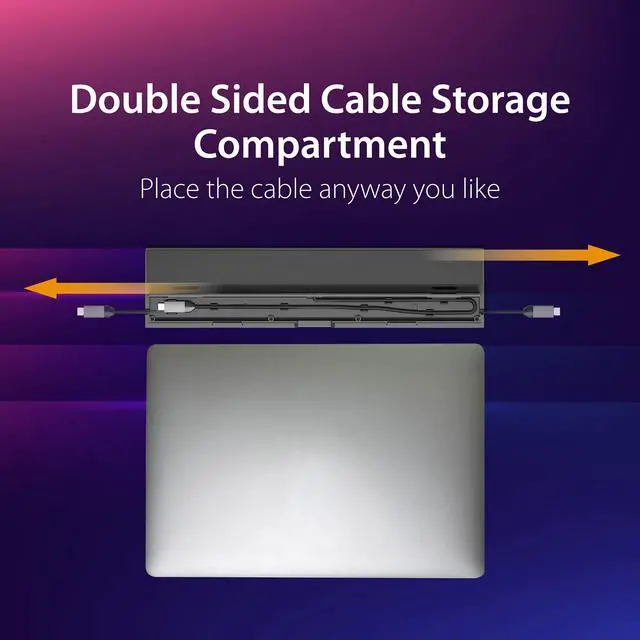
All 13 ports are combined into one slim docking station, so you’ll have all the connections you need to stay productive!
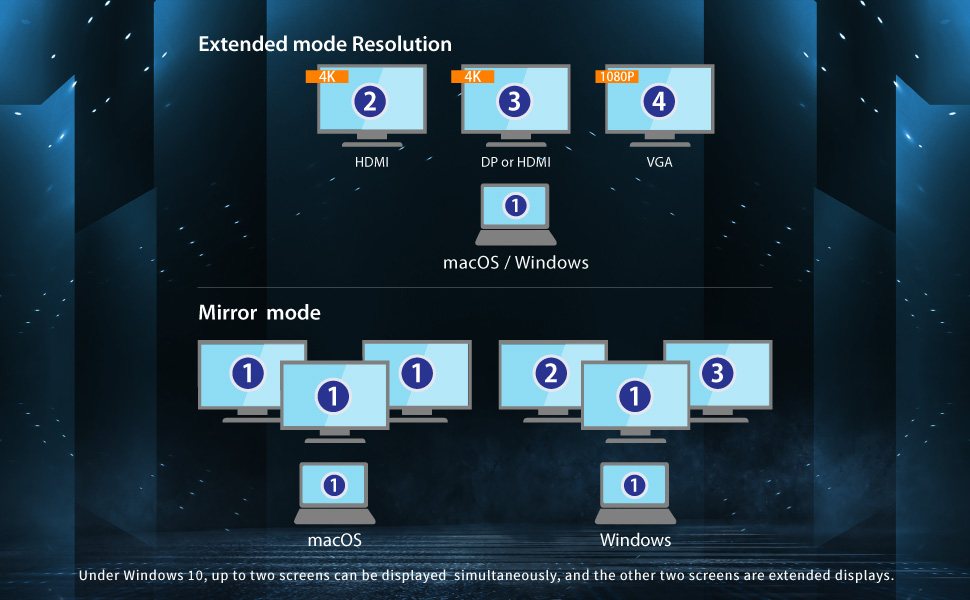
Flexible Screen Configuration Options
The JCD543 enables multiple screen configurations regardless of whether you need to mirror or extend displays onto different screen monitors, ensuring maximum flexibility in your setup.
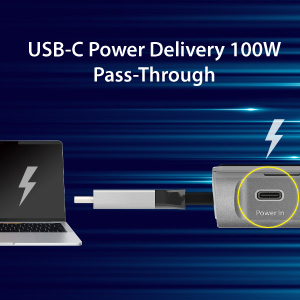
Quick Charging
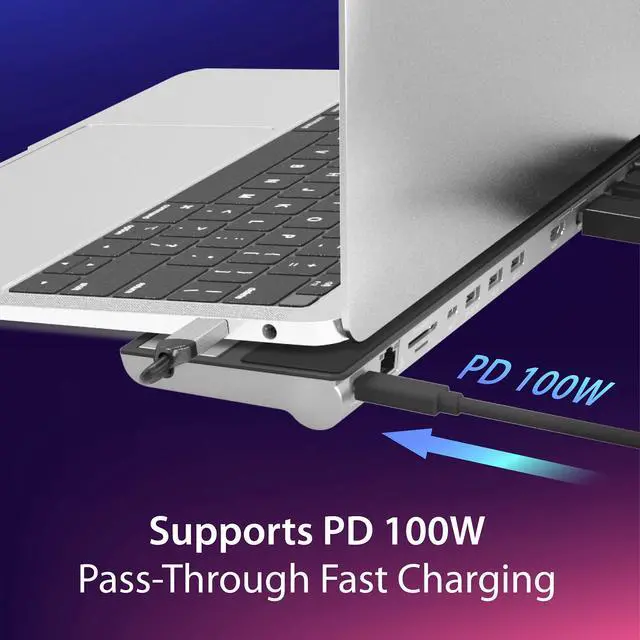
Charge and power your notebook through the JCD543
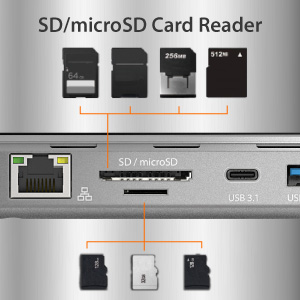
Easy Access to Your Media
Effortlessly manage and backup your data from your camera, video recorder and more
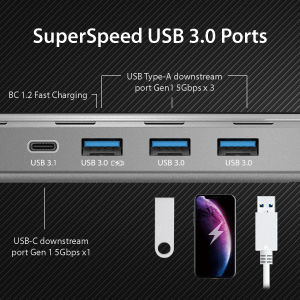
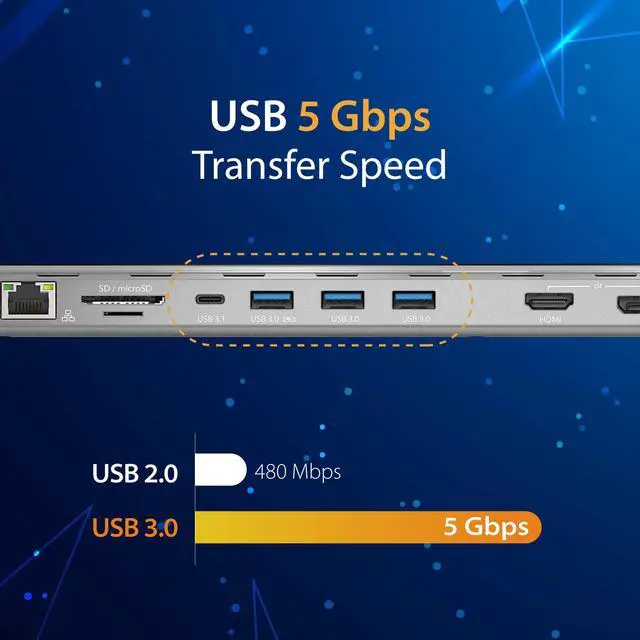
High-speed Data Transfer
3x USB-A and 1x USB-C; supports transfer speeds of up to 5 Gbps.
Q&A:
Q1: Why does a screen recording permission request appear when I install the driver on a macOS system?
A1: To ensure the USB Display driver to function correctly on macOS systems, users are required to permit 'Screen Recording' for the USB Display driver. This authorization enables the USB Display to access the necessary pixels for rendering mirrored/extended screens and transmitting them via the USB port. It does not send any data or pixels back to us.
Q2: Why do I only can use one additional display?
A2: Please ensure that the driver is installed correctly by following the instructions in the QIG (Quick Installation Guide) included in the package.
 JCD543 |  JCD543P |  JCD552 | |
|---|---|---|---|
| Customer Reviews | — | — | — |
| Price | — | — | — |
| Key Features | Triple Display | Triple Display: Comes with 100W PD Adapter | Dual 4k60Hz Display with Built-in M.2 NVMe SSD slot |
| Display | 4K HDMI x 2, 4K DisplayPort, 1080p VGA | 4K HDMI x 2, 4K DisplayPort, 1080p VGA | 4K60 HDMI, 4K60 Display Port |
| SSD | no data | no data | M.2 NVMe SSD slot |
| USB-A Ports | 5Gbps x 3 | 5Gbps x 3 | 10Gbps x 2, 5Gbps x 1 |
| USB-C Ports | no data | no data | 10Gbps x 1 |
| SD / microSD slot | ? | ? | ? |
| Gigabit Ethernet port | ? | ? | ? |
Simultaneous HDMI, DisplayPort and VGA Output
Supports Mirror and Extended modes on both Mac & Windows. The easiest way to add a second or third display.
Cutting-Edge Design
All 13 ports are combined into one slim docking station, so you’ll have all the connections you need to stay productive!
Flexible Screen Configuration Options
The JCD543 enables multiple screen configurations regardless of whether you need to mirror or extend displays onto different screen monitors, ensuring maximum flexibility in your setup.
Quick Charging
Charge and power your notebook through the JCD543
Easy Access to Your Media
Effortlessly manage and backup your data from your camera, video recorder and more
High-speed Data Transfer
3x USB-A and 1x USB-C; supports transfer speeds of up to 5 Gbps.
Q&A:
Q1: Why does a screen recording permission request appear when I install the driver on a macOS system?
A1: To ensure the USB Display driver to function correctly on macOS systems, users are required to permit 'Screen Recording' for the USB Display driver. This authorization enables the USB Display to access the necessary pixels for rendering mirrored/extended screens and transmitting them via the USB port. It does not send any data or pixels back to us.
Q2: Why do I only can use one additional display?
A2: Please ensure that the driver is installed correctly by following the instructions in the QIG (Quick Installation Guide) included in the package.
JCD543 | JCD543P | JCD552 | |
|---|---|---|---|
| Customer Reviews | — | — | — |
| Price | — | — | — |
| Key Features | Triple Display | Triple Display: Comes with 100W PD Adapter | Dual 4k60Hz Display with Built-in M.2 NVMe SSD slot |
| Display | 4K HDMI x 2, 4K DisplayPort, 1080p VGA | 4K HDMI x 2, 4K DisplayPort, 1080p VGA | 4K60 HDMI, 4K60 Display Port |
| SSD | no data | no data | M.2 NVMe SSD slot |
| USB-A Ports | 5Gbps x 3 | 5Gbps x 3 | 10Gbps x 2, 5Gbps x 1 |
| USB-C Ports | no data | no data | 10Gbps x 1 |
| SD / microSD slot | ? | ? | ? |
| Gigabit Ethernet port | ? | ? | ? |
We develop. We innovate. We create. j5create is a team that has come together from a diverse set of backgrounds to make technologies more meaningful and inclusive. We design, build, sell and support innovative technology, and we find creative ways to apply new technologies to provide computing solutions.
j5create USB-HDMI Adapters
j5create Docking Stations
j5create USB-C Hubs
j5create Webcams
j5create Screencast Adapters
j5create Video Capture Cards
j5create Laptop Stands
j5create Monitor Mounts