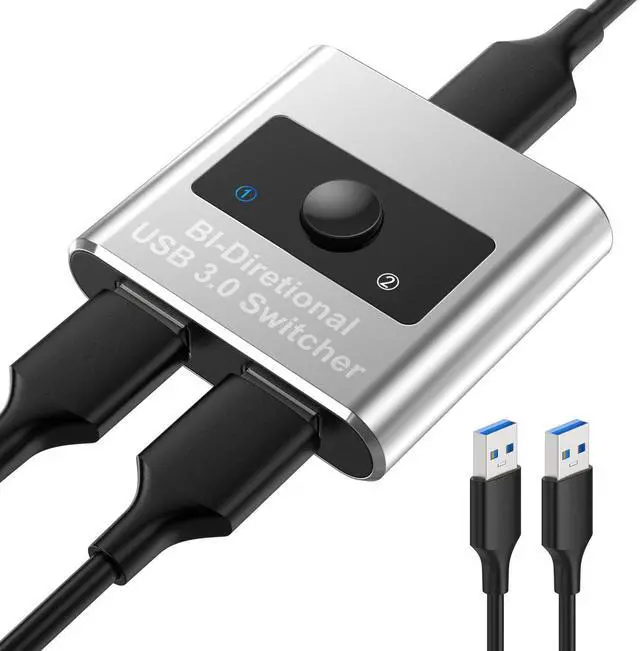
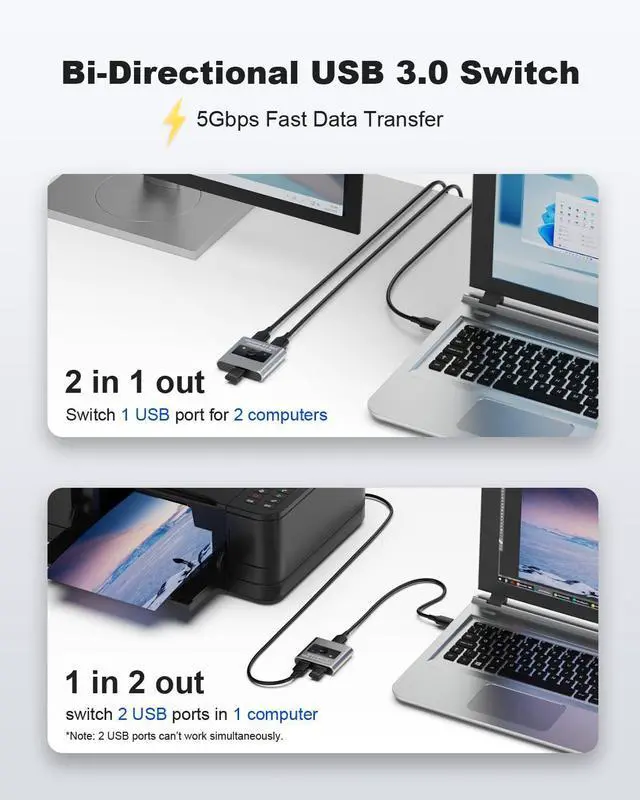
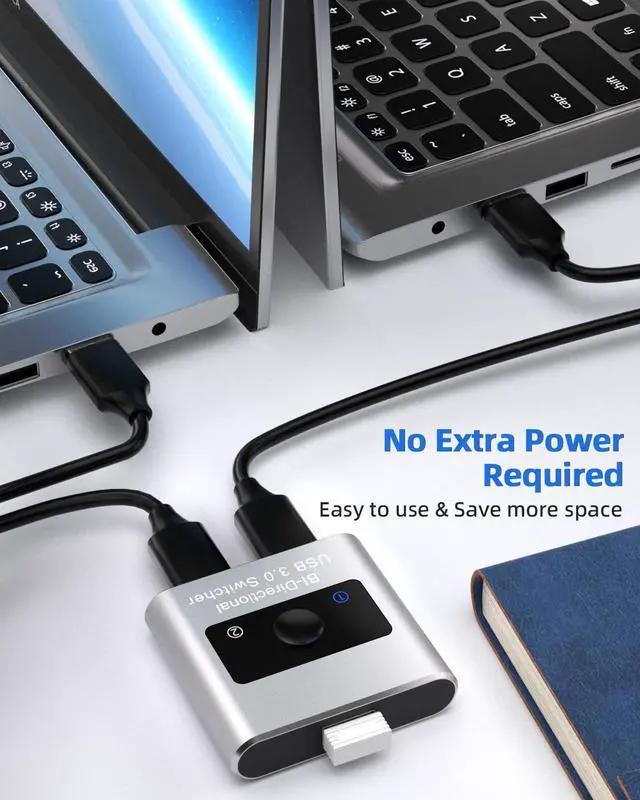
[Bi-Directional USB Switch 3.0 ]The USB switcher allows one button swapping between 2 computers to share 1 USB 3.0 peripheral device. OR switch 2 USB devices for 1 computer. No extra power supply is required, no need to install drivers. A high-quality Aluminum shell is more durable, anti-fingerprint, and accelerates heat dissipation.
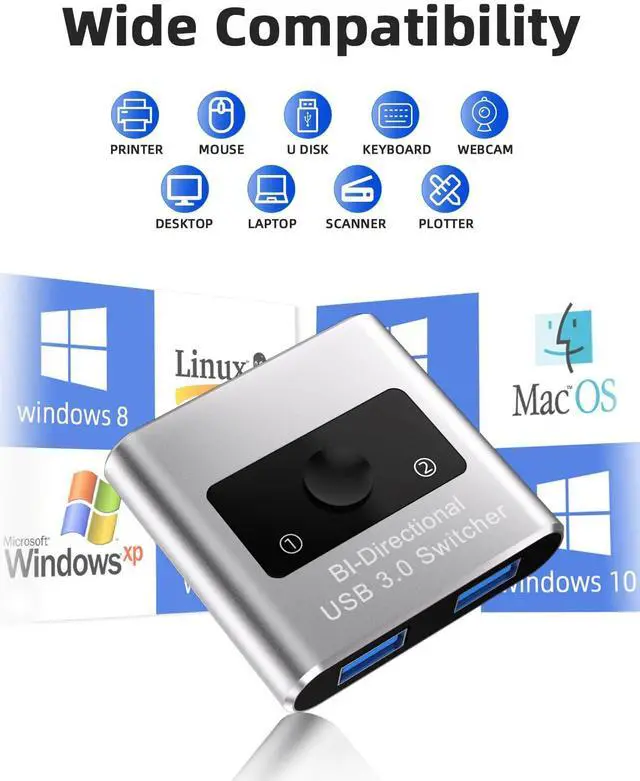
[Multiple Device Sharing & Work More Efficiently]USB switch selector widely support switching most USB devices between 2 PCs, such as printer, scanner, mouse, keyboard, card reader, flash drive, external hard disks, webcams and more. Reduce repeated plugging and unplugging, and switch the computer you need to use with one click, improving work efficiency.
[5Gbps Transfer Speed & One-Button Switch]The USB switch hub supports up to 5Gbps data transmission, also backward compatible with USB 2.0 and USB 1.1. Easily switch between different systems and different computers with one button. The Blue LED lights will indicate the active computer. Note: This USB Switch doesn't support VIDEO Output or HDMI Output.
[Plug and Play, Incredible Compatibility]USB 3.0 switch is driver-free with Windows 10/8/8.1/7/Vista/XP, Mac OS, Linux, and Chrome OS. USB KVM switches is suitable for most USB devices with USB 3.0/USB 2.0/USB 1.1 ports. Ideal for sharing USB devices or computers in Offices, Multimedia Teaching, Conference Rooms, Schools, Meeting Rooms and Training Facilities.
+
+
Overview
Specs
Reviews
Any questions? Our AI mode will help you find out quickly.
Try me now
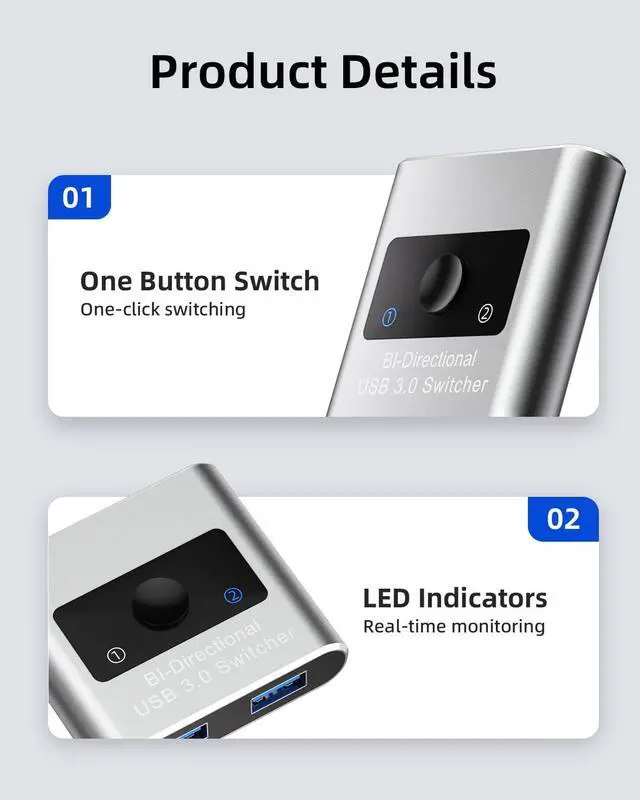
One-Button Switching
Switch between connected computers or devices with a single button press.
LED Indicators
Blue LED indicate which connected computer has control or which connected device is under control.
USB 3.0 5Gbps data transfer
USB switch 3.0 is more than 10 times faster than USB 2.0, and is also backward compatible with USB 2.0, 1.1 and 1.0
Plug and Play
Supports Windows, Linux, Mac OS, plug and play, no drivers required.
One-Button Switching
Switch between connected computers or devices with a single button press.
LED Indicators
Blue LED indicate which connected computer has control or which connected device is under control.
USB 3.0 5Gbps data transfer
USB switch 3.0 is more than 10 times faster than USB 2.0, and is also backward compatible with USB 2.0, 1.1 and 1.0
Plug and Play
Supports Windows, Linux, Mac OS, plug and play, no drivers required.
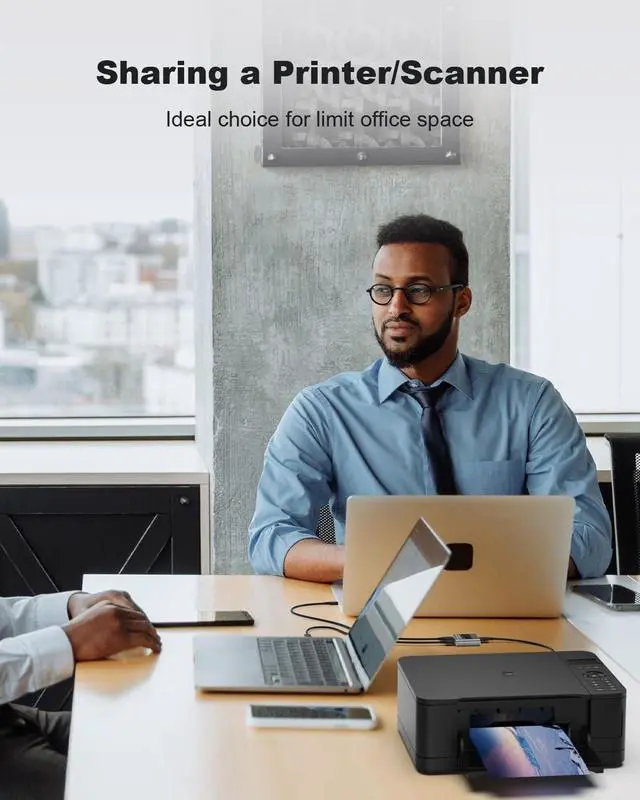
Bi-directional USB 3.0 Switch and Hub Work as a USB Switch - 1 in 2 out USB 3.0 Switch is an excellent choice to share 1 USB 3.0 device between two systems, ideal for sharing a printer or scanner in a small office environment. It's also great for home use with multiple PCs or Macs. Mostly used for printer switch 2 computers to 1 printer. Work as a hub - This USB switcher supports 1 computer to expand 2 more USB 3.0 ports. USB switch also supports connection with Hubs - If connected with another external hub, more available USB ports can be expanded.
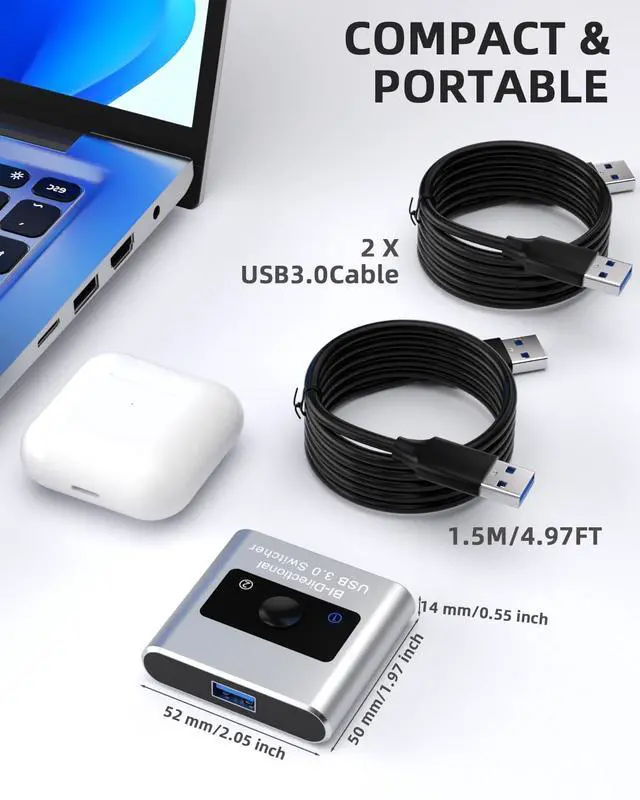
Universal USB 3.0 Device: --- This USB Switch would work with all USB 3.0 devices, such as external hard disk, USB hub, USB flash drive, high-resolution webcam, multi-channel audio and more. --- USB 3.0 Ultra-Fast Speed - USB 3.0 Switch supports ultra-fast USB 3.0 data transfer rates of up to 5 Gbps (10 times faster than USB 2.0 ). Easy Installation --- This USB 3.0 switch is plug-and-play on Windows/Linux/macOS/Chrome OS, no additional driver installation is needed. Please note: 1. This switch requires manual control to select the active computer port; it does not 'automatically' switch between ports. 2. Use the provided 1.5M cables to connect the USB switch to your computers and keep the USB cable that connects your peripheral to the USB switch under 6ft/ 1.8 m. 3. 2.4 GHz wireless devices, such as wifi, wireless keyboard and mouse adapters, may not work stable near USB 3.0 devices. Try using the host port or a USB 2.0 connection.
Learn more about the No Limits Publications U102-A