








Trusted Smart Home Safety
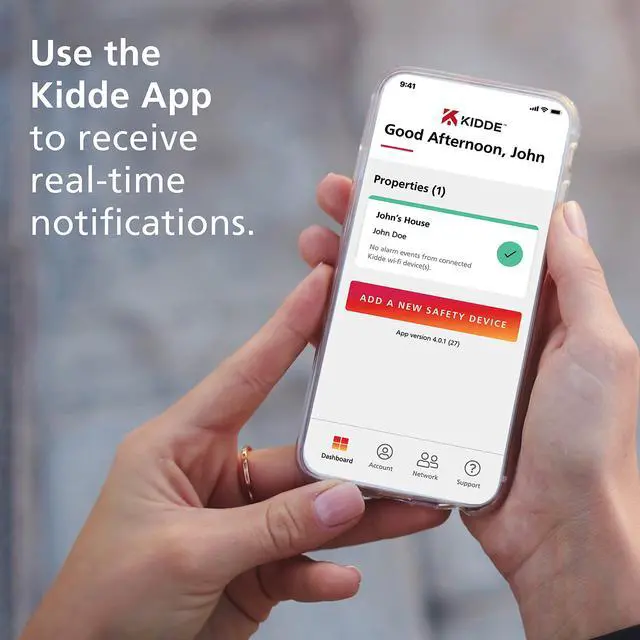
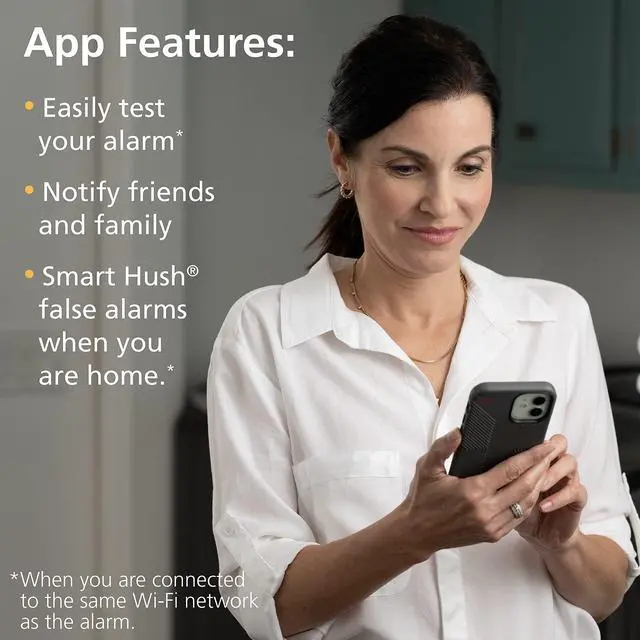
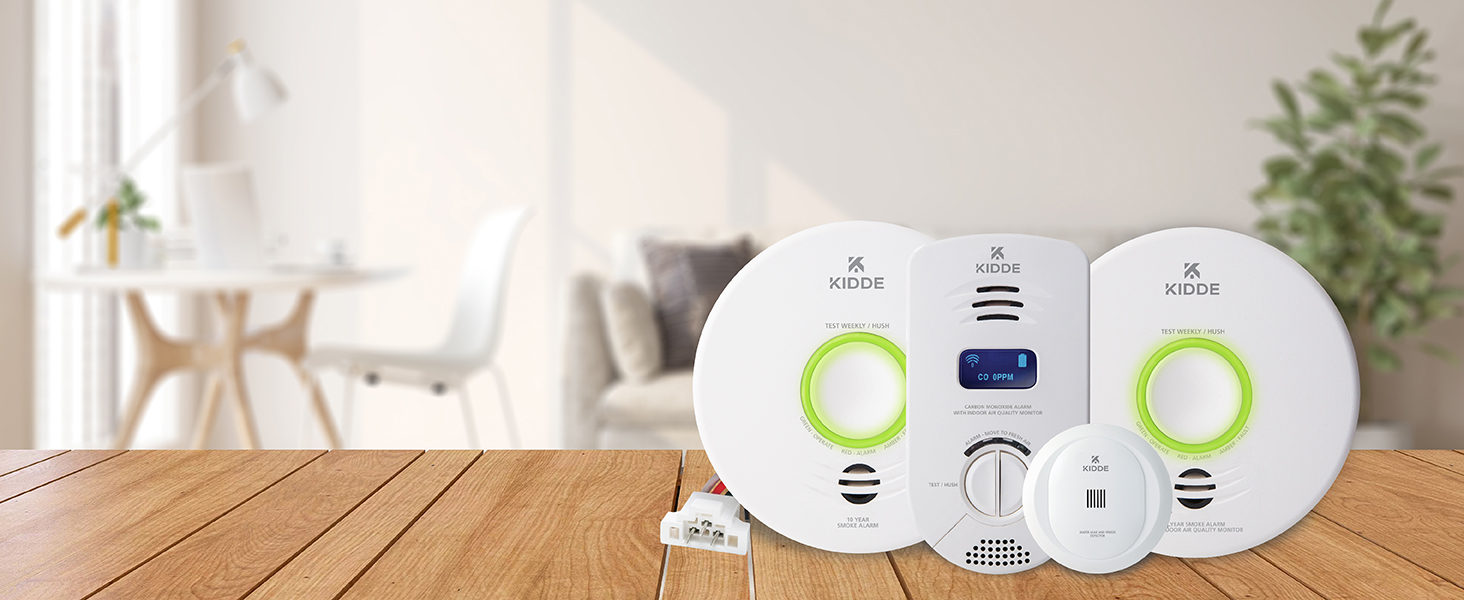
Kidde’s Smart Home devices provide real-time notifications for home hazards with the Kidde App.
10-Year Battery Backup
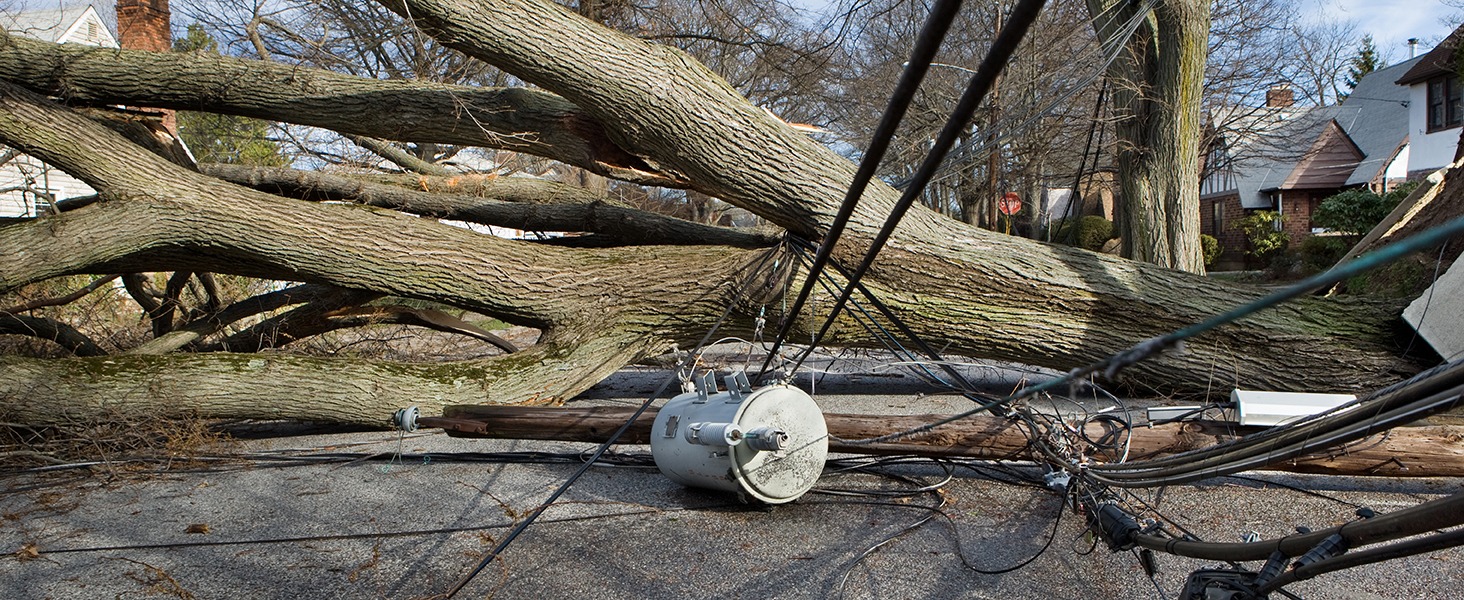
This alarm has a 10-year backup battery to help keep you protected, even during power outages.

Peace of Mind
Kidde products allow you peace of mind while you’re home and while you’re away.

Help Keep Pets Safe
Smoke can affect pets, too. Help keep every member of the family safe – even the 4-legged ones.
Simple Setup
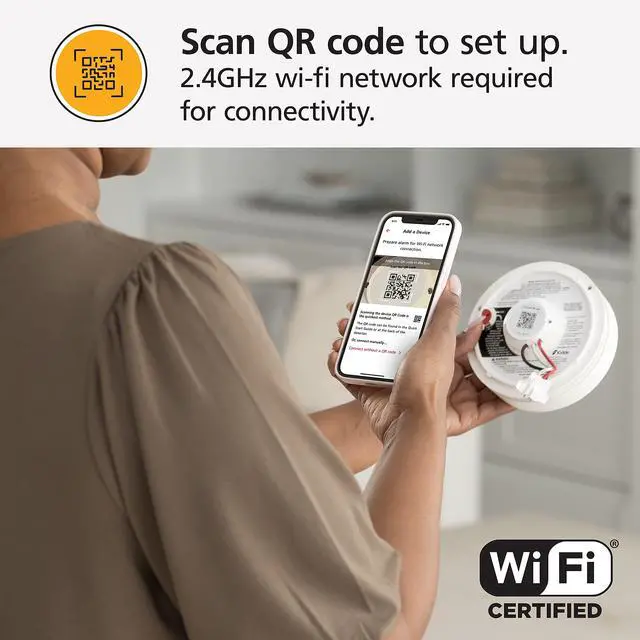
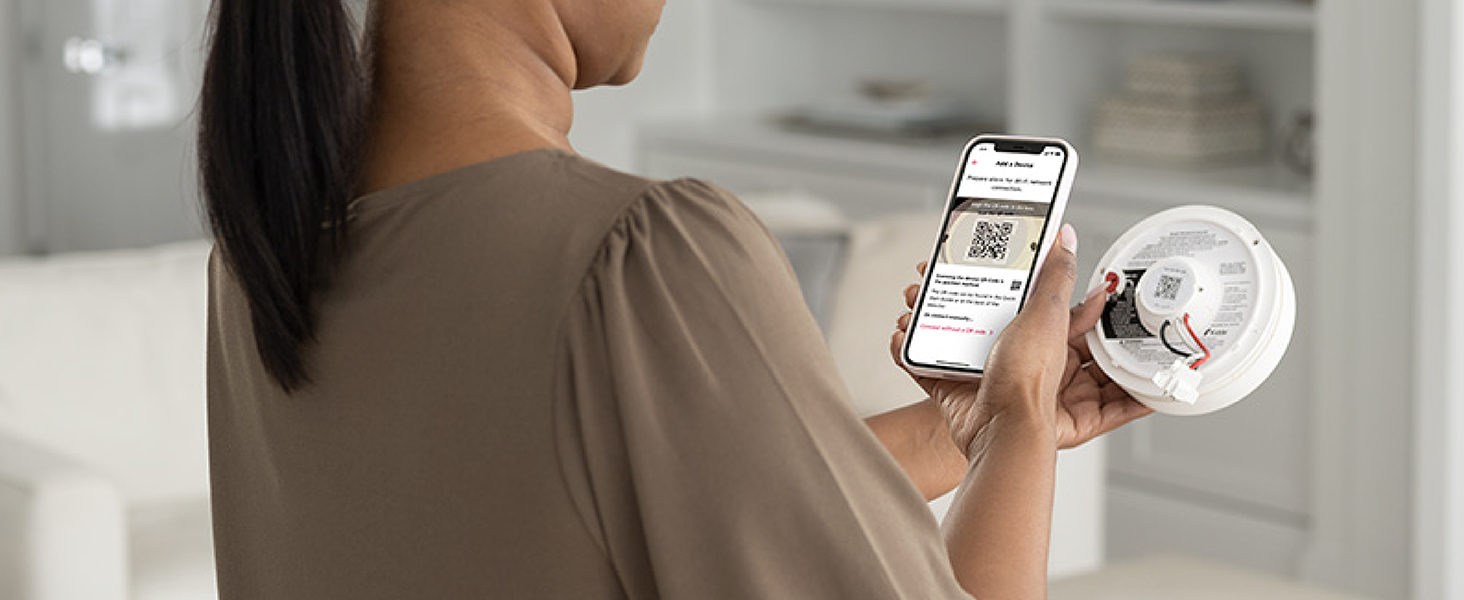
Scan the QR code and follow the step-by-step instructions to set up your Kidde Smart Smoke Detector.
Kidde Smart Home Comparison Chart
 Smart Smoke Detector |  Smart Smoke Detector/IAQM |  Smart CO Detector/IAQM |  Smart Water Leak Detector | |
|---|---|---|---|---|
Customer Reviews | — | — | — | — |
Price | — | — | — | — |
Connects to WiFi | ? | ? | ? | ? |
Real-Time App Notifications | ? | ? | ? | ? |
Free App for iOS or Android | ? | ? | ? | ? |
Interconnection Capability | ? | ? | — | — |
Power Source | Hardwired; 10yr backup battery | Hardwired; 10yr backup battery | Plug-in; 10yr backup battery | 2 AA Batteries, Included |
Water & Freezing Conditions | — | — | — | ? |
TVOC Monitoring | — | ? | ? | — |
Mold Risk/Humidity Monitoring | — | ? | ? | — |
Temperature Monitoring | — | ? | ? | ? |
Do I need a smart home hub or additional products to work with my Kidde Smart Smoke Detector?
No. The Kidde Smart Smoke Detector does not need additional home hubs or products to work.
How do I set up an emergency contact in the Kidde app?
In the Kidde App, add your emergency contacts, label them as "Crew", they will need to accept the invitation sent before receiving notifications.
Does the Kidde smart smoke alarm have to be connected to WiFi to work?
Yes. It must be connected to WiFi for the Kidde app to push notifications. If not connected to WiFi, the alarm will only sound a voice alarm.
Is this Kidde smart smoke detector UL certified?
Yes. The Kidde Smart Smoke Detector has passed strict testing to meet UL 217 and UL 2034 standards.

Whole-Home Activation
When one alarms sounds, they all do.* *Alarms only connect with other Kidde alarms that have hardwired AC interconnected capability.
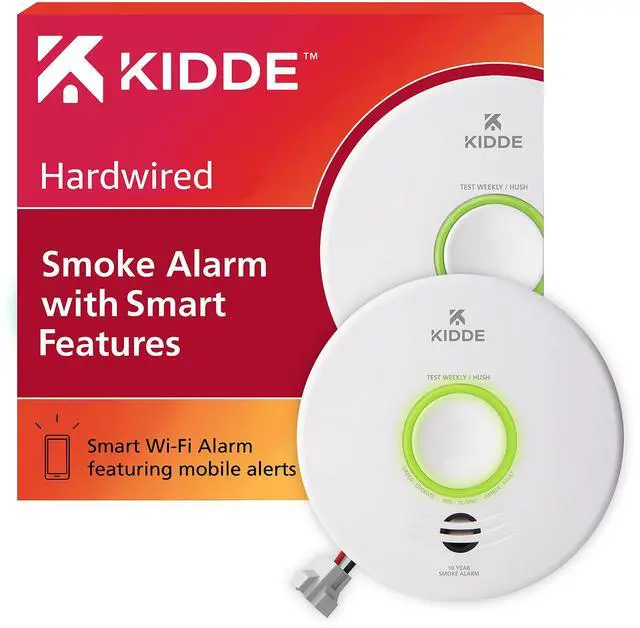
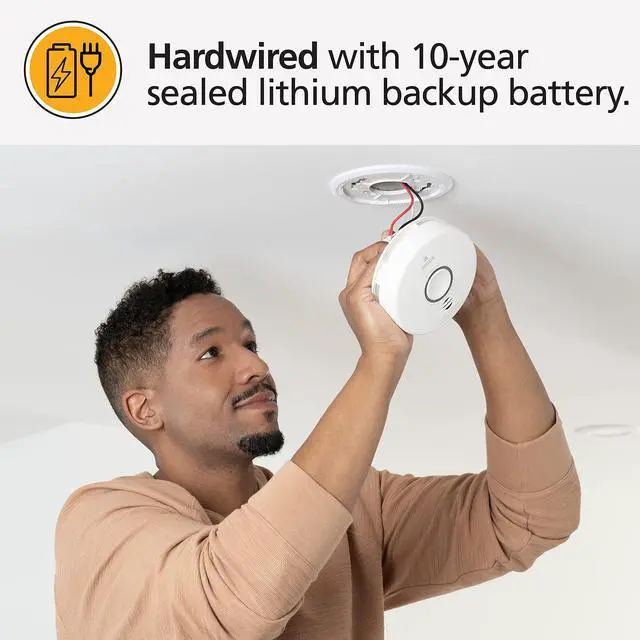
Hardwired with 10-Year Battery Backup
Protection during a power outage - 120V Hardwiring with a 10-year battery backup.
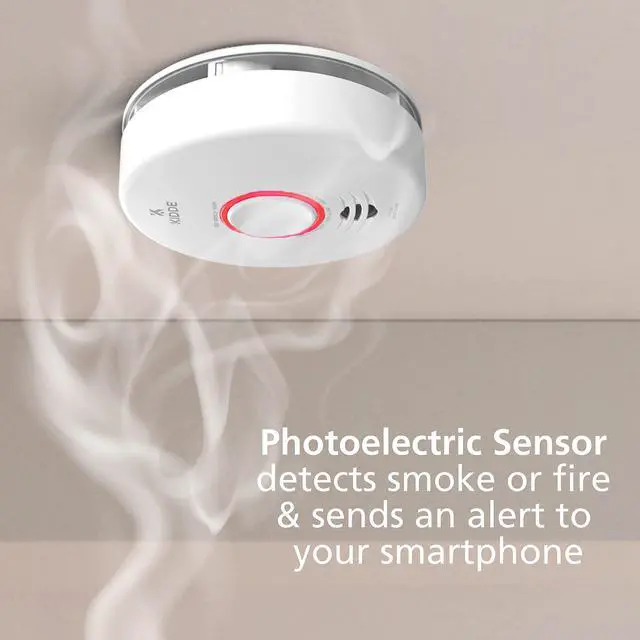
LED Indicator Light
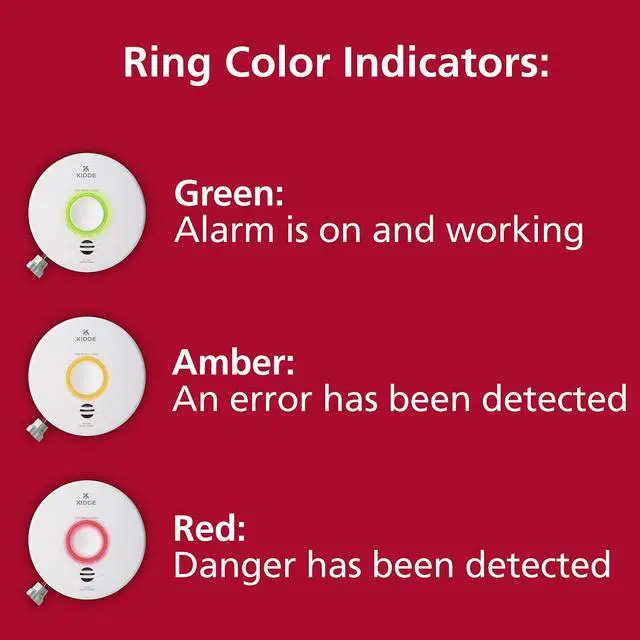
LED indicator light & an 85-decibel alarm alert to smoke or fire or when battery replacement of the alarm is needed.
Voice Alerts
Alarm announces "Fire! Fire!" when smoke or fire is present or "Replace Alarm" at the end of the alarm's life.
Real-Time Notifications
Friends & family can be set up to receive notifications via the Kidde App or email.

Simple Setup
Scan the QR code on the back of the detector to connect to the Kidde App.
Trusted Smart Home Safety
Kidde’s Smart Home devices provide real-time notifications for home hazards with the Kidde App.
10-Year Battery Backup
This alarm has a 10-year backup battery to help keep you protected, even during power outages.
Peace of Mind
Kidde products allow you peace of mind while you’re home and while you’re away.
Help Keep Pets Safe
Smoke can affect pets, too. Help keep every member of the family safe – even the 4-legged ones.
Simple Setup
Scan the QR code and follow the step-by-step instructions to set up your Kidde Smart Smoke Detector.


Kidde Smart Home Comparison Chart
Smart Smoke Detector | Smart Smoke Detector/IAQM | Smart CO Detector/IAQM | Smart Water Leak Detector |
|---|---|---|---|
| Customer Reviews | |||
| — | — | — | — |
| Price | |||
| — | — | — | — |
| Connects to WiFi | |||
| ? | ? | ? | ? |
| Real-Time App Notifications | |||
| ? | ? | ? | ? |
| Free App for iOS or Android | |||
| ? | ? | ? | ? |
| Interconnection Capability | |||
| ? | ? | — | — |
| Power Source | |||
| Hardwired; 10yr backup battery | Hardwired; 10yr backup battery | Plug-in; 10yr backup battery | 2 AA Batteries, Included |
| Water & Freezing Conditions | |||
| — | — | — | ? |
| TVOC Monitoring | |||
| — | ? | ? | — |
| Mold Risk/Humidity Monitoring | |||
| — | ? | ? | — |
| Temperature Monitoring | |||
| — | ? | ? | ? |
Do I need a smart home hub or additional products to work with my Kidde Smart Smoke Detector?
No. The Kidde Smart Smoke Detector does not need additional home hubs or products to work.
How do I set up an emergency contact in the Kidde app?
In the Kidde App, add your emergency contacts, label them as "Crew", they will need to accept the invitation sent before receiving notifications.
Does the Kidde smart smoke alarm have to be connected to WiFi to work?
Yes. It must be connected to WiFi for the Kidde app to push notifications. If not connected to WiFi, the alarm will only sound a voice alarm.
Is this Kidde smart smoke detector UL certified?
Yes. The Kidde Smart Smoke Detector has passed strict testing to meet UL 217 and UL 2034 standards.