here!
I’m your shopping assistant for PC builds, upgrades, and everything tech.
Got questions? Ask away!
Start a conversation
here!
I’m your shopping assistant for PC builds, upgrades, and everything tech.
Got questions? Ask away!
Start a conversationShipped by Newegg








Combo Up Savings Up To $280+
The more you add, the more you'll save!
Any questions? Ask CelesteSM will help you find out quickly.


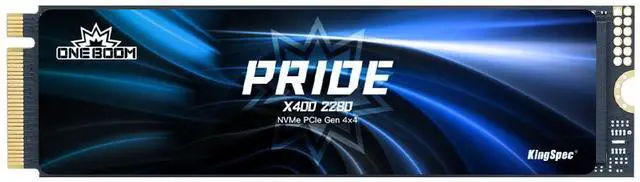
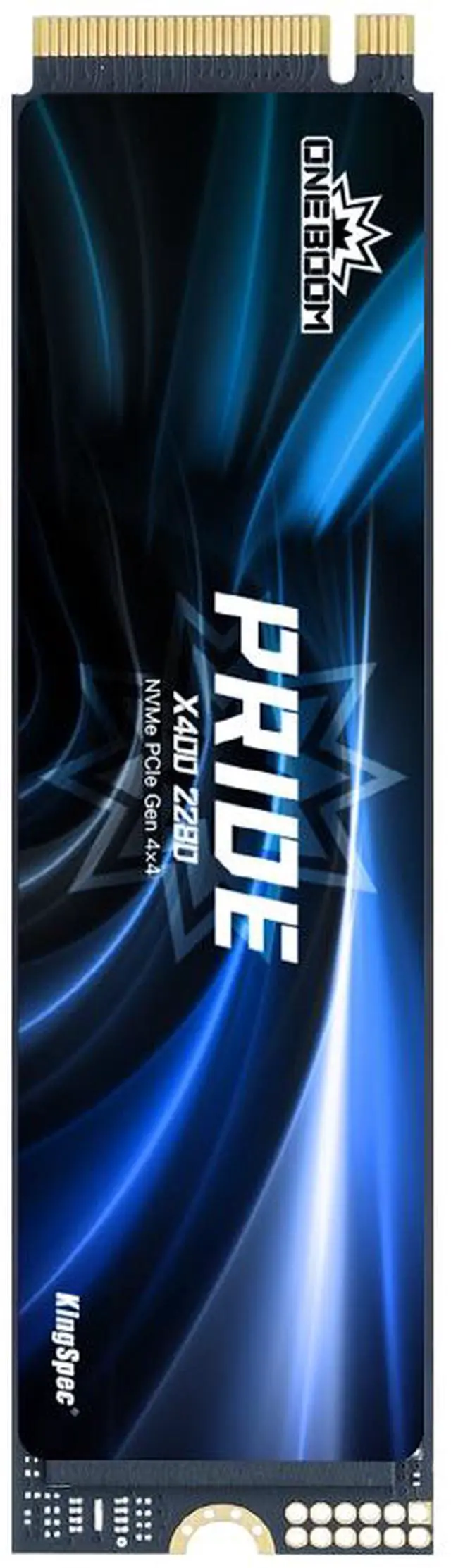
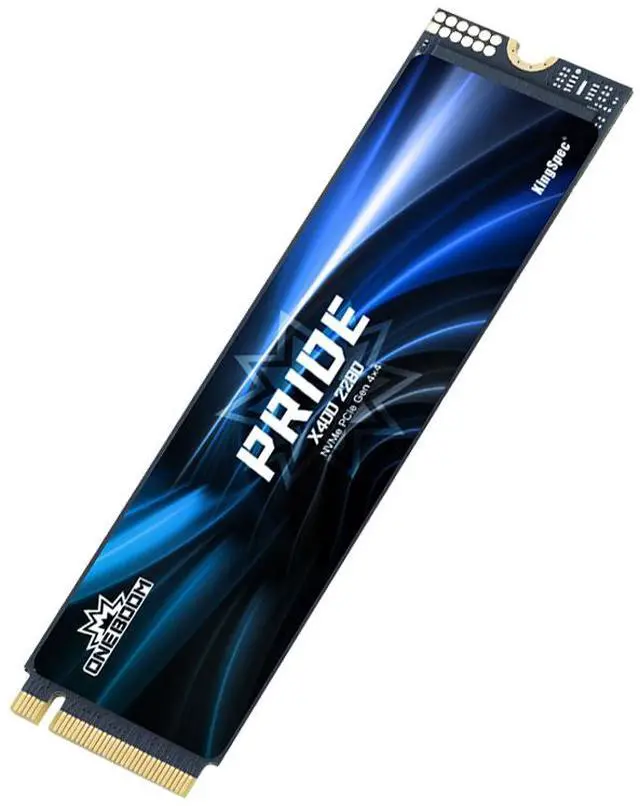
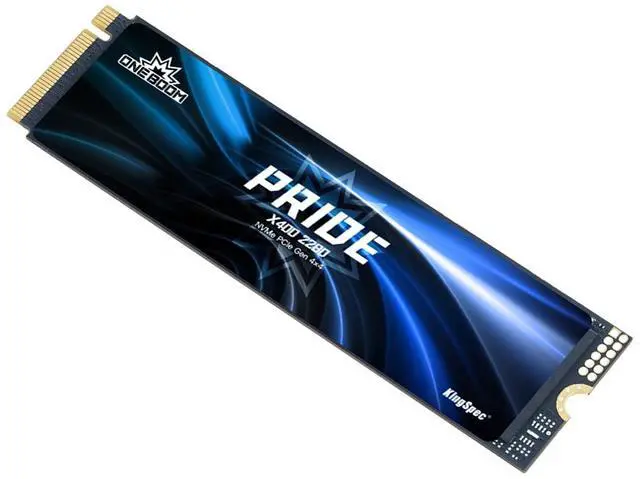
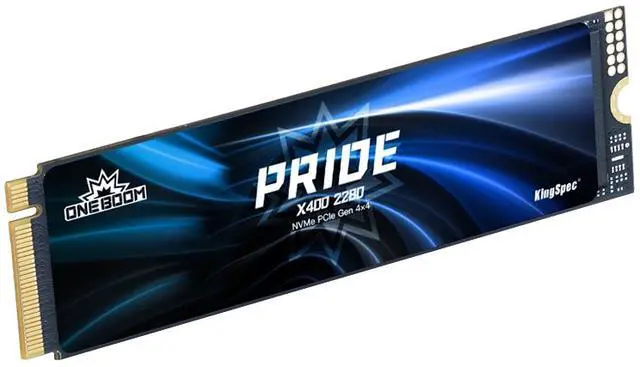
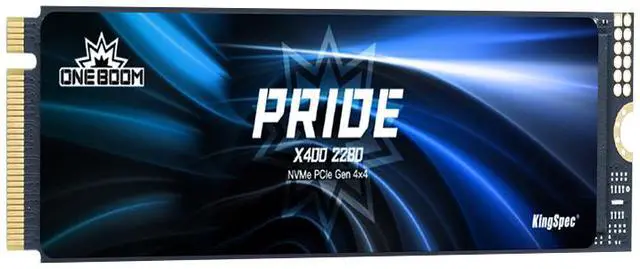
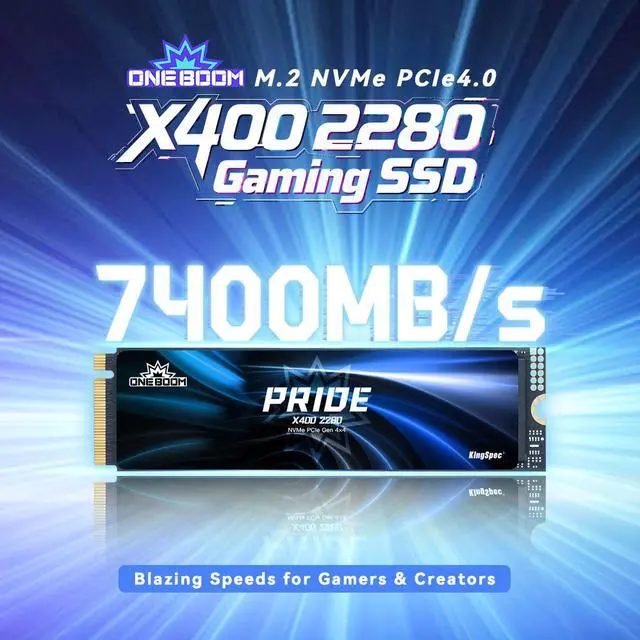
The X400 2280 PCle4.0 SSD harnesses a Gen4x4 interface to deliver blazing-fast X400 2280 read/write speeds of up to 7400 MB/s. Designed for seamless upgrades and expanded storage, it elevates gaming performance with ultra-responsive, lag-free gameplay.

With 4TB of expansive capacity, store up to 26 AAA games effortlessly - keep all your favorites installed and say goodbye to storage constraints.

The ultra-thin graphene heatsink delivers industry-leading thermal conductivity for instant heat dissipation. Seamlessly compatible with gaming PCs, laptops, and PS5 consoles.

Experience next-gen speeds with 650K/670K IOPS: lightning-fast game loads, buttery-smooth 8K editing, and instant Al rendering. Work and play without compromises.

Engineered for universal compatibility across gaming rigs, workstations, and PS5 consoles. Upgrade in seconds-whether you're building new or supercharging existing setups.

Unleash next-gen speed with the ONEBOOM X400 2280 NVMe SSD, a PCIe 4.0 powerhouse built for gamers, streamers, and professionals. With read speeds up to 7400MB/s, this SSD crushes load times, letting you jump into games instantly and transfer massive files in seconds.
Designed for PS5 storage expansion, the X400 meets Sonys strict performance requirements, giving you extra space for your game library without compromising speed. Available in 512GB to 4TB capacities, its perfect for high-end gaming rigs, 4K video editing, and intensive workloads.
The M. 2 2280 form factor ensures broad compatibility with modern PCs and laptops, while PCIe 4.0 x4 support maximizes efficiency for buttery-smooth performance. Plus, with a 3-year warranty, you can trust in its durability and long-term reliability.
We want to ensure your holiday shopping this year is hassle-free. That’s why we’re automatically extending our return policies on almost every product! For purchases placed between November 1st, 2025 and December 31, 2025 you will have until January 31, 2026 to return your product.
The KingSpec ONEBOOM X400 1TB is a PCIe 4.0 M.2 2280 NVMe SSD built for fast gaming and everyday performance, making it a good fit for PC users and PS5 owners who want high-speed storage with up to 7,400 MB/s read speeds and 1TB of TLC-based capacity.
| Attribute | Value |
|---|---|
| Best For | Consumer desktops, laptops and PlayStation 5 systems needing high-speed internal storage for gaming and multimedia |
| Capacity | 1TB capacity using 3D NAND TLC flash with 1GB DRAM cache |
| Interface And Form Factor | M.2 2280 form factor with PCI-Express 4.0 interface and NVMe 1.4 protocol |
| Performance | Sequential read up to 7400 MB/s and sequential write up to 6600 MB/s; reported maximum random read 710000 MB and random write 610000 MB |
| Endurance And Reliability | 600 TBW write endurance and 1,000,000 hours MTBF |
| Thermal And Environmental | Operating 0°C to +70°C; storage -20°C to +75°C |
| Physical Dimensions & Weight | 80 x 22 x 2 mm (depth x width x height), weight 5 g |
| Compatibility & Use | Compatible with desktop and laptop PCs and PlayStation 5; suited for gaming and multimedia consumer use |
| Features | Supports S.M.A.R.T., wear leveling, bad block management, Native Command Queuing and backward compatibility; includes quick start guide; not battery-powered |
| Packaging & What's Included | Single-unit retail package (unit count 1) including a quick start guide; package dimensions 1.9 L x 9 W x 12.9 H centimeters, package weight 0.04 kilograms |
| Model Identifiers | KingSpec ONEBOOM X400-1TB-2280 (also referenced as X400 2280 SSD / X400-1TB 2280); Internal Solid State Drive, installation type internal hard drive |
Q: Should I buy the KingSpec ONEBOOM X400 1TB or a budget Gen4 drive like the Crucial P3 Plus 1TB?
A: Choose the KingSpec ONEBOOM X400 1TB if you want a PCIe 4.0 drive with TLC NAND and onboard DRAM for a main PC drive, PS5 expansion, or mixed gaming and file-transfer use. The Crucial P3 Plus is positioned more as a value-capacity option and uses QLC NAND without DRAM, which is typically a better fit for lighter workloads or secondary storage. If price is the priority, the P3 Plus makes sense. If you want a more balanced spec profile for sustained use, the X400 is the safer pick.
Q: Is the KingSpec ONEBOOM X400 1TB a better fit than a premium Gen4 SSD like the WD Black SN850X or Samsung 990 Pro?
A: Choose the SN850X or Samsung 990 Pro if you want a more established premium drive with stronger independent benchmark coverage, mature software support, and a longer 5-year warranty. Choose the KingSpec ONEBOOM X400 when the goal is to get flagship-class Gen4 specs on paper, TLC NAND, DRAM cache, and PS5-ready performance without moving into the premium tier. In short: premium models are the stronger choice for buyers who value proven review history and ecosystem support, while the X400 is the practical choice when value matters more than brand prestige.
Q: Should I choose the KingSpec ONEBOOM X400 1TB or a higher-tier Gen4 alternative like the Crucial T500 1TB?
A: Choose the Crucial T500 if you want a drive with stronger third-party review coverage and a well-established reputation for high-end Gen4 performance across desktops, laptops, and PS5 upgrades. Choose the KingSpec ONEBOOM X400 if you want similar top-end sequential-class positioning, TLC NAND, and DRAM cache in a more value-focused package. The trade-off is confidence versus cost: the T500 has broader validation in reviews, while the X400 is the better fit when you want high-end Gen4 specifications without paying for a more established flagship label.
Q: Is the KingSpec ONEBOOM X400 1TB worth it over an older PCIe 3.0 NVMe SSD?
A: Choose the KingSpec ONEBOOM X400 if you are upgrading a PS5 or building a modern PCIe 4.0 desktop and want higher sequential throughput, TLC flash, and DRAM cache. Choose an older PCIe 3.0 NVMe drive only if cost is the main concern or your system cannot use Gen4 speeds. For everyday gaming, the jump from a decent Gen3 SSD to a fast Gen4 SSD is usually smaller than the jump from HDD to SSD, but Gen4 still makes more sense for new builds, large game installs, and faster file movement.
Q: Should I pick the KingSpec ONEBOOM X400 1TB for PS5 and desktop use, or a lower-power laptop-focused SSD?
A: Choose the KingSpec ONEBOOM X400 if performance and compatibility are the priority, especially for PS5 expansion or a desktop gaming build. Choose a laptop-focused SSD if your main goal is lower power draw, cooler operation, or maximum battery-friendly behavior in a thin notebook. The X400's spec profile fits a performance-first Gen4 drive more than an efficiency-first mobile upgrade, so it is the better choice for gaming and heavier storage use than for ultra-portable optimization.
Q: Is the KingSpec ONEBOOM X400 1TB a good choice for PS5 storage expansion?
A: Yes, it is a fit on paper for PS5 expansion because it uses an M.2 2280 PCIe 4.0 x4 NVMe design and lists up to 7,400 MB/s read speed, which is above Sony’s commonly cited 5,500 MB/s recommendation. The main buying caveat is cooling: this KingSpec listing does not mention an included heatsink, and PS5 buyers commonly ask whether a heatsink is required. If you plan to use it in a PS5, confirm the drive has a compatible heatsink or add one before buying.
Q: Will this SSD work in both a desktop PC and a laptop?
A: Usually yes, if the system supports an M.2 2280 NVMe PCIe SSD. For desktops, compatibility is straightforward when an open M.2 NVMe slot is available. For laptops, the key trade-off is physical clearance and platform support: many buyer questions focus on whether a heatsink-equipped SSD will fit, because some laptops do not have enough space for taller drives. Since this KingSpec model is a standard 2280 drive and the spec sheet lists 2 mm height, it is more laptop-friendly than bulky pre-heatsink PS5 models, but buyers should still verify slot size, PCIe generation support, and any OEM restrictions.
Q: Is this a good SSD for a primary boot drive, gaming PC, or everyday workstation?
A: Yes. Its combination of TLC NAND, onboard DRAM cache, PCIe 4.0 x4, and up to 7,400/6,600 MB/s sequential speeds makes it more suitable for an OS drive, gaming library, and mixed productivity use than entry-level DRAM-less or QLC SSDs. For buyers deciding between budget and higher-end models, the practical takeaway is that this drive is positioned as a performance SSD, not just a basic storage upgrade.
Q: What are the trade-offs versus a PS5-branded or heatsink-equipped competitor SSD like the WD Black SN850X or Samsung 990 Pro?
A: The main advantage of the KingSpec X400 is that its rated speed, TLC NAND, and DRAM cache put it in the same general performance class as mainstream Gen4 gaming SSDs. The trade-off is convenience and buyer confidence: competing PS5-focused models often include a heatsink out of the box and are more explicit about console fit. If you want a simpler PS5 install, a heatsink-equipped rival is the safer pick. If you want flexibility for PC use and are comfortable adding your own heatsink for PS5, the KingSpec can be the more practical value option.
Q: Is the KingSpec ONEBOOM X400 1TB a reasonable budget SSD for game storage?
A: Yes, if your main goal is low-cost PCIe 4.0 storage for games or large files. Its listed specs include TLC NAND, a 1GB DRAM cache, and up to 7400/6600 MB/s sequential speeds, which fit a fast secondary-drive role. The trade-off is that Reddit discussions around KingSpec often treat the brand as more price-driven than proven, so it is a better fit for game storage than for your most critical data.
Q: Who is the KingSpec ONEBOOM X400 1TB best suited for?
A: It is best suited for buyers who want an inexpensive Gen4 M.2 2280 SSD for a gaming PC, laptop, or PS5 expansion slot, and who are comfortable choosing value over brand reputation. Based on the product data, it offers TLC NAND, DRAM cache, and PS5-targeted speed claims. It is less suitable for buyers who prioritize a long track record, stronger support, or maximum confidence for boot-drive and work-critical use.
Q: Is the KingSpec ONEBOOM X400 1TB a good choice for a PS5 upgrade?
A: It appears suitable on paper for PS5 expansion because it is an M.2 2280 PCIe 4.0 NVMe drive and the listed read speed of up to 7400 MB/s clears Sony's general speed target. The main decision point is not the interface or rated speed, but your comfort with a lesser-known SSD brand. If you want PS5-compatible specs at a lower cost, it makes sense; if you want the safest brand choice, there are more established options.
Q: What are the main trade-offs of buying the KingSpec ONEBOOM X400 instead of a more established SSD brand?
A: The likely advantage is price-to-spec value: TLC NAND, DRAM cache, Gen4 interface, and high advertised sequential speeds. The main trade-offs are weaker brand trust, mixed community confidence, and more uncertainty around long-term reliability and warranty support than you would usually expect from top-tier SSD brands. That makes it easier to justify as a value storage upgrade than as the safest no-compromise pick.