




 here!
here!
I’m your shopping assistant for PC builds, upgrades, and everything tech.
Got questions? Ask away!
Start a conversation
here!
I’m your shopping assistant for PC builds, upgrades, and everything tech.
Got questions? Ask away!
Start a conversation



Any questions? Ask CelesteSM will help you find out quickly.

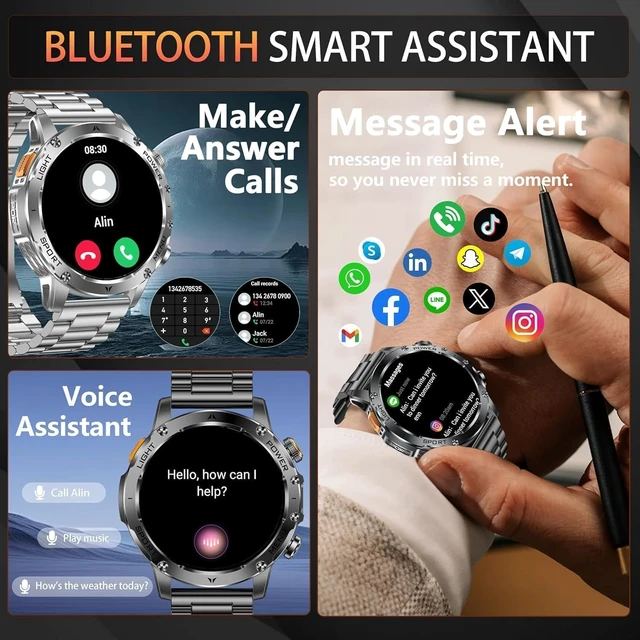
The phone cannot connect to the smart watch?
Please check if the Bluetooth is connected and paired successfully. lf it fails to pair, please disconnect the Bluetooth connection and unbind the device in the watch app - turn on the watch's settings function - restore factory settings - reconnect
How to turn on/off mobile phone media audio?
Swipe down the smart watch screen and tap the ''call'' icon, turn on/off media audio
What if the strap dimensions don't fit my wrist?
The product equipped with a strap regulator, which can be adjusted according to your wrist. there is also an additional skin-friendly silicone strap
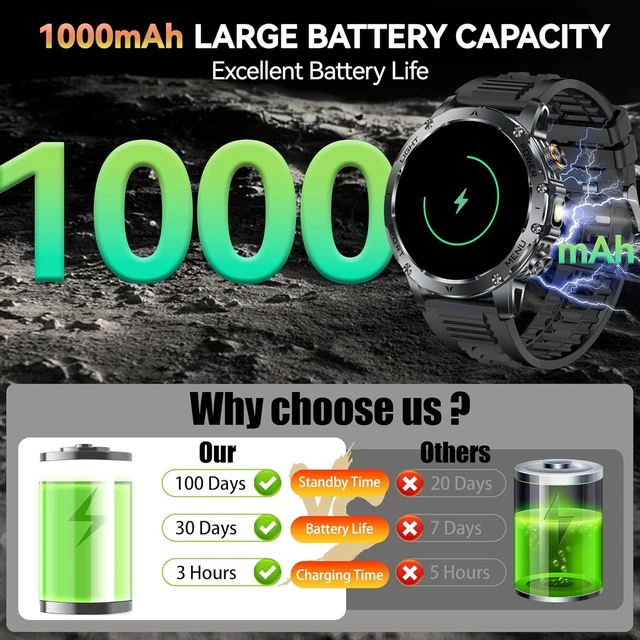
The smartwatch is not charging?
Please check the charging port for stains and wipe it clean, check the charging cable is energized. lf watch has a charging icon, the charging is successful. To extend the lifespan of your watch, we recommend using slow charging


The phone cannot connect to the smart watch?
Please check if the Bluetooth is connected and paired successfully. lf it fails to pair, please disconnect the Bluetooth connection and unbind the device in the watch app - turn on the watch's settings function - restore factory settings - reconnect
How to turn on/off mobile phone media audio?
Swipe down the smart watch screen and tap the ''call'' icon, turn on/off media audio
What if the strap dimensions don't fit my wrist?
The product equipped with a strap regulator, which can be adjusted according to your wrist. there is also an additional skin-friendly silicone strap
The smartwatch is not charging?
Please check the charging port for stains and wipe it clean, check the charging cable is energized. lf watch has a charging icon, the charging is successful. To extend the lifespan of your watch, we recommend using slow charging





