• $19.99
  • Free 30-day Returns
  • Sold by SGfgg

    Shipped by SGfgg

    Price alert
    Shop it at NeweggBusiness.

    Meet Your Seller

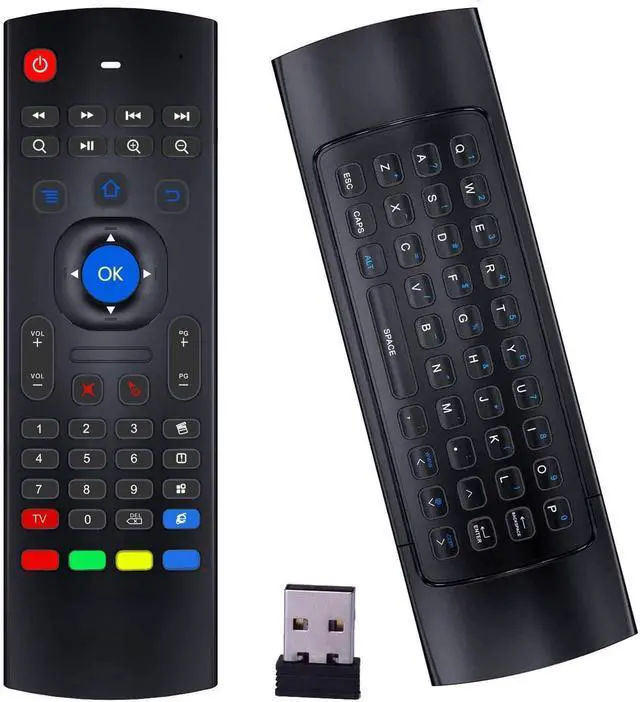
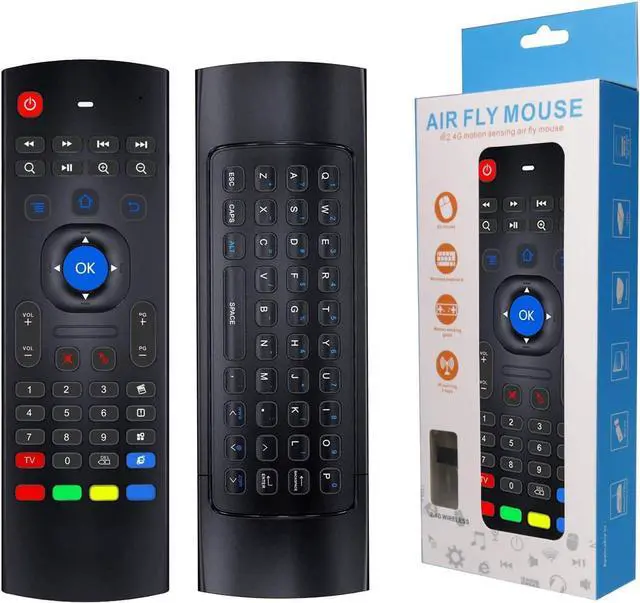
    Air Mouse Remote MX3 Pro, 2.4G Wireless Mini Keyboard, Universal Remote Control with IR Learning for Android TV Box, Smart TV, Projector, Raspberry Pi

    • 2.4G Wireless ConnectAir mouse remote mx3 has adopted 2.4G USB wireless connection, no need driver, just plug and play.
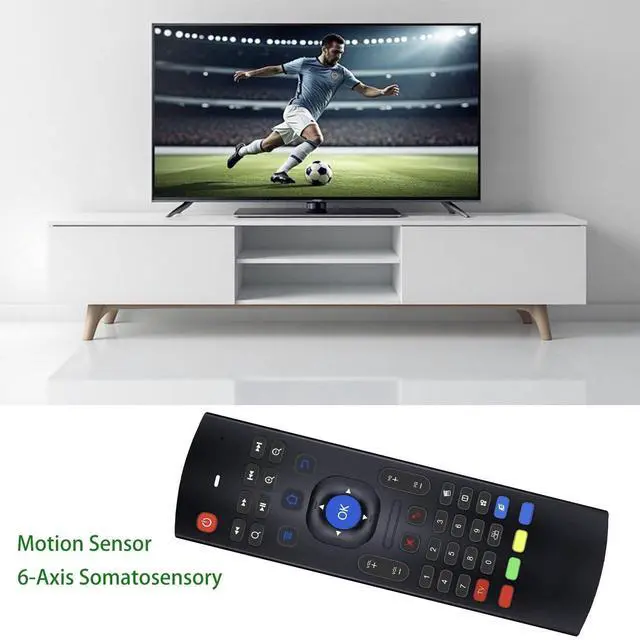
    • Motion SensorAir mouse remote control has built in 6-Axis Somatosensory, it can control the cursor moving according to your movement.
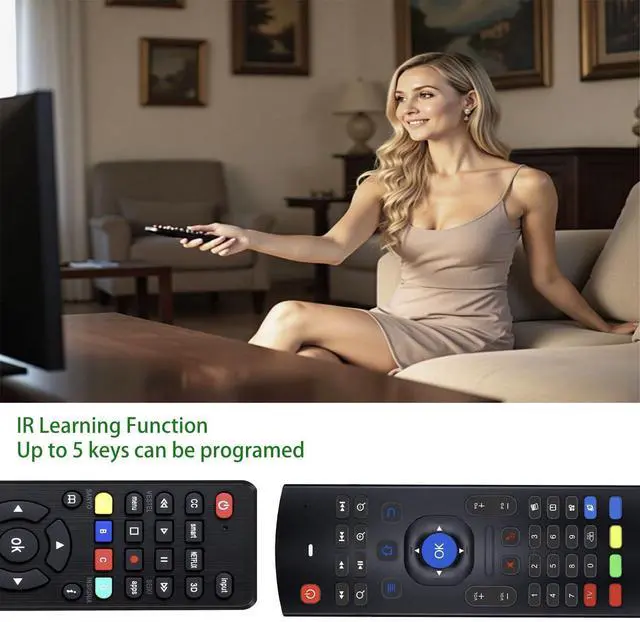
    • IR LearningAir mouse remote has 5 keys can be programed, it can learn the key code from your TV remote or Android tv remote, so you can control 2 devices with one remote.
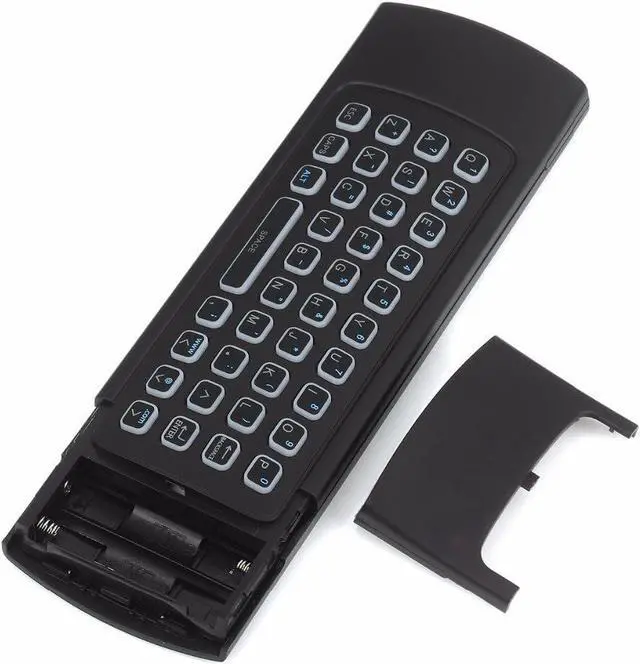
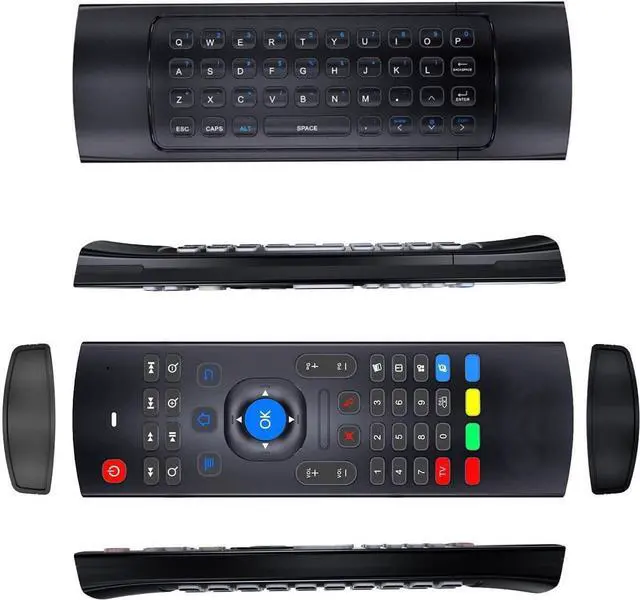
    • Mini KeyboardAir mouse remote mx3 has built a mini keyboard on the back, it is easy for you to type the words when you searching anything on your TV or Android tv box.
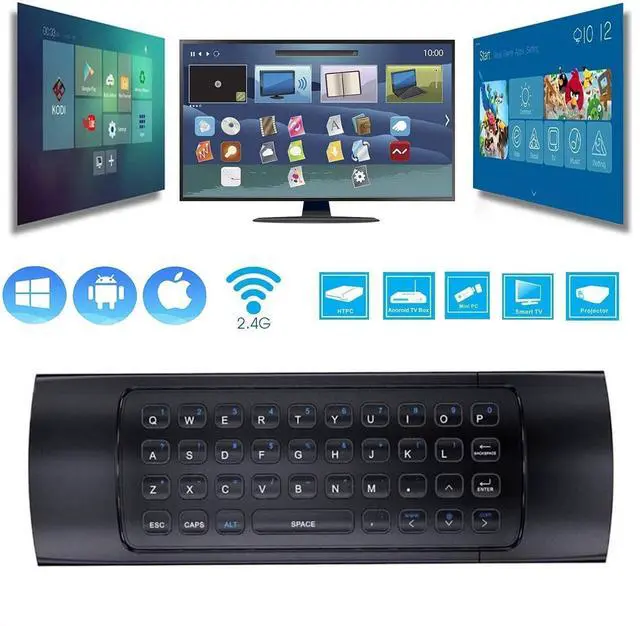
    • Wide CompatibilityIt Support Android TV Box, Android Smart TV, Projector, HTPC, All-in-one PC,Xbox, Raspberry Pi, etc.
    +
    +
    Overview
    Specs
    Reviews
    avatar

    Any questions? Our AI beta will help you find out quickly.

    System Support:

    1. Google/ Android OS

    2. Mac OS

    3. Linux OS

    4. Windows

    Technical Specification:

    1) Transmission and control: 2.4 G RF wireless radio-frequency technique

    2) Sensor: 3-Gyro + 3-Gsensor

    3) The key number:81 keys

    4) Control distance: 10m

    5) Battery Type: AAA*2 (Not included in package)

    6) Working Power: Less than 10mA in the work condition

    7) Standby Power

    8) Material: Plastic and silicone

    9) Size: 172*52*19mm

    10) Weight: About 100g

    IR Learning Instructions:

    MX3 pro remote has 5 IR learning keys (POWER and 4 color buttons)that can be programmed, it can learn some basic functions of TV remote.

    1-Point the MX3 and TV remote head to head, and make sure the distance between them is less than 0.1 feet.

    2- Press the red TV button on the MX3 for 3-5 seconds, red LED indicator will flash very fast, then release the red TV button, red LED indicator will become to flash slowly. It means air mouse remote enters into IR learning mode.

    3-Press the key from TV remote which you want the MX3 to learn until the red LED indicator on the MX3 keeps lighting on.

    4-Press the POWER or one of the 4 color buttons on MX3. Red LED indicator will be flashing slowly again, which means learning succeed.

    5-Press red TV button on the MX3 to exit IR learning mode and you can continue start from step 1 to revise or start a new key learning.

    Package including

    1 * 2.4 G Keyboard with IR Remote

    1 * USB Wireless Receiver

    1 * User Manual

    Warranty & Returns

    Warranty, Returns, And Additional Information

    Warranty

    • Please contact the Seller directly for warranty information. Warranty information may also be found on the Manufacturer's website.
    • CONTACT

    Return Policies

    • Return for refund within: 30 days
    • Return for replacement within: 30 days
    • This item is covered by SGfgg Return Policy

    Manufacturer Contact Info

    LOADING...