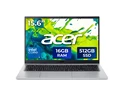
here!
I’m your shopping assistant for PC builds, upgrades, and everything tech.
Got questions? Ask away!
Start a conversation
here!
I’m your shopping assistant for PC builds, upgrades, and everything tech.
Got questions? Ask away!
Start a conversation Hot Seller





Any questions? Ask CelesteSM will help you find out quickly.
Optimize business results with Windows 11 Pro PCs.
Make new Windows 11 PCs the cornerstone of your technology stack.
. . . |®
|SLEEK, STYLISH & PERFECTLY REFINED
Discover the Ease of Portability
||ENTERPRISE-GRADE SECURITY
Strengthen Your Digital Safeguards
||LENOVO AI NOW
Achieve More With Your Personal Assistant
|Manage your workflows efficiently with Lenovo AI Now*. Get instant access to smart features commanding your AI-enabled productivity partner. Enjoy smooth searches, effortless PC settings, and seamless task management, making work simpler and smarter.
| || |®
||||®
| || |||||||| || |||| ||
Specifications may vary depending upon region / model.
We want to ensure your holiday shopping this year is hassle-free. That’s why we’re automatically extending our return policies on almost every product! For purchases placed between November 1st, 2026 and December 31, 2026 you will have until January 31, 2027 to return your product.
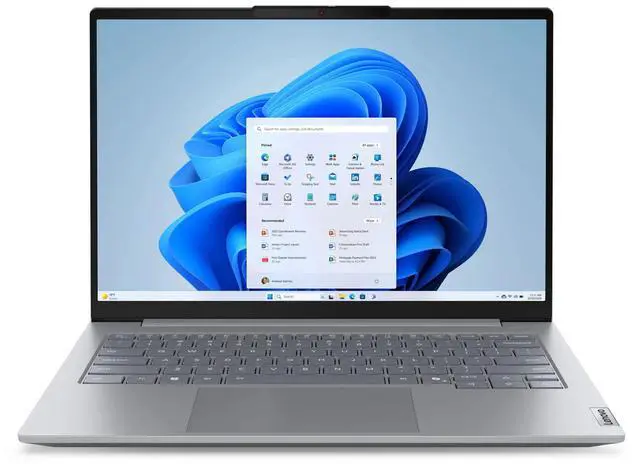
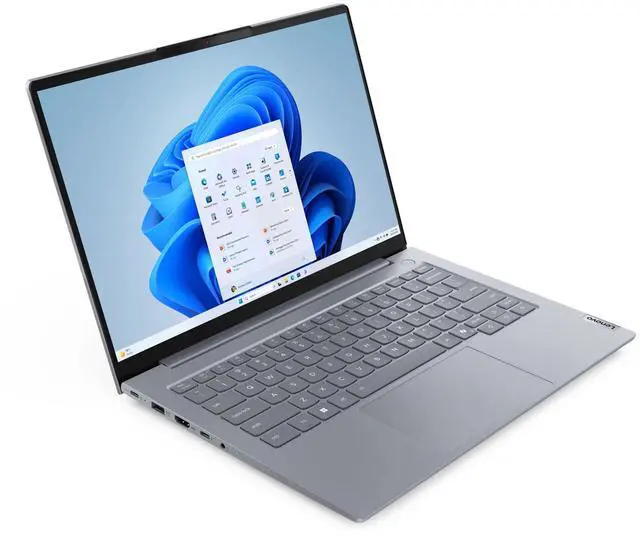
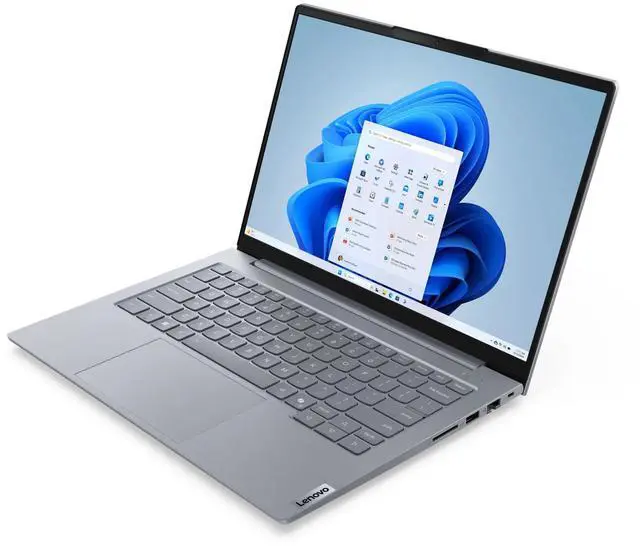
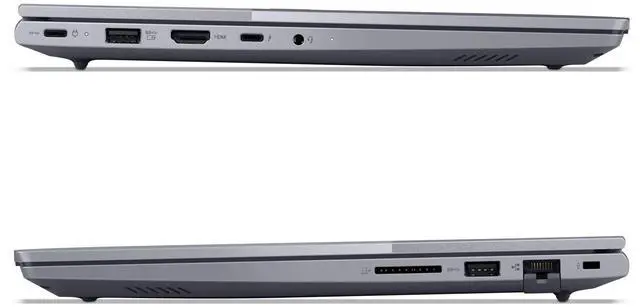
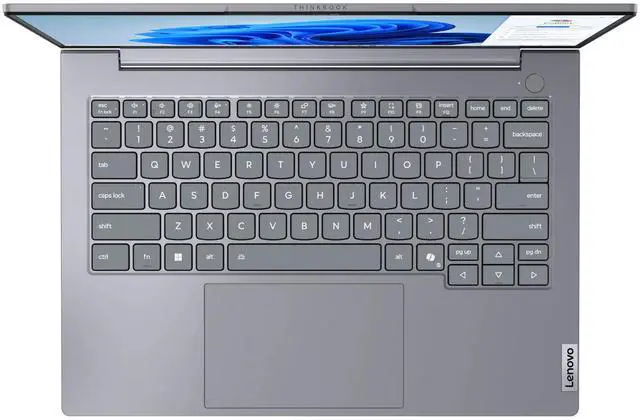
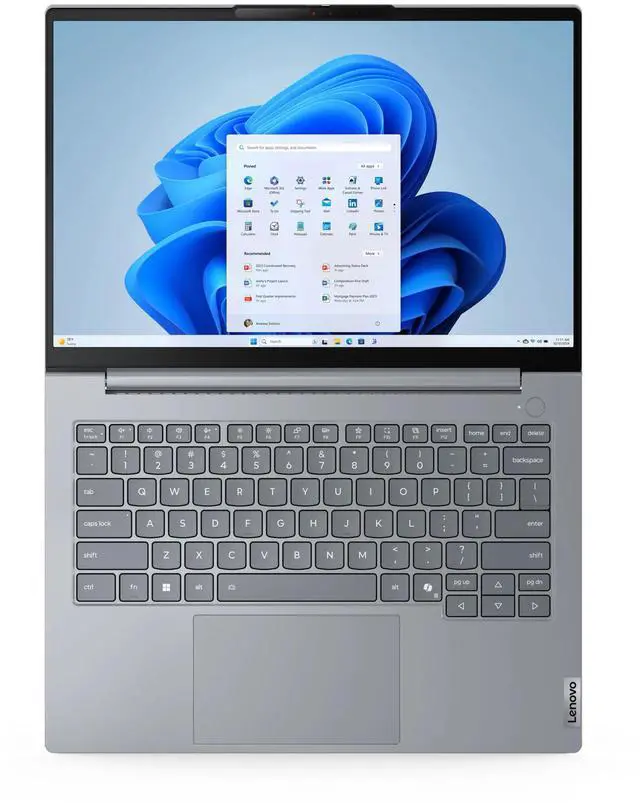
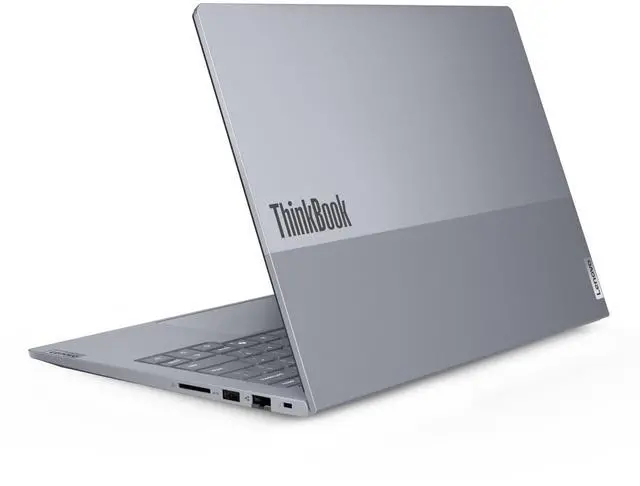
The Lenovo ThinkBook 14 Gen 8 (21SJ008QUS) is a 14-inch Windows 11 Pro laptop with an Intel Core Ultra 5 225U, 16GB memory, and a 512GB SSD, suited to professionals and students handling everyday productivity, multitasking, and business tasks.
| Attribute | Value |
|---|---|
| Best For | Business and everyday productivity use with Windows 11 Pro, 16 GB memory and 512 GB SSD storage |
| Processor And Core Count | Intel Core Ultra 5 225U, listed as a single-core processor |
| Display Spec | 14-inch WUXGA (1920 × 1200) IPS display; non-touch |
| Memory Configuration | 16 GB memory |
| Storage And Expansion | 512 GB SSD; no HDD |
| Battery And Power | 3-cell lithium-ion battery |
| Keyboard And Control | Non-backlit keyboard |
| Portability | Listed weight: 1.00 lb |
| Model Identifiers | Lenovo ThinkBook 14 Gen 8, model and part number 21SJ008QUS; gray |
Q: ThinkBook 14 Gen 8 with Core Ultra 5 225U or 225H: which should I choose?
A: Choose this 225U configuration for everyday office work, browsing, and a 14-inch business laptop setup. Choose a ThinkBook 14 Gen 8 with the 225H when you want more CPU and integrated-graphics headroom: Lenovo lists it with 14 cores and Intel Arc 130T graphics, compared with 12 cores and Intel Graphics on the 225U. The 225U is rated at 15 W base processor power; the 225H at 28 W.
Q: Should I get this ThinkBook 14 Gen 8 with the Core Ultra 5 225U or the 255H version?
A: This 225U model is a fit for routine productivity and mobile business use, with 12 CPU cores and integrated Intel Graphics. Choose a ThinkBook 14 Gen 8 with the Core Ultra 7 255H for a higher-performance configuration: Lenovo lists 16 CPU cores and Intel Arc 140T graphics, and Notebookcheck measured the 255H model in CPU and graphics benchmarks.
Q: Is the ThinkBook 14 Gen 8 with Core Ultra 5 225U a worthwhile step up from the Gen 7 with Core Ultra 5 125U?
A: Choose the Gen 8 when you want the newer Core Ultra 5 225U platform in this 14-inch laptop line. Lenovo lists both processors with 12 cores and 14 threads, while the 225U has a maximum turbo frequency of 4.8 GHz versus 4.3 GHz for the Gen 7’s 125U. The Gen 7 remains a comparable option for buyers considering that previous-generation configuration.