here!
I’m your shopping assistant for PC builds, upgrades, and everything tech.
Got questions? Ask away!
Start a conversation
here!
I’m your shopping assistant for PC builds, upgrades, and everything tech.
Got questions? Ask away!
Start a conversation Hot Seller







Any questions? Ask CelesteSM will help you find out quickly.
We want to ensure your holiday shopping this year is hassle-free. That’s why we’re automatically extending our return policies on almost every product! For purchases placed between November 1st, 2026 and December 31, 2026 you will have until January 31, 2027 to return your product.
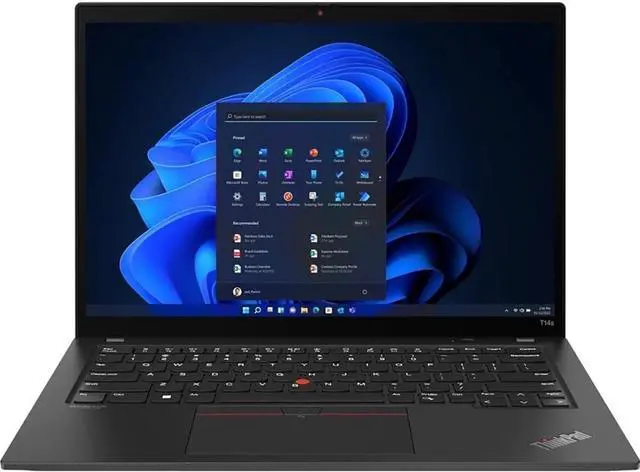
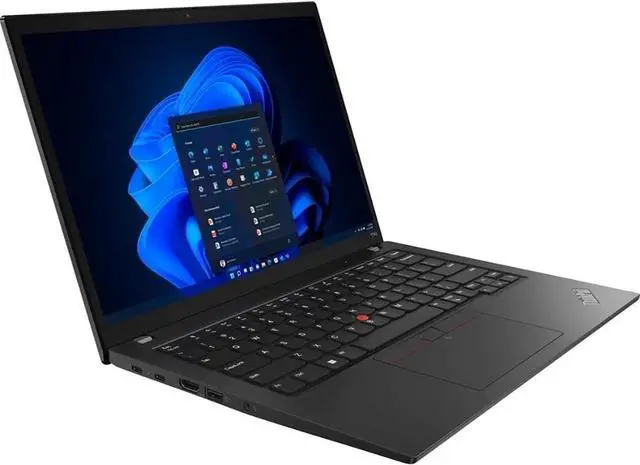
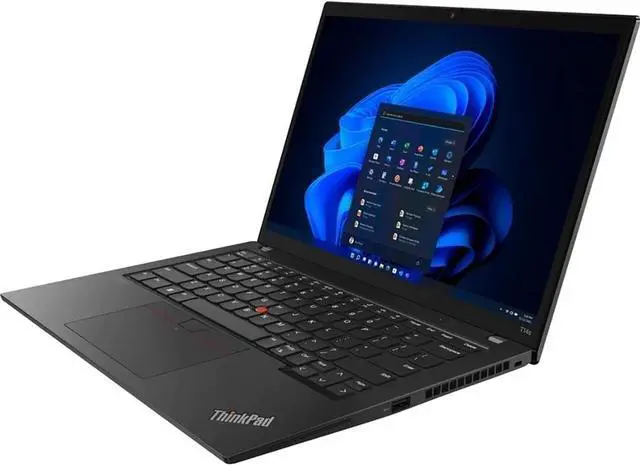
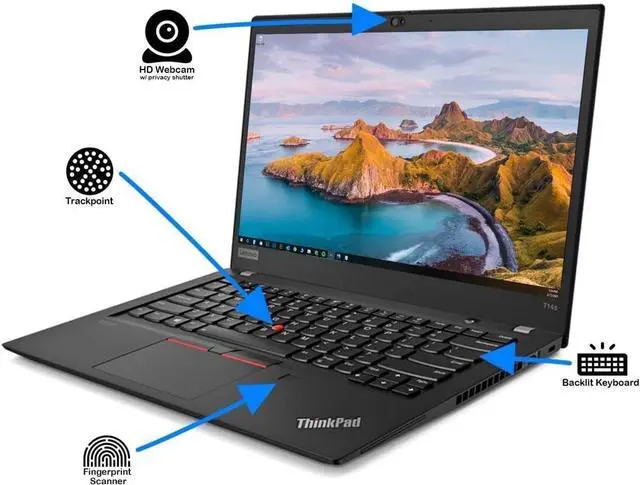
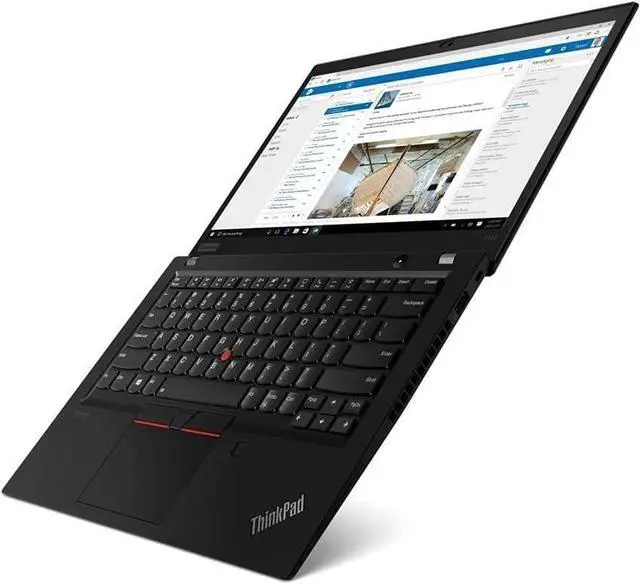
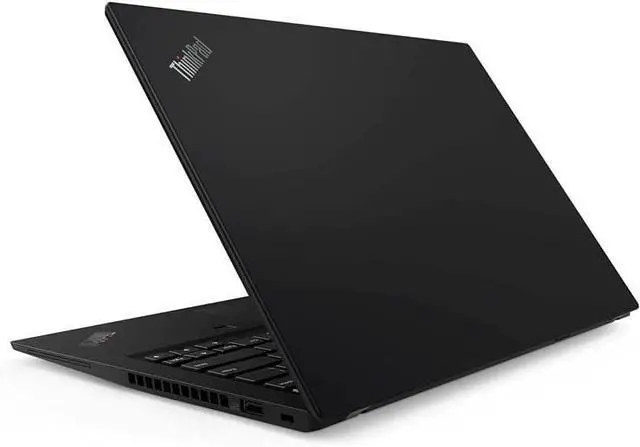
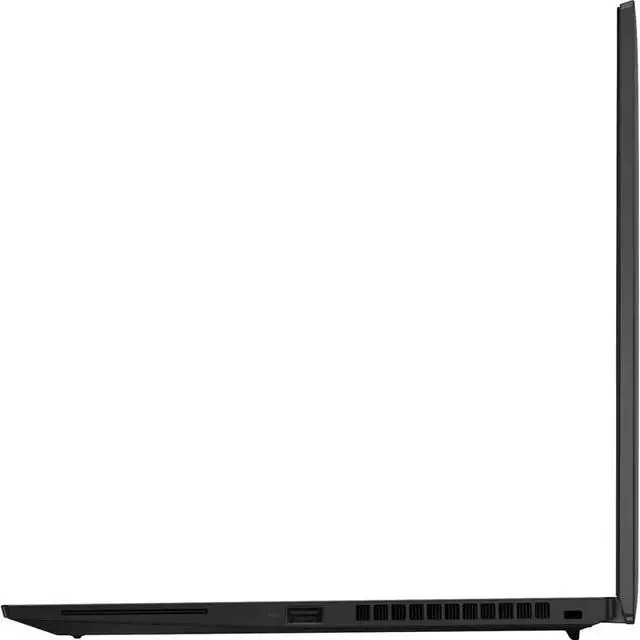
The Lenovo ThinkPad T14s 2-in-1 is a Windows 11 Pro convertible laptop with an Intel Core Ultra 7 265U vPro processor, 32GB of memory, and a 512GB SSD, suited to business users who need a capable device for everyday office work and multitasking.
| Attribute | Value |
|---|---|
| Best For | Business and everyday productivity on a 14-inch Lenovo ThinkPad with Windows 11 Pro |
| Processor And Core Count | Intel Core Ultra 7 265U, listed as a single-core processor |
| Clock Speeds | Turbo frequency up to 5.3 GHz |
| Graphics | Integrated graphics |
| Display | 14-inch WUXGA IPS panel with 1920 × 1200 resolution |
| Memory Configuration | LPDDR5X memory soldered to the system board, with no memory slots; capacity not specified |
| Storage And Expansion | 512GB SSD; no HDD |
| Battery And Power | 3-cell lithium-ion battery |
| Wireless Connectivity | Bluetooth 5.0 |
| Keyboard And Control | Keyboard is not backlit |
| Operating System | Windows 11 Pro |
| Portability And Finish | Listed weight of 1.00 lb; Eclipse Black |
| Model Identifiers | Lenovo ThinkPad, part number and model 21R3004BUS |
Q: ThinkPad T14s 2-in-1 or regular ThinkPad T14s Gen 6—which should I choose?
A: Choose the ThinkPad T14s 2-in-1 if you want one device that changes between laptop, tent, stand, and tablet modes using its 360-degree hinge and touch display. Choose the regular ThinkPad T14s Gen 6 if you prefer a conventional laptop design; Lenovo offers that model with the Core Ultra 7 265U as well.
Q: Is the Core Ultra 7 265U ThinkPad T14s 2-in-1 worth choosing over the Core Ultra 5 225U version?
A: Choose this Core Ultra 7 265U configuration if you want 32GB of memory and a higher listed maximum P-core frequency of 5.3GHz. Lenovo also offers a 225U configuration with 16GB of memory and a maximum P-core frequency of 4.8GHz; both processors have 12 cores and 14 threads.
Q: ThinkPad T14s 2-in-1 with Core Ultra 7 265U or 265H—which configuration fits heavier workloads?
A: The Core Ultra 7 265H configuration is the more processor- and graphics-focused option, with 16 cores and integrated Intel Arc 140T graphics. This 265U configuration has 12 cores, integrated Intel Graphics, and 32GB of memory; choose it if you prioritize the listed 265U setup in the 2-in-1 format.