here!
I’m your shopping assistant for PC builds, upgrades, and everything tech.
Got questions? Ask away!
Start a conversation
here!
I’m your shopping assistant for PC builds, upgrades, and everything tech.
Got questions? Ask away!
Start a conversation Hot Seller


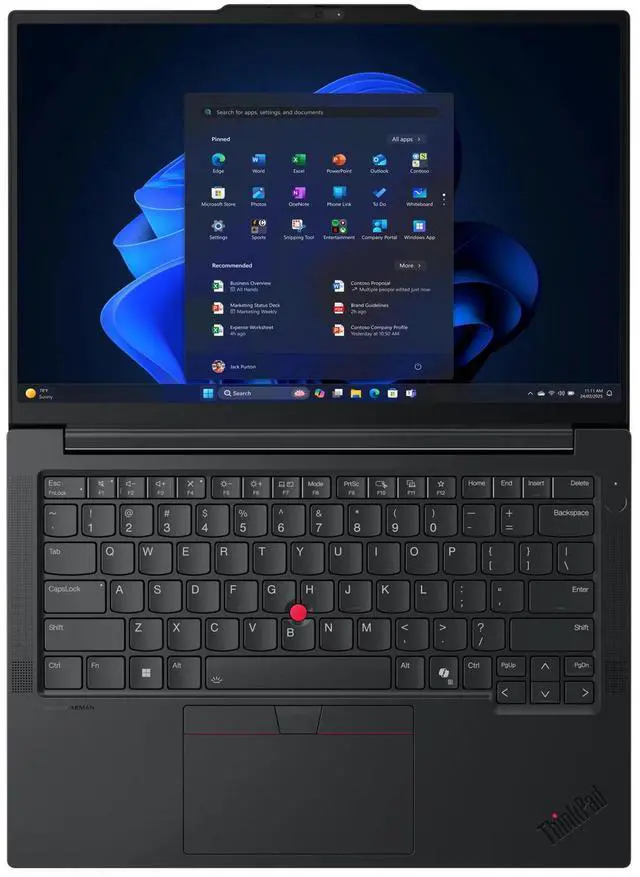
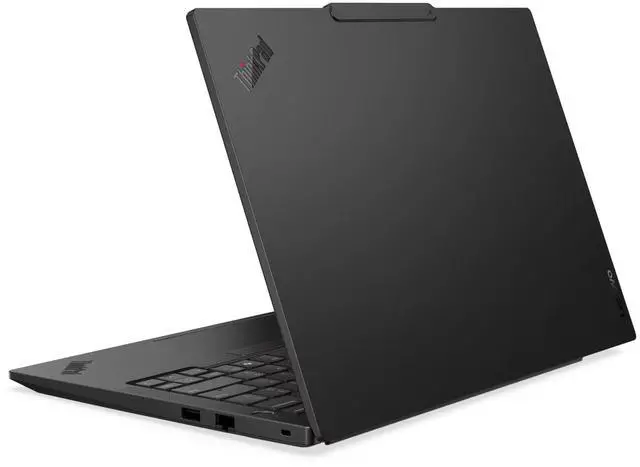
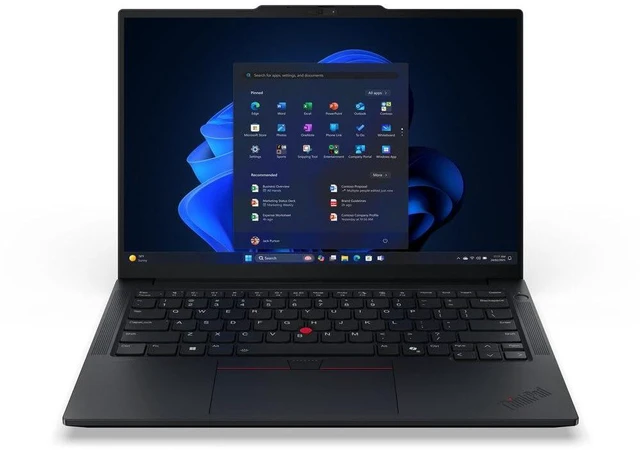
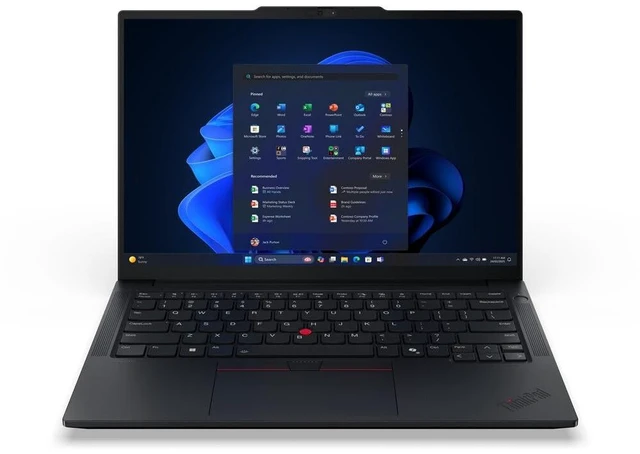



Any questions? Ask CelesteSM will help you find out quickly.
Uncompromising performance & productivity with Intel Core processors
.Thin & light business laptop with long-lasting battery life
.Seamless collaboration with hi-res camera & premium Dolby Atmos sound
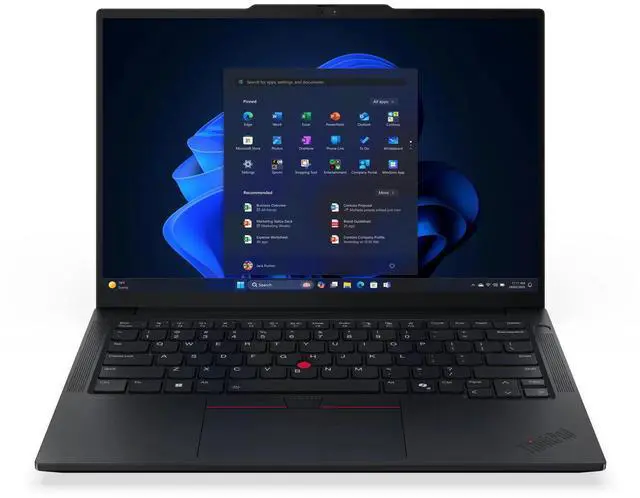
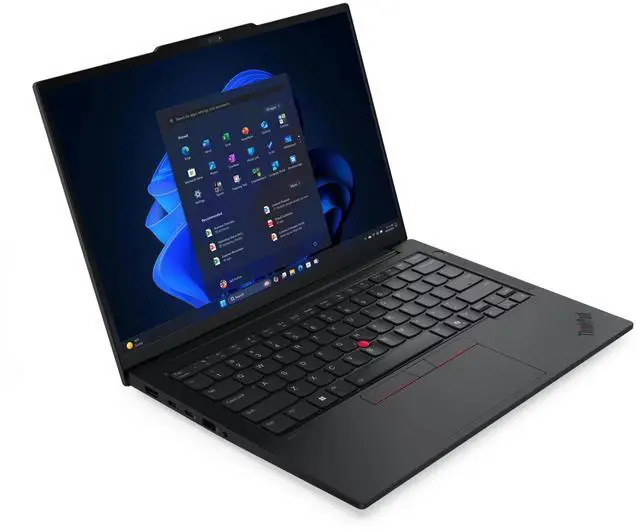
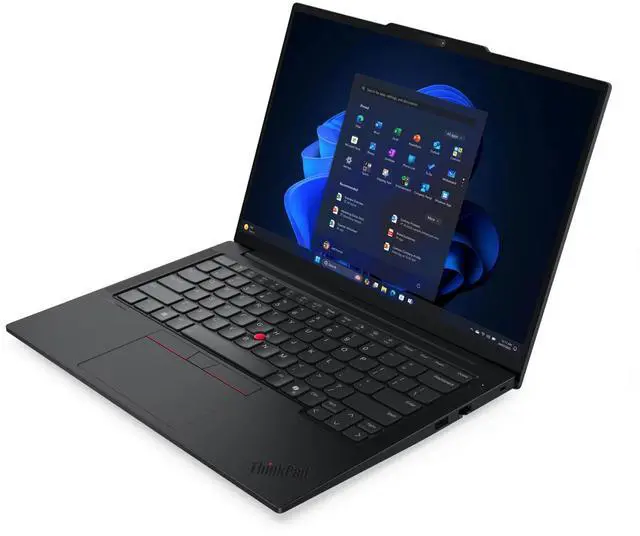
.The 14 Lenovo ThinkPad E14 Gen 7 packs power and portability into a compact build. With Intel Core processors, it ensures fast responsiveness for effortless multitasking and amplified productivity. Integrated graphics deliver flawless visuals, while the dedicated Copilot Key offers instant access to essential tools for streamlined workflows.
Designed for modern professionals, the ThinkPad E14 Gen 7 laptop delivers unparalleled reliability and efficiency. Flexible storage and memory options allow it to grow with your business, seamlessly tackling expanding workloads. Moreover, customer replaceable components, including the battery, memory and storage, help minimize downtime and maximize durability.
Start your day with a laptop designed for life on the go. Its lightweight build combines recycled materials for enhanced durability, reducing environmental footprint. It meets rigorous MIL-STD-810H standards to withstand the demands of everyday use.
Stay productive throughout the day with the E14 Gen 7 laptop. Its enhanced battery life ensures long-lasting power, so you can focus on work, not recharging. Built for dynamic professionals, its your perfect partner for meetings, travel, and remote work.
Enjoy stunning visuals on this 14 laptop, offering exceptional color accuracy and clarity, while TÜV Low Blue Light technology reduces eye strain, letting you focus longer.
Bring clarity to every meeting with unparalleled audiovisual excellence. User-facing Harman Kardon speakers paired with Dolby Atmos deliver crisp sound while the optional FHD hybrid infrared (IR) camera ensures lifelike video for more polished collaboration.
The ThinkPad E14 Gen 7 keeps your data safe at every turn. Equipped with a discrete Trusted Platform Module (dTPM), it provides robust data encryption. An optional power button-integrated fingerprint reader and optional IR camera provide secure login and for added peace of mind, theres a webcam privacy shutter for full control of your privacy.
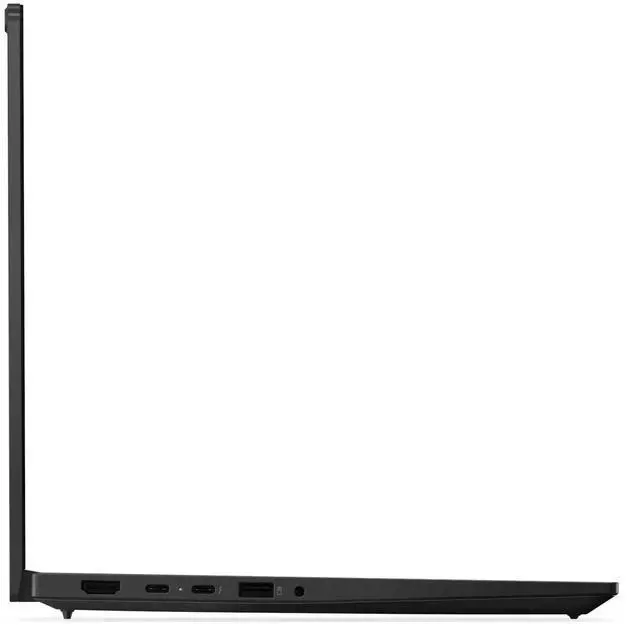
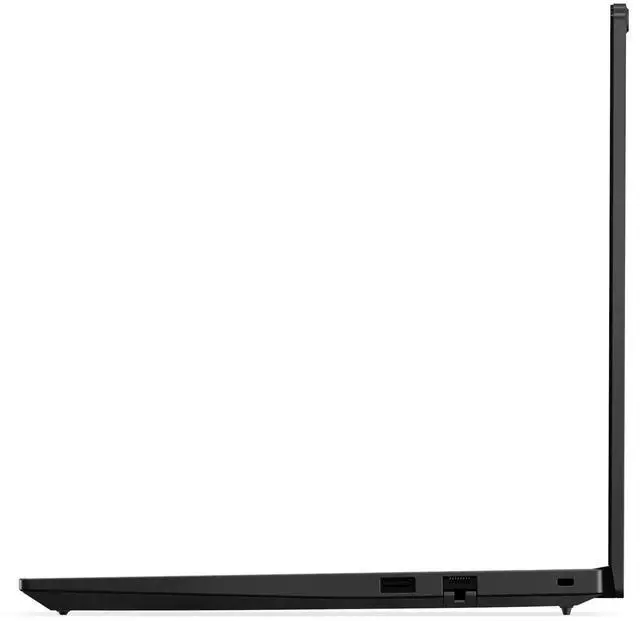
Enjoy peak productivity on the E14 Gen 7 laptop. The high-speed WiFi keeps you connected, wherever work takes you. Its versatile ports, including USB-A, USB-C, Thunderbolt 4, and HDMI, ensure effortless data transfers and device integration. Ideal for forward-looking enterprises, this powerhouse makes collaboration smooth and efficient.
Our goal is to provide smarter technology that builds a brighter, more sustainable future for our customers, communities, and the planet. That's why we pursue industry leading labels and certifications that demonstrate our commitment to sustainability in product design. Together, we can build a smarter future for all.
Specifications may vary depending upon region / model.,Intel Core 5 210H Processor (E-cores up to 3.60 GHz P-cores up to 4.80 GHz)
The Lenovo ThinkPad E14 Gen 7 is a 14-inch business laptop with an Intel Core 5 210H processor, 16GB DDR5 memory, a 512GB SSD, and Windows 11 Pro, suited to everyday office work, multitasking, and professional use.
| Attribute | Value |
|---|---|
| Best For | Business use as a 14-inch notebook with 16 GB of DDR5 memory and a 512 GB SSD |
| Processor And Core Count | Intel Core 5 210H, listed as a single-core processor, with a 2.2 GHz base speed and up to 4.8 GHz |
| Graphics | Integrated Intel graphics with shared graphics memory |
| Display | 14-inch LCD with 1920 × 1200 resolution; non-touch |
| Memory Configuration | 16 GB DDR5 memory; listed maximum memory is 16 GB |
| Storage | 512 GB M.2 PCIe SSD |
| Ports And Connectivity | 1 HDMI port, 1 Thunderbolt port, and 4 USB ports (3 USB 3.0 and 0 USB 2.0); Wi-Fi 6E and Bluetooth 5.0, with Ethernet and 3.5 mm audio listed |
| Battery And Power | 3-cell lithium-ion battery with 48 Wh energy content |
| Operating System And Security | Windows 11 Pro with TPM 2.0 |
| Keyboard And Control | QWERTY keyboard without backlighting; clickpad touchpad |
| Audio | Stereo speakers and headphone output |
| Portability | 12.32 × 8.67 × 0.78 inches; listed weight is 1.00 lb |
| Model Identifiers | Lenovo ThinkPad E14 Gen 7 (Intel), model and part number 21T9002HUS |
Q: ThinkPad E14 Gen 7 Core 5 210H or Core 7 240H—which should I choose?
A: Choose this Core 5 210H configuration for everyday office work and general multitasking. Choose an E14 Gen 7 with the Core 7 240H when you want more processor capacity for heavily parallel workloads: Lenovo lists 8 cores and 12 threads for the 210H, compared with 10 cores and 16 threads for the 240H.
Q: Is the ThinkPad E14 Gen 7 Core 5 210H worth choosing over the Core 3 100U version?
A: Choose the Core 5 210H configuration for more processor headroom during multitasking. Lenovo lists it with 8 cores and 12 threads, compared with 6 cores and 8 threads for the Core 3 100U. The Core 3 version is a fit for lighter day-to-day workloads.
Q: Should I get this E14 Gen 7 with the WUXGA screen or the 2.8K screen?
A: Choose this configuration’s 14-inch WUXGA (1920 × 1200), 60Hz screen for everyday work and document-focused use. Choose an E14 Gen 7 configuration with the 2.8K (2880 × 1800), 120Hz screen if higher resolution, a faster refresh rate, and 100% sRGB coverage are priorities.
Q: Is 16GB RAM and a 512GB SSD enough, or should I choose a higher-memory E14 Gen 7 configuration?
A: Choose this 16GB RAM and 512GB SSD configuration for typical work and everyday multitasking. Consider a higher-memory configuration if your regular workload keeps many demanding apps or large projects open at once; Lenovo lists two SODIMM slots and support for up to 64GB on the E14 Gen 7 Intel platform.
Q: Is this laptop suitable for office work and multitasking?
A: Yes. Its Intel Core 5 210H processor, 16GB of DDR5 memory, and 512GB SSD make it suitable for everyday office tasks such as documents, spreadsheets, email, web browsing, and running several typical applications at once.
Q: Is this a good laptop for gaming or graphics-heavy creative work?
A: It is better suited to general productivity than graphics-heavy workloads. This model uses integrated Intel Graphics rather than a dedicated graphics card, so demanding games, 3D work, and intensive video or image editing may be limited.
Q: Is the screen suitable for everyday work, and is it touch-enabled?
A: The 14-inch 1920 × 1200 IPS display has an anti-glare coating and is non-touch. It is suited to typical document and web work, but its 300-nit brightness and 45% NTSC color coverage are modest for bright outdoor use or color-critical creative work.
Q: Can I use it for handwritten notes with a stylus?
A: Not directly. The listed display is non-touch, so it does not support handwriting or stylus input on the screen. You can still take typed notes with the keyboard.
Q: Is it a good choice for travel or working away from an outlet?
A: The 14-inch screen is a practical size for a work laptop, but the provided specifications do not state battery runtime. The 3-cell battery description alone is not enough to determine whether it will last through a full day away from an outlet.
Q: Is the ThinkPad E14 Gen 7 suitable for office or student work?
A: Yes. Its Core 5 210H, 16GB RAM, 512GB SSD, and Windows 11 Pro fit common office, study, browsing, and multitasking needs. ThinkPad E14 Gen 7 discussions describe the line as suitable for students and office workers, though those comments include other configurations.
Q: Is this E14 Gen 7 a good choice for gaming or graphics-heavy work?
A: It is not the best fit for demanding games or graphics-heavy work: this configuration has integrated Intel graphics, not a dedicated GPU. It is better suited to everyday computing and lighter workloads.
Q: How good is the screen for everyday use?
A: The 14-inch 1920 × 1200 IPS anti-glare screen is suitable for documents and general use. Its 300-nit brightness and 45% NTSC color coverage are trade-offs for bright environments and color-sensitive creative work; an Intel E14 Gen 7 review also flags the display as a weakness.
Q: Is it a good laptop for travel or all-day use away from an outlet?
A: Its 14-inch size is convenient for carrying, but do not assume it will last a full day unplugged: an E14 Gen 7 Intel review describes battery life as roughly half a day. Battery results can vary by configuration and workload.