- $1,199.99
- Free 30-day Returns
Meet Your Seller
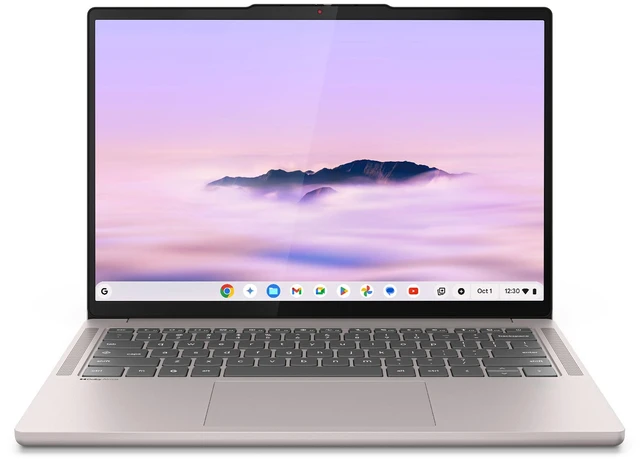
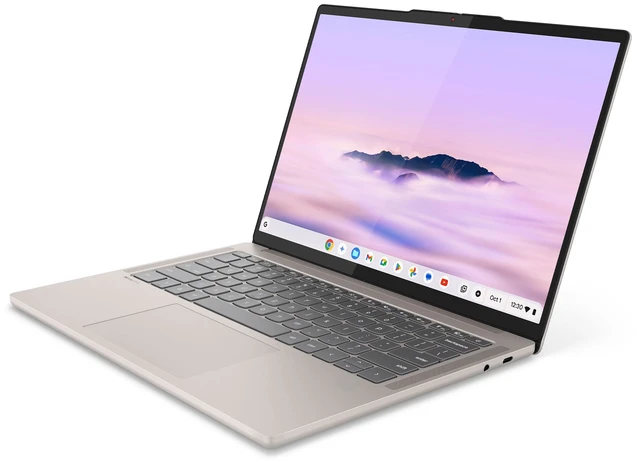
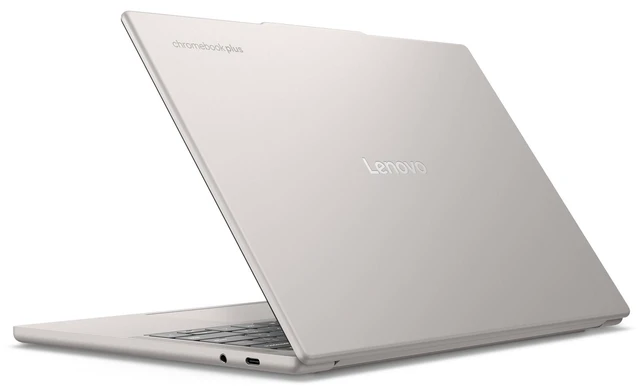
Lenovo Chromebook Plus Laptop, 14" 60Hz,MediaTek Kompanio Ultra 910,16GB, ARM Immortalis G925 MC11 GPU, 128GB,Chromeos
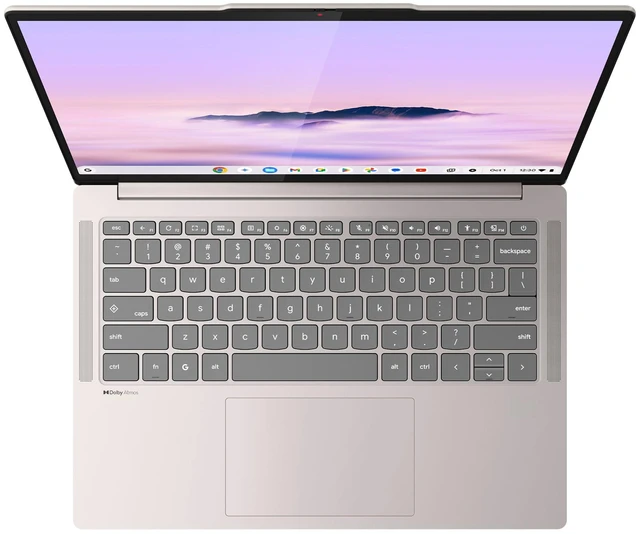
- 14" WUXGA (1920 x 1200), OLED, Glare, Non-Touch, HDR 500 True Black, 100%DCI-P3, 400 nits, 60Hz
- MediaTek Kompanio Ultra 910 Processor
- Integrated ARM Immortalis G925 MC11 GPU
Any questions? Ask CelesteSM will help you find out quickly.
The magic of Gemini paired with powerful MediaTek Kompanio Ultra
.Worlds first Chromebook with Dolby Atmos for immersive audio
.True colours with OLED display, perfect for editing photos or streaming
.Save time typing notes by letting Chromebook convert handwritten text. Simplify jargon-filled content into everyday language. Get your questions answered by Gemini*. Create custom wallpapers and video call backgrounds. With a 50 trillion operations per second (TOPS) NPU, stay efficient and organized with Smart grouping and unleash your creativity in the Gallery app.
Quickly identify and get information about an item in a photo or video. Simply long press the launcher no need to leave where you are*.
From writing blogs to clever social captions, with just a right click, you can get help from Gemini* to write the way you want.
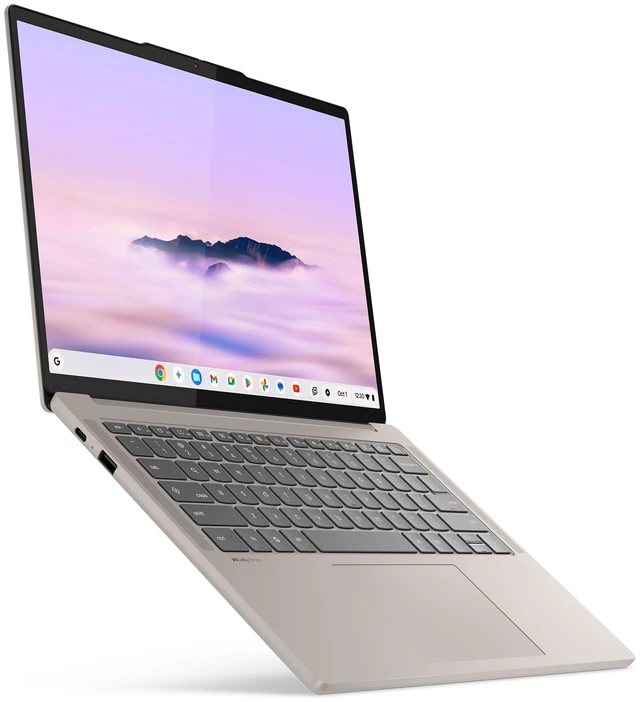
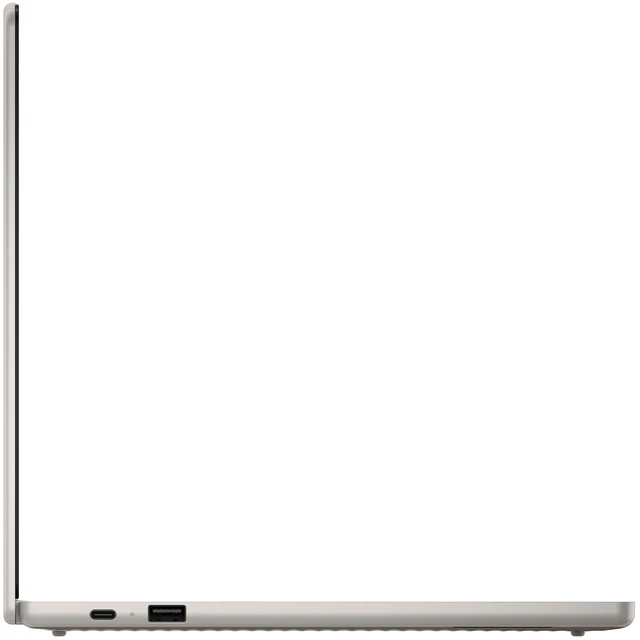
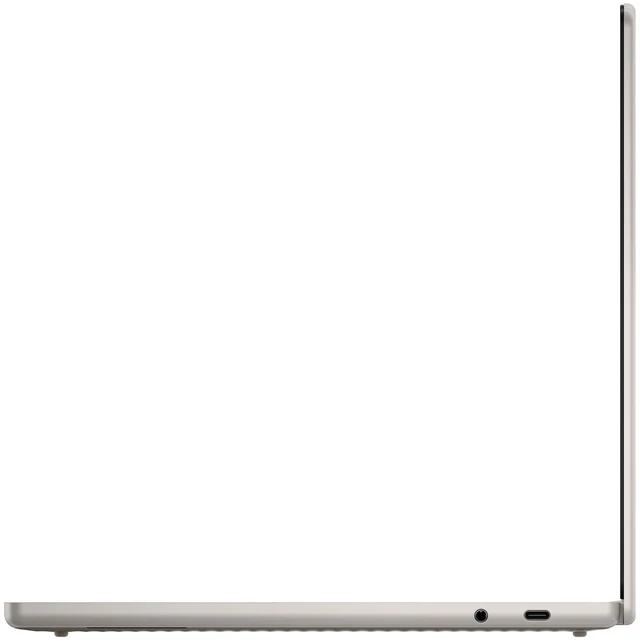
Light, sleek and built to move. At just 15.8mm / .62 thin and starting at 1.17kg / 2.58lbs, this Chromebook is effortless to carry, whether you're hustling to class, working on-the-go or editing photos at a café. It boasts the longest battery life ever on a Chromebook* plus Rapid Charge, which gives you 80% power in just an hour of charging. Stay powered, stay productive, stay ahead.
Tap the Quick Insert key to create high-resolution images, get writing support, and add GIFs anywhere you need all without switching tabs or windows.
,MediaTek Kompanio Ultra 910 Processor (2.10 GHz )Warranty & Returns
Warranty, Returns, And Additional Information
Warranty
- Please contact the Seller directly for warranty information. Warranty information may also be found on the Manufacturer's website.
- Read full details
- CONTACT
Return Policies
- Return for refund within: 30 days
- Return for replacement within: 30 days
- This item is covered by Lenovo Return Policy
Manufacturer Contact Info
- For a directory of all our manufacturers, please click below.
- Manufacturers Directory
The Lenovo Chromebook Plus 83MY002AUS is a 14-inch ChromeOS laptop with a WUXGA OLED display, MediaTek Kompanio Ultra 910 processor, 16GB memory, and 128GB storage, suited to users who prioritize vivid colors for streaming, photo work, and everyday Chromebook tasks.
Recommended For
- Students and browser-first professionals who work in Chrome, Google Docs, and web apps, and want to keep many tabs open or multitask without carrying a charger through the day.
- People who attend classes or video meetings away from a desk and prioritize long unplugged use; testing of the Chromebook Plus 14 found strong battery life during video playback and Google Meet.
- Frequent streamers who want a high-contrast screen for films and shows: reviewers found the Chromebook Plus 14’s OLED display vivid and its 4K streaming smooth.
- Casual Android-game players who want to play supported mobile titles as well as browse and stream; reviewers found several mobile games ran smoothly, though results should not be taken as a promise of high-end PC gaming support.
Real-World Use Scenarios
- For school or office work—writing in Docs, researching in browser tabs, and switching between apps—the Chromebook Plus 14 should feel responsive during everyday multitasking, though especially heavy workloads may be less smooth.
- For watching shows or videos at home or while traveling, the OLED screen and built-in speakers make it well suited to streaming without needing an external display or speakers.
- For working away from an outlet, such as taking notes, browsing and joining occasional video calls, testing suggests it can handle extended unplugged use; actual runtime will vary with brightness and workload.
- For video meetings and remote classes, users can join calls while keeping documents and browser tabs open; the webcam has a physical privacy shutter for when the camera is not in use.
- For casual gaming during a break, compatible Android games such as Minecraft can run smoothly in testing; this is a better fit for casual play than treating it as a dedicated gaming laptop.
- For quick photo touch-ups, users can use ChromeOS Gallery’s on-device editing features; it suits lightweight edits better than a workflow built around professional desktop creative software.