




 here!
I’m your shopping assistant for PC builds, upgrades, and everything tech.
Got questions? Ask away!
Start a conversation
here!
I’m your shopping assistant for PC builds, upgrades, and everything tech.
Got questions? Ask away!
Start a conversation




Any questions? Ask CelesteSM will help you find out quickly.
Powerful simplicity with MediaTek Kompanio 540 processors & Gemini capabilities
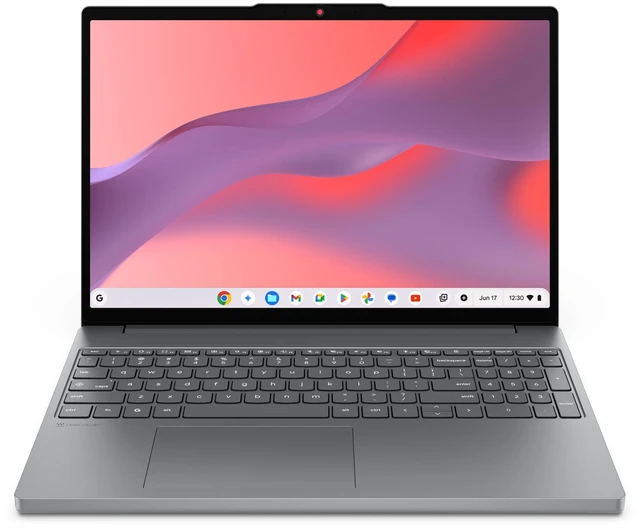
.Enjoy immersive visuals with the 15 16:10 big-screen advantage
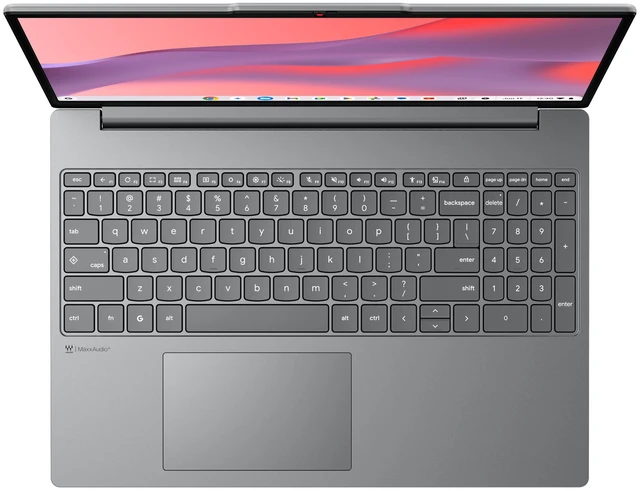
.Work comfortably with numpad & precision touchpad for easy navigation
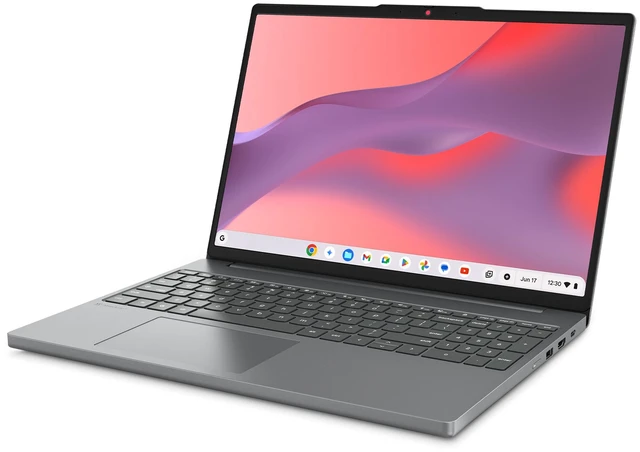
.See more, scroll less, and stay comfortable all day with the Lenovo Chromebook m (15 MediaTek). Its roomy display with a taller ratio shows more of your work and entertainment at once. A bright 400nit screen stays clear indoors or out, while the larger touchpad makes navigation effortless, giving you smoother control with every swipe and tap.
Chromebooks have never had a virus.* With built-in protection and the Titan C2 security chip in the Chromebook m, breathe easy knowing your security and privacy are covered.
Chromebooks start up in under 10 seconds and update automatically in the background. With the MediaTek Kompanio 540 delivering up to 30-50% faster CPU and 75% better GPU performance*, you get smooth, full-speed-ahead performance.
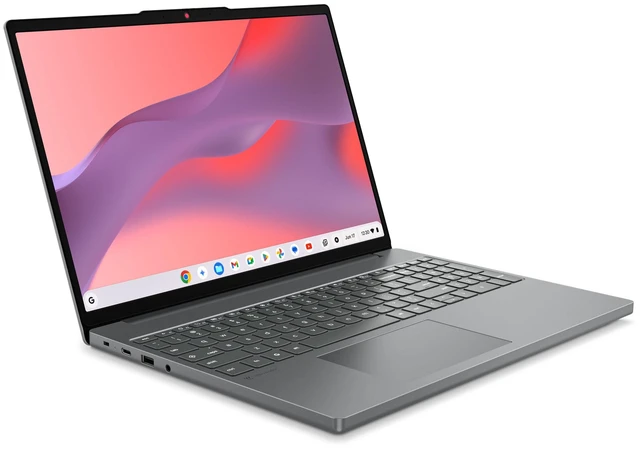
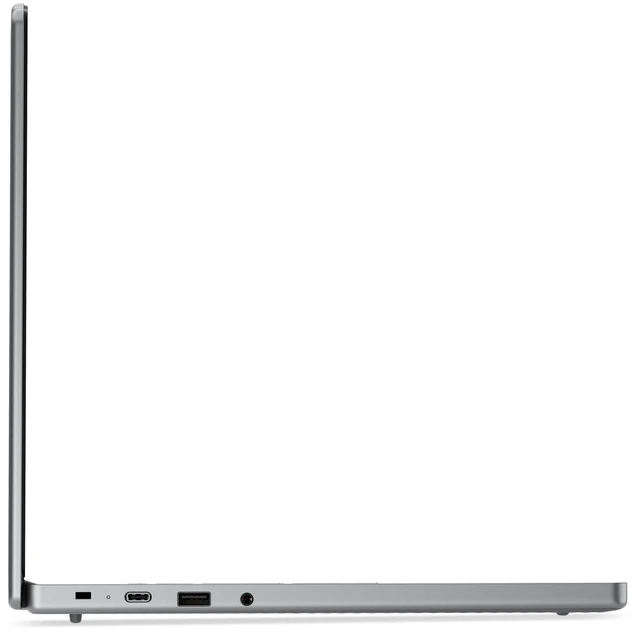
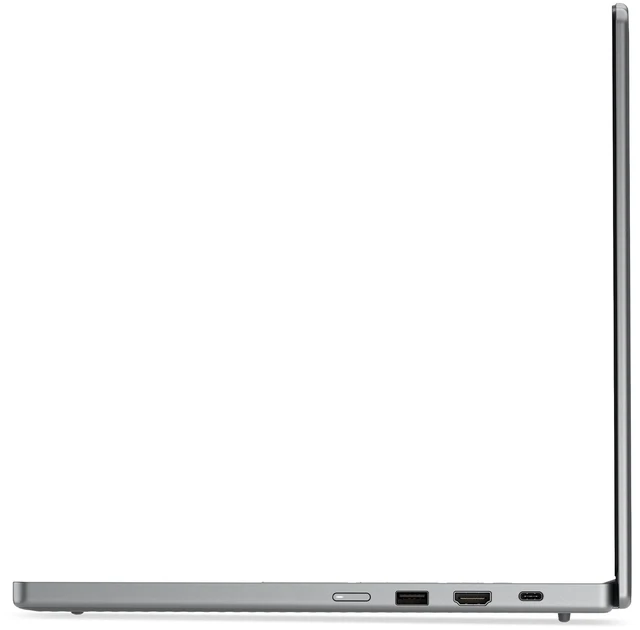
No matter where your day takes you, your laptop keeps you in the loop. Hook up to everything you need with a generous array of ports perfect for monitors, external drives, or any accessory. And when it comes to going online, speedy WiFi 6E ensures your video calls and streaming is smooth, and your browsing is always reliable.
See, hear, and create your world in thrilling new ways. The vibrant WUXGA display brings incredible detail to everything you do. Edit photos, stream shows, or play games in the cloud in vivid, immersive clarity. And with audio tuned by MaxxAudio, you get rich, balanced sound that pulls you deeper into every scene, playlist, or project.
Our goal is to provide smarter technology that builds a brighter, more sustainable future for our customers, communities, and the planet. That's why we pursue industry leading labels and certifications that demonstrate our commitment to sustainability in product design. Together, we can build a smarter future for all.
,MediaTek Kompanio 540 Processor (2.00 GHz )
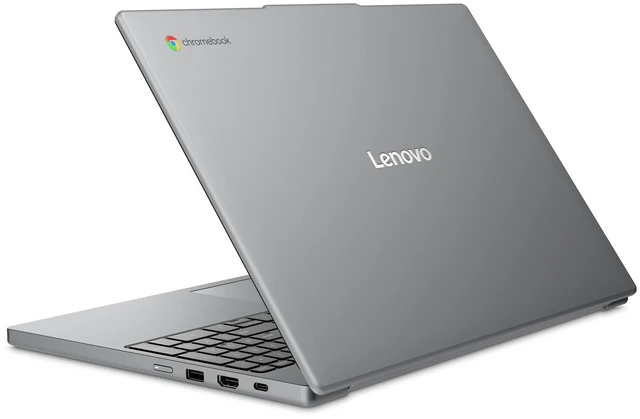
The Lenovo Chromebook m is a 15.3-inch Chromebook with a MediaTek Kompanio 540 processor, 4GB of memory, and 128GB of UFS storage, suited to students and home users focused on web browsing, documents, and other everyday tasks.


