here!
I’m your shopping assistant for PC builds, upgrades, and everything tech.
Got questions? Ask away!
Start a conversation
here!
I’m your shopping assistant for PC builds, upgrades, and everything tech.
Got questions? Ask away!
Start a conversation





Any questions? Ask CelesteSM will help you find out quickly.


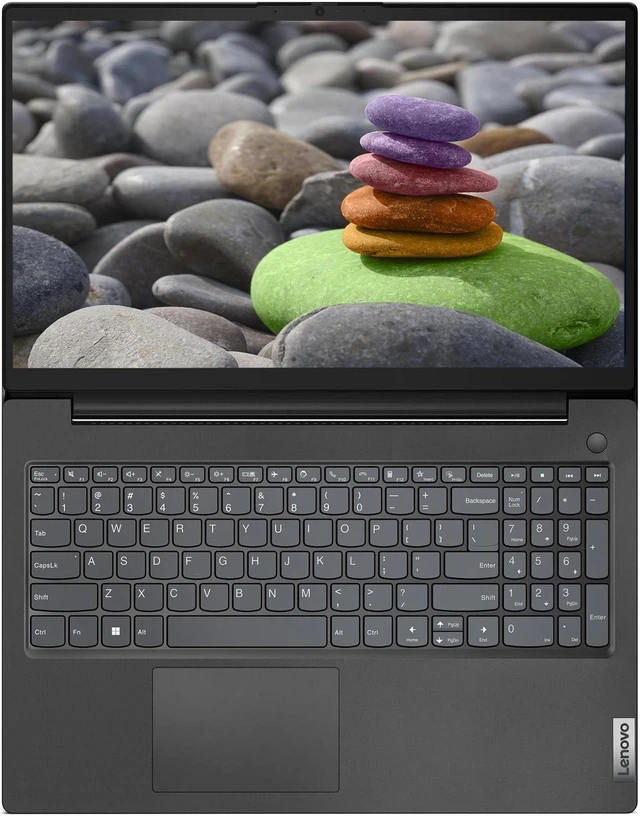
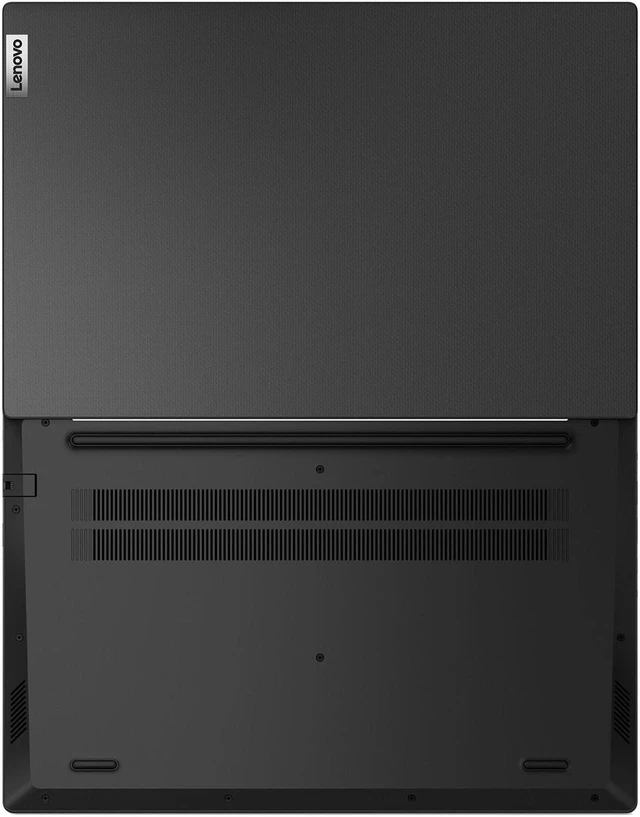
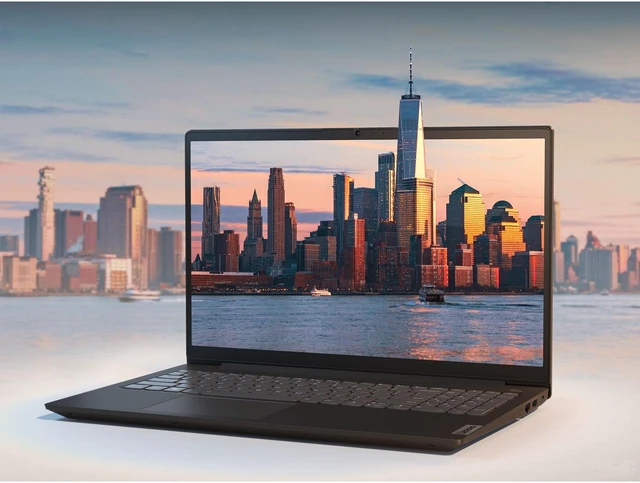
At 1.98cms ( 0.78) and 1.7kg / 3.75lbs, the V15 Gen 2 laptop is sleek and portable.

The V15 Gen 2 laptop encrypts your data via TPM 2.0 firmware, keeping it safe and secure. Its physical webcam shutter protects your privacy.

Intel Celeron N4500 Processor (2 Cores, 2 Threads, 4MB Intel Smart Cache, Base Frequency at 1.1 GHz, Up to 2.8 GHz with Intel Turbo Boost Technology)

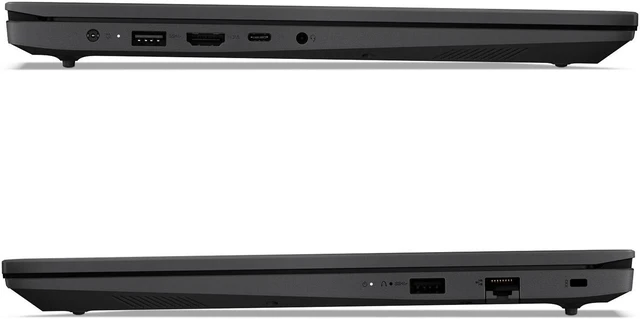
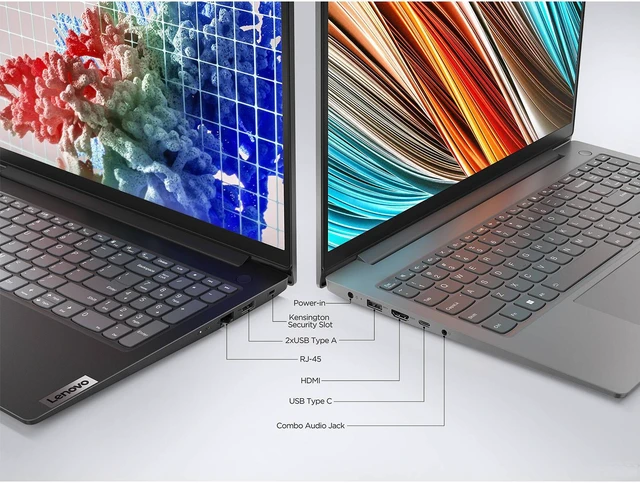
The laptop is easy to deploy and use, with multiple USB and HDMI ports for easy connectivity.


| Processor | Intel Celeron N4500 Processor |
|---|---|
| Operating System | Windows 11 |
| Memory Type | DDR4 |
| SSD Interface | PCIe NVMe |
| Front Camera | 720P HD Webcam |
| Front Camera Features | Privacy Shutter |
| Video Memory | Shared |
| Speakers | 2 x 1.5W Stereo Speakers |
| System Security | Trusted Platform Module 2.0 |
| Built-in Microphone | Dual Array Microphone |
| Graphics Coprocessor | Intel UHD |
| Memory Speed | 3200 MHz |
| Item Dimensions LxWxH | 9.28 X 14.14 X 0.78 inches |
| Color | Black |
The Lenovo V15 G2 is a Windows 11 laptop with 16GB RAM and a 1TB SSD, suited to everyday office, school, and home tasks such as working with documents and browser tabs. Its 15.6-inch Full HD screen and webcam also support video calls and online learning.
| Attribute | Value |
|---|---|
| Best For | Work and business use on a 15.6-inch FHD laptop |
| Processor | Intel Celeron processor |
| Graphics | Intel UHD Graphics |
| Display | 15.6-inch FHD display with 1920 × 1080 resolution |
| Wireless Connectivity | Bluetooth supported |
Q: Lenovo V15 G2 with 16GB RAM and 1TB SSD or V15 G4 AMN with Ryzen 3, 8GB RAM, and 256GB SSD—which gives me more memory and storage?
A: The V15 G2 configuration in this listing provides more memory and storage: 16GB RAM and a 1TB SSD, compared with 8GB RAM and a 256GB SSD in the cited V15 G4 AMN configuration. Choose the V15 G2 when those capacities are the priority; choose the V15 G4 AMN when you prefer its Ryzen 3 7320U processor platform.
Q: Lenovo V15 G2 with the Celeron N4500 or V15 G4 AMN with the Ryzen 3 7320U—which has more CPU cores and threads?
A: The V15 G4 AMN with Ryzen 3 7320U has more CPU cores and threads: Lenovo lists 4 cores and 8 threads, versus 2 cores and 2 threads for the V15 G2’s Celeron N4500. Choose the V15 G4 AMN when that processor configuration is the priority; the V15 G2 listing provides 16GB RAM and a 1TB SSD.
Q: Should I choose this Lenovo V15 G2 or a V15 G4 AMN with Ryzen 5 7520U?
A: Choose the V15 G4 AMN with Ryzen 5 7520U if you want its 4-core, 8-thread processor configuration. Choose this V15 G2 listing if its 16GB RAM and 1TB SSD are the main priorities. The choice is between the listed configuration’s memory and storage capacity and the V15 G4 AMN’s processor configuration.
Q: Is this laptop suitable for everyday office work?
A: It is suited to everyday tasks such as documents, email, web browsing, and light multitasking. The 16GB RAM and 1TB SSD provide memory and storage for those uses, but the dual-core Celeron N4500 and integrated graphics make it a less suitable choice for demanding creative work, intensive multitasking, or graphics-heavy games.
Q: Can I use it for online classes or video meetings?
A: It has a webcam, Wi-Fi, and 16GB RAM, so it has the listed basics for online classes and video meetings. Call quality and reliability can also depend on the internet connection and the meeting app; the product details do not specify webcam quality.
Q: Does it come with Microsoft Word or Excel?
A: The provided product details confirm Windows 11 Home but do not say that Microsoft Word, Excel, or an Office subscription is included. Check the seller’s listing or package details before buying if those applications are required.
Q: Is it a good choice for travel or working away from an outlet?
A: It has Wi-Fi and a 15.6-inch screen, but the provided product details do not specify its weight or battery runtime. Those details are important for judging portability and how long it can work unplugged, so confirm them with the seller if travel use is a priority.
Q: Is the Lenovo V15 G2 with the Celeron N4500 suitable for web browsing and basic Excel work?
A: It is a reasonable fit for basic browsing, documents, and light spreadsheet work. The 16GB RAM and 1TB SSD provide memory and storage capacity, but the dual-core Celeron N4500 may feel limiting with demanding apps or heavier multitasking.
Q: Should I choose this Celeron laptop over a laptop with an Intel Core i5 and less RAM?
A: Not based on RAM alone. The V15 G2 has 16GB RAM, which can help with keeping several apps or tabs open, but its Celeron N4500 is a basic two-core processor. For workloads that need more processing power, the i5 model may be the better fit; compare the exact processor and intended tasks.
Q: Is the Lenovo V15 G2 with the Celeron N4500 a good choice for gaming?
A: It is not a strong choice for modern or demanding games. Its Celeron N4500 processor and integrated Intel UHD Graphics are suited better to basic computing than gaming; the 16GB RAM and 1TB SSD do not remove those processor and graphics limits.