here!
I’m your shopping assistant for PC builds, upgrades, and everything tech.
Got questions? Ask away!
Start a conversation
here!
I’m your shopping assistant for PC builds, upgrades, and everything tech.
Got questions? Ask away!
Start a conversation




Any questions? Ask CelesteSM will help you find out quickly.
We want to ensure your holiday shopping this year is hassle-free. That’s why we’re automatically extending our return policies on almost every product! For purchases placed between November 1st, 2026 and December 31, 2026 you will have until January 31, 2027 to return your product.
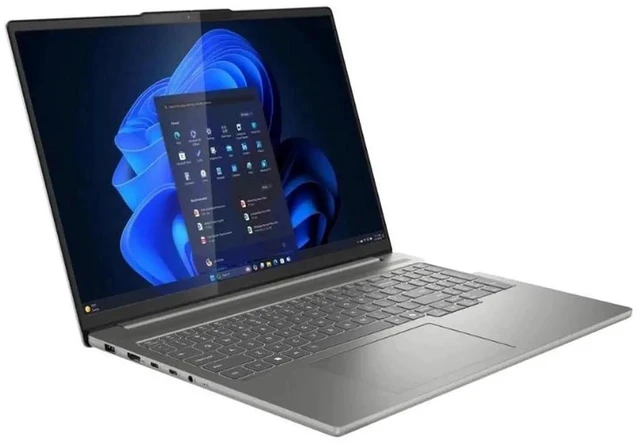
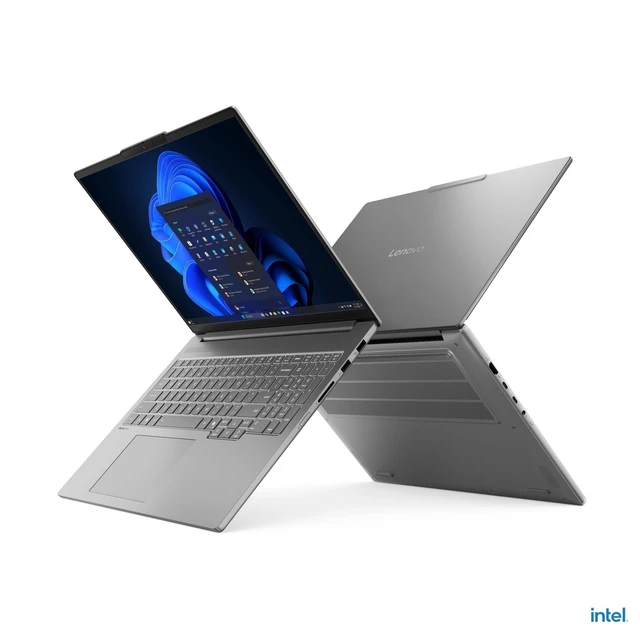
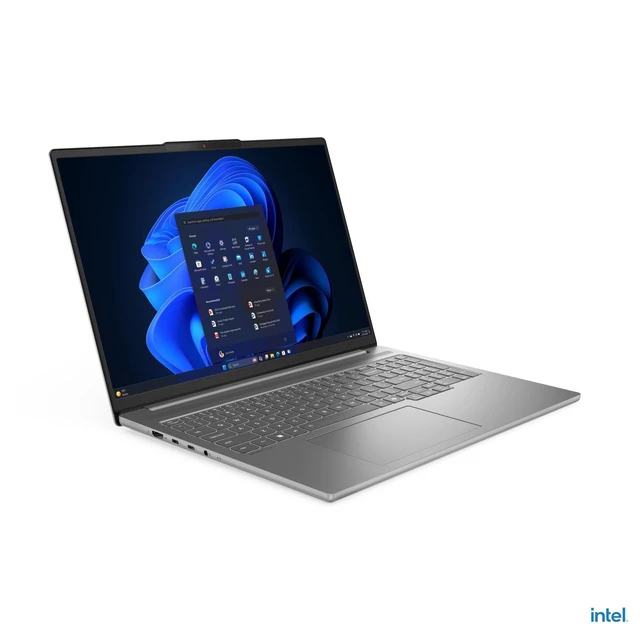
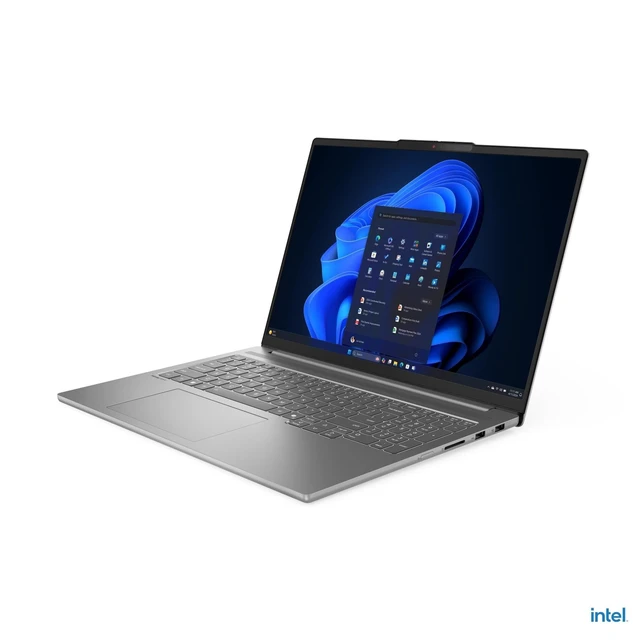
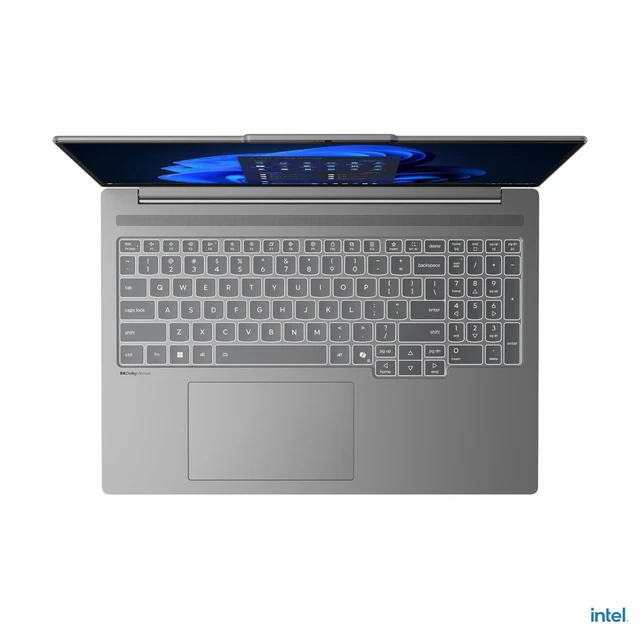
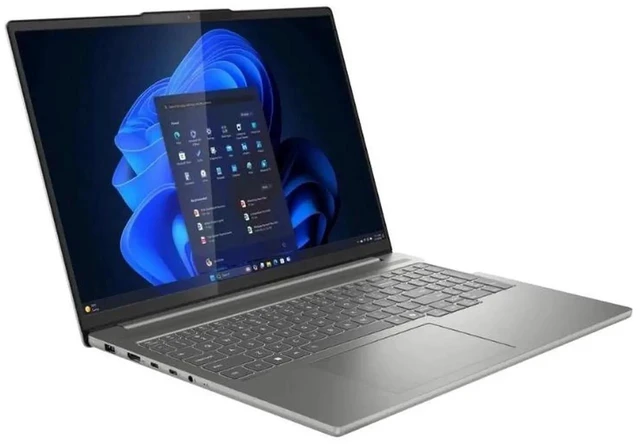
The Lenovo IdeaPad 5i 16-inch touchscreen notebook (83JM0019US) combines an Intel Core Ultra 9 285H, 32GB memory, a 1TB SSD and NVIDIA GeForce RTX 5050, making it suitable for demanding everyday work, multitasking and graphics-intensive tasks.
| Attribute | Value |
|---|---|
| Best For | Multitasking and graphics-intensive work, with a high-resolution touchscreen for interactive use |
| Processor And Core Count | Intel Core Ultra 9 285H with 16 cores and speeds up to 5.4 GHz |
| GPU And VRAM | Dedicated NVIDIA GeForce RTX 5050 graphics with 8 GB of graphics memory |
| Display Spec | 16-inch OLED touchscreen with 2880 × 1800 resolution and a 120 Hz refresh rate |
| Memory Configuration | 32 GB DDR5 memory running at 8400 MHz |
| Storage And Expansion | 1 TB SSD storage |
| Connectivity | Wi-Fi 7 (2×2 802.11be), Bluetooth 5.4, USB-C, HDMI, and a 3.5 mm audio jack |
| Webcam And Privacy | Webcam included |
| Keyboard And Control | Backlit keyboard, touchpad, and capacitive touchscreen input |
| Operating System | Windows 11 Home |
| Model Identifiers | Lenovo IdeaPad Pro 5, model 83JM0019US |
Q: Should I choose the IdeaPad Pro 5i with RTX 5050 or the Arc 140T version?
A: Choose the 83JM0019US configuration if you want a discrete GPU for gaming or GPU-accelerated creative work. Lenovo lists its RTX 5050 with 8GB of dedicated GDDR7 memory; the Arc 140T is integrated graphics with shared memory. Choose an Arc 140T configuration for a build centered on general productivity.
Q: Is the Core Ultra 9 285H worth choosing over the Core Ultra 7 255H in the IdeaPad Pro 5i?
A: Choose the Core Ultra 9 285H configuration if you want the higher CPU tier and higher published clock speeds: up to 5.4GHz on its P-cores versus 5.1GHz for the Ultra 7 255H. Both processors have 16 cores and 16 threads, making the Ultra 7 a comparable core-count option in this lineup.
Q: Should I get this 32GB model or a 16GB IdeaPad Pro 5i configuration?
A: Choose this 32GB model if you regularly keep many applications open or work with larger creative projects. Lenovo also lists 16GB configurations in the same product family, making them an option for buyers whose workloads fit that memory capacity. Lenovo specifies that these memory options are soldered, so choose the capacity that fits your needs at purchase.