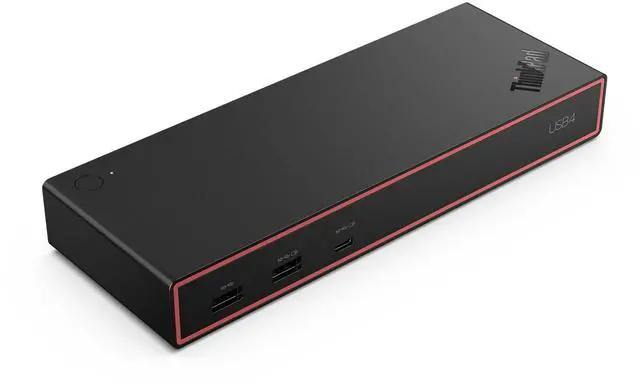
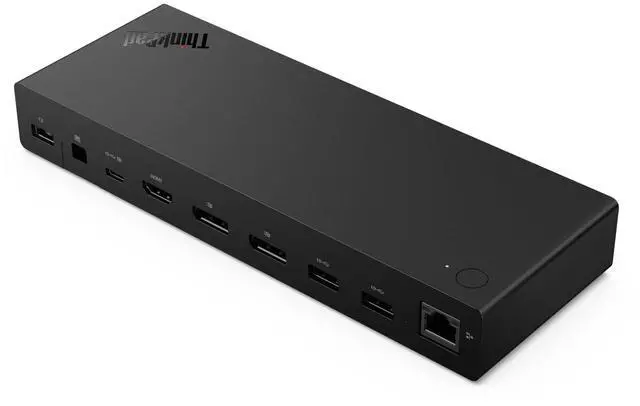
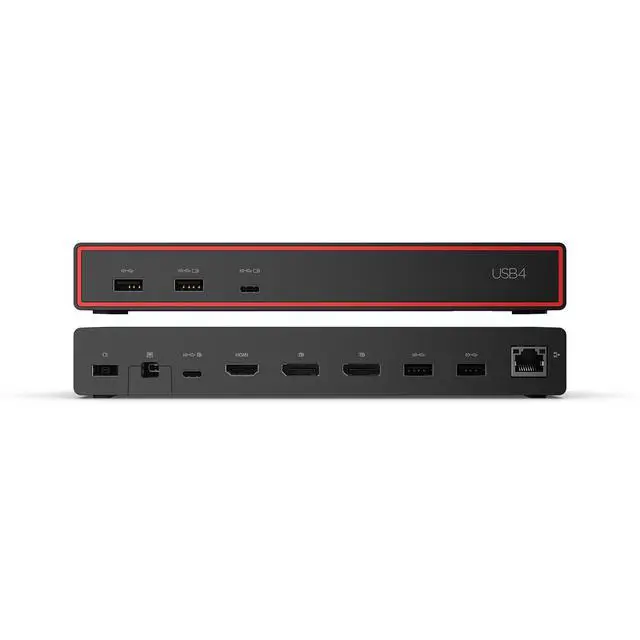
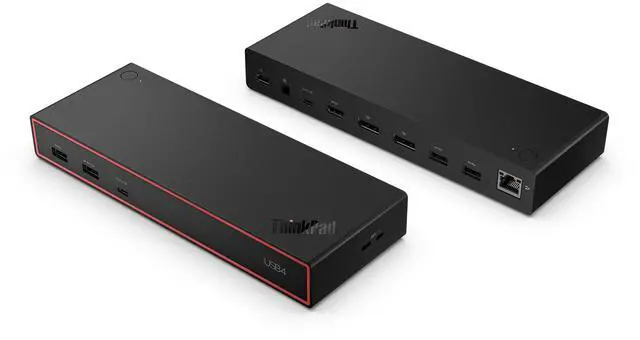
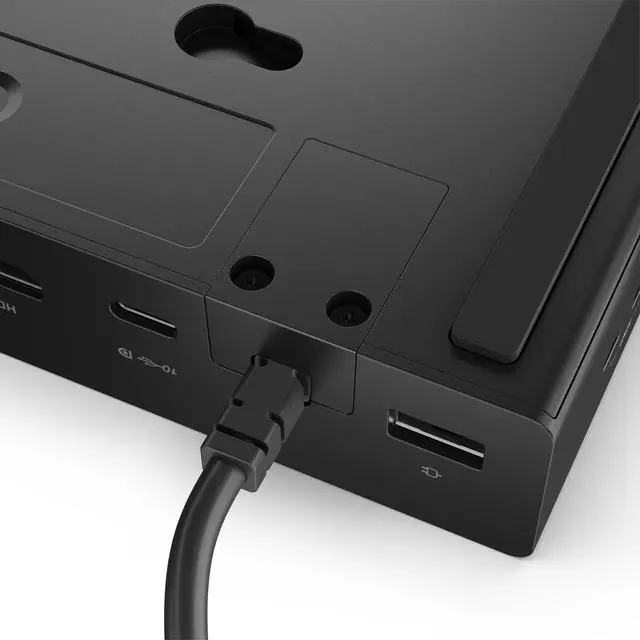
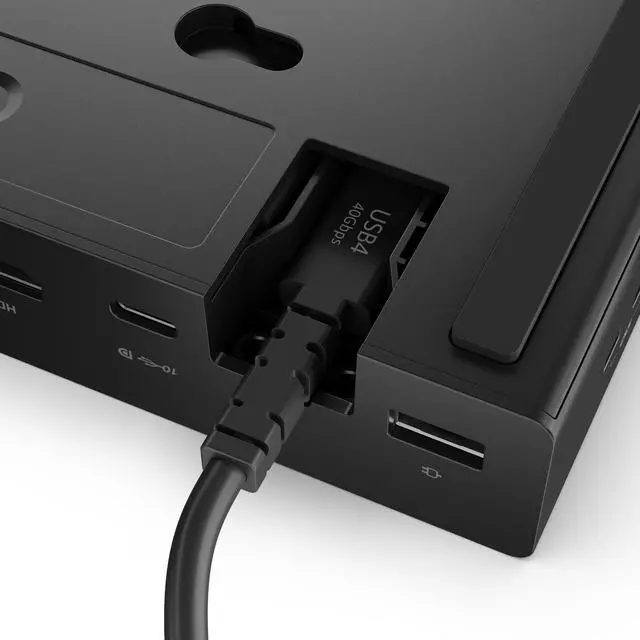
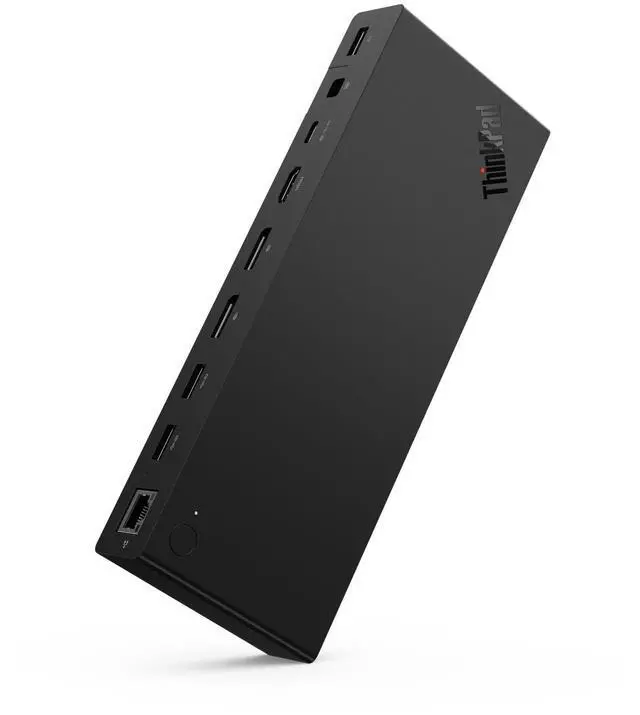
The Lenovo ThinkPad USB4 Dock 5000 (40BF0100US) is a laptop docking station with 40Gbps USB4 upstream connectivity, suited to users who want to expand a compatible laptop’s monitor setup and charge it through the dock.
Recommended For
- Desk-based workers who regularly connect a USB4 laptop to multiple external displays and shared peripherals; the dock supports high-resolution monitor setups and provides several USB ports.
- ThinkPad or other USB4/TB4 laptop users setting up a fixed home or office workstation who want one dock connection for displays, USB accessories, wired networking, and laptop charging.
- Users who want high-bandwidth USB4 connectivity for a demanding monitor setup, such as one 8K display or two high-refresh-rate 4K displays, subject to laptop and display compatibility.
- IT teams deploying Lenovo docks across managed workspaces that can benefit from Lenovo Dock Manager for firmware updates and device management.
Real-World Use Scenarios
- At a home or office desk, a ThinkPad user connects the dock to bring monitors, wired networking, and USB accessories together; reconnecting the laptop through the dock’s upstream cable makes it easier to resume a desktop setup without plugging each accessory in separately.
- For office multitasking, a user can extend a compatible laptop to multiple external displays for documents, video calls, and reference material; the number of screens and supported resolutions depend on the laptop and display setup.
- For a desk setup that includes external storage and other USB devices, the dock lets the user leave those accessories connected at the desk and access them through the laptop’s USB4 connection.
- During a workday, a user can keep a compatible laptop charging while it is connected to desk peripherals, reducing the need to connect a separate laptop charger; available charging power depends on the dock’s power adapter and laptop.
- In a shared or hybrid-work setup, a user can leave monitors and peripherals connected to the dock and attach a compatible laptop when working at that desk, simplifying the move between mobile use and a fixed workstation.




 here!