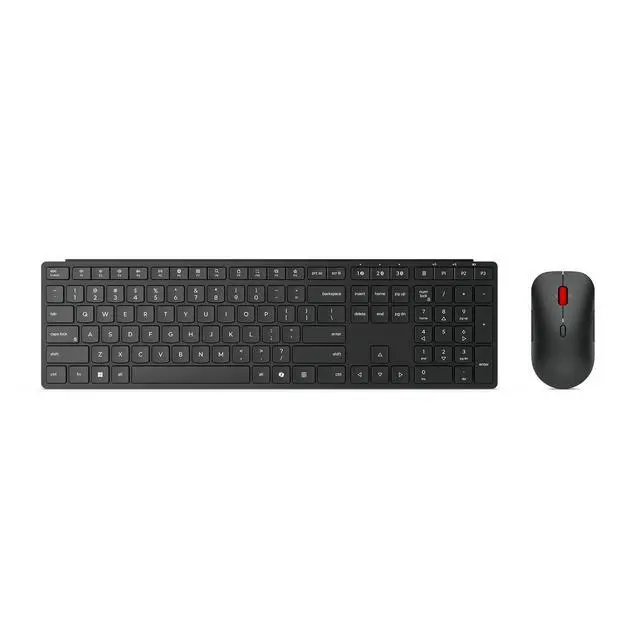
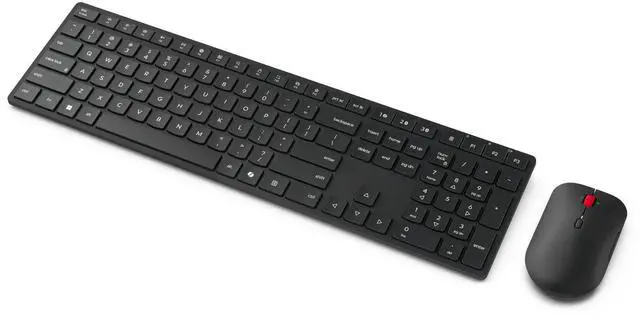
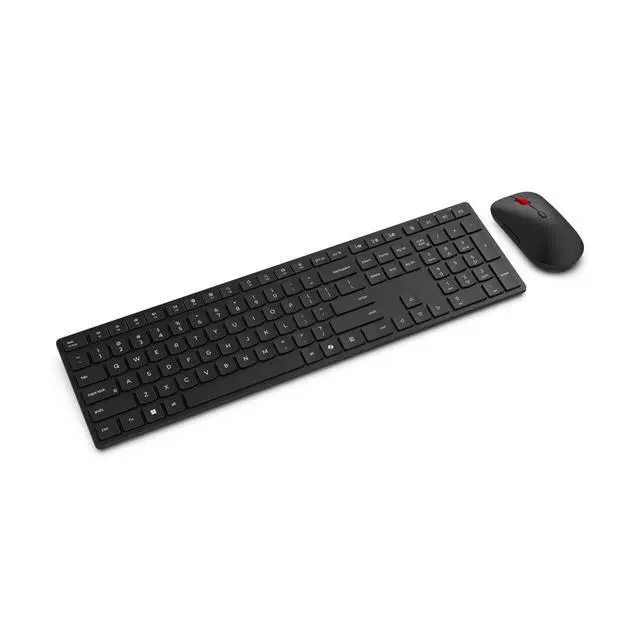
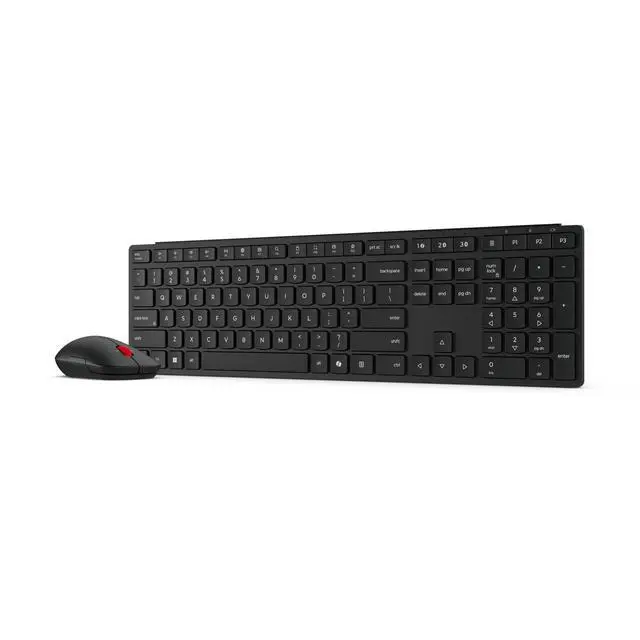
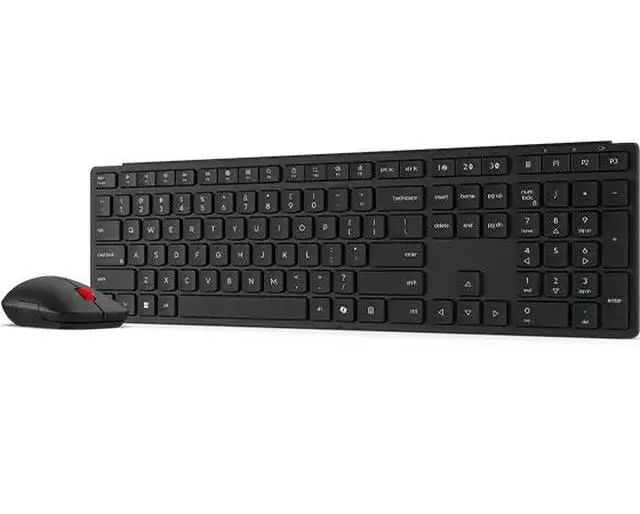
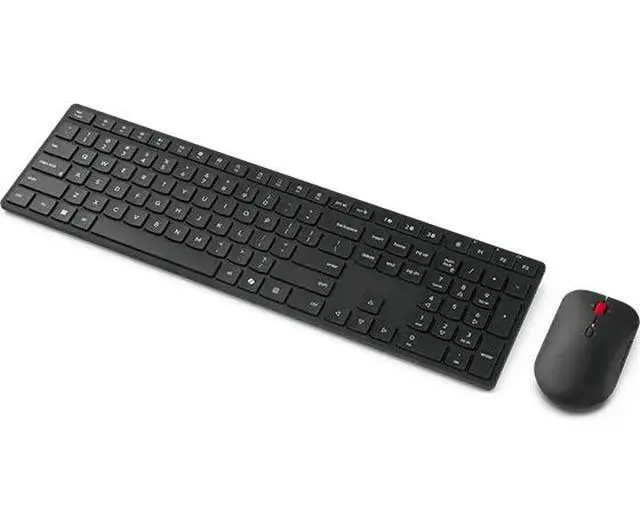
The Lenovo Wireless Multi-Mode Pro Combo 6000 is a US English wireless keyboard and mouse set that connects to up to three devices using Bluetooth 5.3 or 2.4GHz wireless. It suits professionals who switch between devices and want a quiet setup for everyday productivity.
Recommended For
- Office workers who switch among up to three computers or devices and want to use one keyboard-and-mouse set across them.
- People working in shared or quiet spaces who prefer low-profile silent keys and quiet mouse buttons.
- Desktop users handling spreadsheets or other productivity work who can use the full-size keyboard, media controls, and mouse’s four-way scrolling.
- Workplace users who want wireless connectivity options, including a USB-A receiver and Bluetooth, with AES-128 encryption listed by Lenovo.
Real-World Use Scenarios
- For a desk setup shared between a work laptop and another computer, pair the combo with up to three devices and switch connections as needed; note that the keyboard and mouse may need to be switched separately.
- In a shared office or home workspace, use the keyboard and mouse for routine typing and navigation; Lenovo describes both as quiet, which may help keep typing and clicking less distracting nearby.
- For everyday desk work such as writing documents, browsing, and managing email, use the full-size keyboard and ambidextrous mouse as a matched wireless set; dedicated media controls also make common playback adjustments accessible from the keyboard.
- When setting up a work desk without relying on Bluetooth, connect through the included USB-A receiver; the combo also supports Bluetooth for compatible devices, giving users a choice of connection method.




 here!