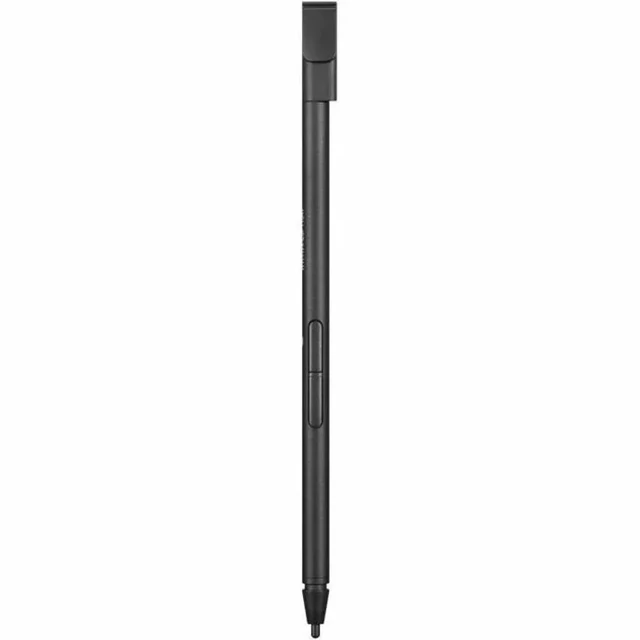
The Lenovo Integrated Pen (4X81L12874) is a black stylus for Lenovo L13 Yoga Gen 3, Gen 4, and Gen 5 users who want to take notes or sketch directly on their compatible laptop.
Recommended For
- ThinkPad L13 Yoga Gen 3, 4, or 5 owners replacing a missing or damaged pen and wanting one that fits and charges in the laptop’s pen slot.
- Students and meeting-heavy workers who use an L13 Yoga in tablet mode to handwrite notes, annotate documents, or make quick on-screen selections.
- Mobile L13 Yoga users who want a stylus that stays with the laptop, rather than carrying a separate pen and charger.
- L13 Yoga users who want to sign forms or do light sketching and handwriting, with pressure-sensitive input and shortcut buttons.
Real-World Use Scenarios
- In a lecture or meeting, use the pen to jot handwritten notes on the touchscreen; the L13 Yoga’s convertible design lets you write directly on the screen rather than type every point.
- When studying or reviewing a document, write notes and mark important passages directly on the screen instead of switching between the document and a separate notebook.
- To explain an idea in class or a work discussion, sketch a quick diagram or write equations on screen; the pressure-sensitive pen supports handwritten input and sketching.
- For a quick visual idea or rough sketch, draw on the L13 Yoga’s touchscreen without setting up a separate graphics tablet; this use is suited to casual sketching rather than a dedicated art workstation.
- When moving between classes or meetings, return the pen to the laptop’s built-in slot so it is stored and charged with the device, ready for the next note-taking session.




 here!

 Top Rated