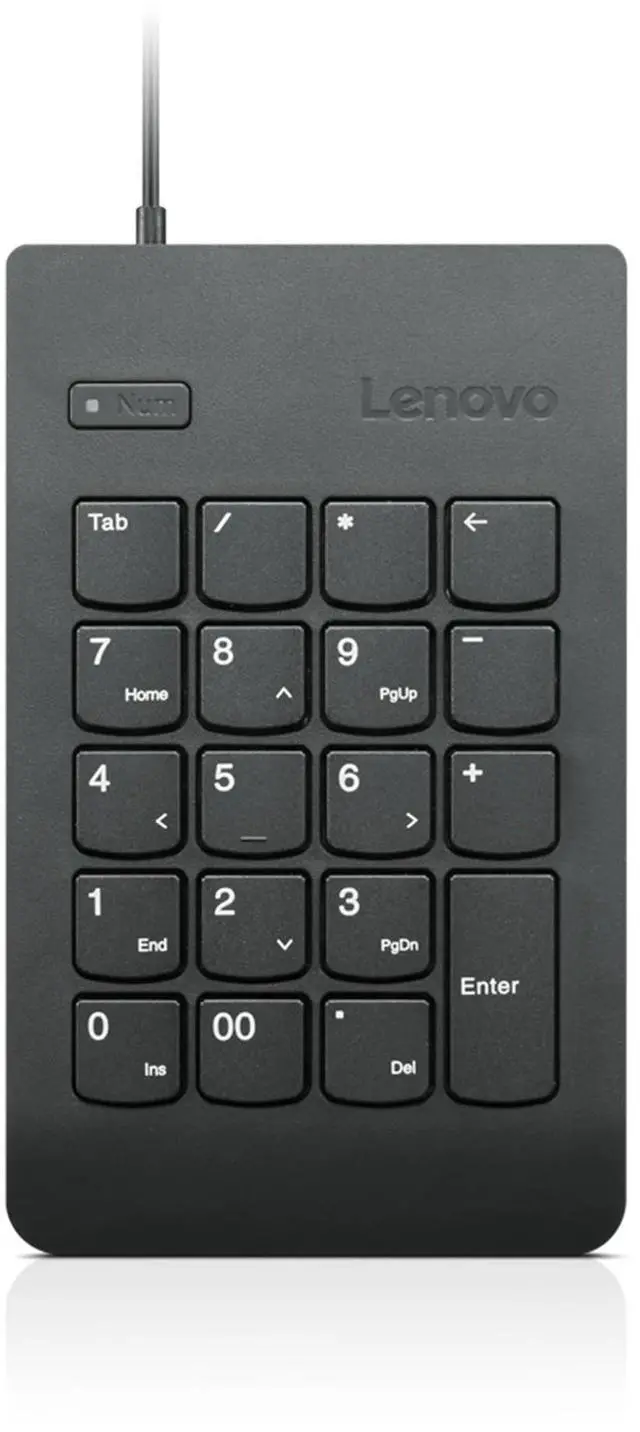
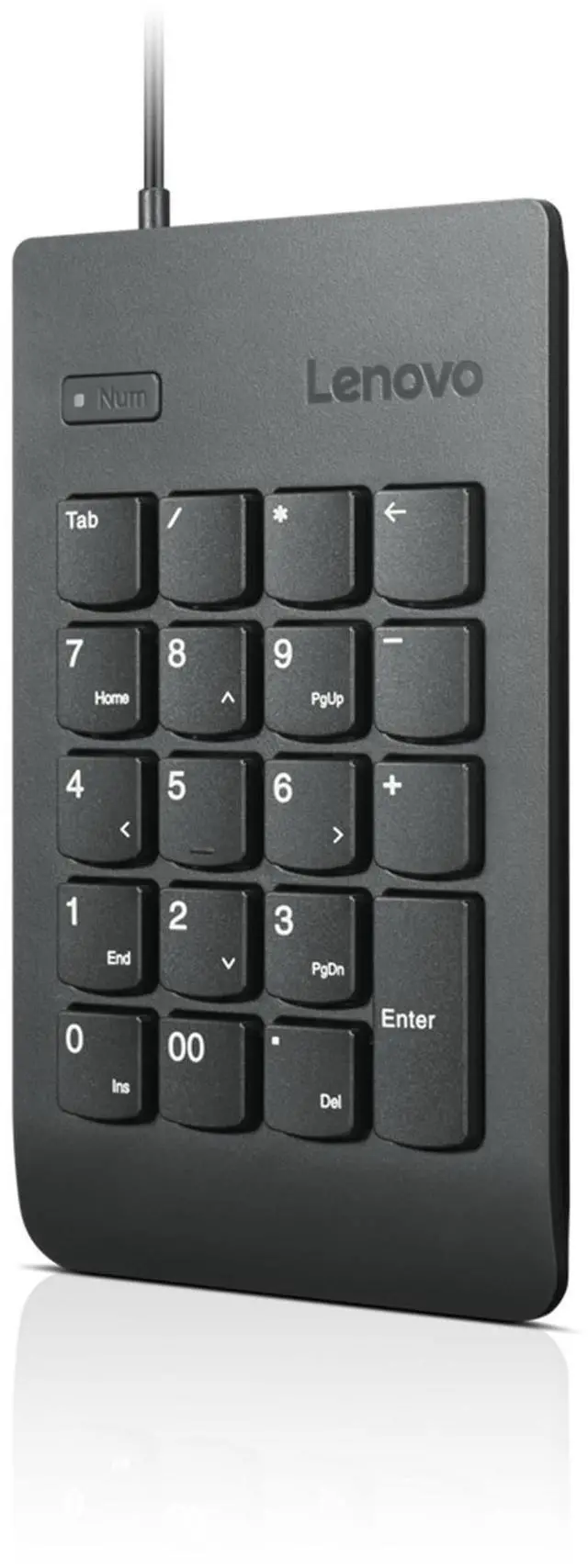
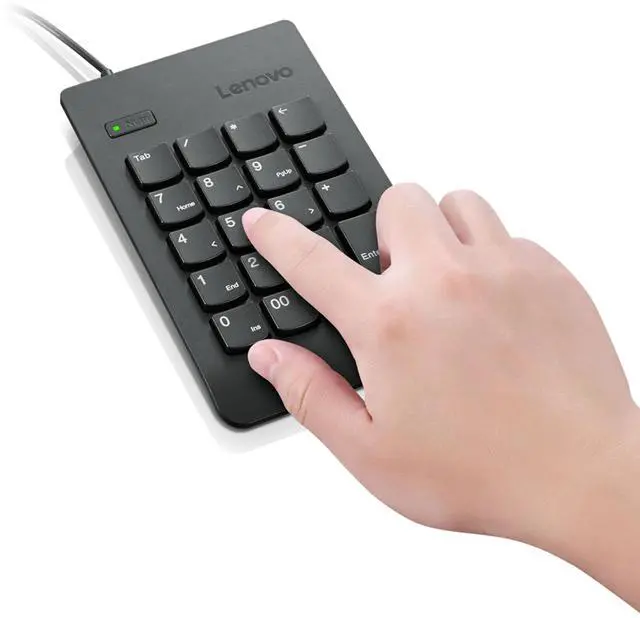
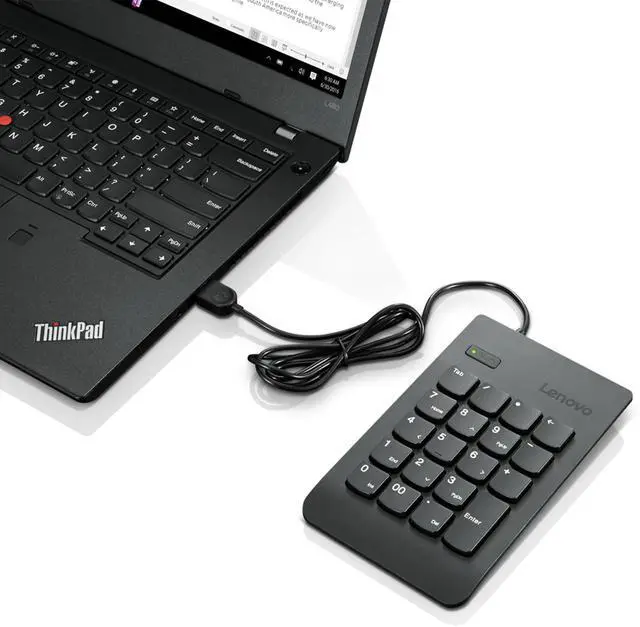
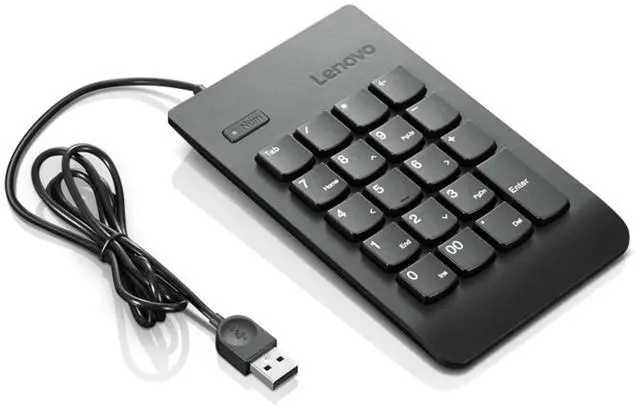
The Lenovo USB Numeric Keypad Gen II (4Y40R38905) is a wired USB number pad for people who regularly enter figures on a computer, such as spreadsheet users and data-entry workers. Its 19-key layout includes dedicated Tab, Backspace, and 00/IN keys.
Recommended For
- Laptop users who regularly enter figures in spreadsheets or forms and want a separate numeric keypad without replacing their compact keyboard.
- People using a tenkeyless or other compact keyboard who want to add a number pad only when a particular app or task needs it.
- Office and home-office users who frequently enter numbers and prefer dedicated Tab, Backspace, and double-zero keys for data-entry workflows.
- People who want a lightweight keypad they can pack with a laptop for occasional numeric entry at different work locations, and are comfortable with a wired USB connection.
Real-World Use Scenarios
- When working on a laptop without a built-in number pad, enter figures in spreadsheets or accounting software on a separate keypad; this provides a dedicated numeric layout without replacing the laptop keyboard.
- For repetitive bookkeeping tasks such as entering invoice amounts or financial figures, use the keypad’s number layout to enter values; its dedicated 00 key can reduce keystrokes when amounts contain two trailing zeros.
- When filling out repeated number fields in a spreadsheet or form, use Tab to move to the next field and Backspace to correct an entry; these dedicated keys can keep common actions within reach of the keypad.
- At a home or office desk, connect the keypad when a work session involves frequent numeric entry, then disconnect it when it is not needed; Lenovo describes the model as plug-and-play and portable.
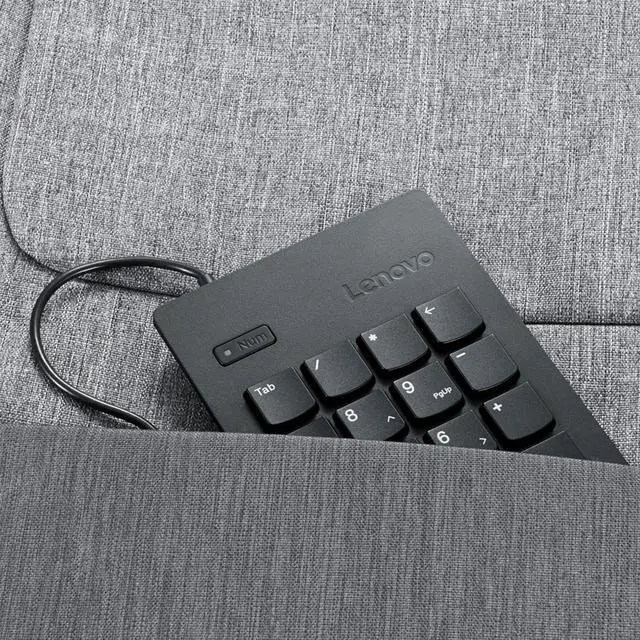
- For accounting coursework or mobile work, carry the keypad with a laptop that lacks a number pad; it adds a dedicated numeric input option without requiring a larger laptop with an integrated keypad.




 here!