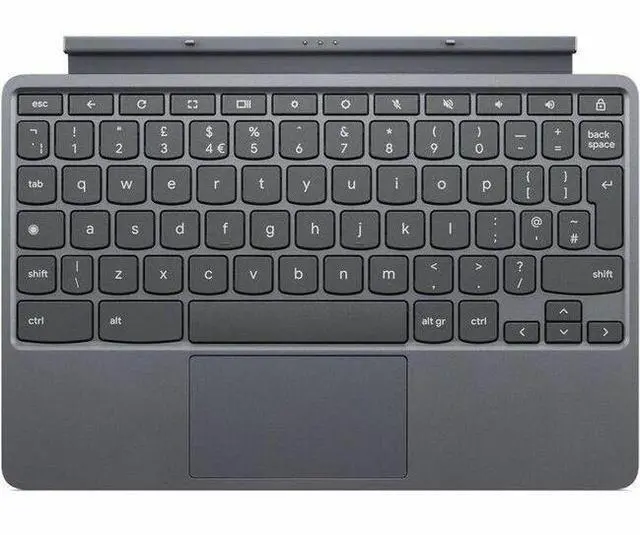
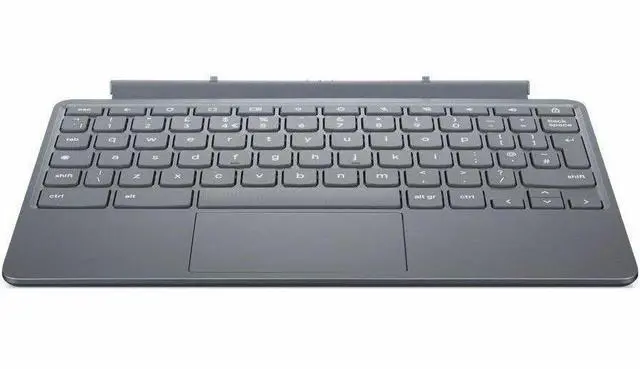
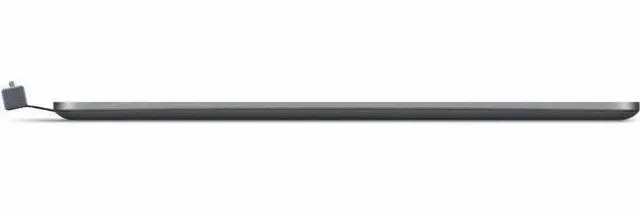
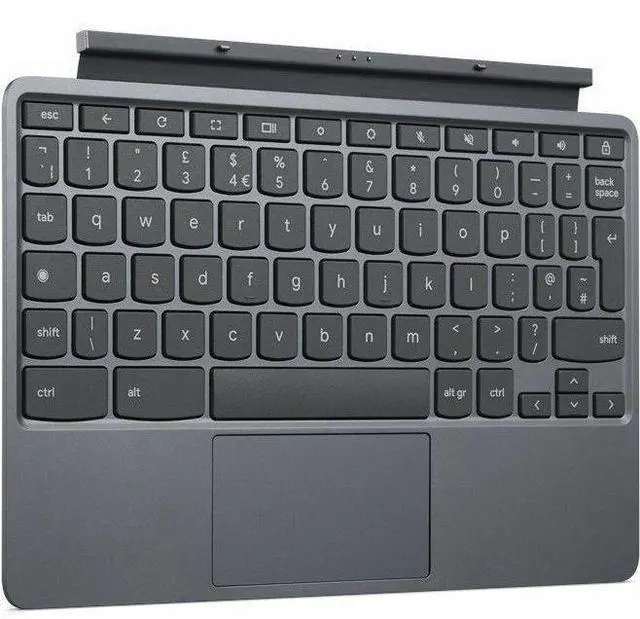
The Lenovo Chrome Duet EDU G2 Folio Keyboard is a US English keyboard with a touchpad for compatible Chrome Duet EDU G2 devices, suited to students and other tablet users who want a more laptop-like setup for typing and navigation.
Recommended For
- Students and educators who own a Lenovo Chromebook Duet EDU G2 and want its detachable keyboard and touchpad for classwork, notes, forms, or web-based assignments.
- Duet EDU G2 owners who move between tablet and typing tasks and want a keyboard folio that attaches to the Chromebook rather than carrying a separate keyboard.
- People replacing a missing or damaged keyboard for the Lenovo Chromebook Duet EDU G2 who need the matching US English accessory.
- Mobile users who mainly type short assignments, emails, or web forms on their Duet EDU G2 and value a compact folio setup over a full-size keyboard.
Real-World Use Scenarios
- In class, a student attaches the folio keyboard to a compatible Chromebook Duet EDU G2 to type assignments or notes; the keyboard and touchpad make text entry and cursor control available without relying on the touchscreen.
- For field or onsite work, a staff member uses the attached keyboard to enter notes or update web-based records, then detaches it when touch-first tablet use is more convenient.
- At a desk or table, a user attaches the keyboard to write emails, fill out forms, or work in browser-based documents; the folio setup adds physical keys and a touchpad to the tablet.
- During a class or work meeting, a user can type notes with the keyboard attached, then detach it to use the Chromebook as a tablet for reading or viewing shared material.
- In a school or organization that issues managed Chromebooks, users can use the attached keyboard for everyday typing while IT manages the compatible EDU G2 devices through ChromeOS management tools.




 here!

 Top Rated