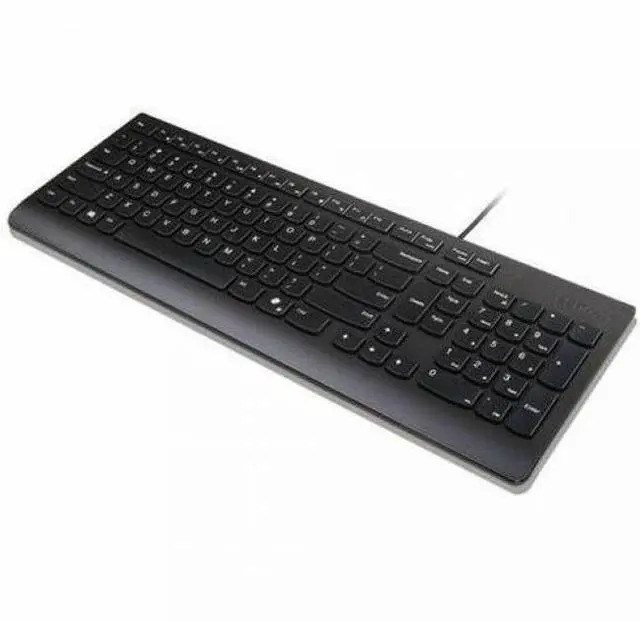
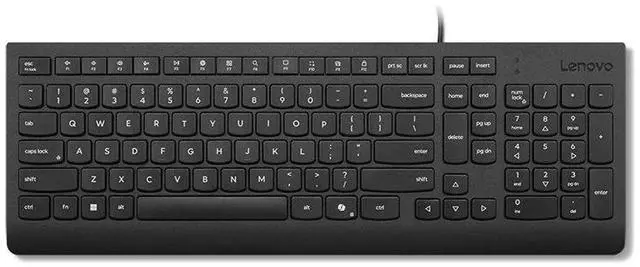
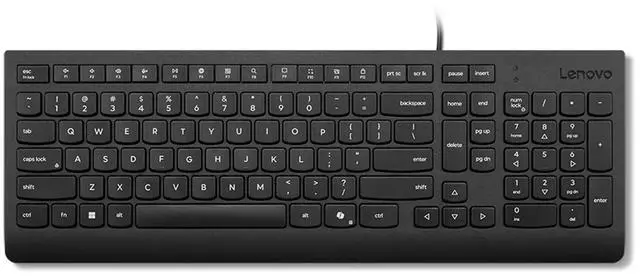
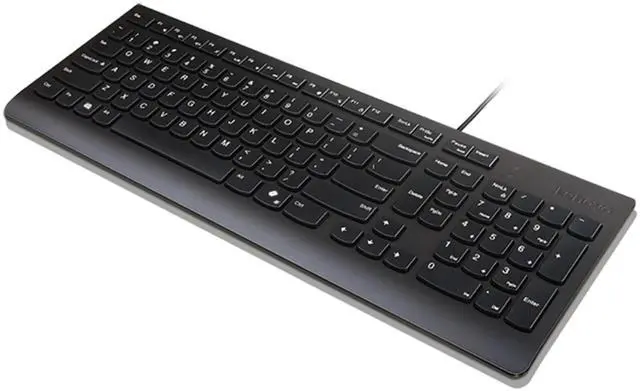
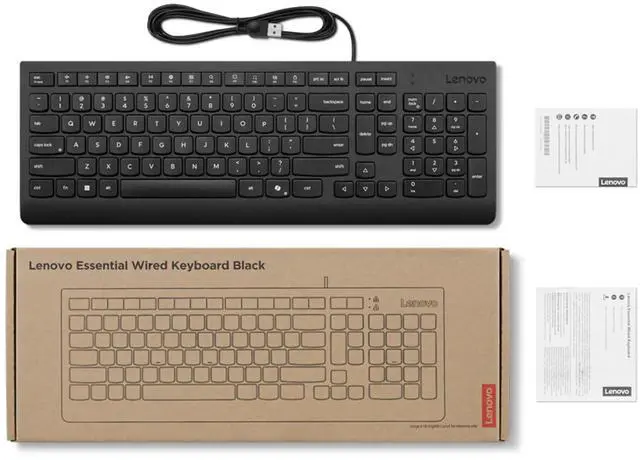
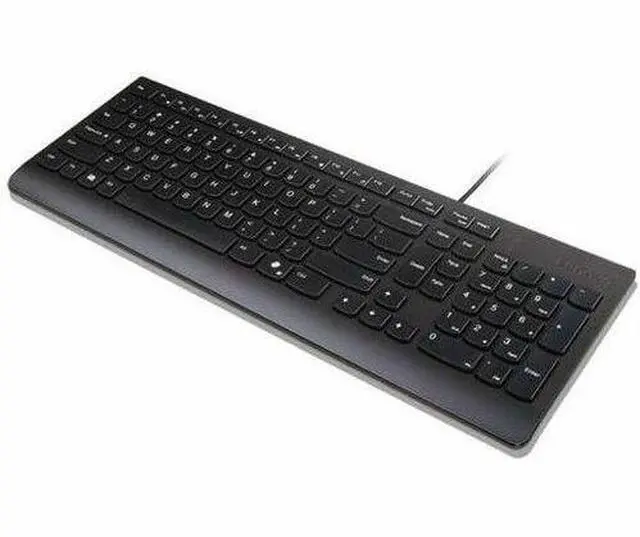
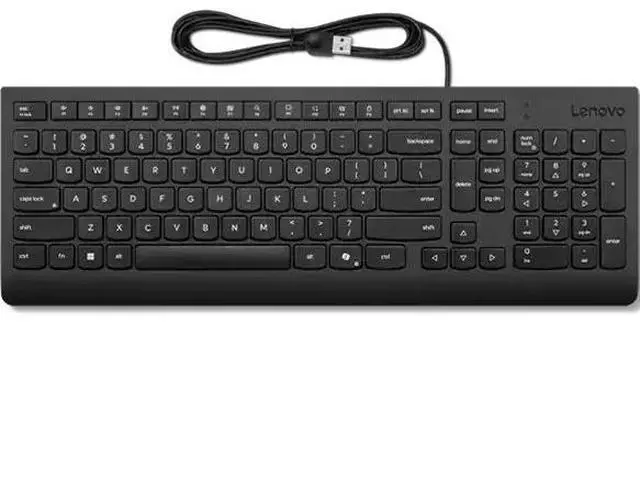
The Lenovo Essential Wired Keyboard AI is a black, US-English PC keyboard with a USB Type-A connection and Copilot hot key, suited to Windows 10 or 11 users who want quick access to Copilot from a wired keyboard.
Recommended For
- Office and administrative workers who enter figures regularly and want a full-size layout with a dedicated numeric keypad.
- People working at a fixed Windows PC who prefer a straightforward USB-A connection over managing a wireless keyboard’s batteries or pairing.
- Shared-office or home-office users who want low-profile island-style keys that Lenovo describes as quiet for routine typing.
- Windows 10 or 11 users who want a dedicated Copilot key, which opens Copilot when available or Windows Search otherwise.
- Workstations where minor spills are a concern and a spill-resistant keyboard is preferable.
Real-World Use Scenarios
- For everyday office work such as email, documents, and web forms, connect it to a Windows PC and type on its quiet, low-profile keys; the wired connection keeps it ready without charging or pairing.
- When entering figures in spreadsheets, invoices, or forms, use the dedicated numeric keypad to enter numbers without relying on the keyboard’s top row.
- At a shared or home-office desk, use the keyboard for routine typing where quieter keycaps are preferable; its wired USB connection also avoids wireless pairing and battery management.
- On a Windows 10 or Windows 11 PC, press the Copilot key to open Copilot when it is available; otherwise, Lenovo says the key opens Windows Search.
- For a desk where small splashes are a concern, its spill-resistant design offers some protection during everyday use, but it should not be treated as waterproof or submerged.




 here!

 Hot Seller