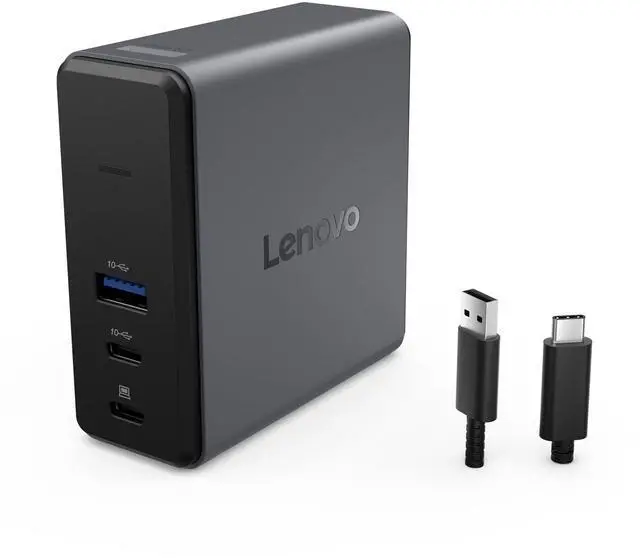
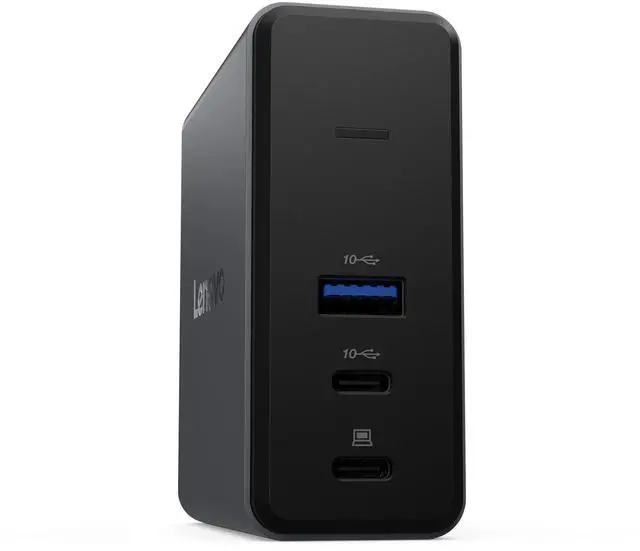
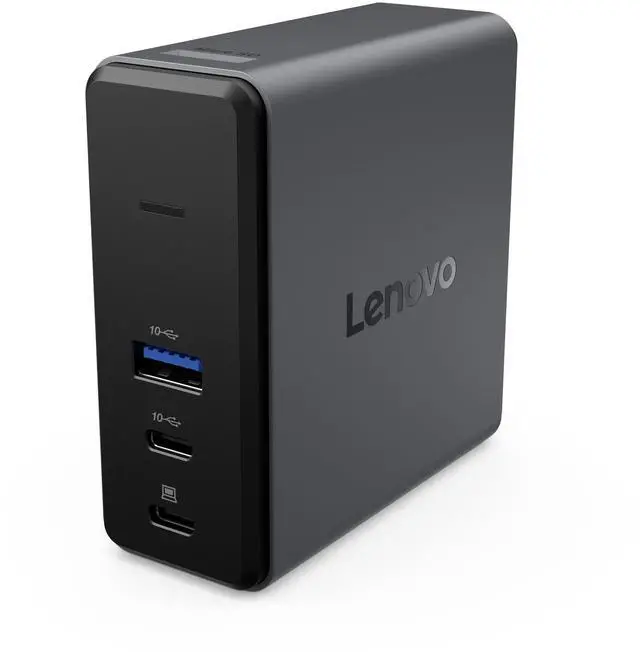
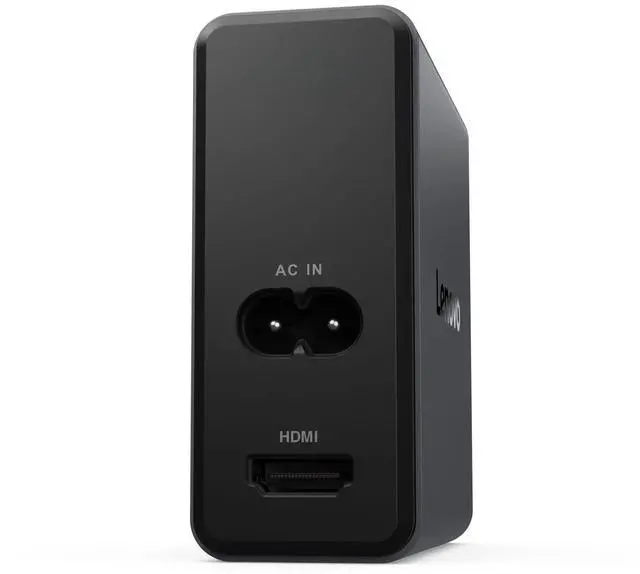
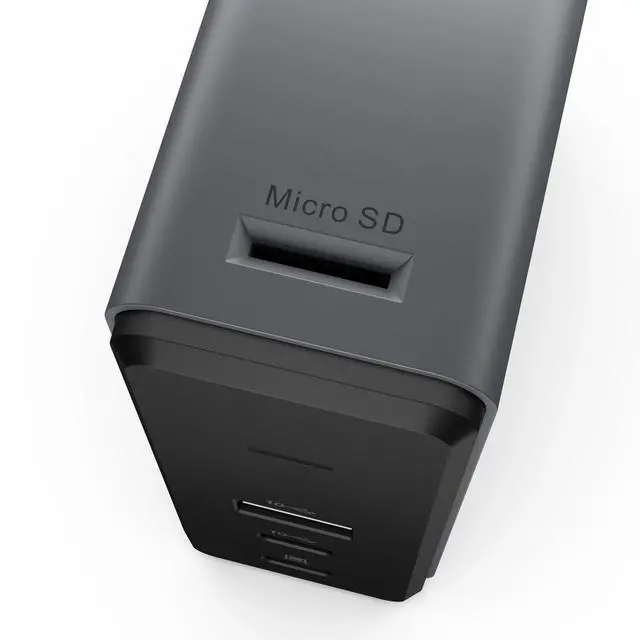
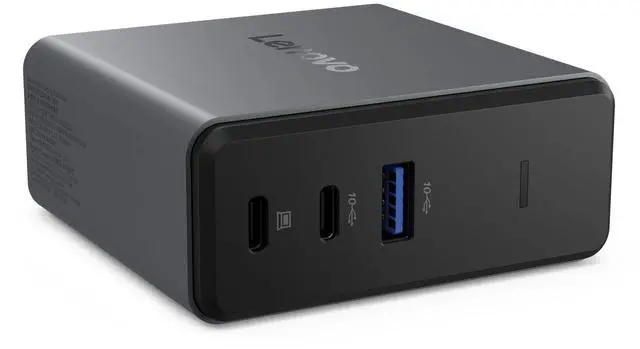
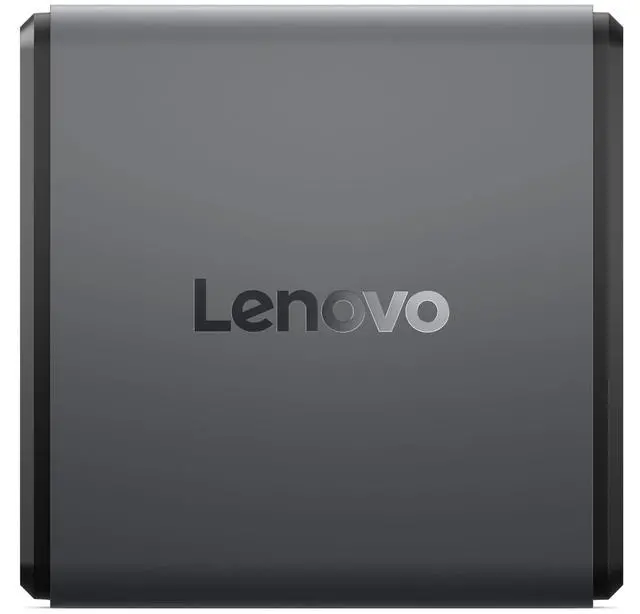
The Lenovo Charging GaN Dock (G0AE0065US) is a compact docking station with an integrated 65W GaN power module, HDMI 2.1 output for 4K at 60Hz, a TF card reader, and USB-A and USB-C ports; it suits laptop or tablet users seeking charging and everyday connectivity in one travel-friendly dock.
Recommended For
- Laptop users who travel between workspaces and want one compact accessory for charging, a single external display, and a few basic peripherals.
- Presenters and hot-desk workers who connect a compatible laptop to one HDMI display and prefer to carry the charging module with the dock.
- Photographers or other mobile creators who regularly transfer files from a TF card and need a USB-C laptop connection plus one external display.
- Owners of a compatible USB-C laptop that can use up to the dock’s 65W integrated power module and only need a small number of connected USB accessories.
Real-World Use Scenarios
- For a work trip, pack the dock instead of a separate laptop charger and hub; at a hotel or shared workspace, connect a compatible USB-C laptop, power, and a monitor or USB accessory from one compact setup.
- At a home or office desk, connect a compatible laptop to one external monitor over HDMI while charging; the dock supports one display, up to 4K at 60 Hz.
- When returning to a desk, connect a USB mouse, keyboard, or other wired accessory alongside the laptop’s power and display; the dock adds USB-A and USB-C ports, though it is not a high-port-count desktop dock.
- After taking photos on a camera that uses a TF card, insert the card into the dock to access files on the connected laptop without carrying a separate card reader.
- For a light laptop setup at home or on the go, use the dock to charge a compatible USB-C laptop while connecting a display and basic accessories; laptop power delivery is up to 60 W, so check that this meets the computer’s charging needs.




 here!