• $34.99
  • $54.99
  • Save: $20.00 (36%)
  • Free 30-day Returns
  • Sold by Direct from manufacturerLenovo
    Top Rated
    4.5 (1,125 seller ratings)

    Shipped by Direct from manufacturerLenovo

    Price alert

    Best Sellers

    Hot Seller
    4.1 (2,369 total ratings)
    • $48.59
    • + FREE SHIPPING
    Hot Seller
    4 (3,725 total ratings)
    • $52.73
    Top Rated
    4.5 (17,994 total ratings)
    • $57.52
    • + FREE SHIPPING
    Shop it at NeweggBusiness.

    Meet Your Seller

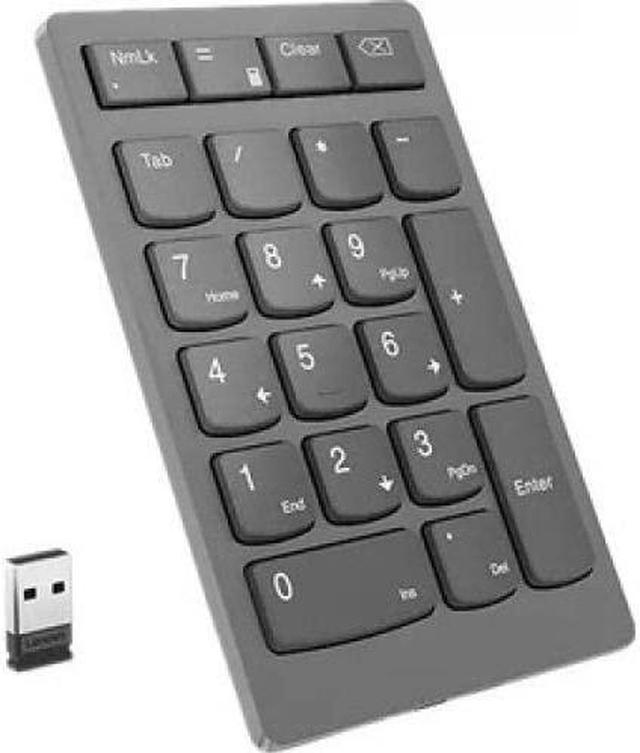
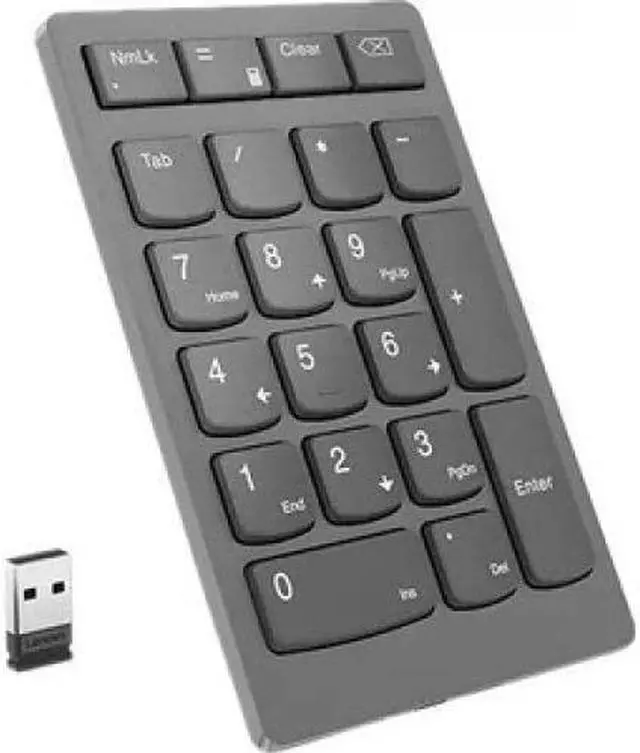
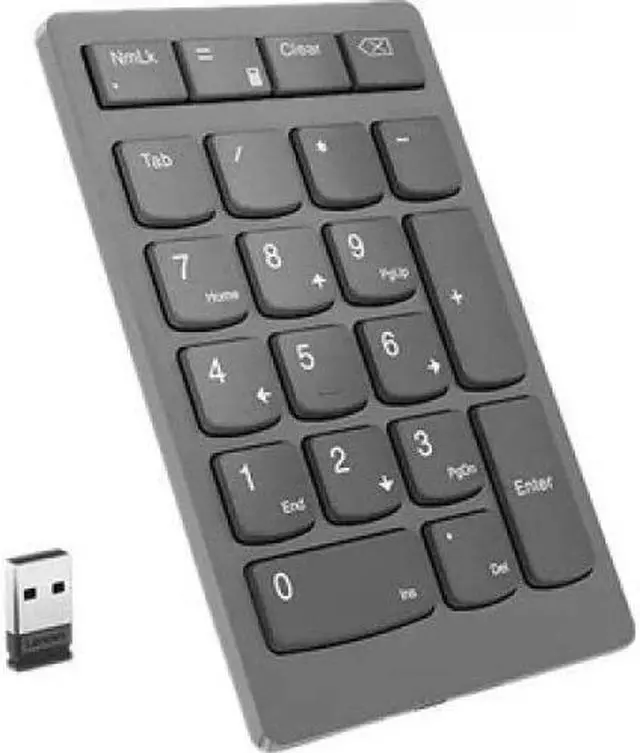
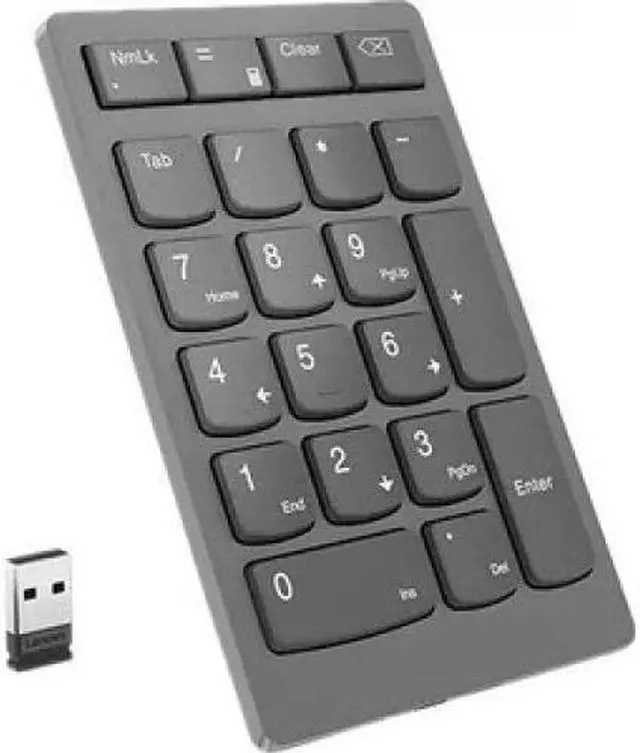
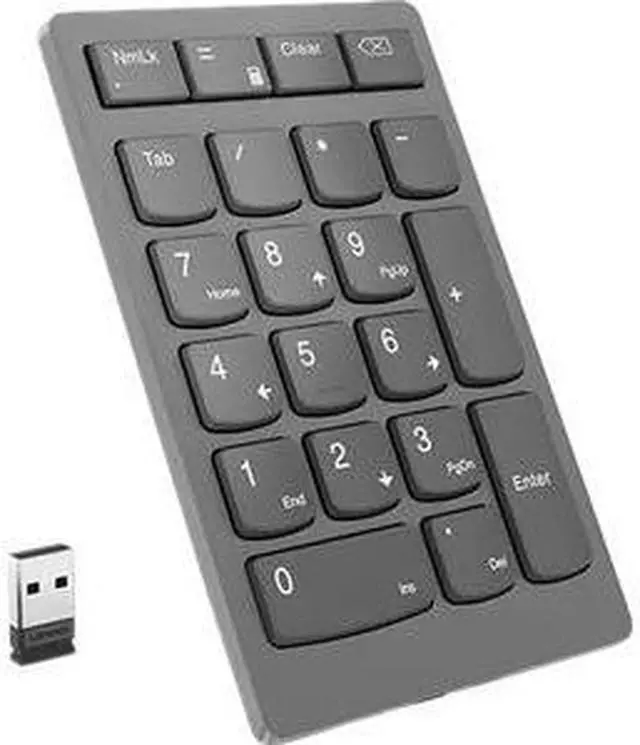
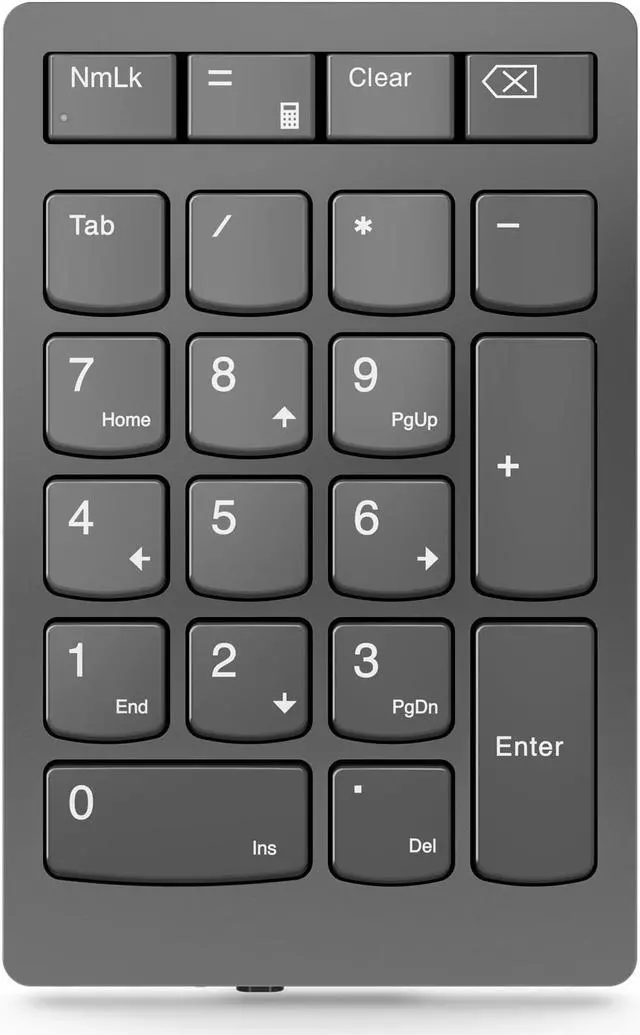
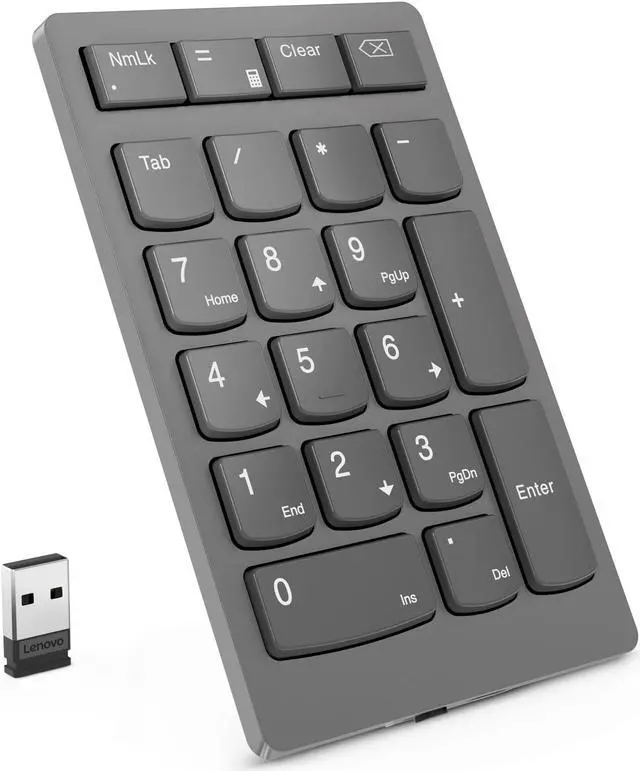
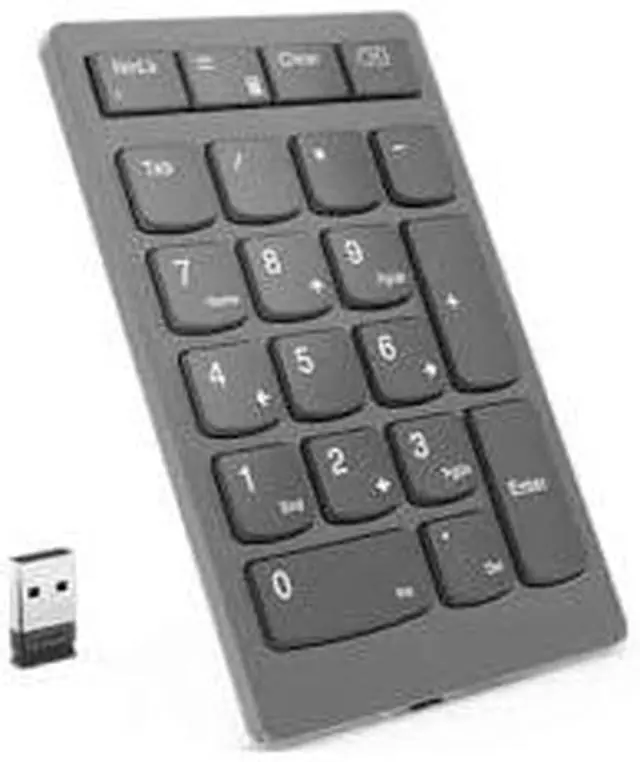
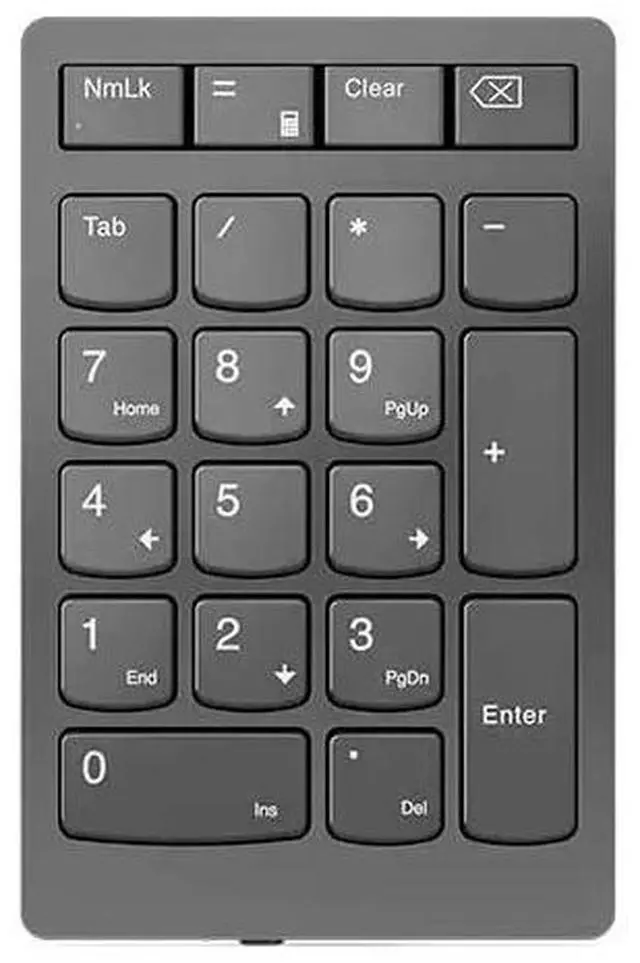
    Lenovo Go Wireless Numeric Keypad 4Y41C33791 Storm grey 21 Normal Keys RF Wireless Keypad

    • 21 Normal Keys
    • RF Wireless
    • Lenovo
    • Storm grey
    +
    +
    Overview
    Specs
    Reviews

    Any questions? Ask CelesteSM will help you find out quickly.

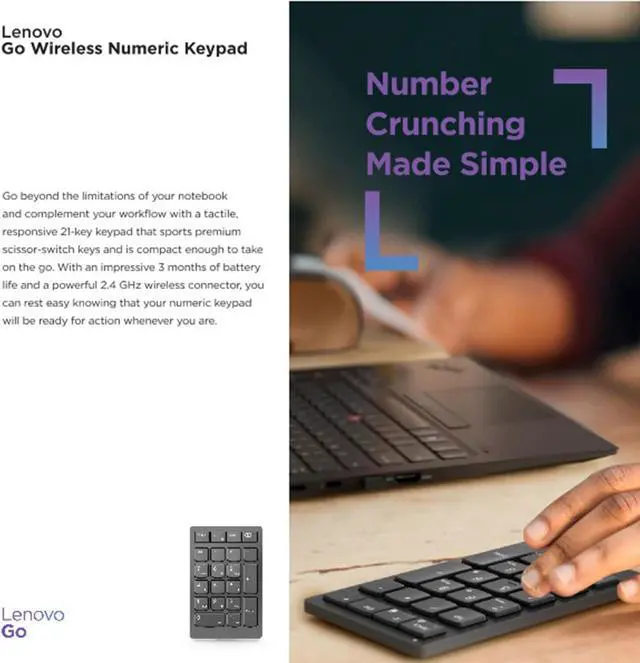
    Go beyond the limitations of your notebook and complement your workflow with a tactile, responsive 21-key keypad that sports premium scissor-switch keys and is compact enough to take on the go. With an impressive up to 3 months of battery life and a powerful 2.4 GHz wireless connector, you can rest easy knowing that your numeric keypad will be ready for action whenever you are.

    Designed to help your workflow

    |

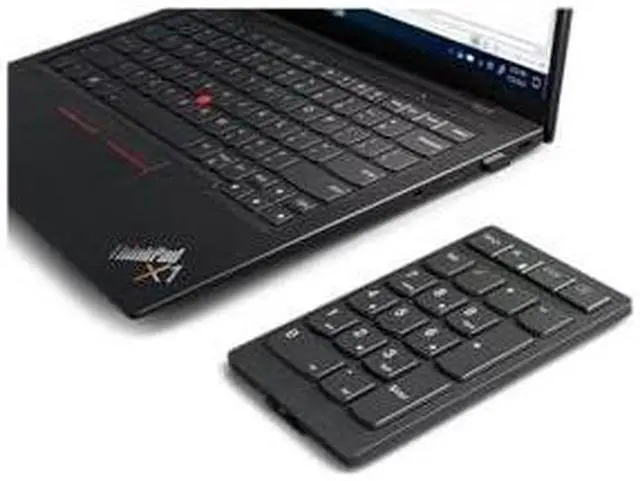
    When you need to crunch some serious numbers, sometimes a regular notebook keyboard just wont do. Thats when the Lenovo Go Wireless Numeric Keypad comes into a world of its own. This tactile, responsive 21-key keypad boasts premium scissor-switch keys, a long-lasting rechargeable battery, and powerful 2.4GHz wireless connectivity. Its also very compact so you can take it anywhere.

    |

    Makes light work of heavy-duty typing

    |

    Theres a reason why our scissor-switch keys are so popular. They are quieter than most keyboards and the 21 keys, which have ergonomically dished tops, have a shorter distance to travel. The result? A more satisfying all-around typing experience as the keys require less force to press, enabling you to be more accurate and comfortable for longer.

    |

    Charges rapidly, lasts for months

    |

    You can fully charge your Lenovo Go Wireless Numeric Keypad in two hours and then tap away on it for the next three months*. And when it does run low on juice, you can rapidly recharge it with any other USB-C cable or adapter (not just the one that your keypad conveniently came with).

    |

    Pocket-friendly in more ways than one

    |

    Weighing just 109g and only 14mm thin, your Lenovo Go Wireless Numeric Keypad is designed to be totally portable. It also supports Lenovo USB-A Unified Pairing Receiver, enabling you to pair up to eight compatible devices, such as keyboards and mice, without the need for extra USB receivers. Whats more, its reasonably priced, so wont burn a whole in your pocket either.

    |

    Warranty & Returns

    Warranty, Returns, And Additional Information

    Warranty

    • Please contact the Seller directly for warranty information. Warranty information may also be found on the Manufacturer's website.
    • CONTACT

    Return Policies

    • Return for refund within: 30 days
    • Return for replacement within: 30 days
    • This item is covered by Lenovo Return Policy

    Manufacturer Contact Info

    LOADING...
    LOADING...

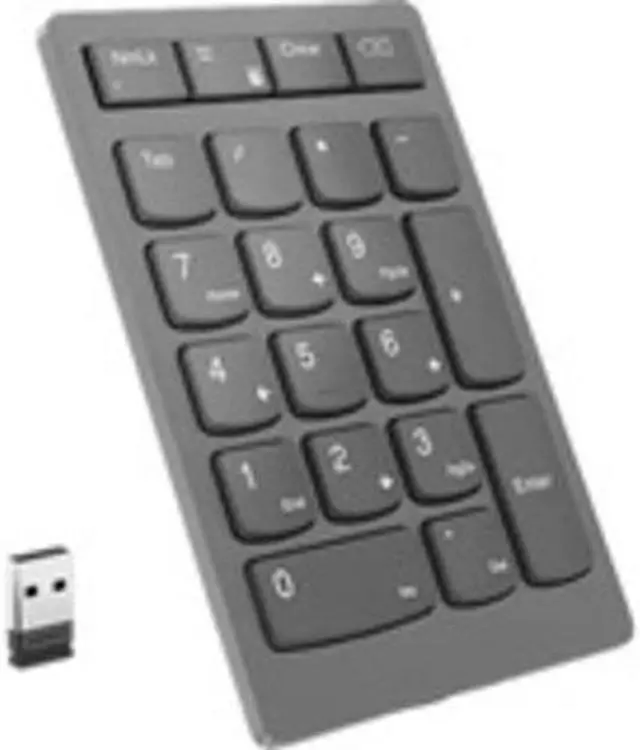
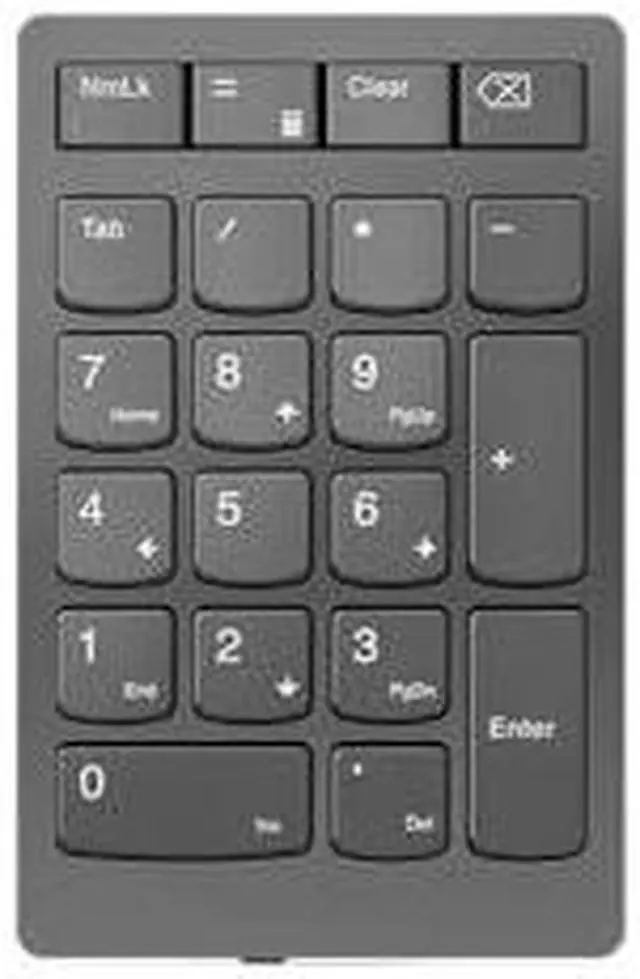
    The Lenovo Go Wireless Numeric Keypad (4Y41C33791) is a rechargeable, 21-key RF wireless keypad with scissor-switch keys and dedicated Calculator, Tab, Equal, and Esc keys, suited to laptop users who regularly enter numbers and want a separate keypad.

    Recommended For

    • Laptop users who regularly enter figures in spreadsheets, forms, or bookkeeping apps and want a separate number pad without switching to a full-size keyboard.
    • People who move between workspaces or travel with a laptop and want a compact, rechargeable keypad for occasional number entry.
    • Users who prefer low-profile scissor-switch keys and want calculator, Tab, Equal, and Esc keys readily available during desk work.
    • Lenovo Unified Pairing Receiver users who want to connect this keypad alongside other compatible Lenovo devices through one receiver.

    Real-World Use Scenarios

    • Entering figures into spreadsheets on a laptop without a built-in number pad: the separate keypad provides a dedicated numeric layout for routine Excel and other data-entry work.
    • Working with budgets, invoices, or other number-heavy records: the keypad lets users enter numeric data without relying on the laptop’s top-row number keys.
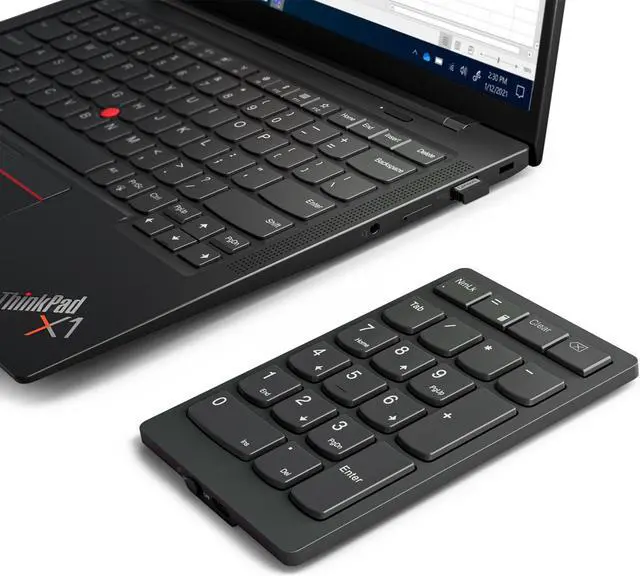
    • Adding number entry to a compact or travel laptop setup: the slim, wireless keypad can be carried alongside the laptop and brought out when numeric input is needed.
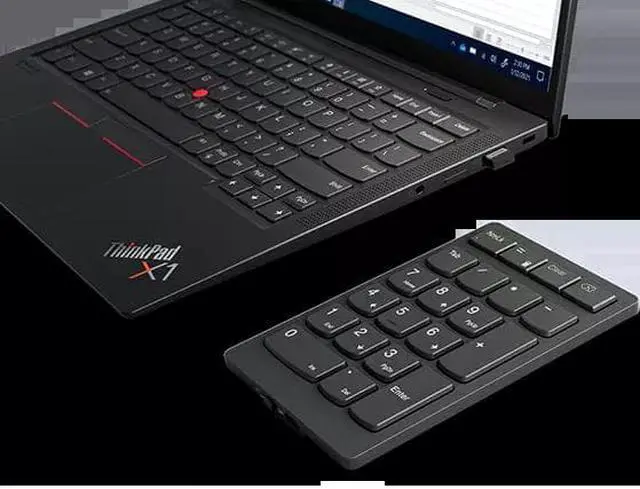
    • Using a compact keyboard that lacks a number pad: place the keypad beside it for occasional or frequent number entry, then move it aside when it is not needed.
    • Doing quick calculations while working: the dedicated Calculator key can open the computer’s calculator, while the numeric keys support entering figures.