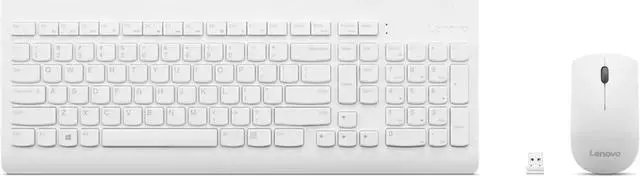
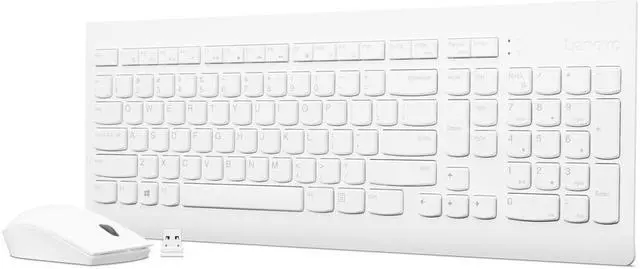
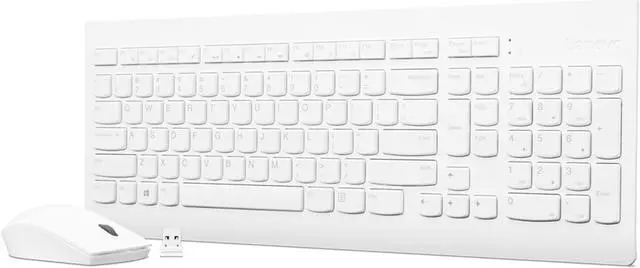
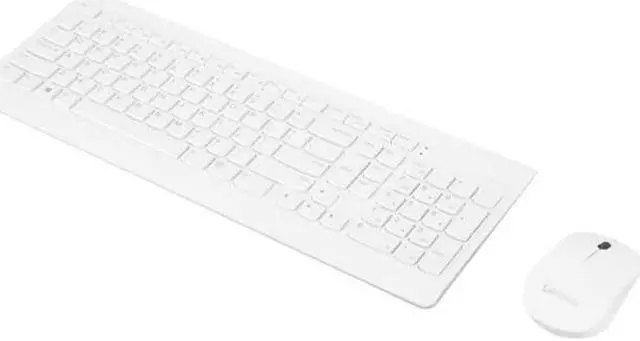
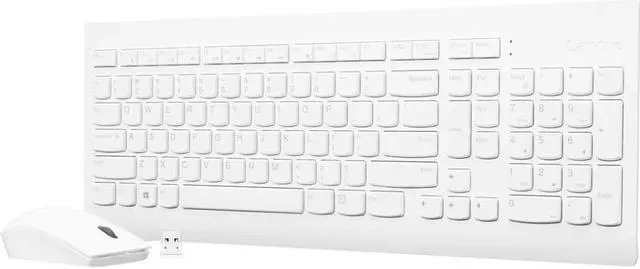
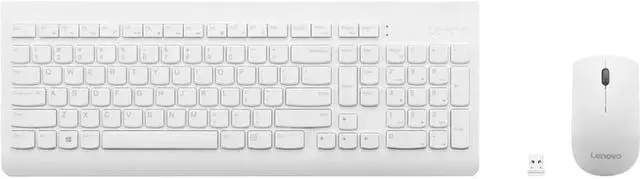
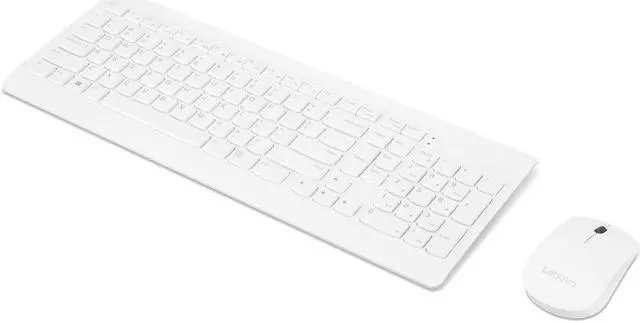
The Lenovo 510 Wireless Combo is a white US-English keyboard and mouse set for everyday home or office desktop use, with one nano USB receiver connecting both devices.
Recommended For
- People setting up a Windows desktop or home-office workstation who want a keyboard and mouse that share one USB receiver instead of using separate wireless dongles.
- Office or study users who prefer a slim, compact-form-factor keyboard with island-style keys for everyday typing and a numeric keypad.
- Shared-workspace users who want a mouse that can be used with either hand and a keyboard casing designed to resist occasional spills.
- People who want a wireless keyboard-and-mouse set for a mostly stationary desk and are comfortable using replaceable AA batteries.
Real-World Use Scenarios
- For everyday desk work such as email, documents, and web browsing, connect the keyboard and mouse to a Windows PC with the included nano USB receiver; both peripherals work wirelessly from one receiver.
- When setting up a home or office workstation, use the keyboard and mouse together to avoid separate cables across the desk; the setup requires a compatible PC USB port for the receiver.
- For a shared family or general-purpose PC, the ambidextrous mouse can be used by left- or right-handed users, while the keyboard provides a familiar setup for routine typing and navigation.
- In a workspace where an occasional small spill is possible, the keyboard’s spill-resistant design is intended to handle minor accidents; it should not be treated as waterproof.
- For routine use without frequent battery changes, the combo is designed for extended battery life, though actual time between replacements varies with usage.




 here!