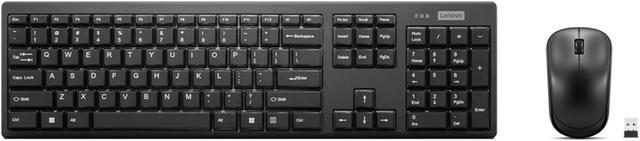
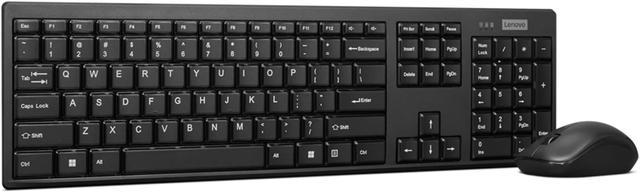
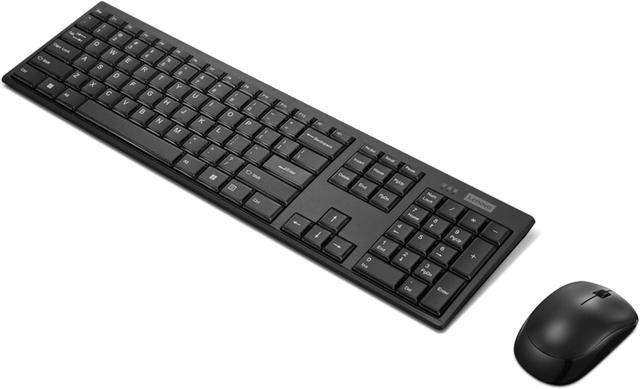
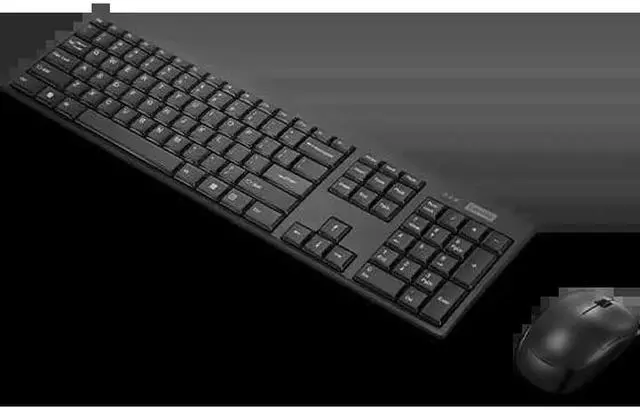
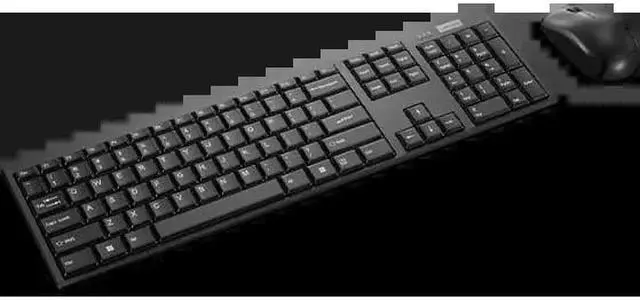
The Lenovo 100 USB-A Wireless Combo is a US English keyboard and mouse set for people who want wireless input peripherals for an OS-independent setup.
Recommended For
- Desk-based office or home-office users who want a straightforward wireless keyboard-and-mouse set for documents, email, browsing, and other everyday computer tasks.
- People setting up a spare or shared workstation who value simple setup and one USB receiver for both input devices rather than separate wireless connections.
- Users who prefer a slim, island-key keyboard and quiet-feeling typing for routine work in a home or office setting.
- Workspaces where minor spills are a concern and a spill-resistant keyboard with a drain hole is useful; this is not a substitute for keeping liquids away from the keyboard.
Real-World Use Scenarios
- For everyday home or office tasks such as writing documents, answering email, and browsing, the keyboard and mouse provide a straightforward wireless set for typing and pointer control.
- When setting up a desktop with limited USB-A ports, one nano receiver connects both the keyboard and mouse, leaving other ports available for other devices.
- At a desk where cable clutter is unwelcome, the wireless keyboard and mouse let users arrange their input devices without running separate cables across the workspace; the computer needs an available USB-A port for the receiver.
- For routine cursor work such as selecting files, scrolling pages, and navigating menus, the included compact mouse offers basic pointer control; it is positioned as a general-use mouse rather than a specialized gaming device.
- In a workspace where small liquid spills are a concern, the keyboard’s spill-resistant design and drain hole offer some protection, but they do not make it waterproof or spill-proof.




 here!

 Top Rated