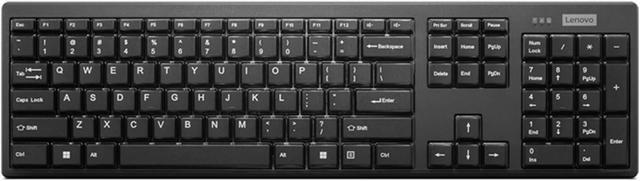
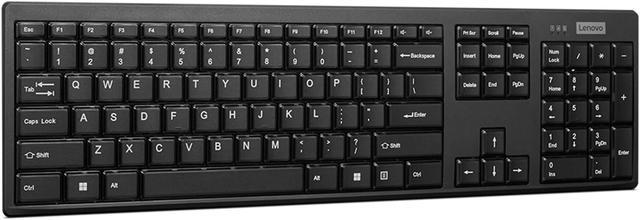
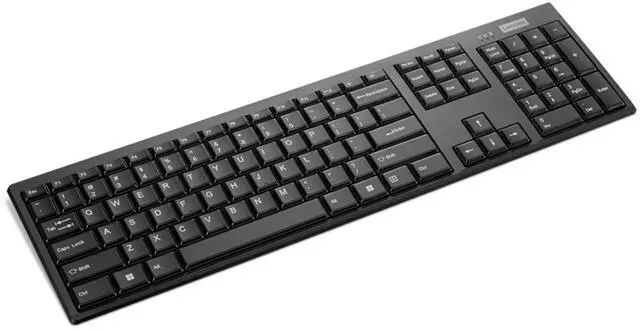
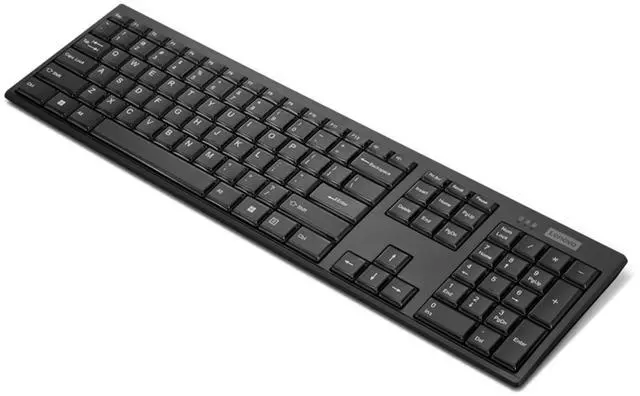
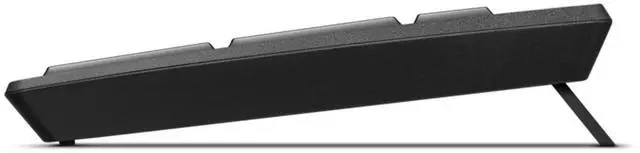
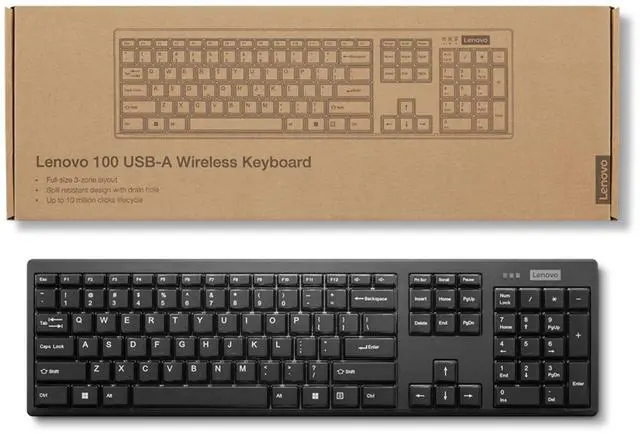
The Lenovo 100 USB-A Wireless Keyboard (GY41K81003) is an OS-independent wireless keyboard with an island-key design, suited to everyday typing on compatible setups that use USB-A.
Recommended For
- Desk-based office workers who want a full-size keyboard with a numeric-keypad layout for documents, email, and spreadsheet entry, without a keyboard cable across the desk.
- People setting up a desktop PC or docked laptop with an available USB-A port who prefer a 2.4 GHz wireless receiver connection over Bluetooth pairing.
- Home or office users who want a slim, straightforward keyboard for routine typing and value a spill-resistant design for everyday desk use.
- Users who prefer a low-maintenance battery setup for a stationary keyboard; Lenovo lists one AAA battery and up to 12 months of battery life, depending on use.
Real-World Use Scenarios
- At a home-office desk, use it for email, documents, and everyday browsing; its full-size layout gives you a familiar keyboard for routine computer work.
- When a laptop is used at a desk, connect the keyboard’s USB receiver to an available USB-A port and type from the keyboard instead of reaching for the laptop keys.
- For spreadsheets or forms that involve frequent number entry, use its full-size 3-zone layout to work with a familiar desktop-style keyboard.
- In a shared workspace, use it to type at a compatible computer without keeping the keyboard physically tethered to the USB port; setup requires an available USB-A port for the receiver.
- At a desk where drinks are nearby, its spill-resistant design with a drain hole may help limit disruption from an accidental spill; it should not be treated as waterproof.




 here!