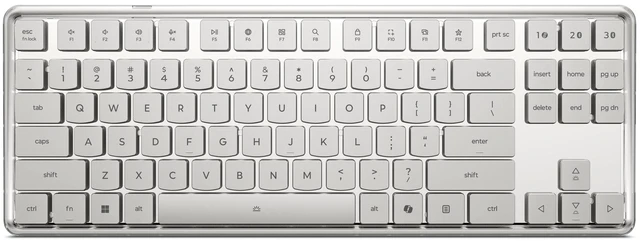
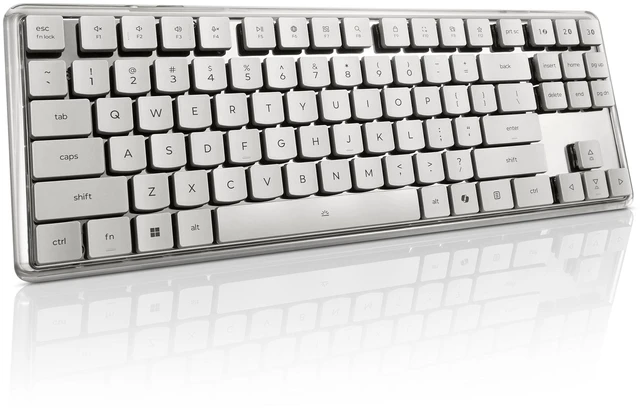
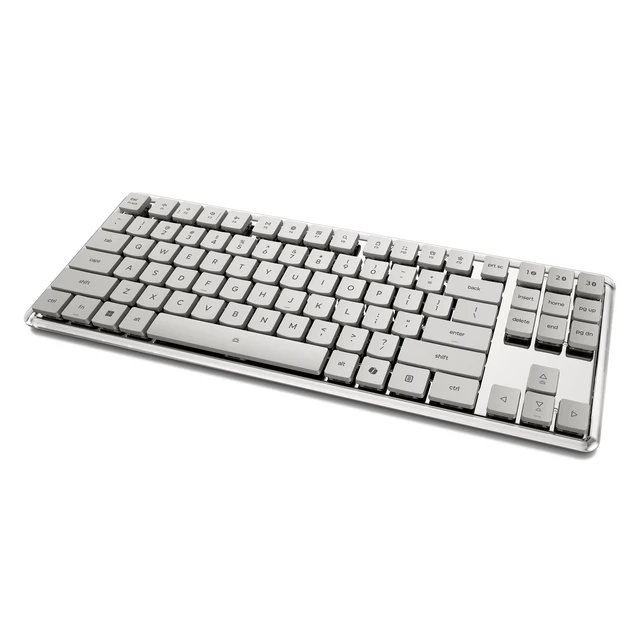
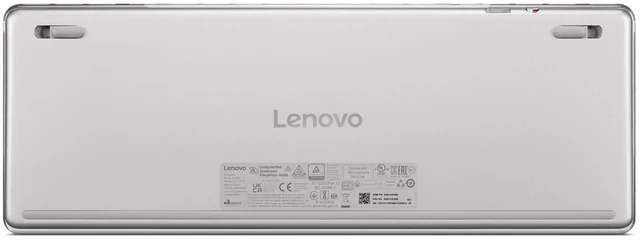
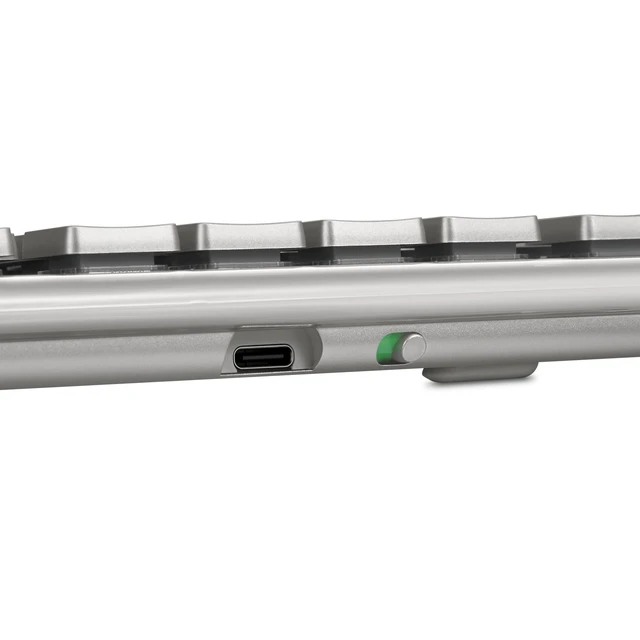
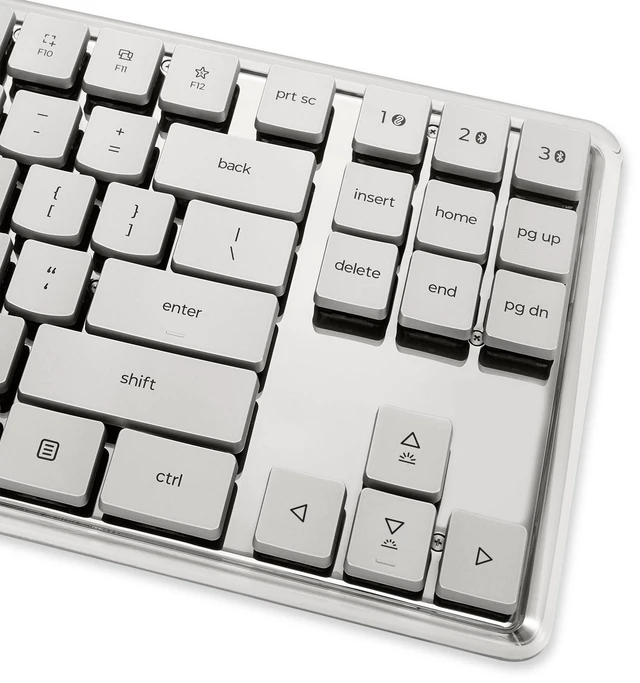
The Lenovo 900 Wireless Mechanical Keyboard is a US-English-layout keyboard with low-profile optical mechanical switches and wireless connections for up to three devices, making it suitable for people who want a mechanical typing feel and easy device switching at their desk.
Recommended For
- People who switch between a computer and other devices during the day: Lenovo positions the keyboard for cross-device use, with pairing across Bluetooth and a 2.4 GHz receiver.
- Office users and frequent typists who want mechanical switches in a low-profile keyboard for everyday work; Lenovo describes its custom switches as designed for smooth, stable typing.
- Desk-setup shoppers who want a wireless mechanical keyboard with a distinctive translucent design rather than a conventional-looking board.
Real-World Use Scenarios
- At a home-office desk, use it for email, documents, and spreadsheets; its mechanical key feel gives everyday typing a more pronounced press than a typical laptop keyboard, while wireless operation avoids a keyboard cable across the desk.
- For long writing or coding sessions, use it as a separate desktop keyboard; users who prefer mechanical keys get a consistent physical keystroke feel, though comfort and typing noise depend on individual preference and the specific switches.
- In a shared study or work area, use it for note-taking and routine computer tasks; wireless placement helps keep the immediate workspace less cluttered, while the key sound may be noticeable to people nearby.
- For casual PC gaming, use it for everyday game controls and chat; it provides a mechanical-keyboard input experience, but available evidence does not establish gaming-specific latency or competitive performance.




 here!