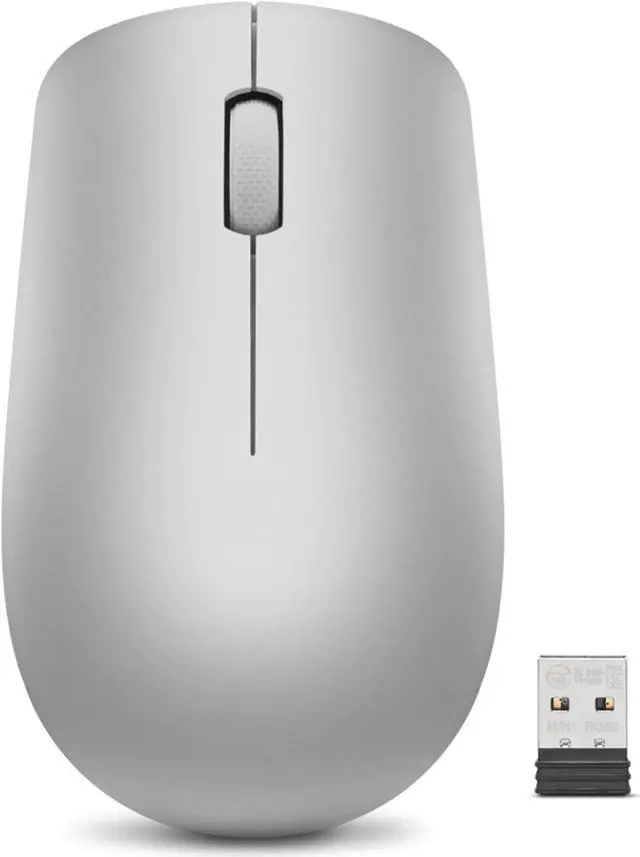
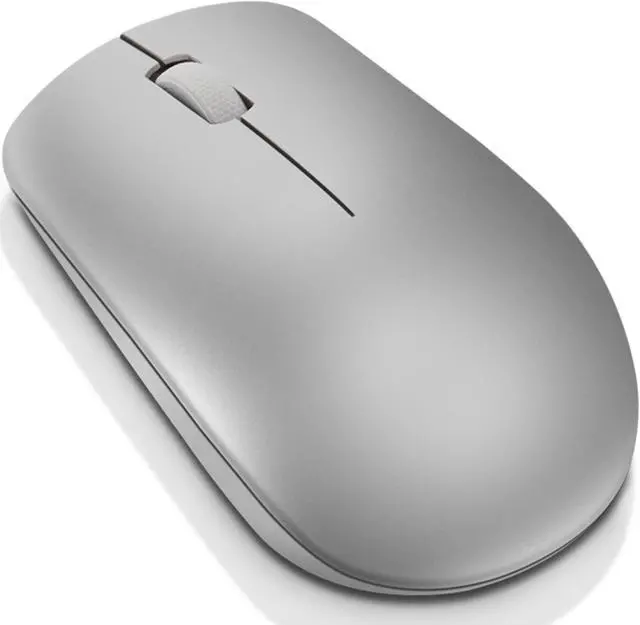
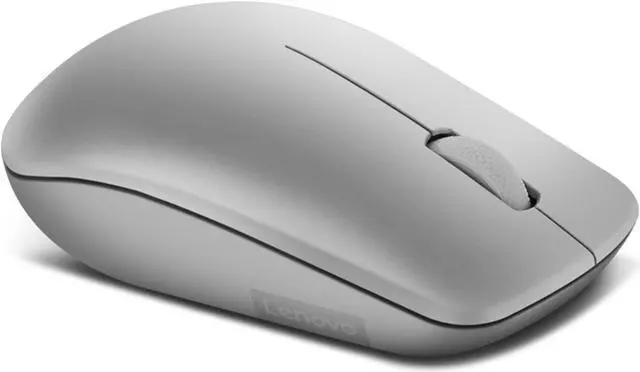
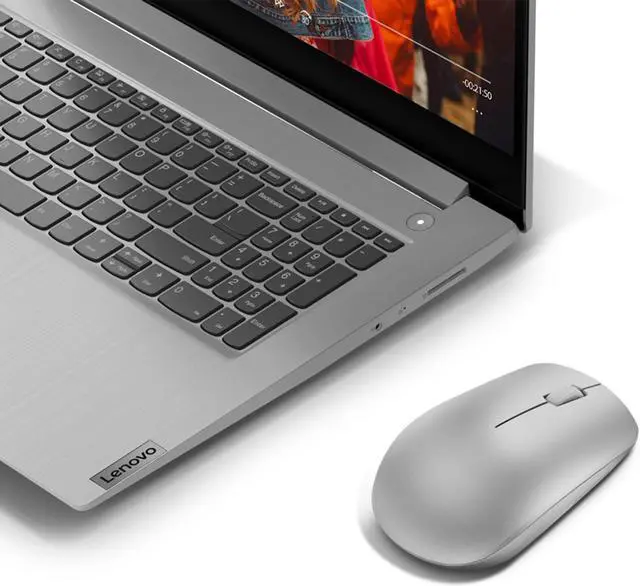
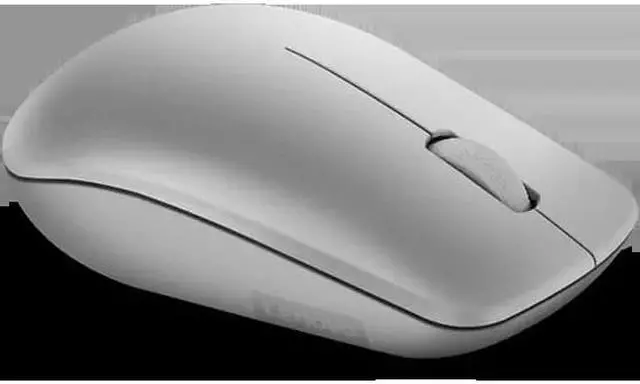
The Lenovo 530 Wireless Mouse (Platinum Grey) is a plug-and-play 2.4 GHz wireless mouse with a nano USB receiver, suited to people who want simple cordless control for everyday computer use.
Recommended For
- Laptop users who move between a desk and meetings or study spaces and want a lightweight mouse that connects through a small USB-A receiver without pairing.
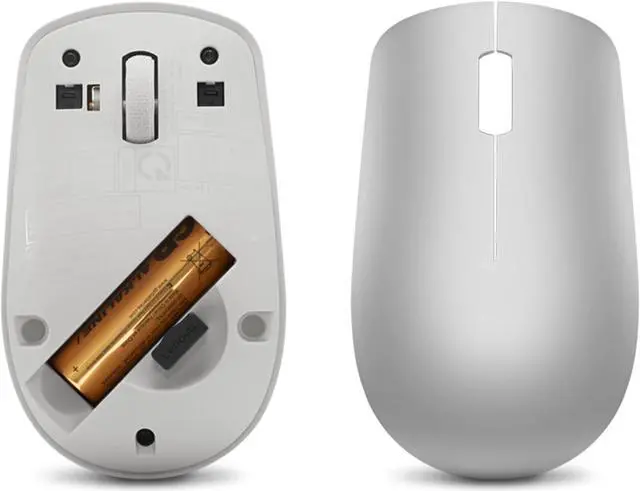
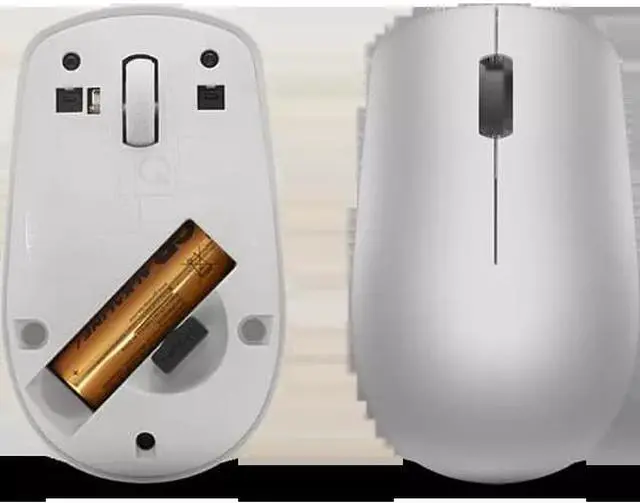
- Office and school users doing everyday navigation, documents, and browsing who want a simple three-button mouse and prefer not to recharge it frequently; Lenovo rates the AA battery for up to 12 months, depending on use.
- Left- or right-handed users who need a basic mouse for shared desks or home workstations, since Lenovo specifies an ambidextrous design.
- Chromebook users who want a straightforward wireless mouse for everyday computing and have a compatible USB port available for its receiver.
Real-World Use Scenarios
- For everyday office tasks such as browsing, email, and document work, the Lenovo 530 provides straightforward cursor control without gaming-focused features or setup.
- When replacing a laptop or Chromebook trackpad for web browsing or multitasking on a larger display, its wireless receiver-based connection offers a familiar mouse setup, provided the computer has a USB-A port.
- For commuting, classes, or moving between home and work, its lightweight design and cordless connection make it easy to pack and use with a compatible laptop.
- In a shared home or office where left- and right-handed people use the same computer, the ambidextrous shape supports either hand for routine navigation and clicking.
- For a simple desk setup without a mouse cable, the nano USB receiver provides a 2.4 GHz wireless connection; it is suited to basic pointer movement, clicking, and scrolling rather than feature-heavy workflows.
- For someone who prefers not to recharge a mouse frequently, its single AA battery and stated battery life of up to 12 months can reduce routine charging, though actual life varies with use.




 here!