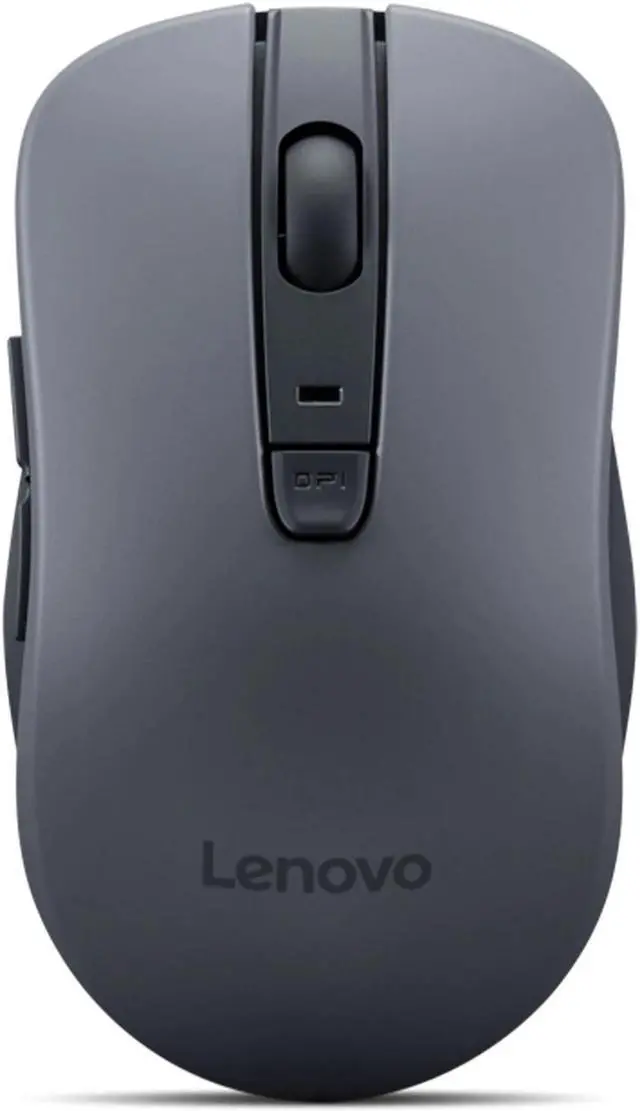
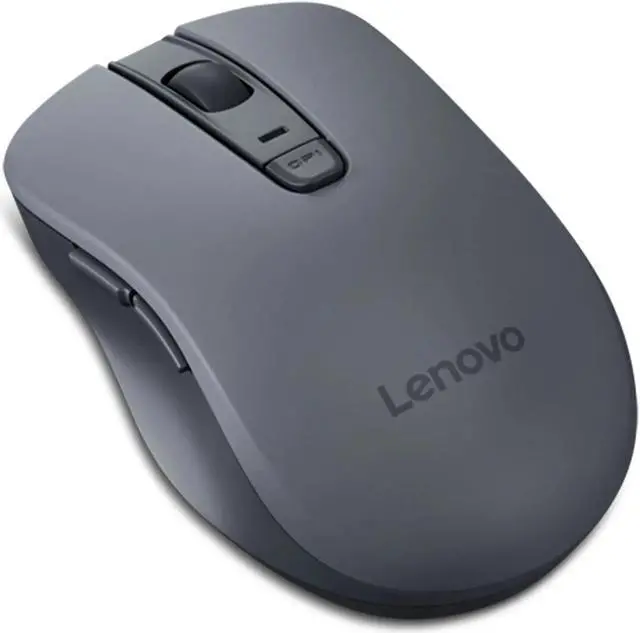
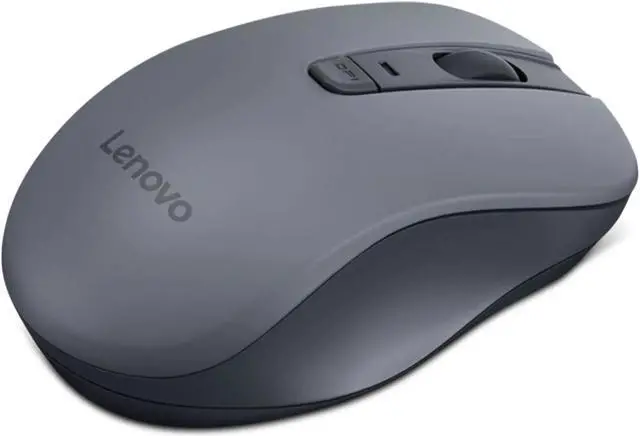
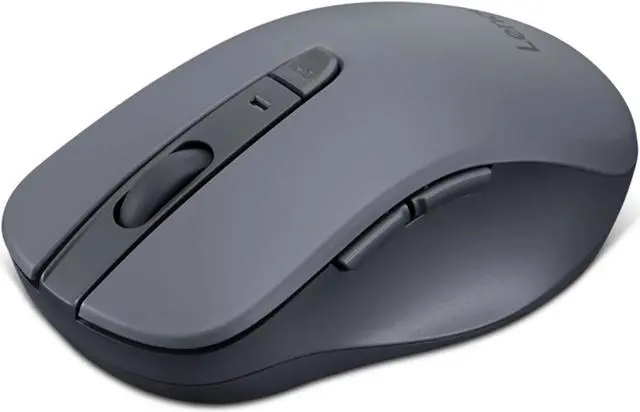
The Lenovo WL310 is a Bluetooth 5.0 silent mouse with adjustable 800, 1200, and 1600 DPI settings, suited to everyday computer users who want wireless control and flexible pointer speed.
Recommended For
- People working in shared offices, libraries, or quiet rooms who want quieter left- and right-clicks while browsing or editing documents.
- Laptop users who want a lightweight Bluetooth mouse for moving between work locations without using a USB receiver; the WL310 weighs about 67 g.
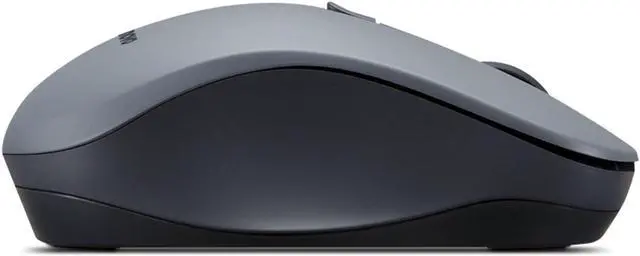
- Office and web-browsing users who want side buttons for page navigation and a few selectable pointer-speed settings for everyday tasks.
- Users who prefer a compact, contoured mouse for a laptop or small desk setup; Android Central specifically highlights the WL310’s small footprint and ergonomic shape.
Real-World Use Scenarios
- In a shared office, library, or quiet study space, someone can work through documents and web pages with quieter clicks that are less likely to disturb people nearby.
- When using a Bluetooth-equipped laptop for everyday work, browsing, or study, the mouse connects without occupying a USB port for a wireless receiver.
- While browsing or working through pages, users can use the side buttons for page navigation instead of repeatedly reaching for the keyboard or scroll wheel.
- For routine office tasks such as email, spreadsheets, and web browsing, users can switch cursor sensitivity to suit their preferred pace or the amount of screen space they need to cover.
- During a workday with frequent mouse use, the shaped thumb area is intended to make the mouse more comfortable to hold; fit and comfort will still depend on the user's hand.




 here!

 Top Rated