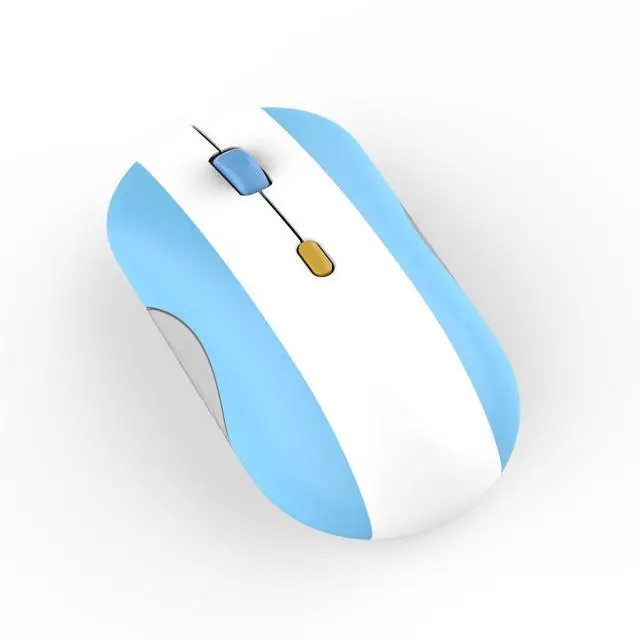
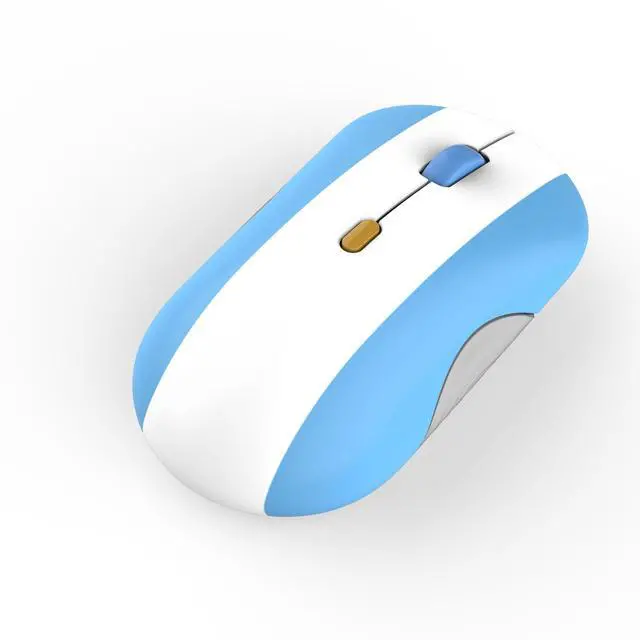
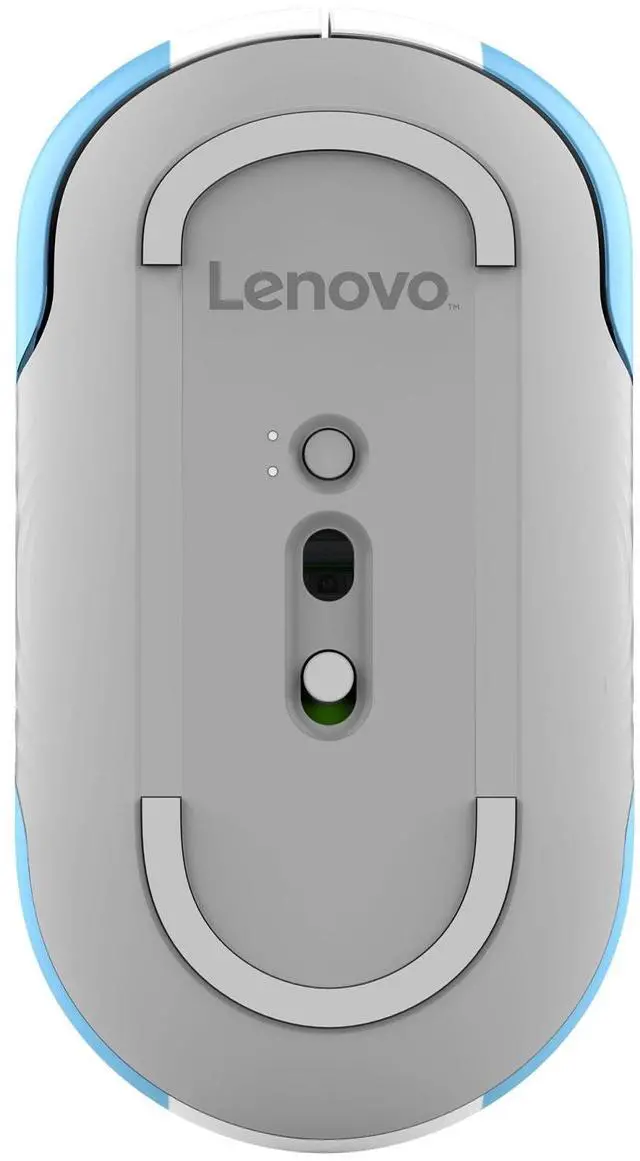
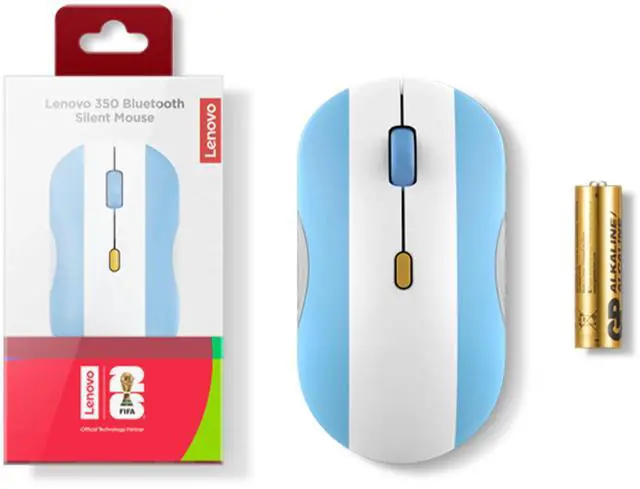
The Lenovo 350 Bluetooth Silent Mouse (Argentina) is a full-size, ambidextrous Bluetooth mouse with silent buttons, suited to everyday work or study where quieter clicking and comfortable use with either hand matter.
Recommended For
- People working or studying in quiet shared spaces who want lower-noise clicks during everyday laptop use.
- People who regularly switch between two Bluetooth devices, such as a work laptop and a personal laptop, and want to change connections without a USB receiver.
- Office and study users who want a full-size, ambidextrous mouse for browsing, documents, and other routine tasks, with three selectable DPI levels and programmable buttons.
- Argentina football supporters who want a country-themed mouse for everyday computer use.
Real-World Use Scenarios
- In a shared office, library, or quiet home workspace, use it for routine clicking and scrolling; its silent buttons help keep mouse clicks from adding as much noise nearby.
- When moving between a work computer and a personal laptop, pair the mouse with both and switch connections instead of repeatedly pairing it or moving a receiver.
- For everyday laptop work—such as editing documents, browsing, and managing email—the wireless connection keeps the desk free of a mouse cable, while the scroll wheel supports routine page navigation.
- In a household or shared workspace where left- and right-handed people use the same computer, its ambidextrous shape makes it easier to pass between users.
- For mixed tasks like selecting small on-screen items and moving across larger areas of a display, users can change the pointer speed with the three-level DPI setting.




 here!