- $34.99
- Free 30-day Returns
Meet Your Seller
Any questions? Ask CelesteSM will help you find out quickly.
Command Three Devices
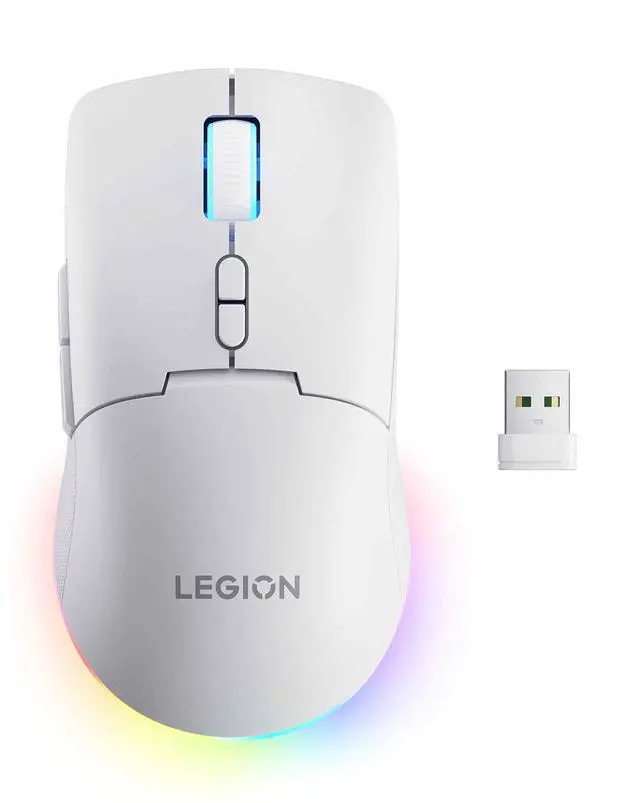
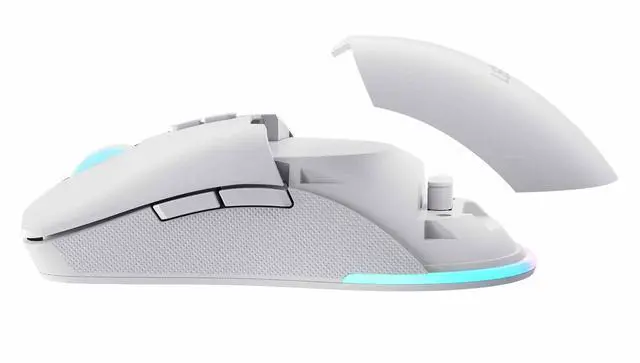
Connect up to three devices through dual Bluetooth® and a 2.4GHzwireless receiverfull control and fast device switching. USB-Cwired connection also supported always backed up.
Furious Performance
Built with a deadly-accurate 5000 DPI sensor and80 IPS tracking, this mouse reacts faster than you blink.Every move strikes with precision.
Light up Your Zone
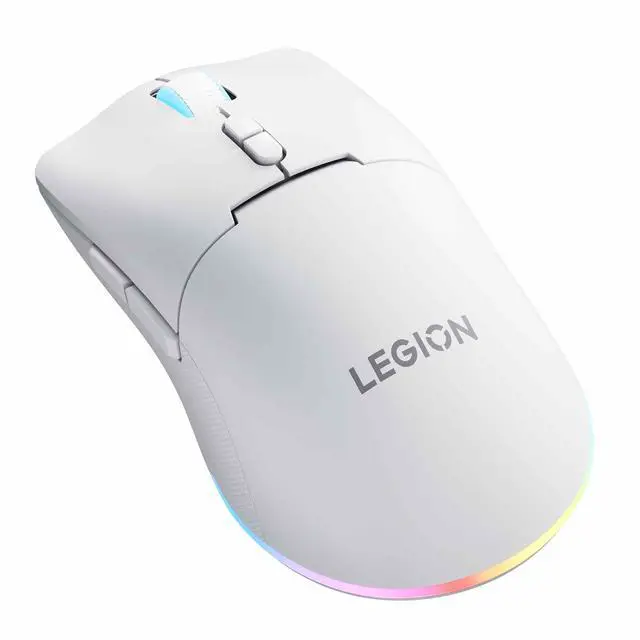
Unleash a storm of RGB that ignites your setup. Sync your colorswith your mood, and let your glow match the vibe.
Instinctive Control
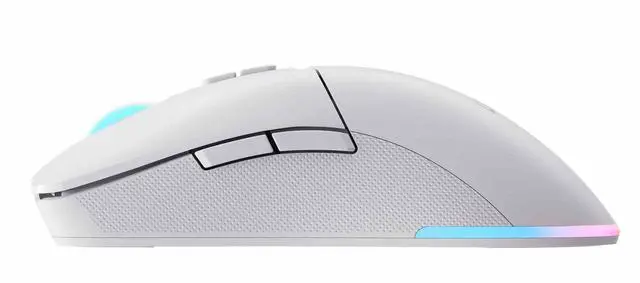
Switch lighting modes and zones instantlyby clicking the side key and scroll wheel.No menus, no distractions.
Battery that Endures
Fight through over 100 hours of unrelenting gameplay. No interruptions, no downtime.*Battery life tested based on real-life scenarios under Bluetooth mode,without RGB light. Actual results may vary.
Choose Your Color
Available in multiple colors to matchyour style and setup.
,Warranty & Returns
Warranty, Returns, And Additional Information
Warranty
- Please contact the Seller directly for warranty information. Warranty information may also be found on the Manufacturer's website.
- Read full details
- CONTACT
Return Policies
- Return for refund within: 30 days
- Return for replacement within: 30 days
- This item is covered by Lenovo Return Policy
Manufacturer Contact Info
- For a directory of all our manufacturers, please click below.
- Manufacturers Directory
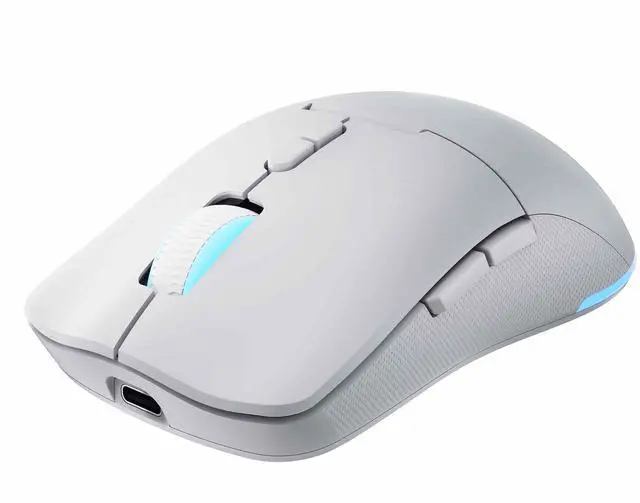
The Lenovo Legion M220 is an entry-level wireless RGB gaming mouse with three connection modes and up to 5,000 DPI, suited to gamers seeking flexible connectivity and adjustable sensitivity for everyday play.
Recommended For
- Palm-grip gamers who want an entry-level wireless mouse with five onboard DPI settings for adjusting sensitivity during play.
- Laptop or desktop users who switch between Bluetooth, 2.4 GHz wireless, and wired connection, depending on the device or setup.
- People who use one mouse for casual gaming and everyday productivity and want adjustable RGB lighting without relying on dedicated software.
- Users who prefer rechargeable wireless gear and want fewer charging interruptions, especially when using the mouse with RGB effects off.
Real-World Use Scenarios
- When switching between a gaming PC and other devices, use the 2.4 GHz receiver or Bluetooth connections to move the mouse between up to three paired devices without needing a separate mouse for each.
- For everyday gaming at a desk, connect wirelessly and adjust among the five DPI levels to find a cursor speed that suits the game; the mouse is positioned for gaming, though the product information does not establish competitive-level performance.
- For work, browsing, or entertainment on a laptop, Bluetooth provides a wireless connection without using the mouse’s 2.4 GHz receiver; the same mouse can also connect to a compatible device by USB-C cable.
- When a wireless setup is inconvenient or the battery needs charging, switch to the USB-C wired connection and keep using the mouse while it is connected.
- For a multi-hour wireless session, Bluetooth use with the RGB lighting off may reduce how often you need to recharge; Lenovo states over 100 hours under those conditions, with actual battery life varying by use.