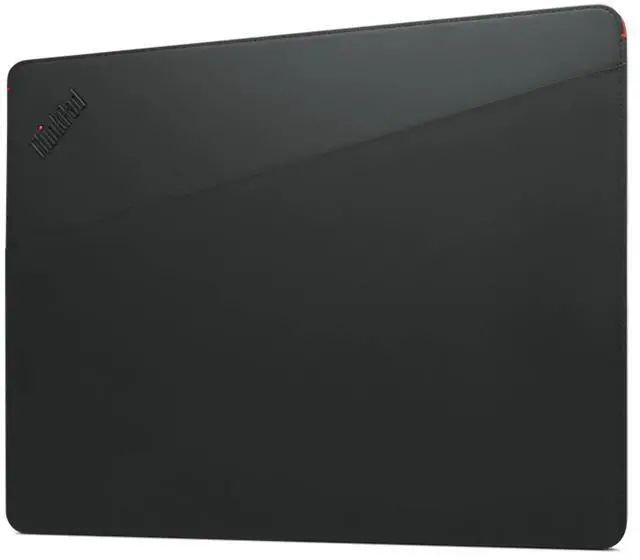
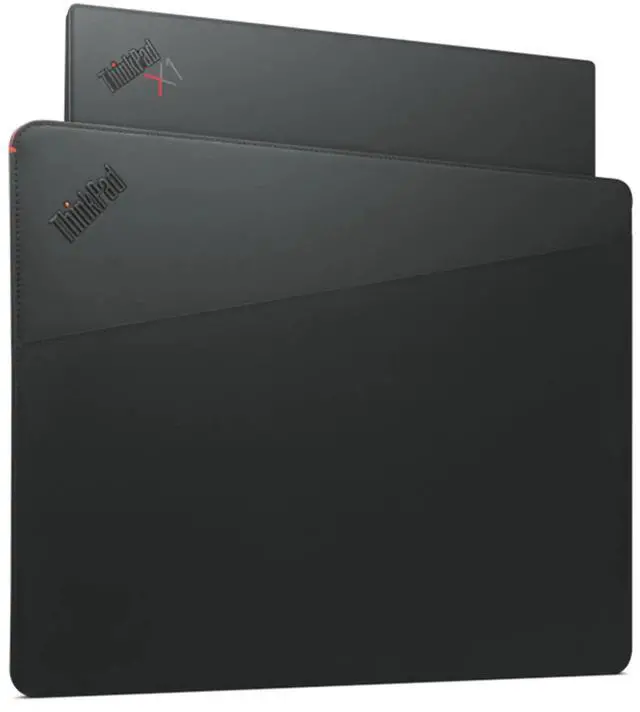
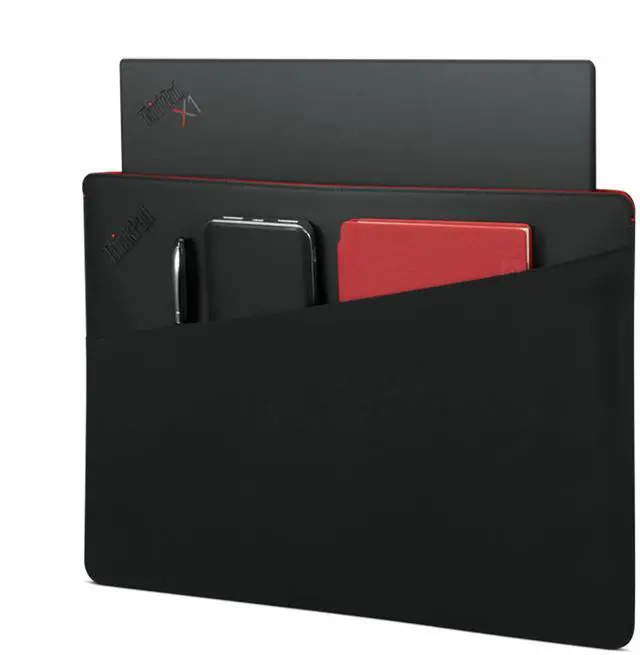
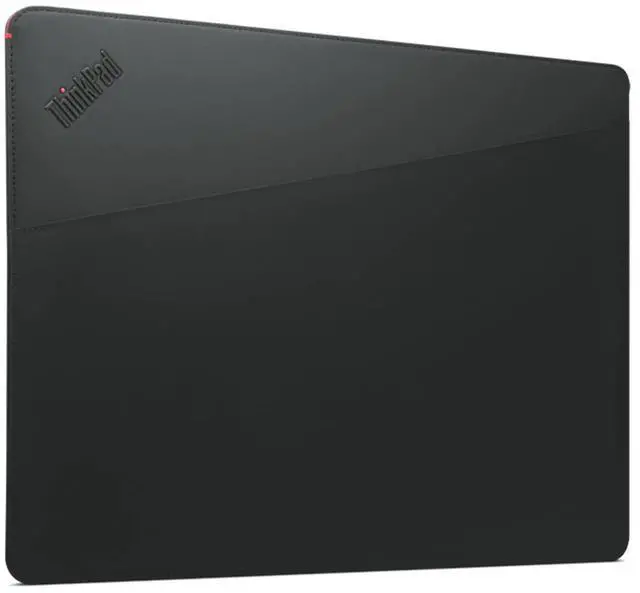
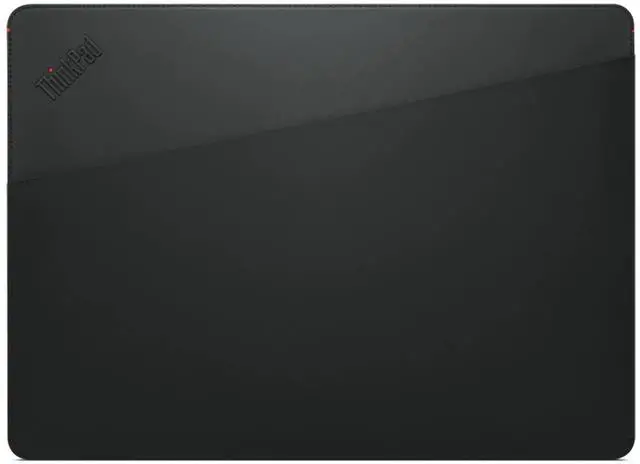
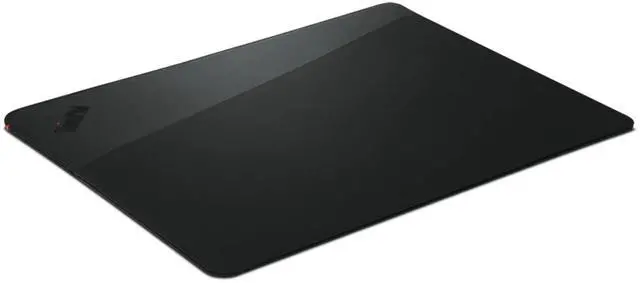
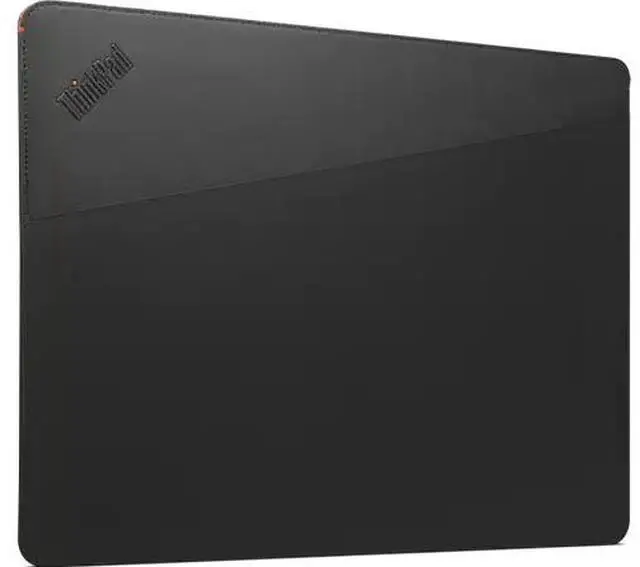
The Lenovo ThinkPad 14" Professional Sleeve is a black laptop sleeve sized for most 14-inch screens, with an easy-access front pocket for a phone, cables, or other accessories—suited to commuters and professionals who want to carry their laptop essentials together.
Recommended For
- Commuters carrying a compatible 14-inch ThinkPad who want a sleeve for daily trips and a front pocket for a phone, cables, or small accessories.
- ThinkPad owners who want a laptop sleeve with a professional-looking design and vegan-leather, recycled-material, and bamboo-fiber construction.
- People who mainly need a sleeve to separate a laptop from other items in a backpack or protect it from everyday surface scratches during short trips—not a heavily padded travel case.
Real-World Use Scenarios
- During a commute, slide a compatible laptop into the sleeve before placing it in a larger bag; the magnetic closure and slim profile are intended to make carrying and access straightforward. Check the sleeve’s outer dimensions if your bag is already tightly packed.
- Moving between meetings or work areas, use the magnetic opening to take the laptop out and put it away without dealing with a zipper; it keeps the routine simple when you need frequent access.
- For a work or study trip, keep a mouse, phone, or similarly small accessory in the front pocket so it travels with the laptop instead of loose in your bag.
- When carrying cards alongside your laptop, use the dedicated RFID-blocking pocket to keep them in a separate, easy-to-find place; it is a convenience feature, not a substitute for checking what fits.




 here!