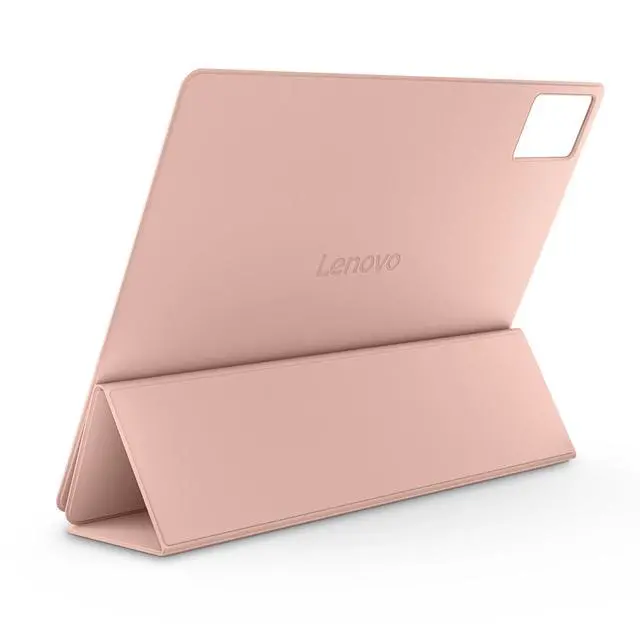
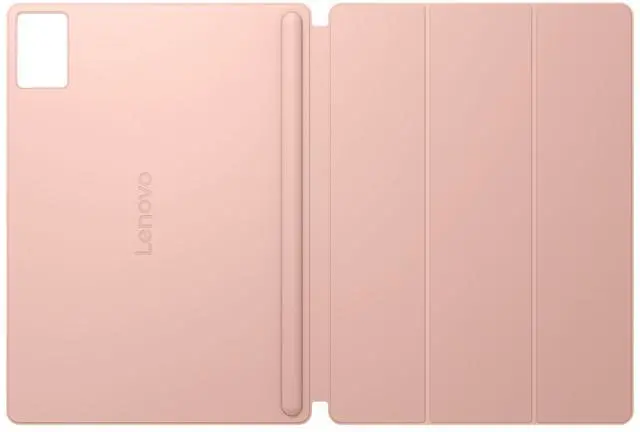
The Lenovo Folio Case for Idea Tab Plus is a gray folio case for Idea Tab Plus owners looking for a case designed for their tablet model.
Recommended For
- Idea Tab Plus owners who carry their tablet between classes, work, and home and want a folio-style cover with a built-in pen holder.
- Students and note-takers who use a compatible pen with the Idea Tab Plus and want it kept with the tablet between study sessions.
- People who watch videos or read on an Idea Tab Plus and want to prop it up using a folio stand rather than hold it throughout.
- Idea Tab Plus users seeking a slim everyday cover for carrying the tablet and shielding it from routine surface wear.
Real-World Use Scenarios
- When carrying the Idea Tab Plus in a backpack or tote, the folio closes over the screen, helping protect it from everyday scuffs and contact with other items.
- For watching videos or joining a video call at a desk, fold the cover into stand mode to keep the tablet propped up and your hands free.
- During class or a meeting, the stand can hold the tablet upright for viewing notes or reference material while the user writes separately.
- When sketching or writing on the tablet, the case’s stand mode provides a propped-up position, and its built-in pen holder keeps a compatible pen close by.
- At home, use stand mode to keep the screen visible while following a recipe or reading instructions, without needing to hold the tablet.




 here!