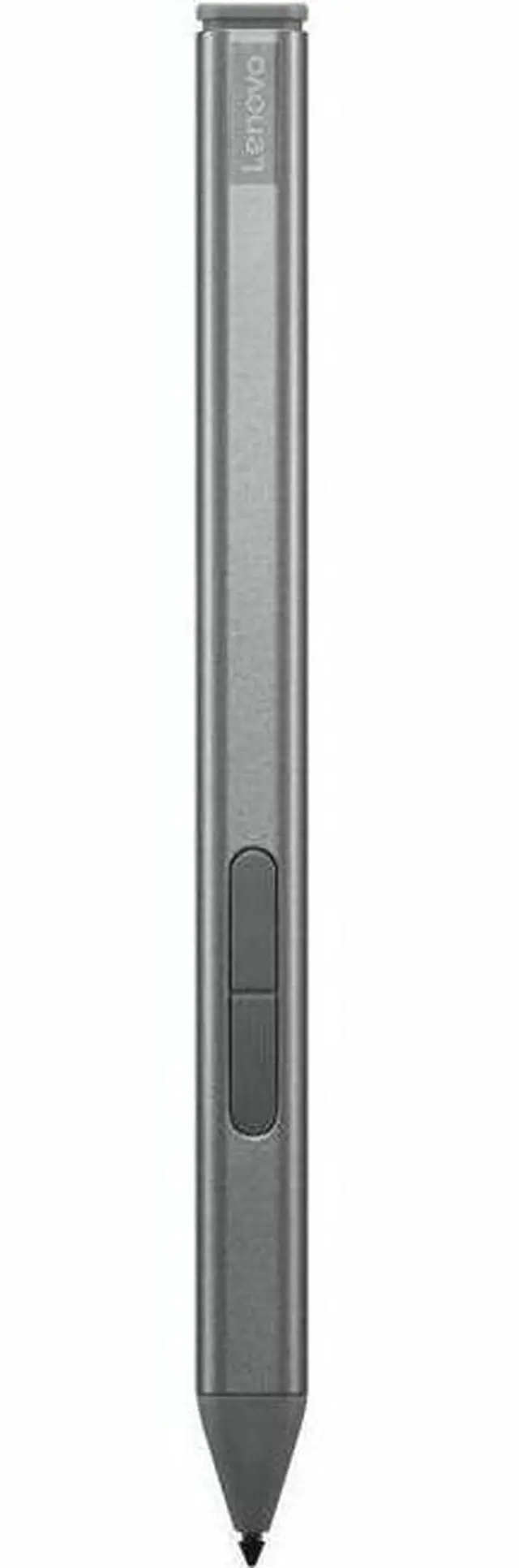
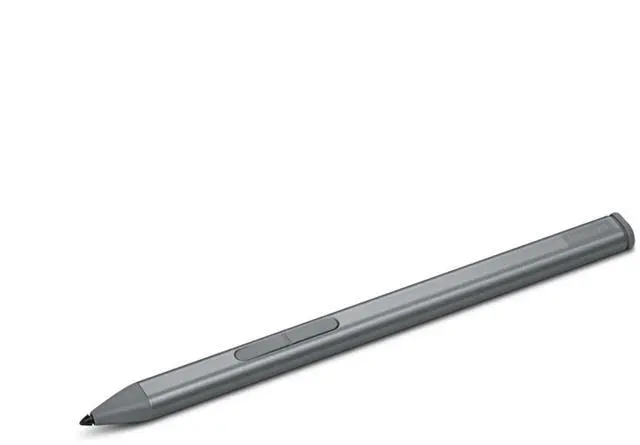
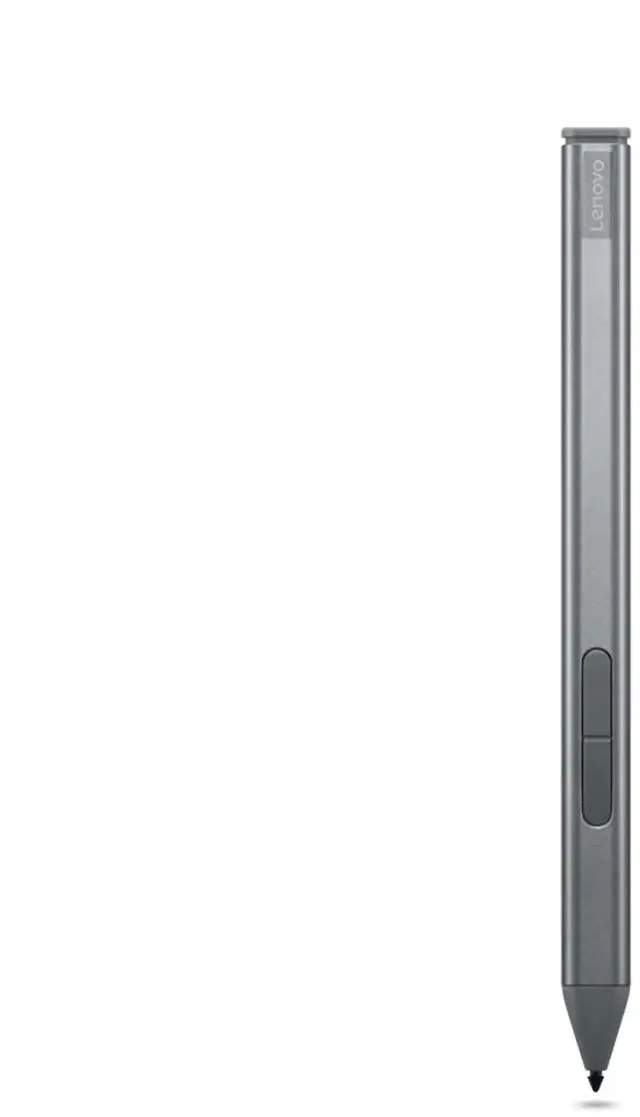
The Lenovo Active Stylus (4X81P44052) is a rechargeable digital pen with up to 4,096 pressure levels and tilt detection, suited to compatible ThinkPad users who want to write, annotate, or draw on screen.
Recommended For
- ThinkPad X1 2-in-1 Gen 9 or X12 Detachable Gen 2 users who want to handwrite meeting notes or annotate documents directly on the screen; confirm compatibility for the exact device configuration before buying.
- Digital artists and sketchers using a compatible Lenovo device who want pressure-sensitive strokes and tilt detection for drawing.
- Students or professionals who prefer handwritten annotations and quick sketches on a compatible touchscreen rather than switching between paper and computer.
- People who carry a compatible laptop between workspaces and want a lightweight stylus with magnetic attachment support for convenient storage.
Real-World Use Scenarios
- During a meeting or class, write notes directly on the compatible ThinkPad’s screen; handwriting can be captured in note-taking apps without switching back and forth between pen and keyboard.
- Review a PDF, presentation, or other document on screen and mark it up by hand; the pen makes short comments, highlights, and annotations easier to place than using a trackpad.
- Use a compatible 2-in-1 or detachable ThinkPad in tablet-style tasks to jot down ideas or sketch a quick diagram; the pen supports direct writing and drawing on the touchscreen, though this is best treated as everyday markup and sketching rather than a dedicated art-tablet workflow.
- Fill in a digital form or sign a document on screen; pen input lets you write in the intended field instead of positioning a cursor with the touchpad.
- On a ThinkPad X12 Detachable Gen 2, take handwritten notes while using the device as a tablet; reviewers describe the detachable format and pen as suited to tablet-style work.




 here!

 Hot Seller