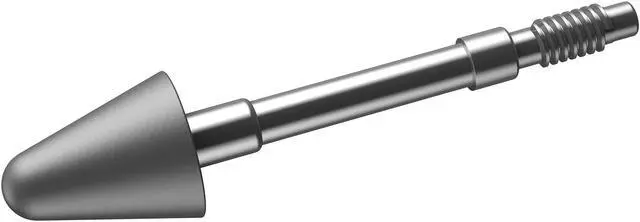
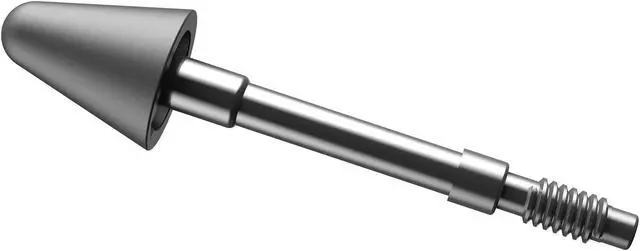
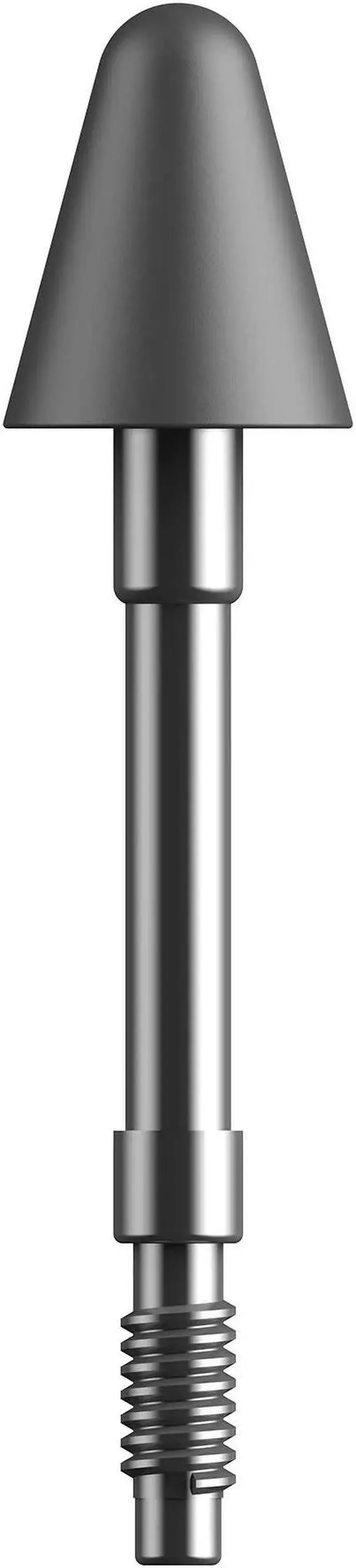
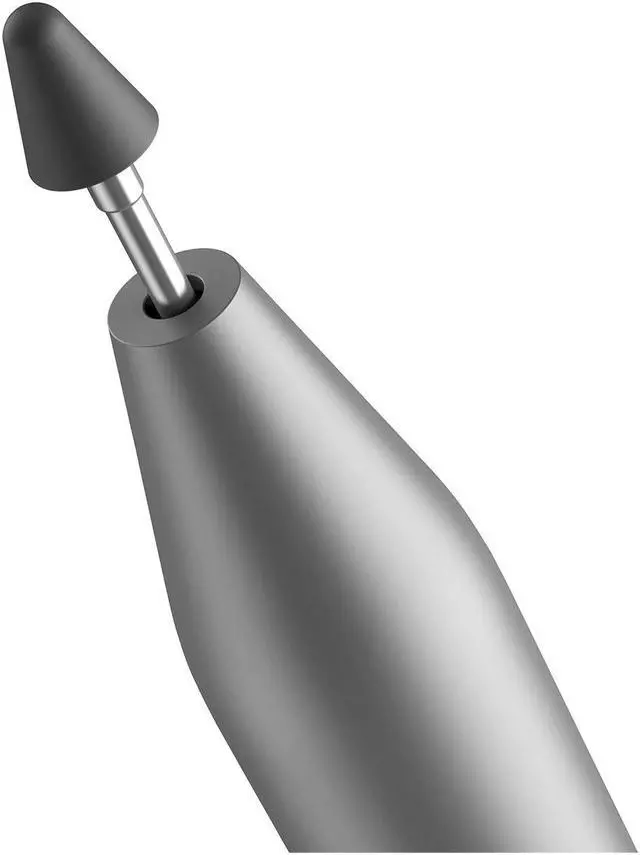
Lenovo Replaceable Pen Tips (ZG38C05644) are replacement tips for Lenovo tablet pen users who need a fresh tip for writing on a tablet; Newegg describes them as easy to assemble. Check that they fit your specific pen, since the listing does not name compatible models.
Recommended For
- Lenovo Tab Pen Plus owners who write or take notes regularly and need replacement tips when the original nib wears down or is lost.
- Students and mobile note-takers who already use a compatible Lenovo pen for handwritten notes or marking up documents and want spare nibs on hand.
- Casual sketchers using a Lenovo Tab Pen Plus who want to keep using their existing pen after its tip needs replacing.
Real-World Use Scenarios
- When the Lenovo Tab Pen Plus tip is worn or damaged, replace it to get the pen back in usable condition for everyday writing and screen input.
- For taking class or meeting notes with a compatible pen, changing a worn tip lets the user keep handwriting directly on the tablet instead of switching to a different input method.
- When sketching or drawing with a compatible Lenovo pen, replacing a worn tip helps the user continue making pen input without replacing the whole stylus.
- When annotating or marking up documents on a tablet, a replacement tip can bring a damaged or worn compatible pen back into service for handwriting and on-screen marking.




 here!