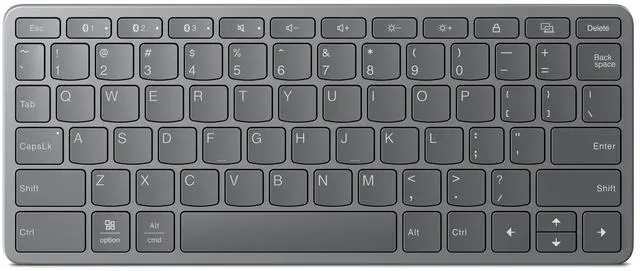
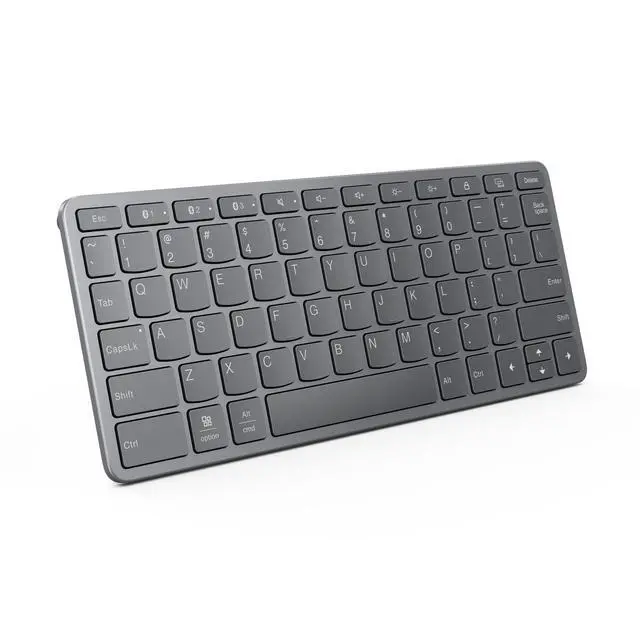
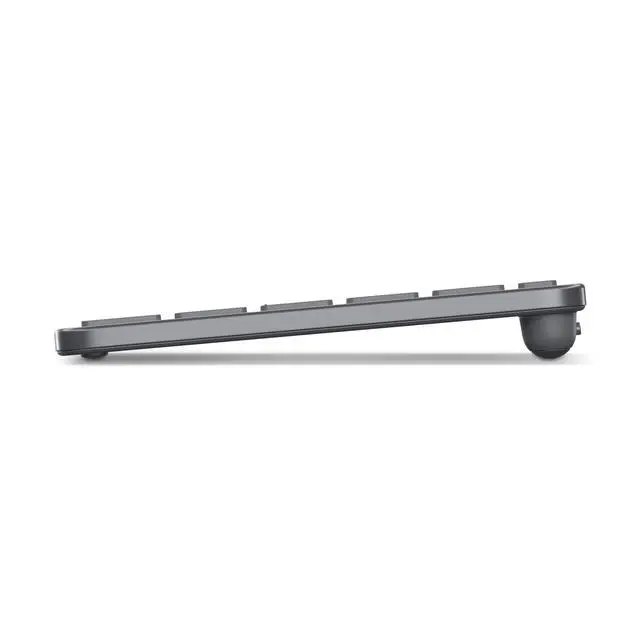
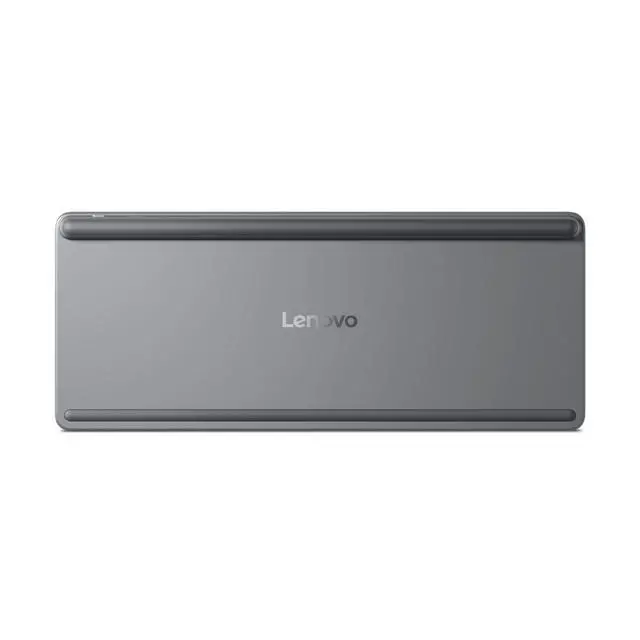
The Lenovo Multi-Device Wireless Keyboard is a slim, rechargeable keyboard for people who switch between up to three Android, Windows, or iPadOS devices, with Bluetooth or USB-C connectivity and easy device switching.
Recommended For
- People who commute with a tablet and need a lightweight keyboard for writing or schoolwork can pack this compact board and switch between up to three paired devices.
- People who regularly move between a laptop, tablet, and phone can use the three Bluetooth channels to switch devices without repeatedly pairing or disconnecting.
- Legion Go and other handheld-PC owners who want a separate keyboard for travel or a compact setup can pair it over Bluetooth; a Legion Go user specifically reported using it this way.
- People who type in shared spaces such as trains or cafés and prefer quiet, low-profile keys may appreciate the reviewer-described quiet scissor-switch typing.
Real-World Use Scenarios
- When moving between a tablet and a laptop during the day, users can switch keyboard connections instead of disconnecting and pairing again; a reviewer tested switching between an iPad and laptop with a button press.
- For writing in a café, library, or on public transit, the quiet low-profile keys let users type without drawing as much attention as a louder keyboard; a reviewer specifically tested it in quiet public settings.
- When packing a tablet for a commute or trip, users can bring this lightweight keyboard for longer writing sessions without relying on the tablet’s on-screen keyboard; the reviewer found it compact enough to fit in a bag.
- At a shared desk with a Windows computer and a tablet, users can keep both connected and switch between them for tasks such as longer computer work and tablet-based notes or messages, rather than keeping a separate keyboard for each device.




 here!