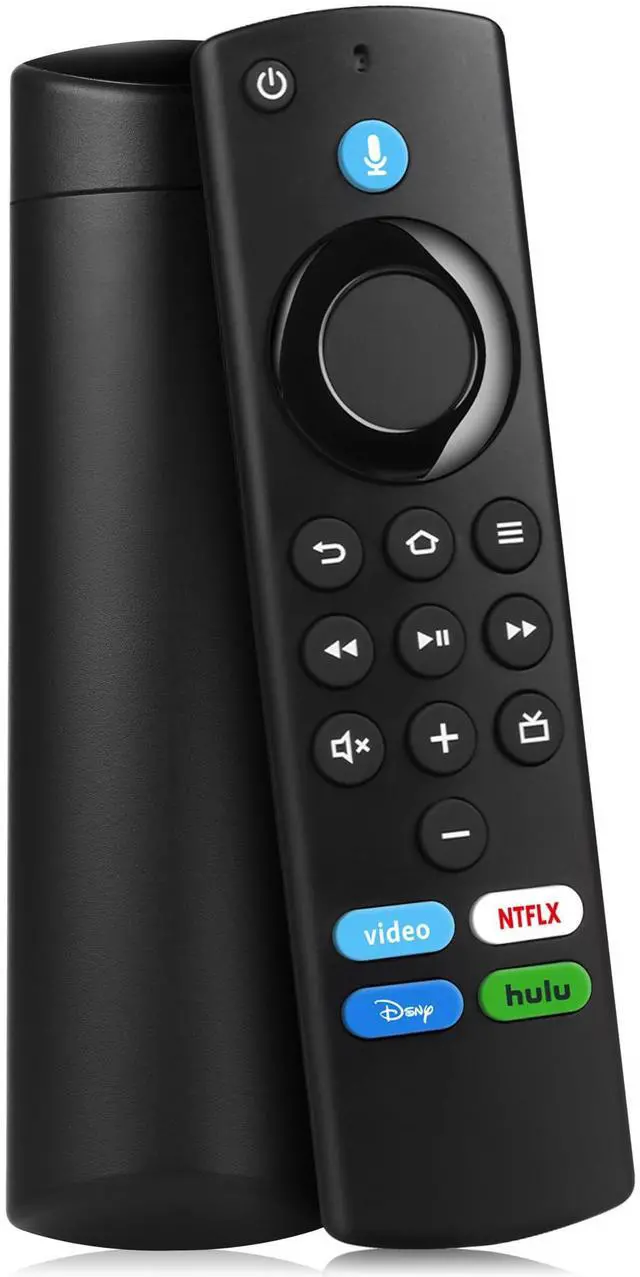
Replacement Firestick Remote Control Compatible with Fire Smart TV Stick Lite/Stick 4K/Smart TV 3rd Gen/TV Cube(2nd Gen/1st Gen/3rd Gen)/TVs Stick(2nd Gen/3rd Gen) with Voice Controller
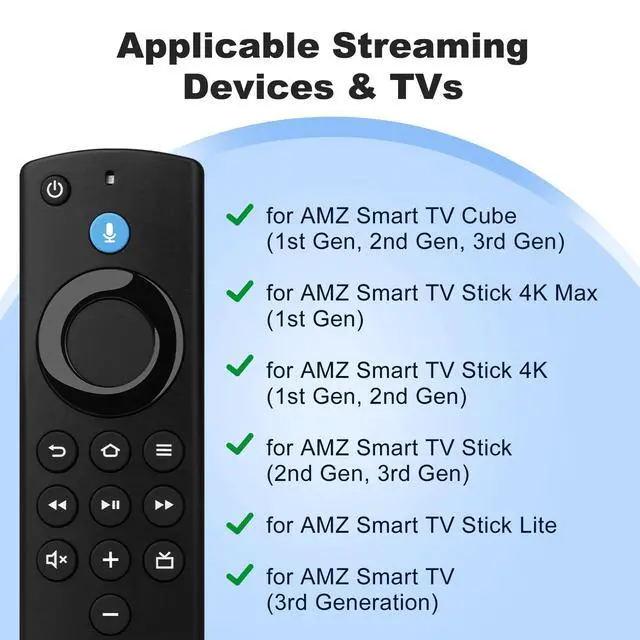
Compatible With: This stick remote control compatible with Smart TV (3rd gen), TV stick (2nd gen/3rd gen), TV Stick 4K (1st / 2nd Gen), TV stick lite, TV stick 4K max, Smart TVs cube (1st gen/2nd gen/3rd gen), Compatible With Insignia-Pioneer Smart TV
Not Compatible With: This replacement remote not compatible with Smart TVs (1st and 2nd gen), not compatible with Smart TV stick (1st gen), not compatible with Smart TVs edition smart TVs
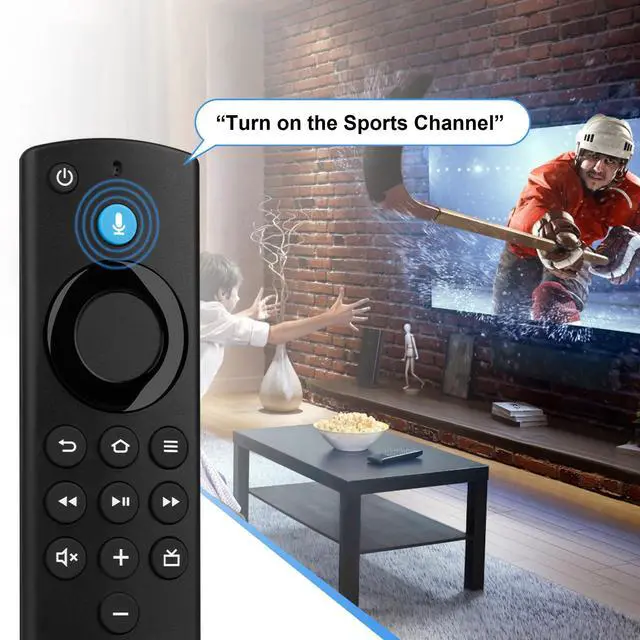
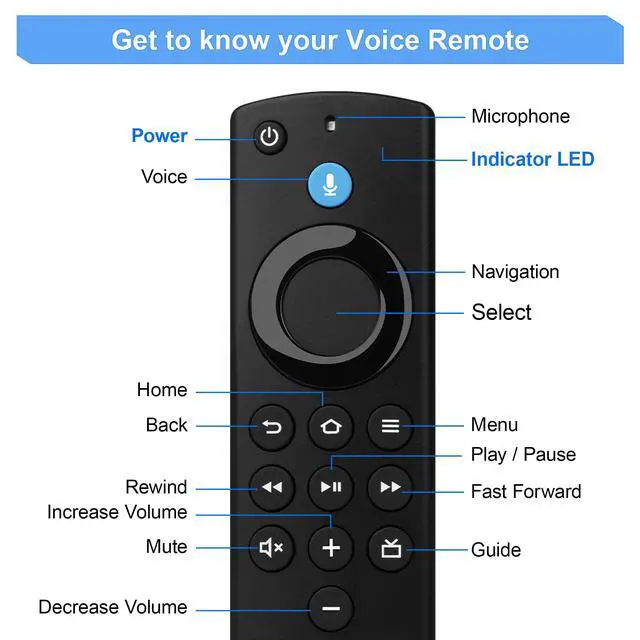
Voice Control: This remote control adding voice function for easy navigation to your favorite content, you can simply press or ask with voice to find, launch and control content, even switch to cable TV. Quickly skip to your favorite apps with preset buttons
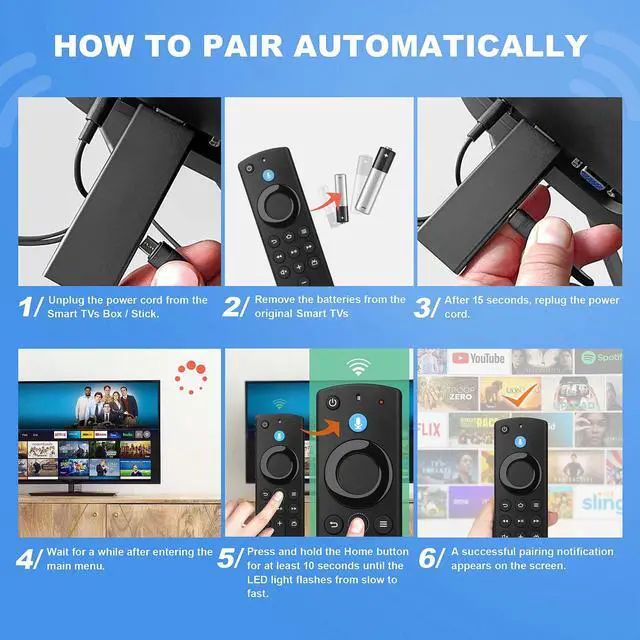
Easy to Pairing: Please note, you need to pairing this replacement voice remote control before use. Press and hold the HOME button for about 10-15 seconds until the LED starts to rapidly flash, wait about 30-60 seconds (Entering Pairing mode, LED Flash), then the remote should automatically pair with your device
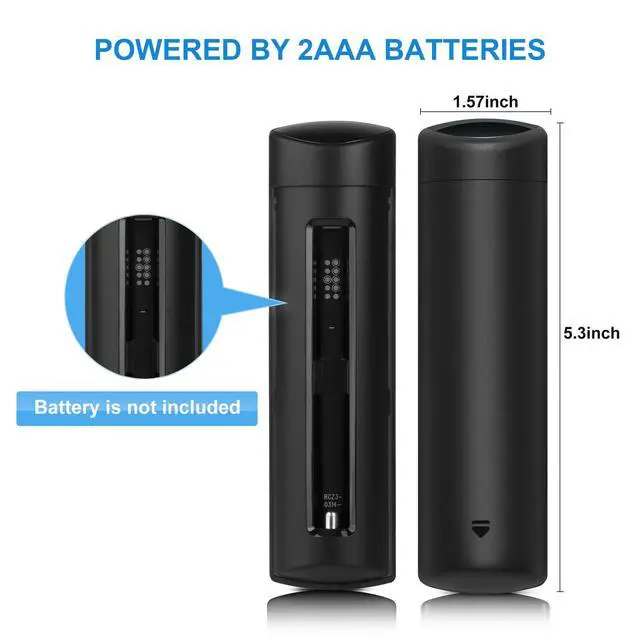
What You Get: 1* L5B83G Replacement Remote Control(2 AAA batteries not included), 1* User Manual. and our friendly customer service. Any problem, please let us know
+
+
Overview
Specs
Reviews
Any questions? Our AI beta will help you find out quickly.
Try me now
Replacement Firestick Remote Control Compatible with Fire Smart TV Stick Lite/Stick 4K/Smart TV 3rd Gen/TV Cube(2nd Gen/1st Gen/3rd Gen)/TVs Stick(2nd Gen/3rd Gen) with Voice Controller
Learn more about the Generic Brand 25112402
Model
Brand
LoLaSta
Model
25112402
Details
Type
iPhone App
Number of Devices Supported
1
Range
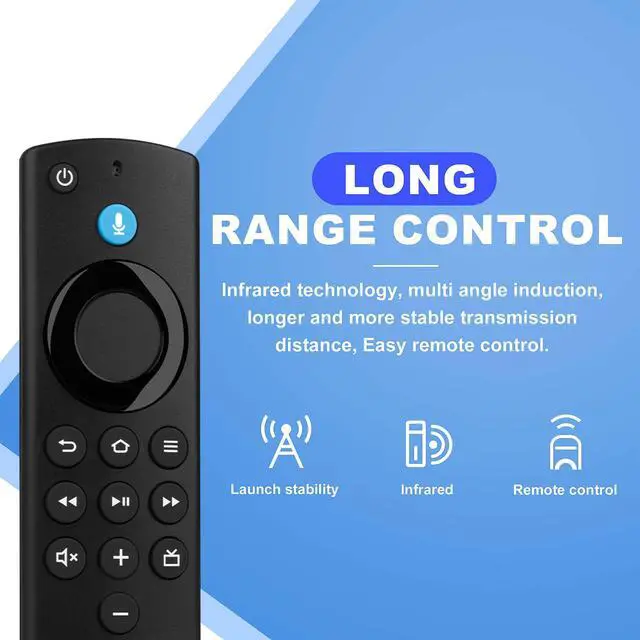
10 feet
Wireless Technology
Infrared, Radio Frequency, iPhone App
Color
Black
Battery
Battery Type
Alkaline
Features
Features
Voice Search
Additional Information
First Listed on Newegg
February 27, 2026
Customer Reviews of the Generic Brand 25112402
There are no reviews yet.
Do you own this product?
Warranty & Returns
Warranty, Returns, And Additional Information
Warranty
Please contact the Seller directly for warranty information. Warranty information may also be found on the Manufacturer's website.