Alienware 27 Gaming Monitor - AW2725DM - 27-inch QHD 180Hz 1ms Display, IPS, NVIDIA G-SYNC, AMD Freesync, VESA AdaptiveSync.
  •  
  • $269.99 
  • $97.99
  • Free 30-day Returns
  • Shipped by BrightMart Shop

    Price alert
    Shop it at NeweggBusiness.

    Meet Your Seller

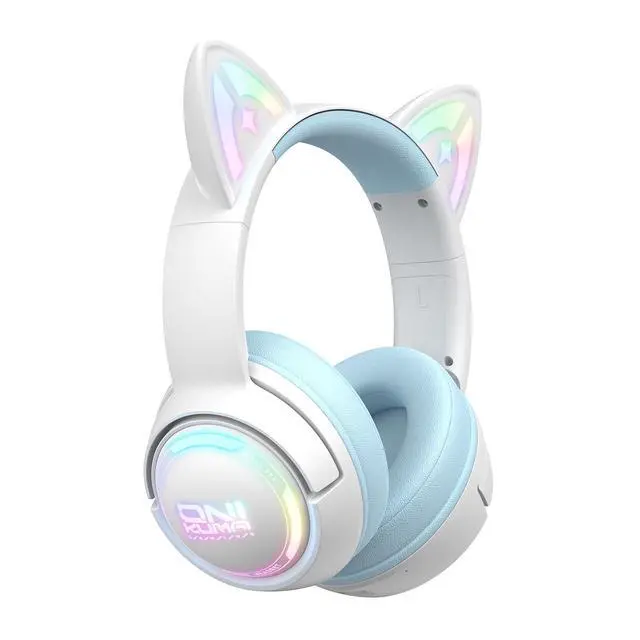
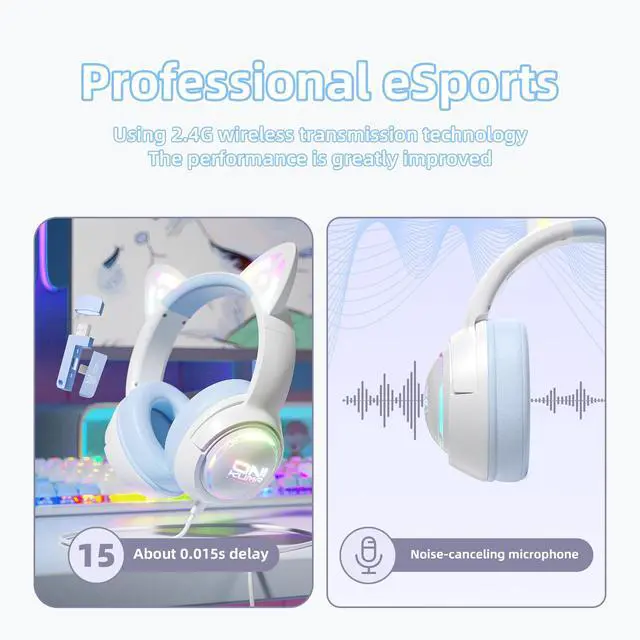
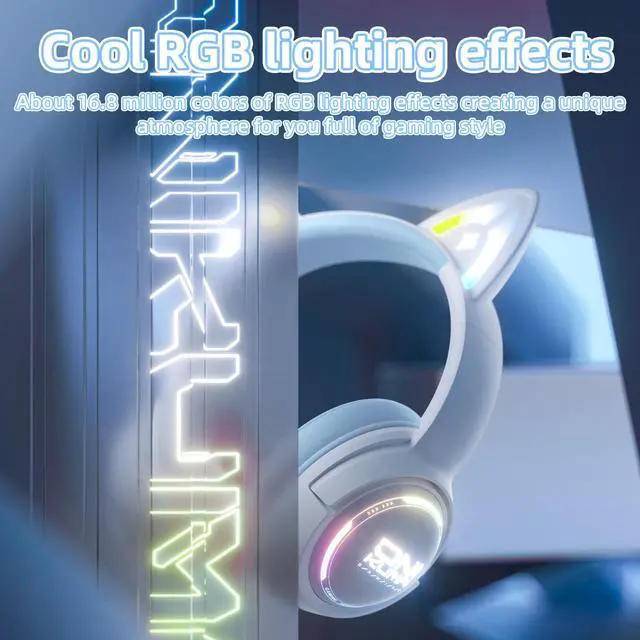
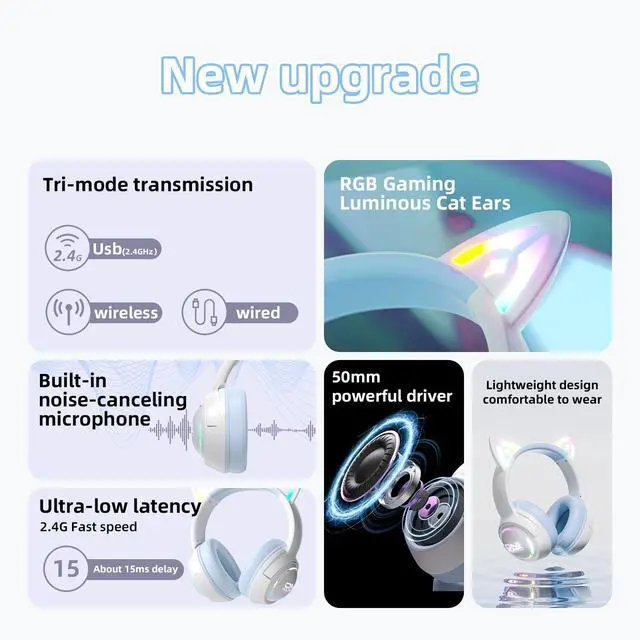
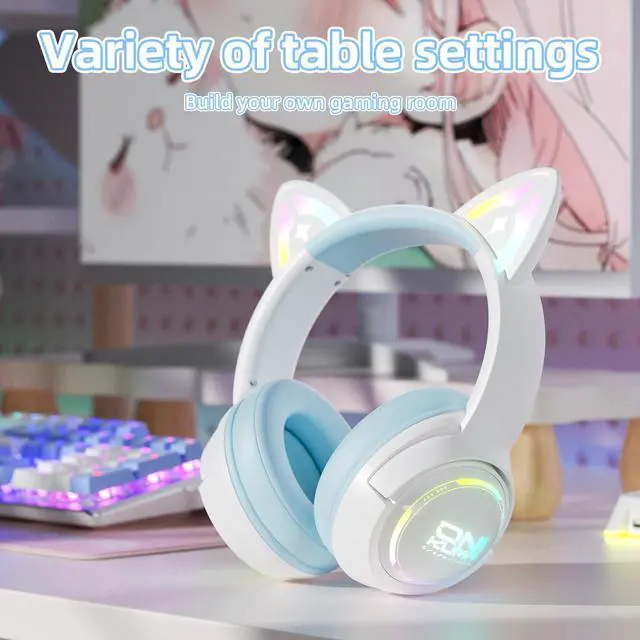
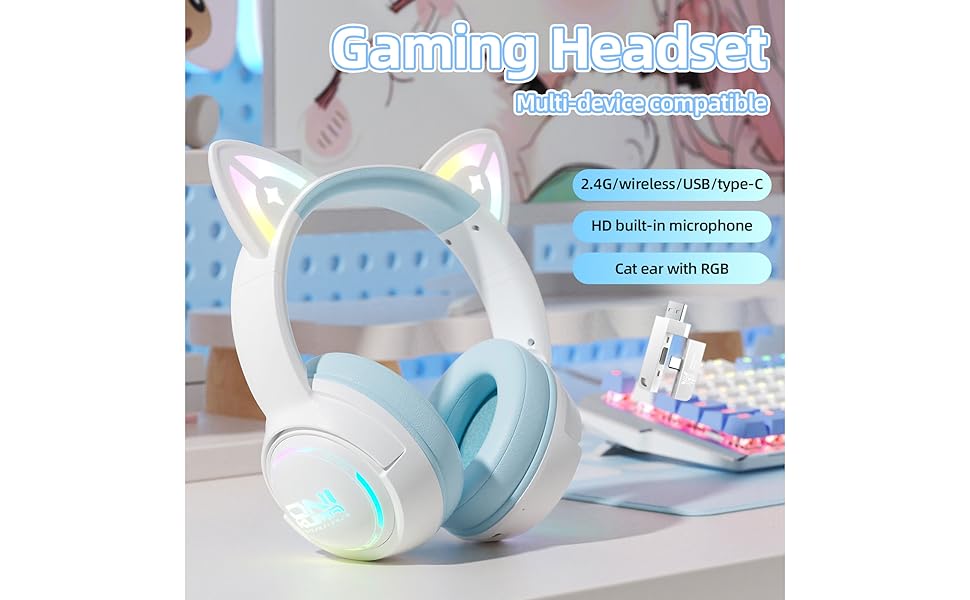
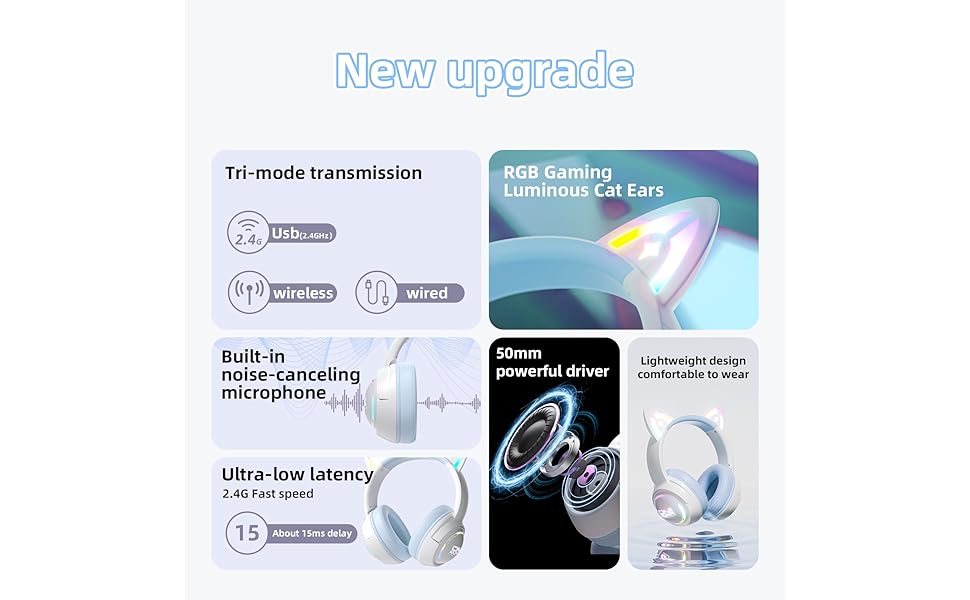
    Wireless Cat Ear Gaming Headset with RGB Lights Tri-Mode (2.4G Wireless/Bluetooth/Wired) Over-Ear Headphones with Mic, 50mm Drivers, Low Latency, Long Battery, Type-C Fast Charging (Blue)

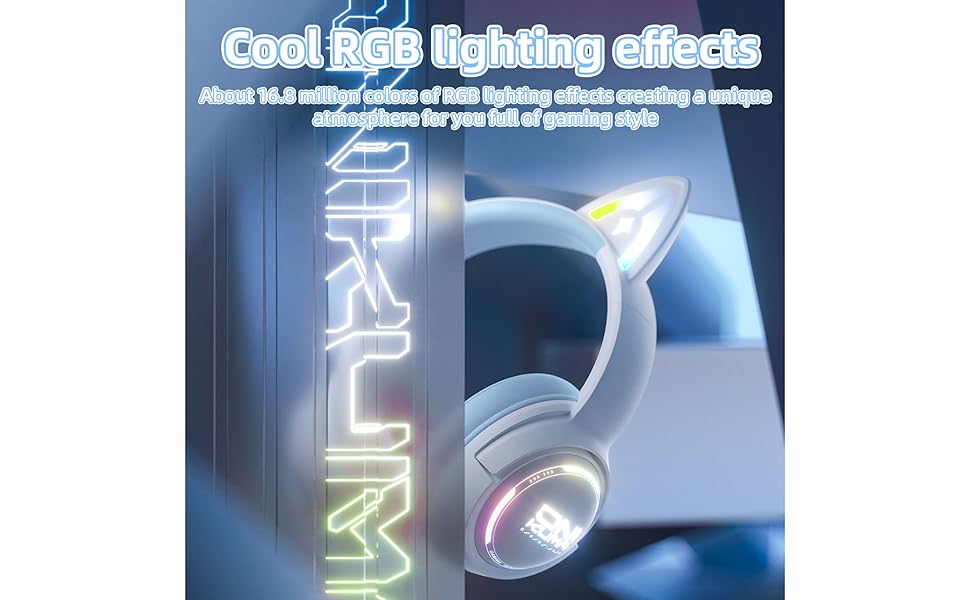
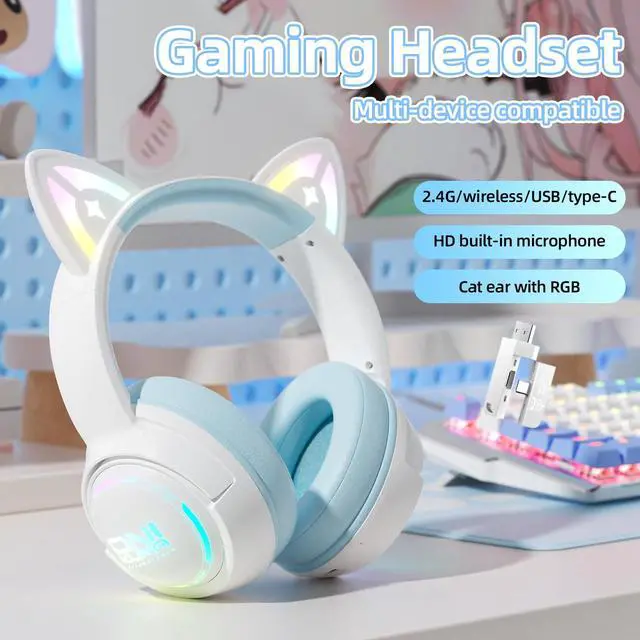
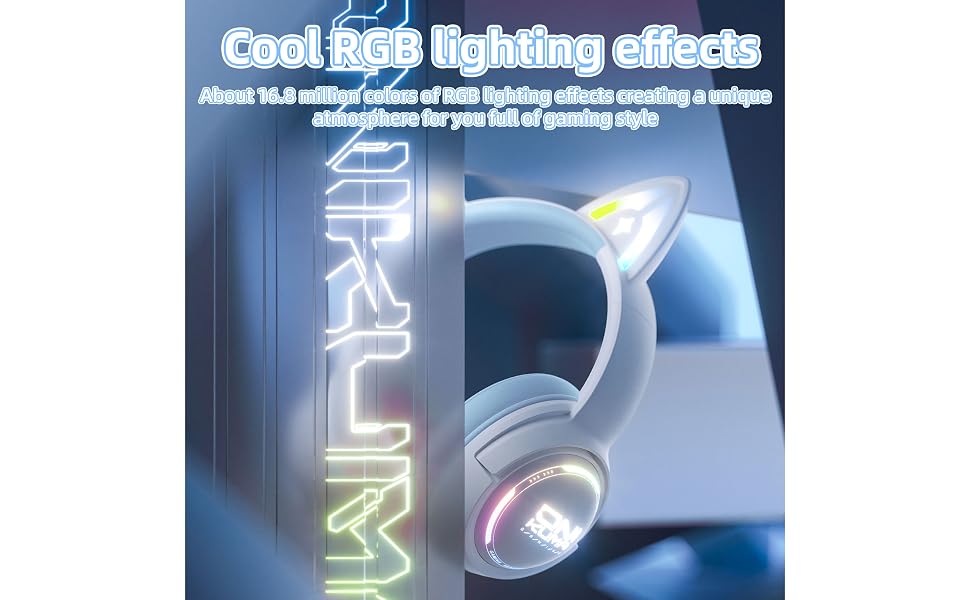
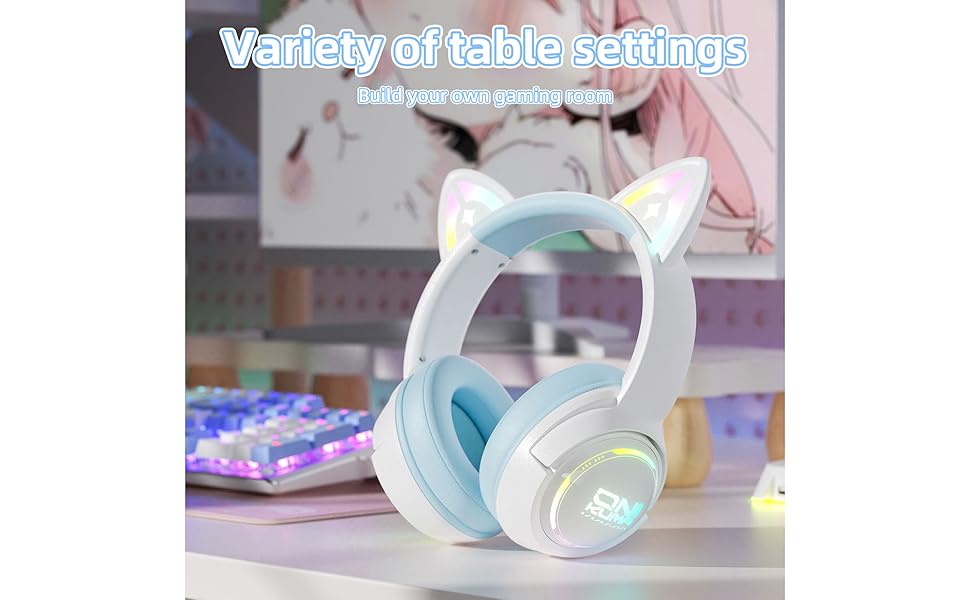
    • Fun Cat Ear Design with RGB Lights Express your unique style with glowing cat ears and customizable RGB lighting. Great for gamers, streamers, kids, and anyone who loves standout headphones.
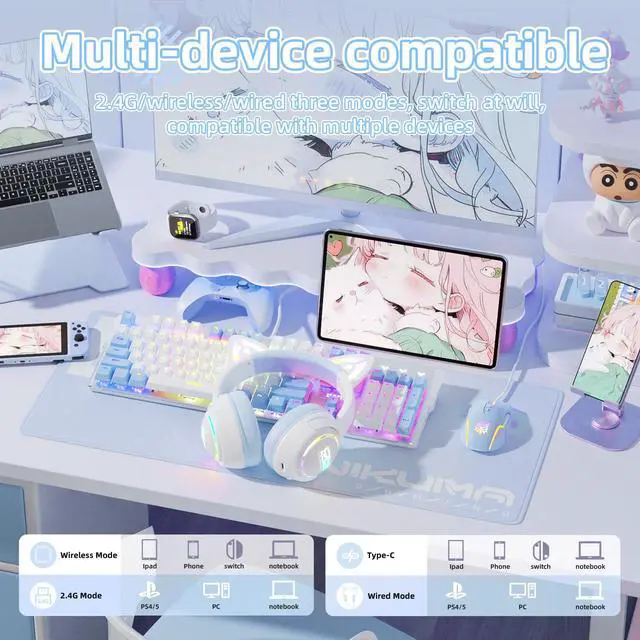
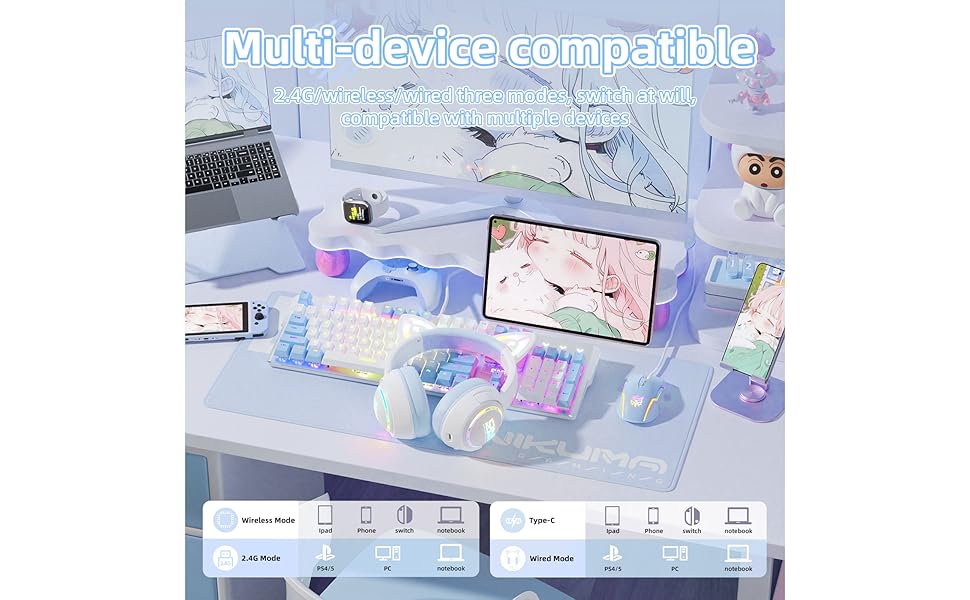
    • Tri-Mode Connection: 2.4G, Bluetooth & Wired Switch between stable 2.4GHz wireless, Bluetooth 5.4, or a wired 3.5mm jack. Wide compatibility with PC, PS5, Switch, phones, and tablets.
    • Immersive 50mm Drivers for Powerful Sound Experience high-fidelity audio with strong bass and crisp treble, ideal for gaming, music, and movies.
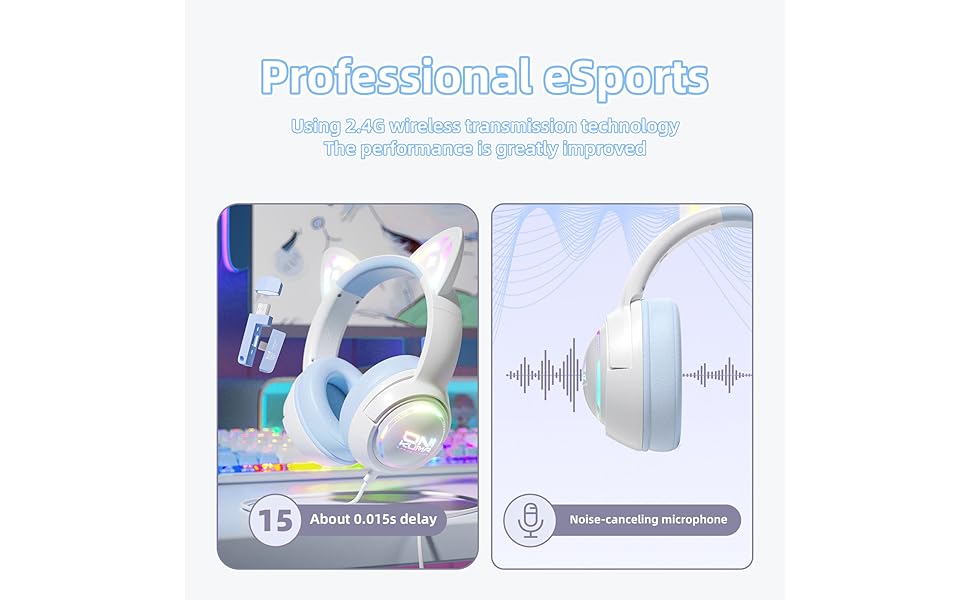
    • Low Latency Wireless for Gaming Reduce lag and enjoy real-time response in 2.4G wireless mode, perfect for FPS and competitive play.
    • Long Battery Life & Type-C Fast Charging Up to 60 hours of playtime (12h with RGB on). Recharge quickly with the included Type-C cable.
    • Clear Voice with Built-in Mic Integrated microphone delivers stable, low-noise voice pickup for smooth communication during calls or online matches.
    +
    +
    Overview
    Specs
    Reviews
    avatar

    Any questions? Our AI mode will help you find out quickly.

    Gaming Headset
    Gaming Headset
    Gaming Headset
    Gaming Headset
    Gaming Headset
    Gaming Headset

    How to Connect Your Device to Your Phone via Bluetooth

    Two buttons to know:

    • Power Button – turns device on/off
    • Light Button – switches modes / controls lighting

    Steps:

    1. Press Power Button to turn on.
    2. Double-click the Light Button to switch to wireless mode.
    3. On your phone, go to Bluetooth settings and select "GT838" to connect.

    Can't find "GT838"?

    • Tap the Power Button 5 times quickly to clear paired devices.
    • Then repeat steps 1–3 above.

    Gaming Headset
    Gaming Headset
    Gaming Headset
    Gaming Headset
    Gaming Headset
    Gaming Headset

    How to Connect Your Device to Your Phone via Bluetooth

    Two buttons to know:

    • Power Button – turns device on/off
    • Light Button – switches modes / controls lighting

    Steps:

    1. Press Power Button to turn on.
    2. Double-click the Light Button to switch to wireless mode.
    3. On your phone, go to Bluetooth settings and select "GT838" to connect.

    Can't find "GT838"?

    • Tap the Power Button 5 times quickly to clear paired devices.
    • Then repeat steps 1–3 above.

    Wireless Cat Ear Gaming Headset with RGB Lights Tri-Mode ( 2.4G Wireless/Bluetooth/Wired) Over-Ear Headphones with Mic, 50mm Drivers, Low Latency, Long Battery, Type-C Fast Charging (Blue)

    Warranty & Returns

    Warranty, Returns, And Additional Information

    Warranty

    • Please contact the Seller directly for warranty information. Warranty information may also be found on the Manufacturer's website.
    • CONTACT

    Return Policies

    Manufacturer Contact Info

    LOADING...