






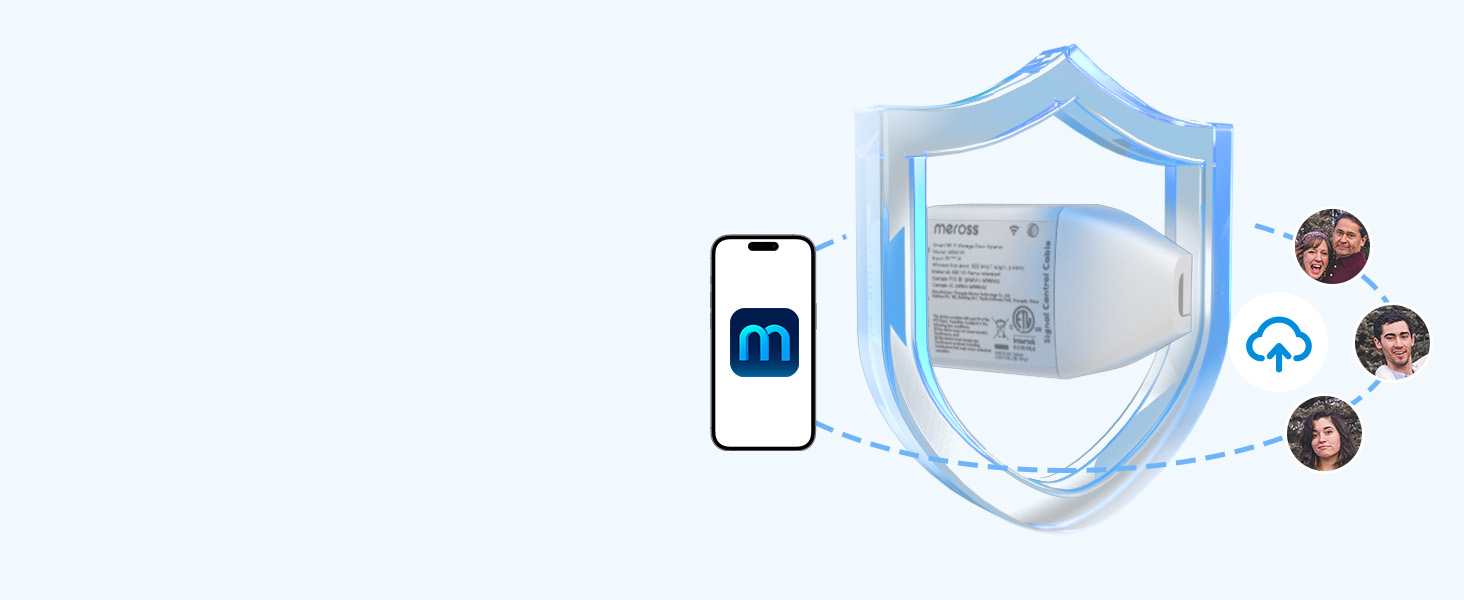
Data Encryption
Meross has powerful data encryption functions to protect your information security.
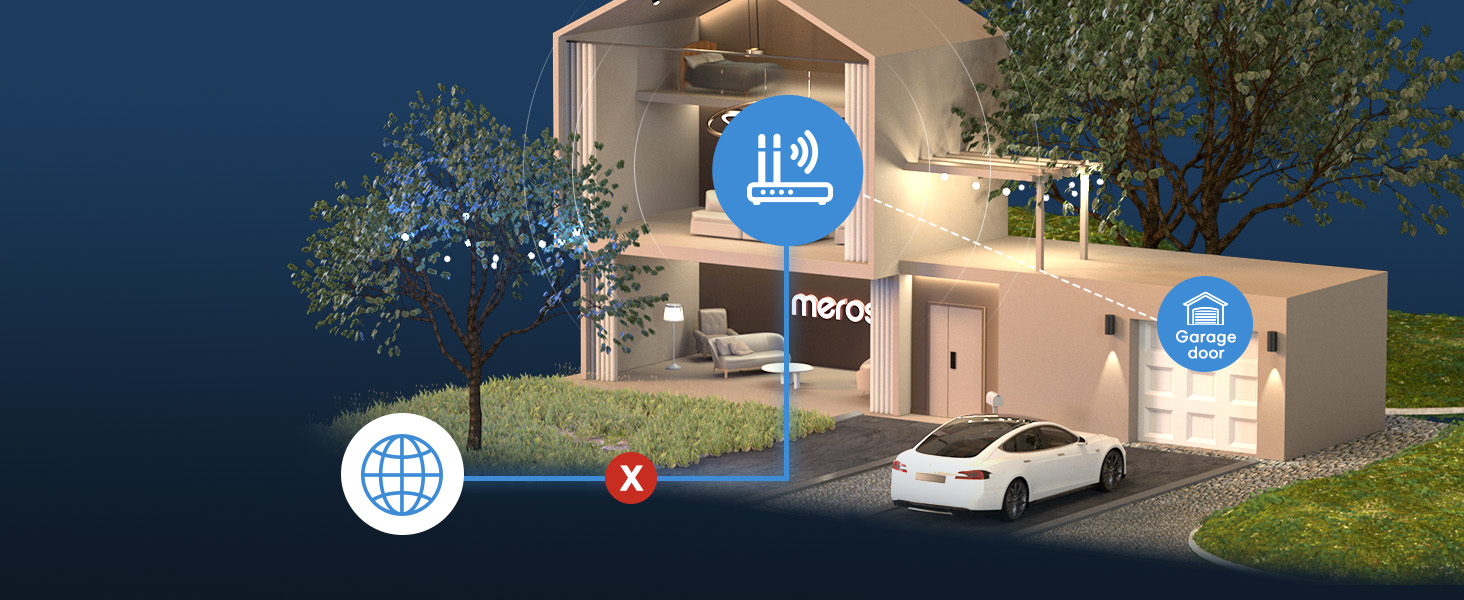
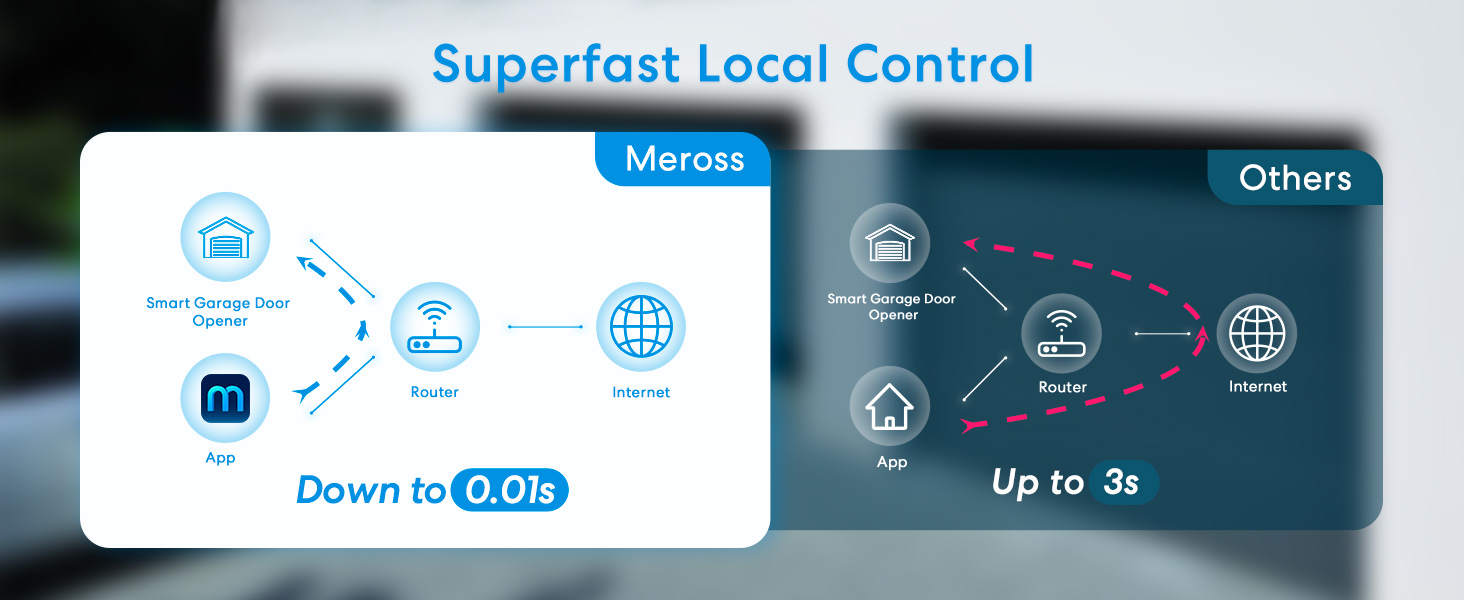
Offline Control
When the internet is down, you can still control your devices in home network via Meross app.
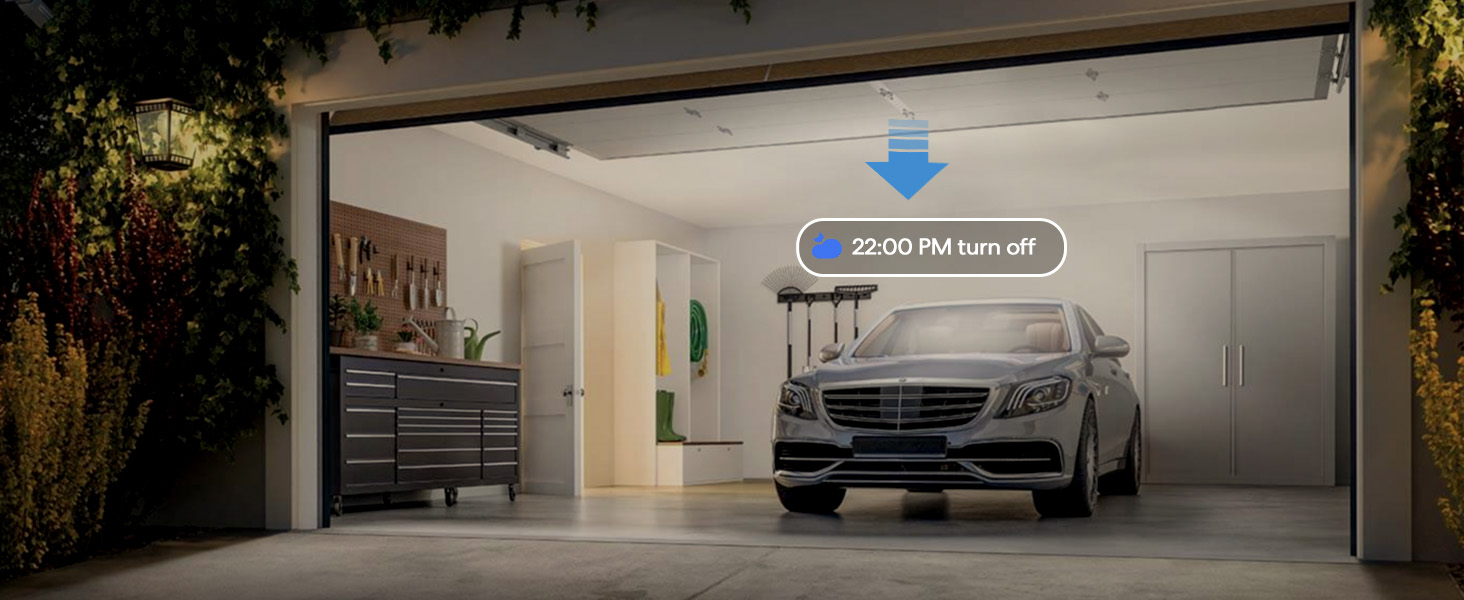
Auto Close
Close the door automatically when the door is still open after a particular time.
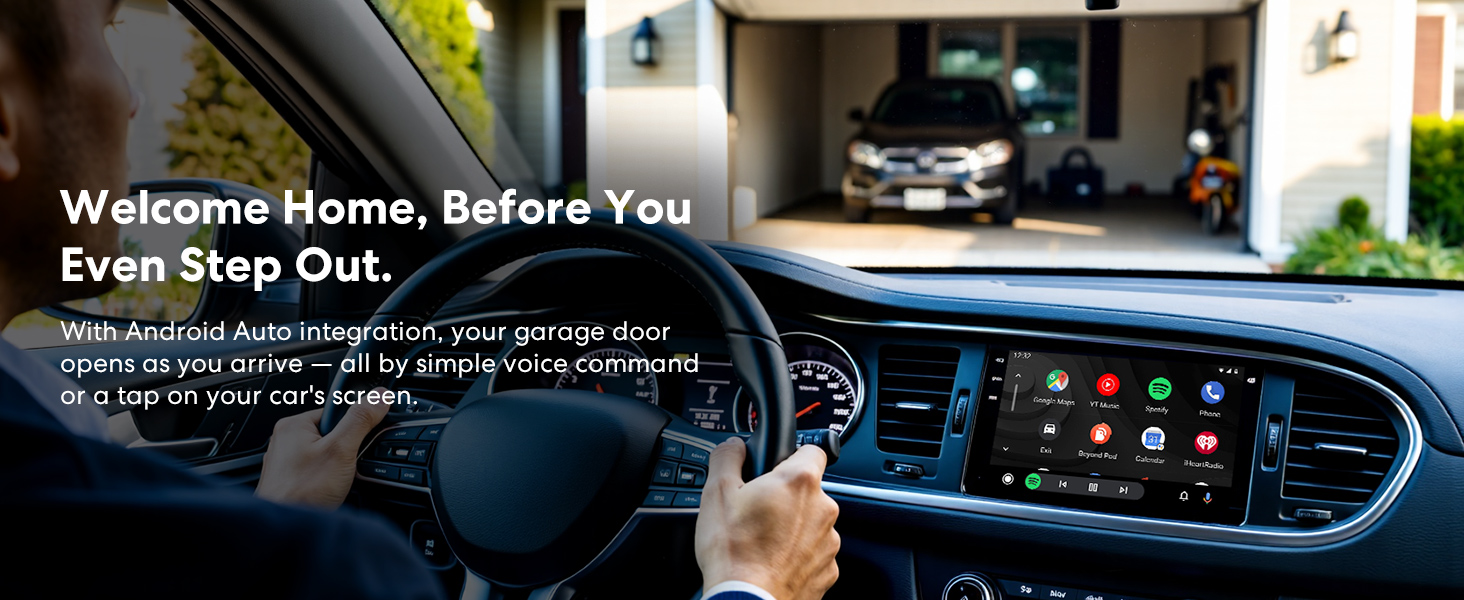
Smart Garage Door Opener
Merchant Video
In areas with poor data signal, you can also choose to receive alert notifications via SMS in the app settings (SMS will incur charges).


How to solve the error of "obstructed" in the Home app?
1.Check the sensor – They must be less than 1 inch apart when the door is fully closed.
2.Adjust opening time – In the meross app device settings, increase the opening time slightly if the Home app shows an obstruction error.
Does it only support 2.4GHz WiFi network?
Yes, if you are having a mesh WiFi name for both your 2.4GHz and 5GHz WiFi and it keeps failing during setup. You may need to turn off the 5GHz on your WiFi router temporarily and make sure that your device is covered by a strong WiFi signal.
Do I need to remotely control the device through the hub?
For Home app: the same Wi-Fi control does not require a hub; Remote control access uses your existing Apple device as a hub.But the meross app allows hub-free remote access from anywhere.
I got an error about "Close Action Is Failed", but the door was closed.
The most likely reason is that your door opening or closing time is longer than the default setting (15 seconds)). You can set a custom door opening time in the Meross app (Device settings-> Advanced settings -> Opening time, choose a suitable time)
After installing MSG100, will my existing wall buttons and remote control still work?
Yes, MSG100 will not conflict with any existing features.
More Smart Devices from Meross
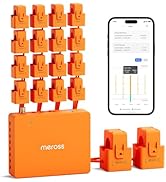
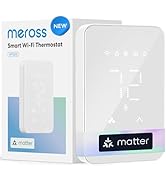
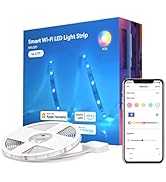
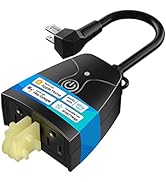
 MSG100HK |  MSG150HK-NEW |  Matter Presence Sensor |  Smart Energy Monitor |  Matter Smart Thermostat |  Smart Dimmer Switch Kit |  Smart LED Strip Lights | |
|---|---|---|---|---|---|---|---|
Customer Reviews | — | — | — | — | — | — | — |
Price | — | — | — | — | — | — | — |
Works with Apple Home | YES | YES | YES | NA | YES | YES | YES |
Works with Google Home | YES | YES | YES | NA | YES | YES | YES |
Works with Alexa | YES | YES | YES | NA | YES | YES | YES |
Works with SmartThings | YES | YES | YES | NA | YES | YES | YES |
Control Method | App&Voice | App&Voice | App | NA | App&Voice | App&Voice | App&Voice |
Required accessories | Partially required | No need | No need | NA | NA | NA | NA |
Wired sensor | Need | No need | NA | NA | NA | NA | NA |


Data Encryption
Offline Control
Auto Close


Meross has powerful data encryption functions to protect your information security.
When the internet is down, you can still control your devices in home network via Meross app.
Close the door automatically when the door is still open after a particular time.
Smart Garage Door Opener
Merchant Video
In areas with poor data signal, you can also choose to receive alert notifications via SMS in the app settings (SMS will incur charges).


How to solve the error of "obstructed" in the Home app?
1.Check the sensor – They must be less than 1 inch apart when the door is fully closed.
2.Adjust opening time – In the meross app device settings, increase the opening time slightly if the Home app shows an obstruction error.
Does it only support 2.4GHz WiFi network?
Yes, if you are having a mesh WiFi name for both your 2.4GHz and 5GHz WiFi and it keeps failing during setup. You may need to turn off the 5GHz on your WiFi router temporarily and make sure that your device is covered by a strong WiFi signal.
Do I need to remotely control the device through the hub?
For Home app: the same Wi-Fi control does not require a hub; Remote control access uses your existing Apple device as a hub.But the meross app allows hub-free remote access from anywhere.
I got an error about "Close Action Is Failed", but the door was closed.
The most likely reason is that your door opening or closing time is longer than the default setting (15 seconds)). You can set a custom door opening time in the Meross app (Device settings-> Advanced settings -> Opening time, choose a suitable time)
After installing MSG100, will my existing wall buttons and remote control still work?
Yes, MSG100 will not conflict with any existing features.
More Smart Devices from Meross
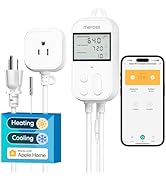
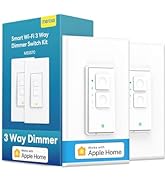
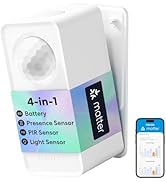
MSG100HK | MSG150HK-NEW | Matter Presence Sensor | Smart Energy Monitor | Matter Smart Thermostat | Smart Dimmer Switch Kit | Smart LED Strip Lights |
|---|---|---|---|---|---|---|
| Customer Reviews | ||||||
| — | — | — | — | — | — | — |
| Price | ||||||
| — | — | — | — | — | — | — |
| Works with Apple Home | ||||||
| YES | YES | YES | NA | YES | YES | YES |
| Works with Google Home | ||||||
| YES | YES | YES | NA | YES | YES | YES |
| Works with Alexa | ||||||
| YES | YES | YES | NA | YES | YES | YES |
| Works with SmartThings | ||||||
| YES | YES | YES | NA | YES | YES | YES |
| Control Method | ||||||
| App&Voice | App&Voice | App | NA | App&Voice | App&Voice | App&Voice |
| Required accessories | ||||||
| Partially required | No need | No need | NA | NA | NA | NA |
| Wired sensor | ||||||
| Need | No need | NA | NA | NA | NA | NA |
Newly Released
Hot-selling
Smart Switches
Smart Plug
Smart Bulbs