




 here!
here!
I’m your shopping assistant for PC builds, upgrades, and everything tech.
Got questions? Ask away!
Start a conversation
here!
I’m your shopping assistant for PC builds, upgrades, and everything tech.
Got questions? Ask away!
Start a conversation




Any questions? Ask CelesteSM will help you find out quickly.
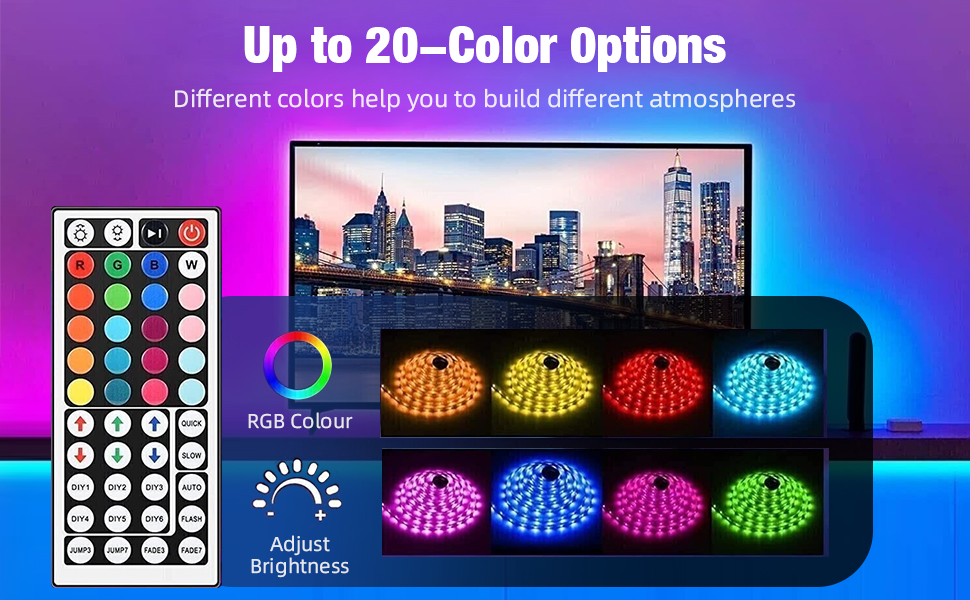
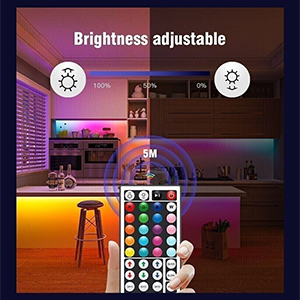
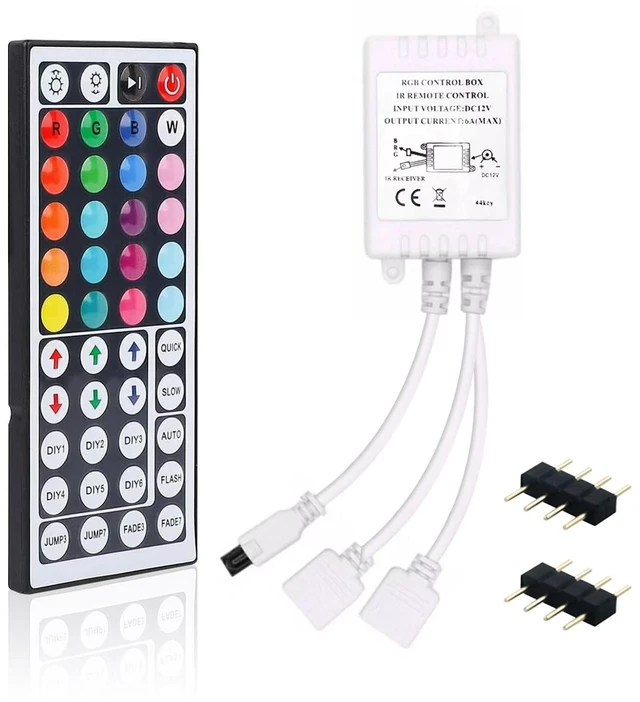
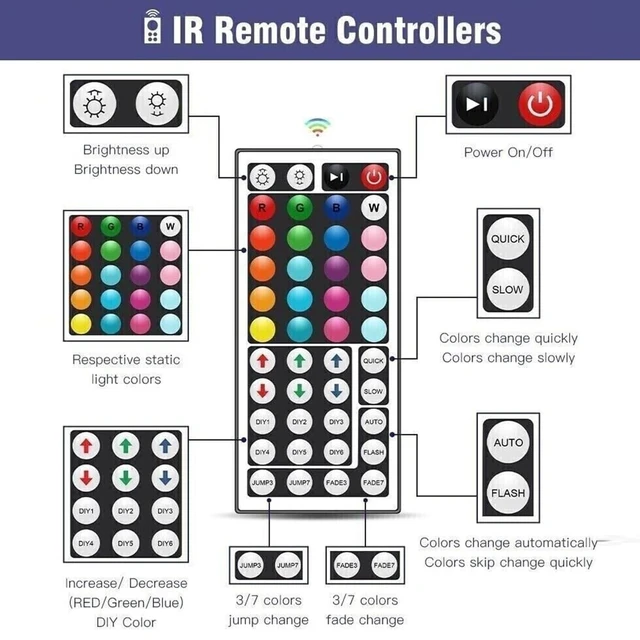
Step 1: Activate the DIY function. -Turn on the light; -Press one of the RGB buttons; -Press the DIY1 button once (with DIY1 as an example).
Step 2: DIY setting. Long press red up arrow or down arrow buttons to increase or decrease red proportion (Press 5 seconds or more). Adjust the green (green arrow) and blue (blue arrow) proportion in the same way to DIY you favourite color.
Step 3: Keep the color you just set by pressing the DIY1 button again, the setting has been completed and current color will be saved.
Step 4: Repeat the steps above to set the rest of 5 DIYs, all 6 DIY buttons are memorial design, once save the mode, you don’t have to reset next time.
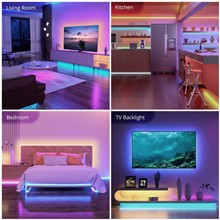
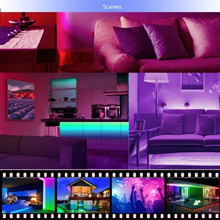

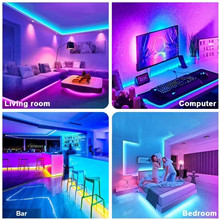
Step 1: Activate the DIY function. -Turn on the light; -Press one of the RGB buttons; -Press the DIY1 button once (with DIY1 as an example).
Step 2: DIY setting. Long press red up arrow or down arrow buttons to increase or decrease red proportion (Press 5 seconds or more). Adjust the green (green arrow) and blue (blue arrow) proportion in the same way to DIY you favourite color.
Step 3: Keep the color you just set by pressing the DIY1 button again, the setting has been completed and current color will be saved.
Step 4: Repeat the steps above to set the rest of 5 DIYs, all 6 DIY buttons are memorial design, once save the mode, you don’t have to reset next time.



