




 here!
here!
I’m your shopping assistant for PC builds, upgrades, and everything tech.
Got questions? Ask away!
Start a conversation
here!
I’m your shopping assistant for PC builds, upgrades, and everything tech.
Got questions? Ask away!
Start a conversation Top Rated




Any questions? Ask CelesteSM will help you find out quickly.
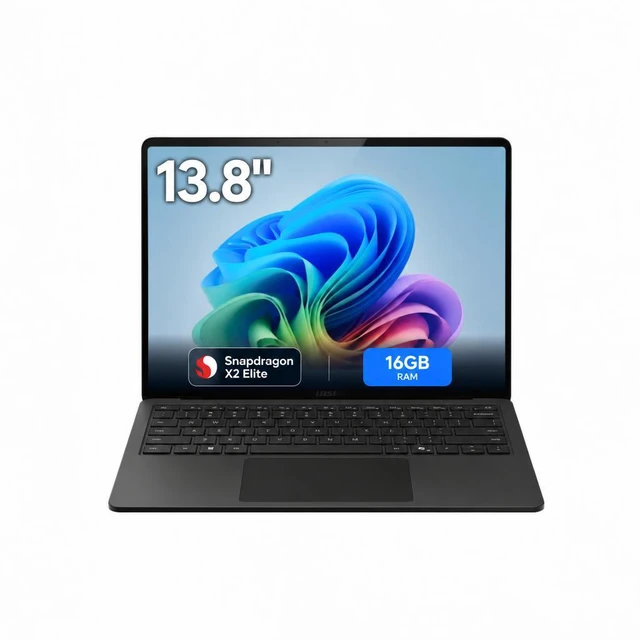
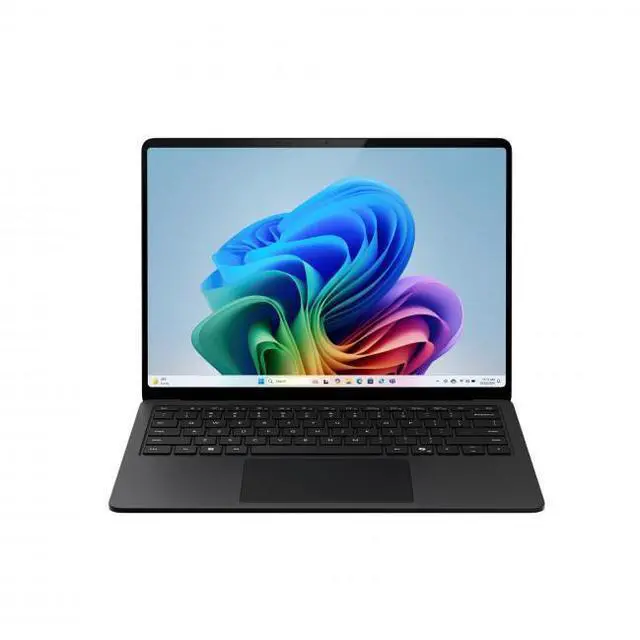
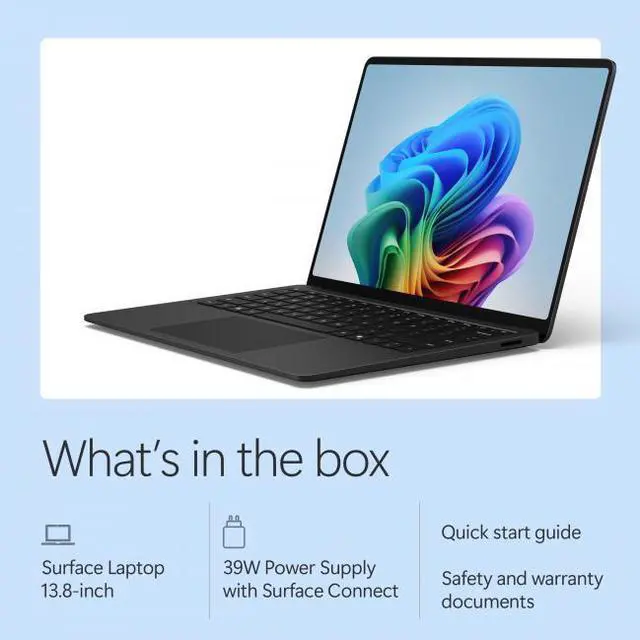
The Microsoft Surface Laptop 8 is a 13.8-inch thin-and-light Copilot+ PC with a 2304 x 1536 120Hz touchscreen, Snapdragon X2 Elite processor, 16GB LPDDR5x memory, and 1TB SSD, making it a strong fit for professionals, students, and everyday users who want a premium portable Windows laptop for productivity, multitasking, and creative work.
| Attribute | Value |
|---|---|
| Best For | Mainstream business and consumer content-creation work that benefits from long battery life and AI-enabled Copilot+ features — thin, light 13.8" touchscreen laptop with Snapdragon X2 Elite, 16 GB memory and 1 TB SSD for everyday productivity, media and light creative tasks |
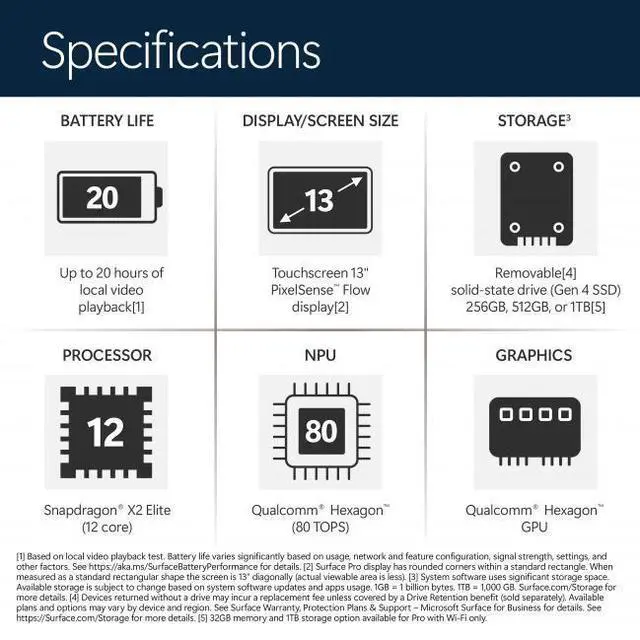
| Processor And Core Count | Qualcomm Snapdragon X2 Elite system-on-chip, 12-core processor up to 4 GHz (qualifications listed as Snapdragon X2 Elite / 12 cores) |
| GPU And VRAM | Integrated Adreno graphics using shared system memory (no dedicated video RAM listed) |
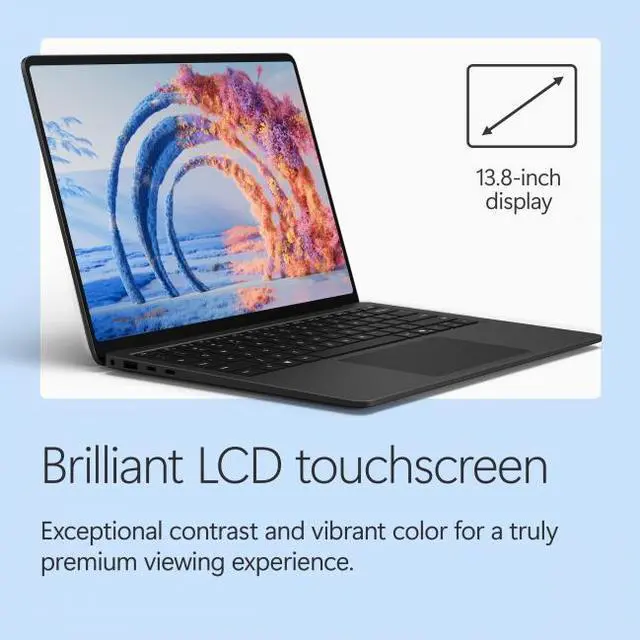
| Display Spec | 13.8" touchscreen LCD, native 2304 x 1536 resolution with 120 Hz refresh rate and up to 600 nit peak brightness |
| Memory Configuration | 16 GB LPDDR5x system memory (installed) |
| Storage And Expansion | 1 TB NVMe SSD (internal solid-state storage) |
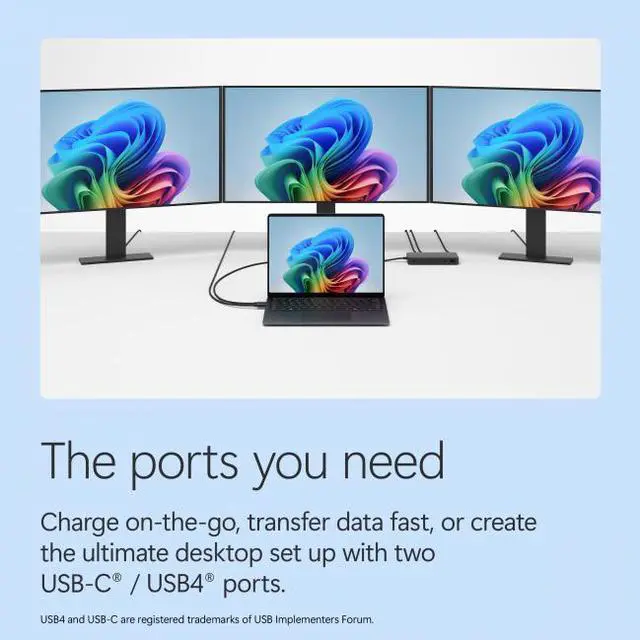
| High Speed I O | Three total USB ports: 1 x USB-A plus two USB-C ports with Thunderbolt 4 support (total 3 USB ports), DisplayPort and USB-C connectivity listed, and 1 x 3.5 mm headphone/microphone combo jack |
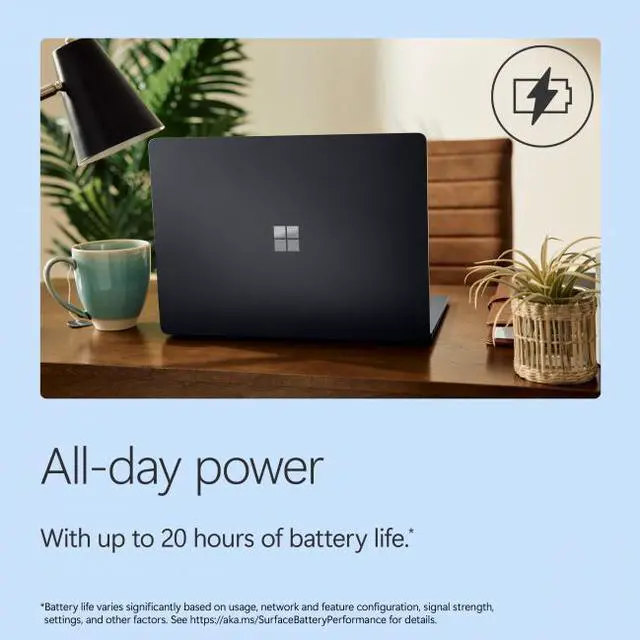
| Battery And Power | 6-cell lithium-ion battery (54.12 Wh) rated up to 20 hours with included 39 W USB-C power adapter |
| Wired And Wireless Networking | 802.11be wireless LAN and Bluetooth 5.4 for Wi-Fi and short-range wireless connectivity |
| Webcam And Privacy | 1080p FHD built-in webcam |
| Keyboard And Control | Built-in full-size keyboard plus precision touchpad and touchscreen input |
| Audio Setup | 3.5 mm headphone/microphone combo jack for wired audio |
| Portability | Thin-and-light design, dimensions 11.85" x 8.67" x 0.69" and weight 2.97 lbs |
| External Display And Docking Fit | Two Thunderbolt 4-capable USB-C ports for external displays and docking via Thunderbolt/USB-C |
| Model Identifiers | Microsoft Surface Laptop (Series: Surface Laptop 8), Model EP2-59296 / X2E-78-100, 2026 model year, color Black, ships with Windows 11 Home |
Q: Should I buy this Surface Laptop 13.8 or a MacBook Air 13?
A: Choose the Surface Laptop 13.8 if you want Windows, a touchscreen, a 120Hz display, USB-A, and a user-replaceable SSD. Choose the MacBook Air 13 if your apps are already centered on macOS or you want the broader ARM software maturity that reviewers still note on Apple Silicon. Across reviews, the Surface is positioned as a strong Windows alternative to the MacBook Air, with very good battery life and everyday performance, but Apple still tends to hold an advantage in app compatibility and passive cooling.
Q: Is the Snapdragon X Elite version worth it over a lower-tier Surface Laptop configuration?
A: Buy the Snapdragon X Elite version if you expect heavier multitasking, longer useful life from the same machine, or more CPU headroom for demanding office, creative, and AI-assisted workloads. If your use is mainly web, documents, video calls, and streaming, multiple review and community sources suggest the lower-tier Snapdragon X Plus models deliver a very similar day-to-day experience, which makes them the better value-focused option.
Q: Should I get this Surface Laptop or an Intel Core Ultra thin-and-light laptop?
A: This Surface Laptop is the stronger fit if you prioritize battery efficiency, quiet everyday use, and strong unplugged performance in a premium thin-and-light design. An Intel Core Ultra alternative is the safer pick if you depend on niche Windows apps, older utilities, peripherals, or drivers that may still behave better on x86. Review coverage consistently frames Snapdragon Surface models as efficient and fast for mainstream work, while software and accessory compatibility remains the main reason to choose Intel.
Q: Is this Surface Laptop a meaningful upgrade over the previous Surface Laptop generation?
A: Yes, it is a meaningful upgrade if you are coming from an older Intel-based Surface Laptop and want better battery efficiency, a newer NPU-focused Copilot+ platform, Wi-Fi 7, and a more modern ARM-based design. The main reason to stay with an older generation is software continuity if you rely on legacy Windows tools or drivers. Official Microsoft positioning and reviews both treat the Snapdragon-based Surface Laptop generation as a major platform shift rather than a small annual refresh.
Q: Is this Surface Laptop better for portability or should I choose a performance-first larger laptop?
A: Choose this 13.8-inch Surface Laptop if you want a lighter everyday machine that balances mobility, battery life, and enough performance for mainstream productivity and content work. Choose a larger performance-first laptop if your workload includes sustained rendering, heavier GPU use, larger timelines, or gaming. The trade-off is simple: this Surface is optimized for premium thin-and-light use, while bigger systems are usually the better fit for sustained high-load tasks and broader graphics performance.
Q: Is this a good travel work laptop?
A: Yes for mobile office work. This Surface Laptop configuration is light at 2.97 lb, has a compact 13.8-inch display, and includes Wi‑Fi 7, a 1080p webcam, and two Thunderbolt 4 ports plus USB-A, which fits common travel and meeting needs. The main trade-off is port variety: there is no HDMI, so many travelers will need a USB-C or Thunderbolt dongle for external displays.
Q: Is it good for note-taking, meetings, and everyday office work?
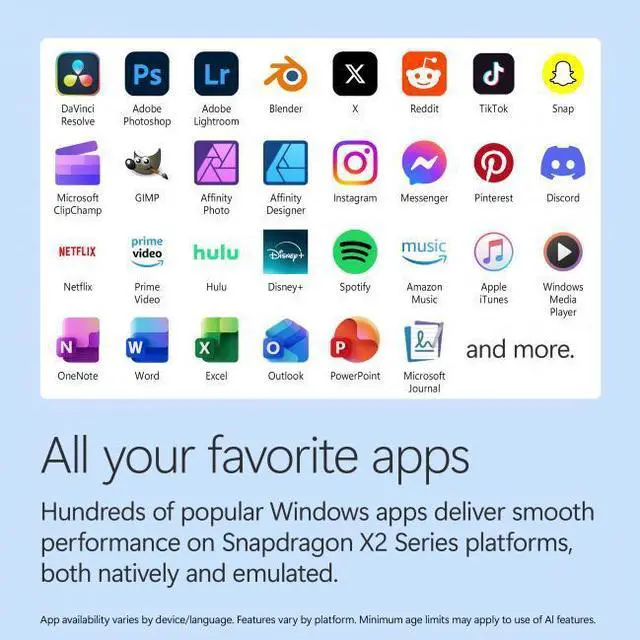
A: Yes. For email, documents, web apps, video calls, note-taking with the touchscreen, and multitasking across standard business apps, this configuration is well suited. The 16GB memory and 1TB SSD are practical for mainstream productivity. The limitation is that it is still an ARM-based Windows laptop, so buyers with older or specialized Windows software should verify app compatibility before purchase.
Q: Who is this laptop best for?
A: It is best for buyers who want a premium thin-and-light Windows laptop for work, school, web-based workflows, meetings, and general productivity, and who value battery life, low weight, and a high-quality touchscreen more than broad upgradeability or gaming power. It is less ideal for users who need dedicated graphics, many built-in ports, or guaranteed compatibility with niche legacy software.
Q: What are the main trade-offs versus a similar Intel or AMD laptop?
A: The likely advantages are mobility-focused ones: lower carry weight, strong battery-oriented positioning, quiet everyday use, and Copilot+ / on-device AI features. The main trade-offs are software edge cases on Windows on ARM, integrated rather than dedicated graphics, and a minimalist port setup without HDMI. Buyers who rely on uncommon desktop utilities, certain drivers, or heavier creative and gaming workloads may be better served by a comparable Intel or AMD model.
Q: Can you upgrade the memory or storage later?
A: Storage may be replaceable, but memory should be treated as non-upgradeable. For purchase decisions, assume 16GB RAM is fixed and choose capacity accordingly. If you expect heavier multitasking, large local files, or a longer ownership cycle, a higher-memory configuration would be the safer choice than planning a later RAM upgrade.
Q: Is the 13.8-inch Surface Laptop with Snapdragon X Elite worth buying, or is the cheaper configuration the better pick?
A: It is a reasonable buy if you specifically want the 13.8-inch Surface design, touchscreen, light weight, 1TB storage, and strong everyday battery-focused Windows use. The main trade-off is value: repeated Reddit discussion around the 13.8-inch Surface Laptop says the X Elite upgrade often feels less important on this size than storage, price, and overall ARM app compatibility. If the price premium over an X Plus model is small and you want 1TB, it makes sense. If the premium is large, many buyers treat the lower-tier option as the better value.
Q: Is this a good laptop for work, school, writing, browsing, and travel?
A: Yes, it is well suited for portable office and school use. The 13.8-inch size, 2.97 lb weight, 120 Hz touchscreen, 1080p webcam, and 1TB SSD make it a practical fit for writing, meetings, web apps, note-taking, and frequent travel. The key caution from Reddit discussion is software compatibility: it is a better choice for browser-based and mainstream Windows workflows than for niche legacy apps or specialized tools that may still behave better on x86 laptops.
Q: Who is this Surface Laptop best suited for?
A: It is best for buyers who want a thin, premium Windows laptop for general productivity, communication, media, and cloud-first work. It fits users who prioritize portability, quiet everyday use, a high-quality touchscreen display, and modern connectivity like Wi‑Fi 7 and Thunderbolt 4. It is less ideal for buyers who depend on older Windows software, broad peripheral compatibility without checking first, or heavier local workloads where a larger or more performance-focused laptop may be a safer choice.
Q: What are the main trade-offs of choosing this model instead of a larger or non-ARM laptop?
A: The main trade-offs are ARM software compatibility, limited built-in ports, and uncertain value from the X Elite upgrade in the smaller chassis. This model gives you only USB-A, two Thunderbolt 4 ports, and a headset jack, so some buyers will need adapters. Community discussion also repeatedly treats the 13.8-inch model as more about portability than maximizing the benefit of the higher-end processor. A larger model or x86 laptop may be the safer pick for specialized software, broader compatibility, or buyers who want fewer compromises.


