• $85.99
  • Free 30-day Returns
  • Sold by Weiventom

    Shipped by Weiventom

    Price alert
    Shop it at NeweggBusiness.

    Meet Your Seller

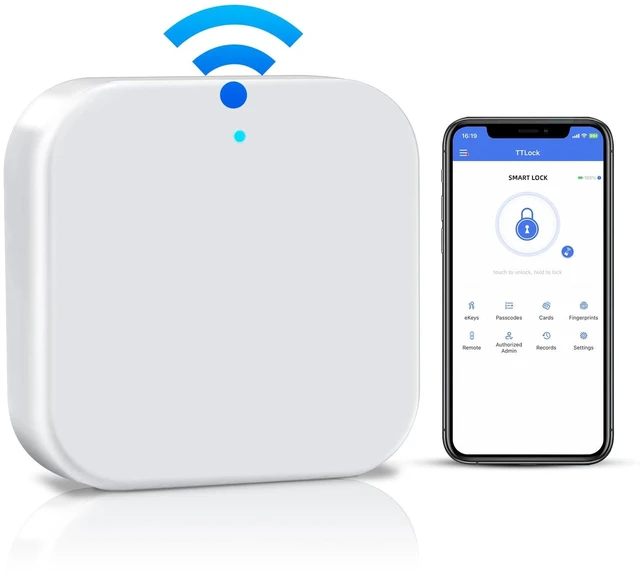
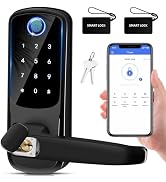
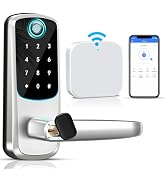
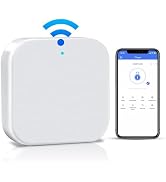
    Smart G2 WiFi Gateway,Fingerprint Keyless Entry Door Lock & TT Lock App Bluetooth Remotely Control, Smart Door Lock WiFi Hub Compatible with Voice Control Alexa

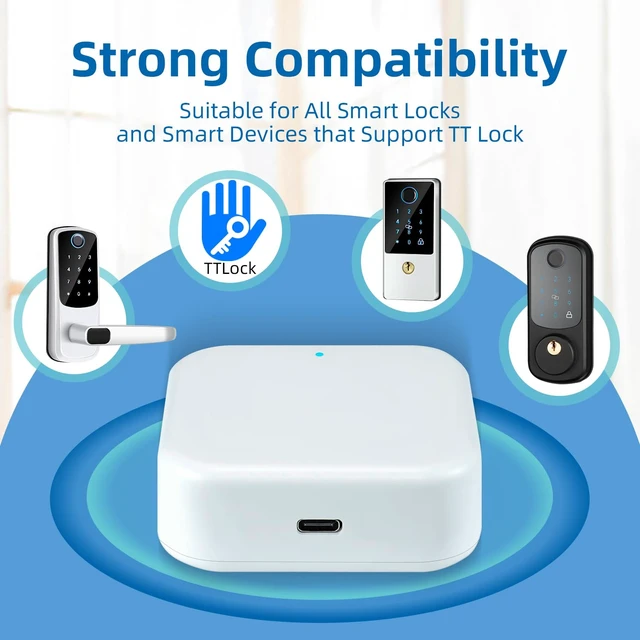
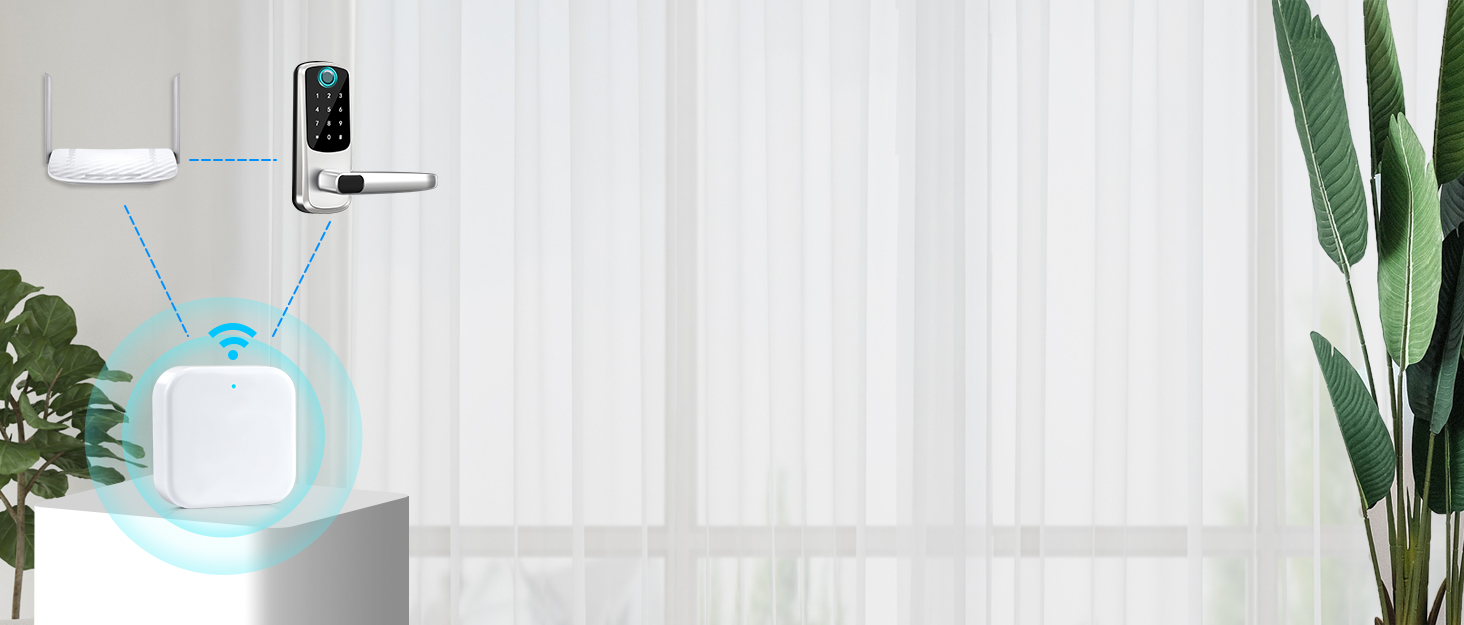
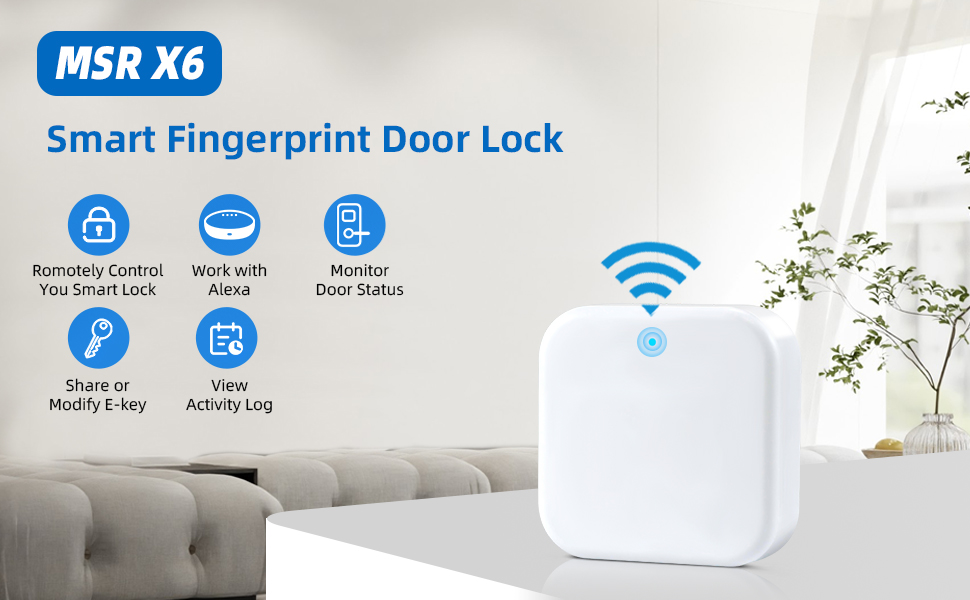
    • Compatibility:The G2 gateway can be used with smart locks that can be controlled by the TT Lock App.Only suitable for smart door locks with TTLock App. Bluetooth door locks and the Internet are connected through the G2 WiFi Bridge to make management more convenient and life smarter.
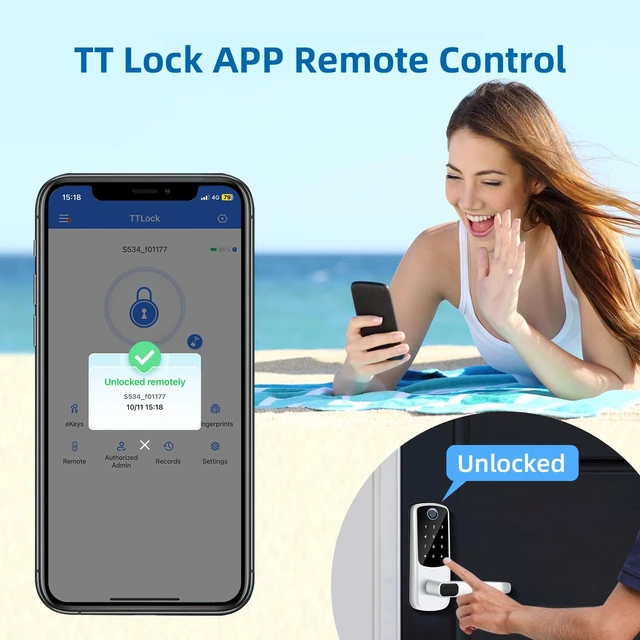
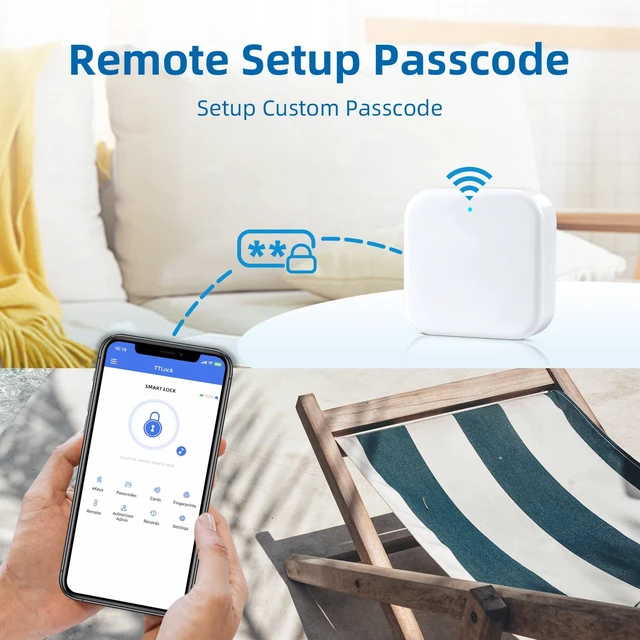
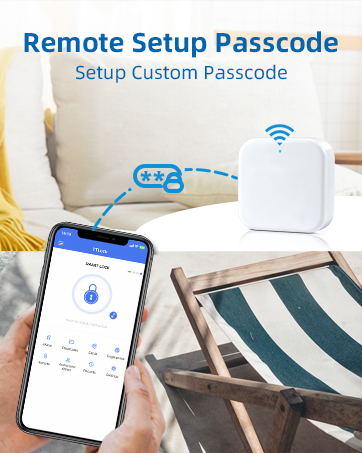
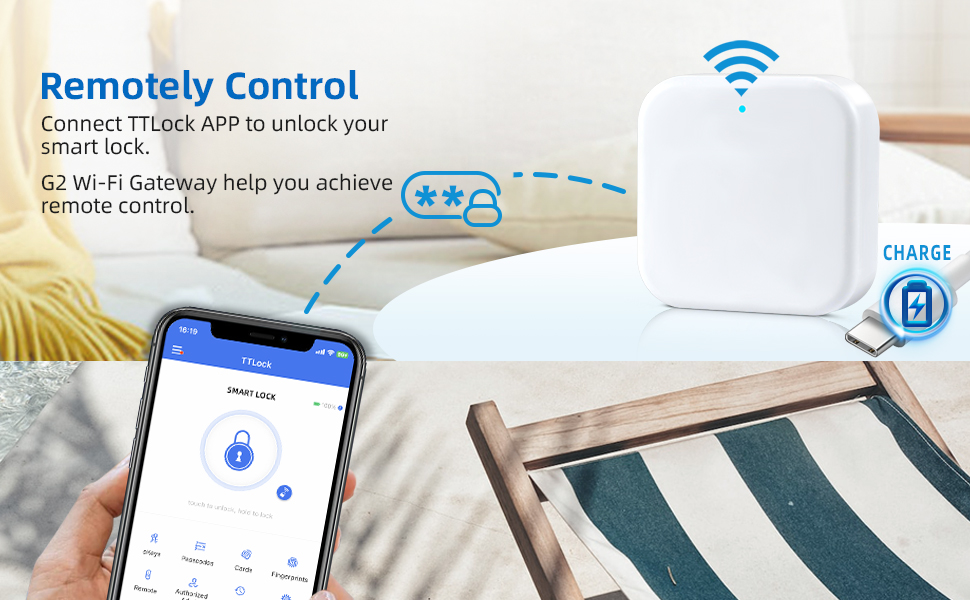
    • Remote Control:The G2 gateway connects to the TT Lock App to achieve remotely unlock, which is no longer to be limited by the Bluetooth unlocking distance. which can realize remote control, check the status of the door lock in real time, and remotely set custom passwords and other remote functions.
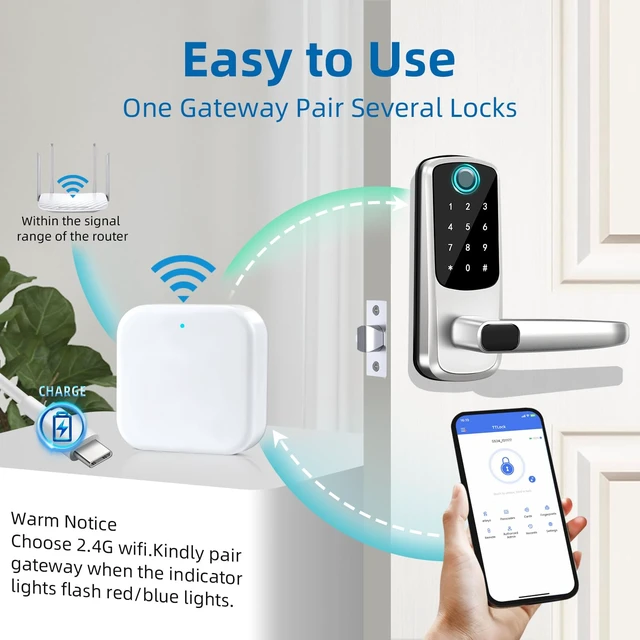
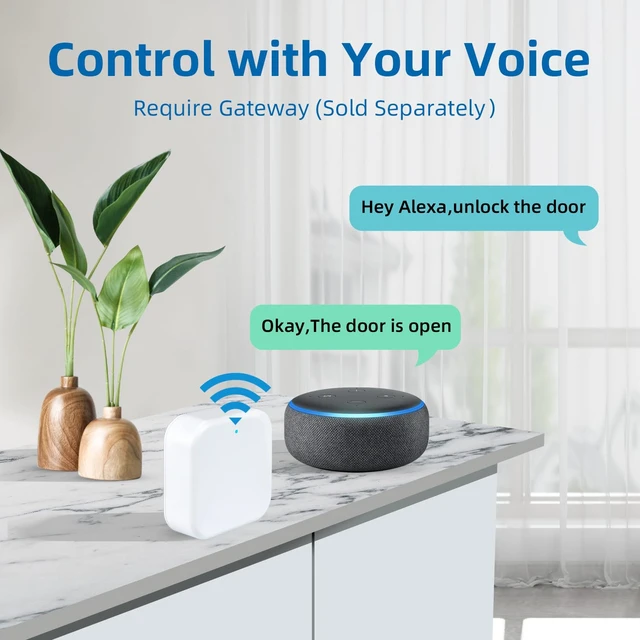
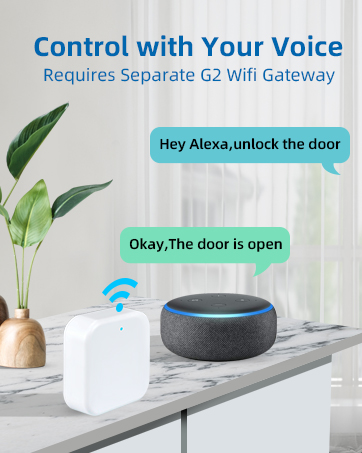
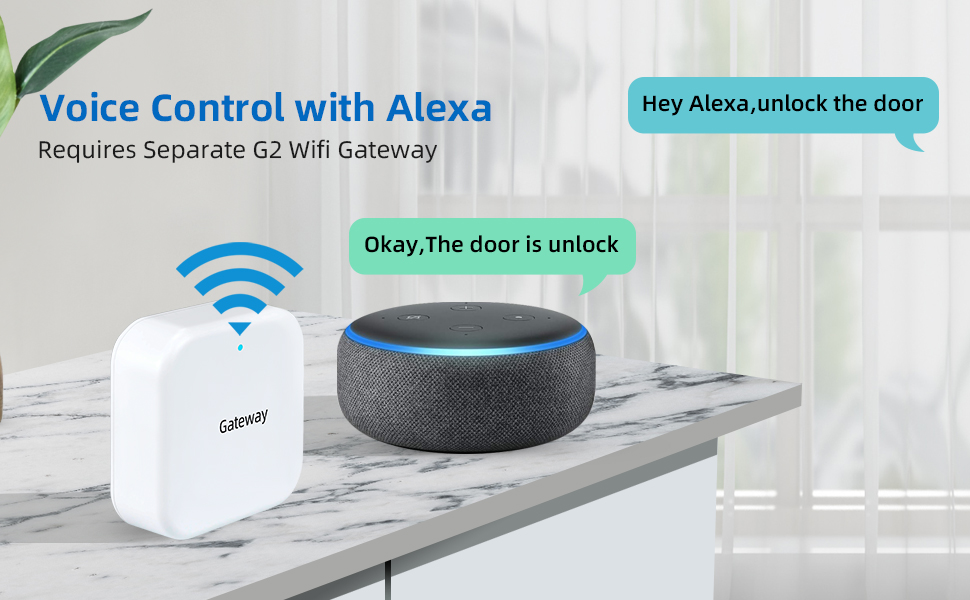
    • Voice Control: After the gateway is paired with the smart lock, it is compatible with Alexa to realize voice intelligent control.No restrictions on pairing, one gateway can pair multiple smart locks.
    • Easy to Connect: Please ensure that when connecting to the gateway, the red and blue lights must be flashing to successfully "search for the gateway". If the gateway is powered on too early, the blue light will be displayed, which will result in "search failure." You must unplug the power and power it on again. , the gateway can be searched, and the connection will be successful.If you have any connection problems, please feel free to contact us, we are at your service 24 hours a day.
    +
    +
    Overview
    Specs
    Reviews
    avatar

    Any questions? Our AI mode will help you find out quickly.

    fingerprint door lock

    What makes our product unique?

    MSR X6 focuses on product innovation, quality control, and high capital investment. We strive to providing more stable and cost-effective products to you.Each member can get inside flexible after setting the code. Our smart lock can be the option to make your home smarter, safer.At the same time, we focus on user experience, Our products are designed for easy installation, making it easy for you to enjoy a smart life.Built on the core values of quality, stability and convenience.
    G2 wifi Gateway

    How to connect Alexa and gateway

    1. Download the " Alexa" on your mobile phone and connecting, find "Skills & Games" in the menu bar and search for “TTlock”.
    2. Enter the login interface, enable. Please Note: If the login failed, please fill in the area code "+1" at front of account.
    3. Give Alexa the "discover" command, and the Locks option appears on the page.
    4. Paring successfully! Enter the setting interface, authorize APP control and voice control.

    smart lock
    smart door lock

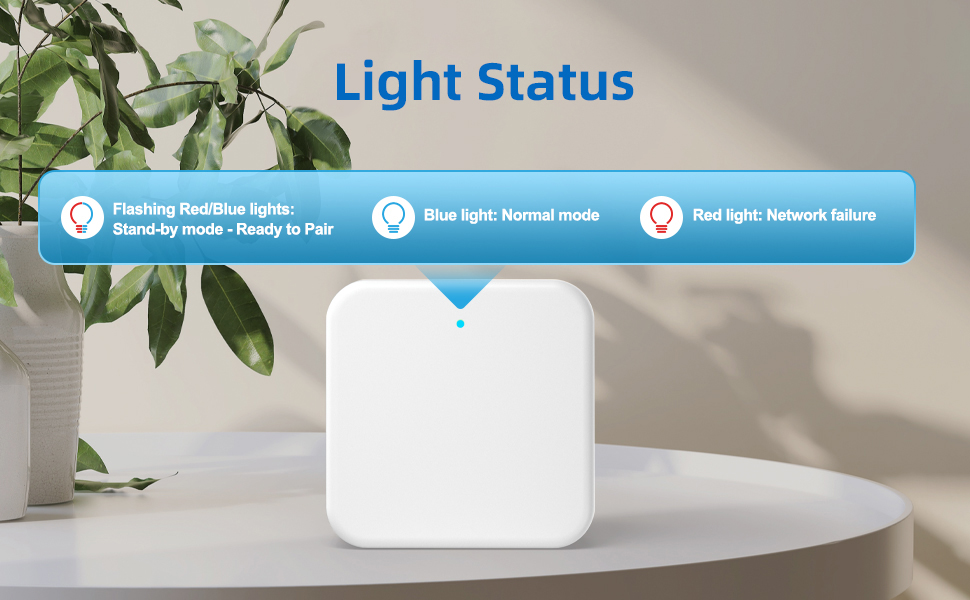
    Gateway Light Status Description

    When the Gateway is powered on:

    Flashing Red/Blue lights: Stand-by mode-Ready to Pair

    Red light: Network failure

    Blue light: Normal mode

    G2 Gateway

    Gateway Paring Step

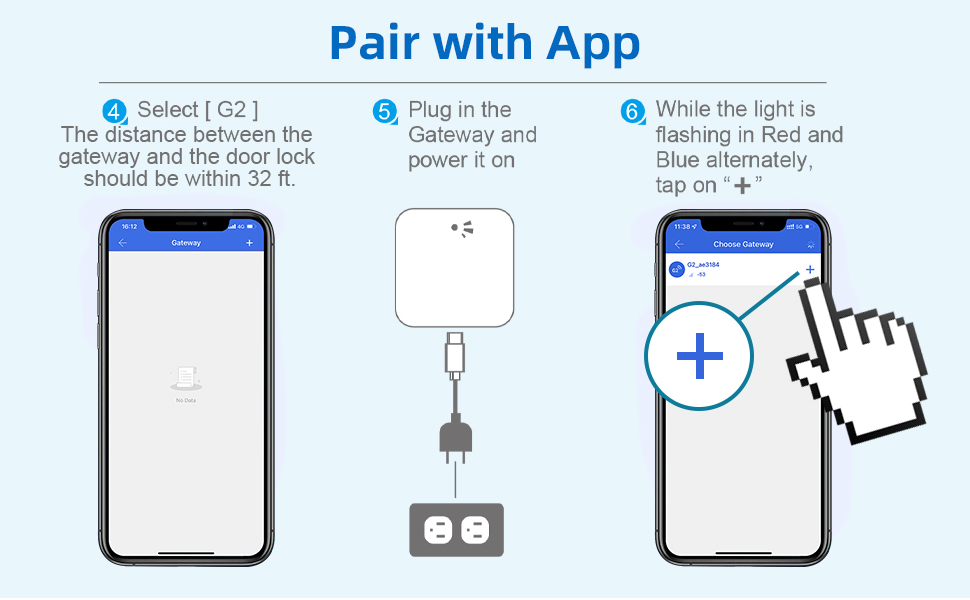
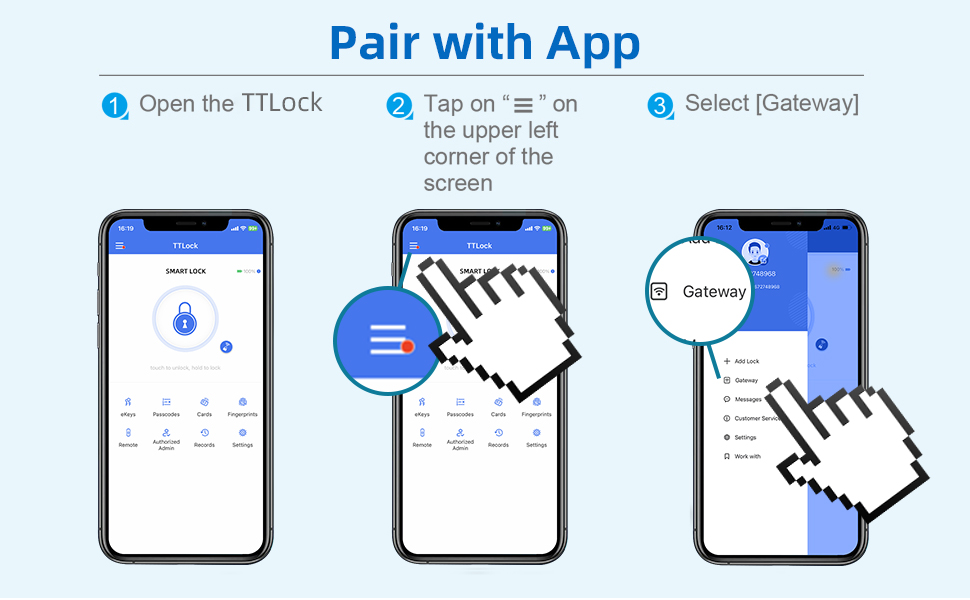
    1. Find main menu at upper left corner, select Gateway - G2.
    2. Connect to power before entering next step. Switching on the power too early will result in "search failed".
    3. The gateway must show flashing red and blue lights before connecting to the gateway. If it does not show flashing red and blue lights, unplug the plug and turn on the power again.
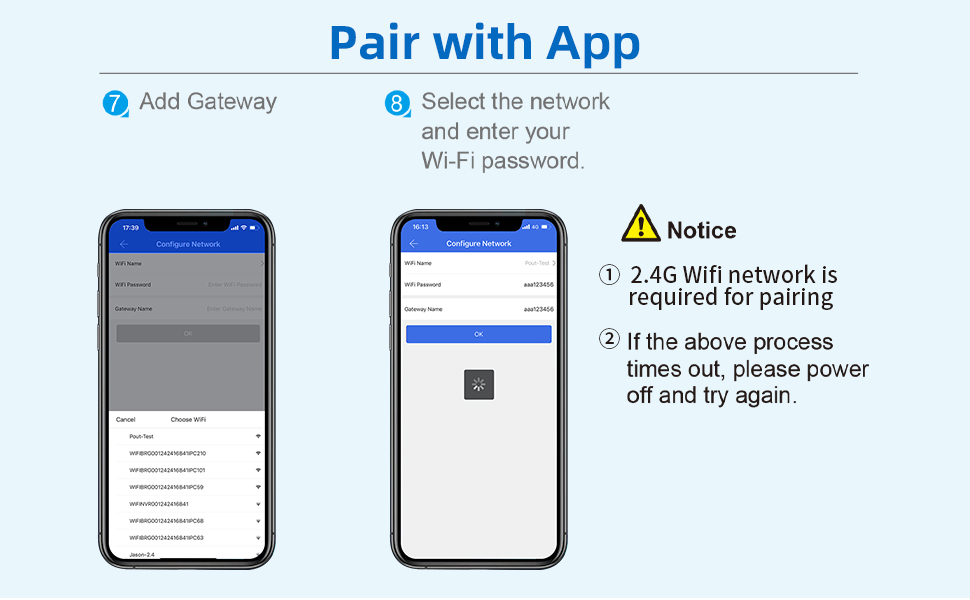
    4. Configure wifi information, please note that your phone also needs to be connected to the same wifi.
    5. Configuration successfully! There will be a "Gateway" column in the "Settings".

    G2 gateway
    G2 WIFI Gateway
    fingerprint door lock

    What makes our product unique?

    MSR X6 focuses on product innovation, quality control, and high capital investment. We strive to providing more stable and cost-effective products to you.Each member can get inside flexible after setting the code. Our smart lock can be the option to make your home smarter, safer.At the same time, we focus on user experience, Our products are designed for easy installation, making it easy for you to enjoy a smart life.Built on the core values of quality, stability and convenience.
    G2 wifi Gateway

    How to connect Alexa and gateway

    1. Download the " Alexa" on your mobile phone and connecting, find "Skills & Games" in the menu bar and search for “TTlock”.
    2. Enter the login interface, enable. Please Note: If the login failed, please fill in the area code "+1" at front of account.
    3. Give Alexa the "discover" command, and the Locks option appears on the page.
    4. Paring successfully! Enter the setting interface, authorize APP control and voice control.

    smart lock
    smart door lock

    Gateway Light Status Description

    When the Gateway is powered on:

    Flashing Red/Blue lights: Stand-by mode-Ready to Pair

    Red light: Network failure

    Blue light: Normal mode
    G2 Gateway

    Gateway Paring Step

    1. Find main menu at upper left corner, select Gateway - G2.
    2. Connect to power before entering next step. Switching on the power too early will result in "search failed".
    3. The gateway must show flashing red and blue lights before connecting to the gateway. If it does not show flashing red and blue lights, unplug the plug and turn on the power again.
    4. Configure wifi information, please note that your phone also needs to be connected to the same wifi.
    5. Configuration successfully! There will be a "Gateway" column in the "Settings".

    G2 gateway
    G2 WIFI Gateway
    Smart G2 WiFi Gateway, Fingerprint Keyless Entry Door Lock & TT Lock App Bluetooth Remotely Control, Smart Door Lock WiFi Hub Compatible with Voice Control Alexa

    Warranty & Returns

    Warranty, Returns, And Additional Information

    Warranty

    • Please contact the Seller directly for warranty information. Warranty information may also be found on the Manufacturer's website.
    • CONTACT

    Return Policies

    • Return for refund within: 30 days
    • Return for replacement within: 30 days
    • This item is covered by Weiventom Return Policy

    Manufacturer Contact Info

    LOADING...