

Your Browsing History

Meet Your Seller

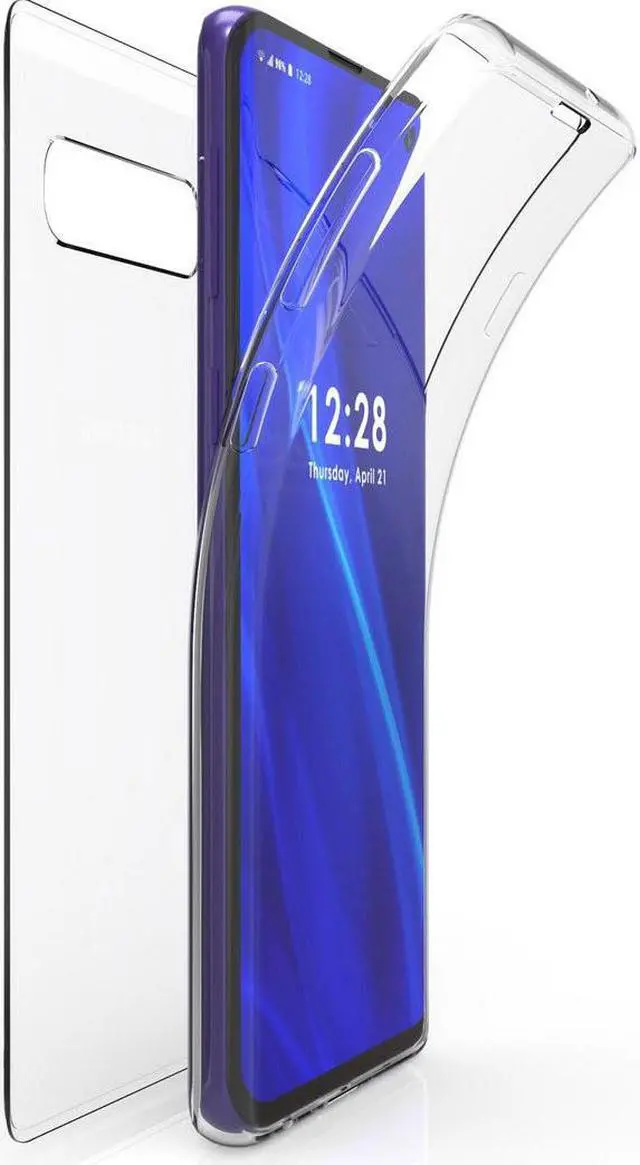
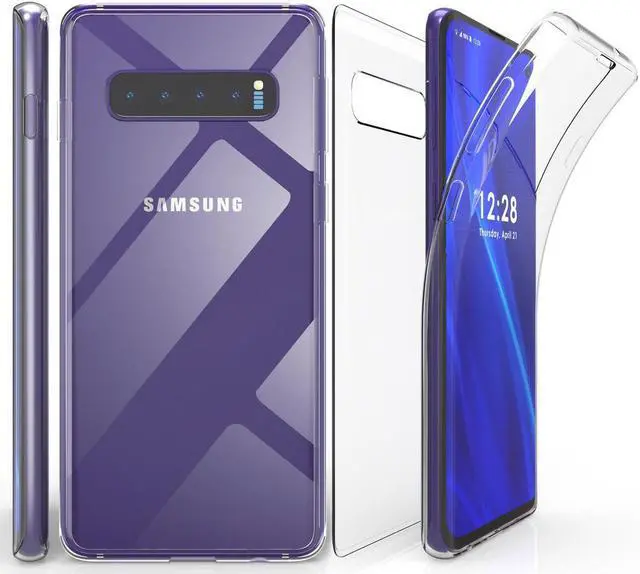
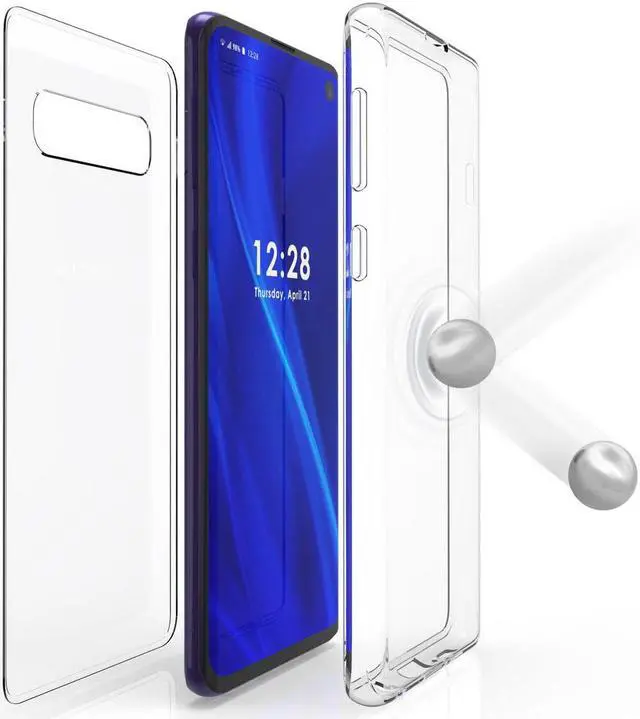
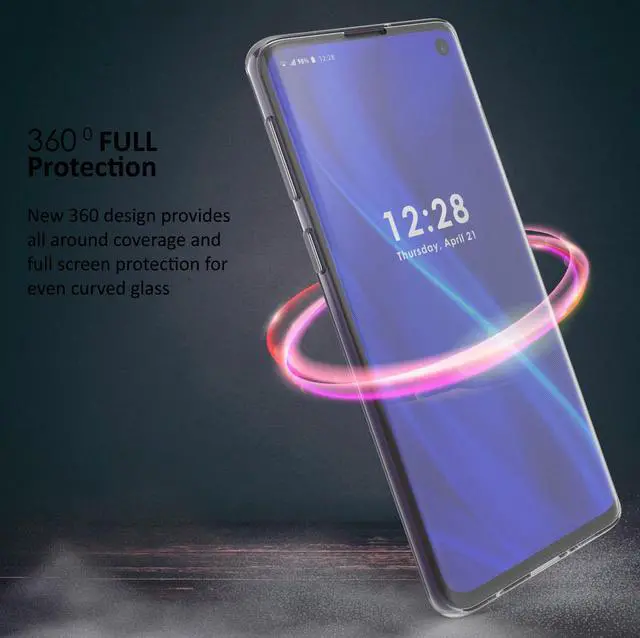
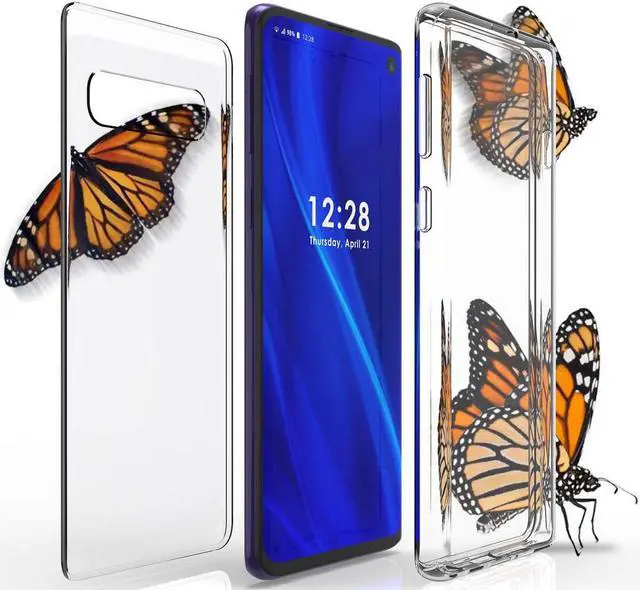
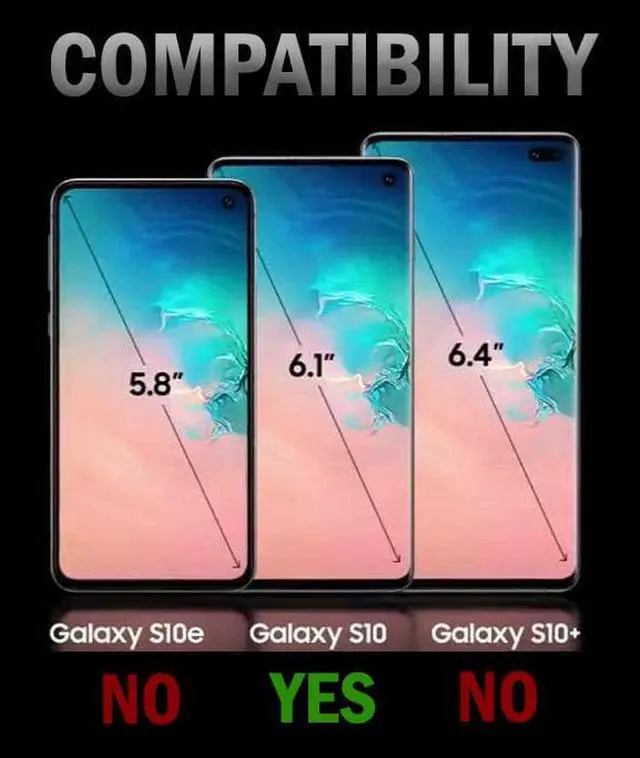


Tri-Max Clear Screen Guard Full Body TPU Wrap Case Cover for Samsung Galaxy S10
- Full-Body Wrap Case Provides Built-In Screen Protection
- See-Thru Design Will Showcase the Original Appearance of Your Phone
- Flexible TPU Material Fits Like A Glove; Slim And Practical for Everyday Mishaps
- 360 Degree Protection With Scratch-Resistant Coating
+
+
Overview
Specs
Reviews

Any questions? Our AI mode will help you find out quickly.
Try me now
If you want full-body protection for your Galaxy S10 and still maintain its slim original beauty/design.... then this 360-Degree Wrap is the ideal case for you.
MATERIAL: The case is made of 2 separate pieces (front/back) that interlock or seam together. The front cover is made of flexible clear TPU material that wraps around the front of the phone and perimeter. The back panel is a transparent hard shell with scratch resistant coating.
SCREEN PROTECTION: The flexible TPU material completely covers/protects your screen. You will see no air bubbles because the TPU material has fine pin-hole pattern that allows for air disbursement.
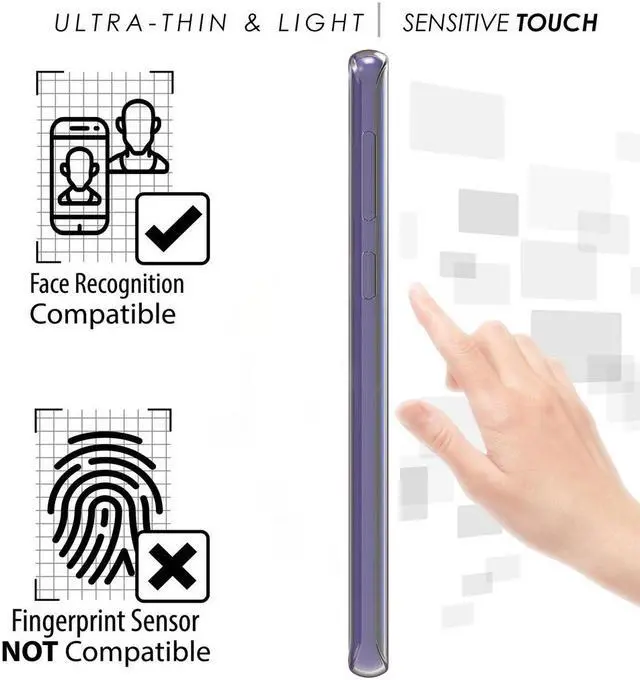
FUNCTIONALITY: The 360-Degree Wrap Case is practical for everyday use because it provides excellent grip and protection without the bulkiness. This slim form-fit case has cutouts for all ports. Your touchscreen remains fully functional though this protective layer with the exception of ultrasonic fingerprint sensor.
INSTALL: The item is simple to install. All you do is insert the phone in the front TPU skin and stretch/wrap around the perimeter. Then you can tuck the clear hard back panel into place.
CUSTOMIZE IT: Trace the back panel and insert your own picture or piece of decorated paper/art/etc to make a unique custom case.
PHONE SETTINGS: To ensure optimal touchscreen responsiveness, please TURN ON TOUCH SENSITIVITY.
Go to Settings > Advanced Features > Touch Sensitivity > Turn ON
MATERIAL: The case is made of 2 separate pieces (front/back) that interlock or seam together. The front cover is made of flexible clear TPU material that wraps around the front of the phone and perimeter. The back panel is a transparent hard shell with scratch resistant coating.
SCREEN PROTECTION: The flexible TPU material completely covers/protects your screen. You will see no air bubbles because the TPU material has fine pin-hole pattern that allows for air disbursement.
FUNCTIONALITY: The 360-Degree Wrap Case is practical for everyday use because it provides excellent grip and protection without the bulkiness. This slim form-fit case has cutouts for all ports. Your touchscreen remains fully functional though this protective layer with the exception of ultrasonic fingerprint sensor.
INSTALL: The item is simple to install. All you do is insert the phone in the front TPU skin and stretch/wrap around the perimeter. Then you can tuck the clear hard back panel into place.
CUSTOMIZE IT: Trace the back panel and insert your own picture or piece of decorated paper/art/etc to make a unique custom case.
PHONE SETTINGS: To ensure optimal touchscreen responsiveness, please TURN ON TOUCH SENSITIVITY.
Go to Settings > Advanced Features > Touch Sensitivity > Turn ON
Warranty & Returns
Warranty, Returns, And Additional Information
Warranty
- Please contact the Seller directly for warranty information. Warranty information may also be found on the Manufacturer's website.
- CONTACT
Return Policies
- Return for refund within: 30 days
- Return for replacement within: 30 days
- This item is covered by Nakedcellphone Return Policy
Manufacturer Contact Info
- For a directory of all our manufacturers, please click below.
- Manufacturers Directory
LOADING...