





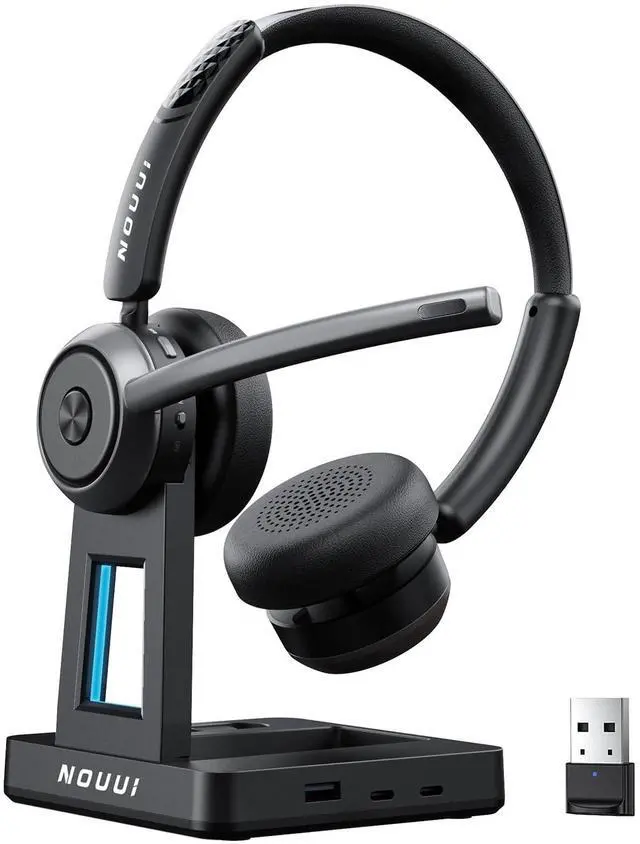


Wide Compatibility for Seamless Communication
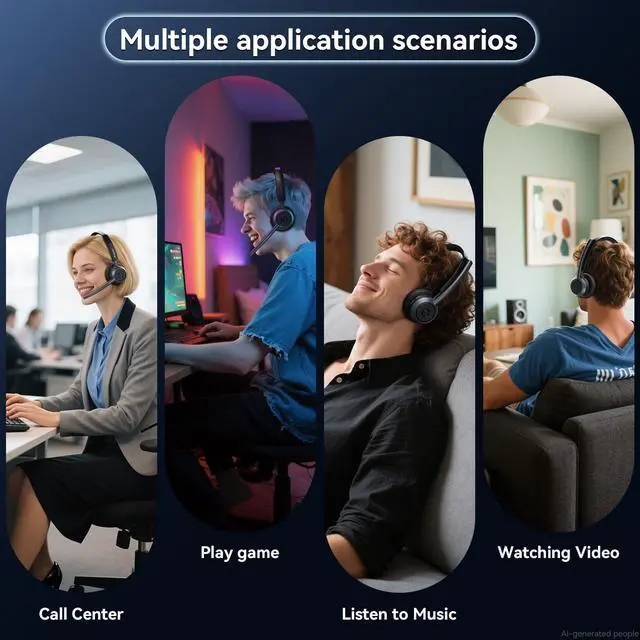
Stable connection to phones, computers, laptop, wide compatibility ensures smooth calls across major meeting platforms like zoom, teams

How to Connect via USB Dongle
1, Plug the USB dongle into your computer’s USB port; 2, Wait for the blue LED to flash, showing the dongle is ready; 3, Turn the headset to ON; 4, Once you hear “Paired” and the blue light stays solid, the headset is connected
Note: Disable Bluetooth on other devices if previously paired.

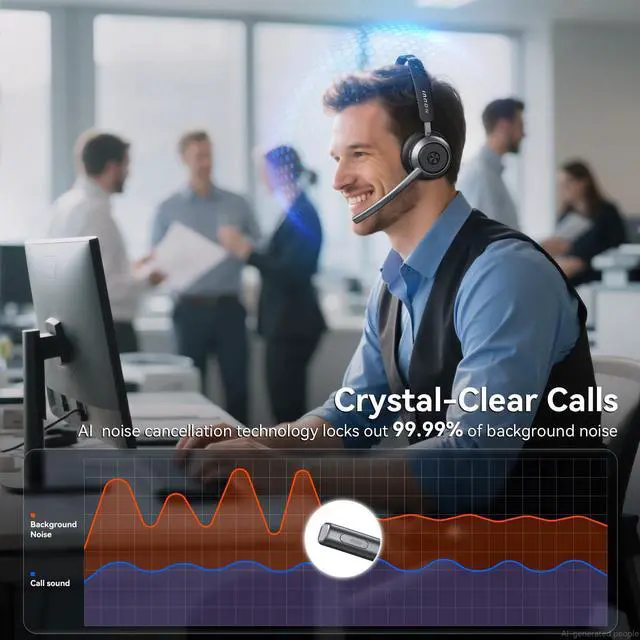
99% Noise Cancellation
Eliminate background noise to ensure your voice is clear and professional in any situation
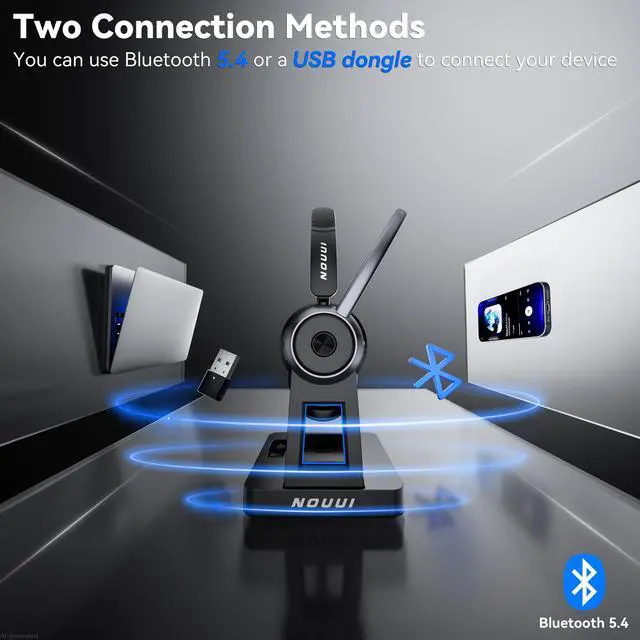
Bluetooth 5.4 & 2.4G Dongle for Instant Connection
Fast and stable pairing with two flexible connection options for phones, laptop, computer


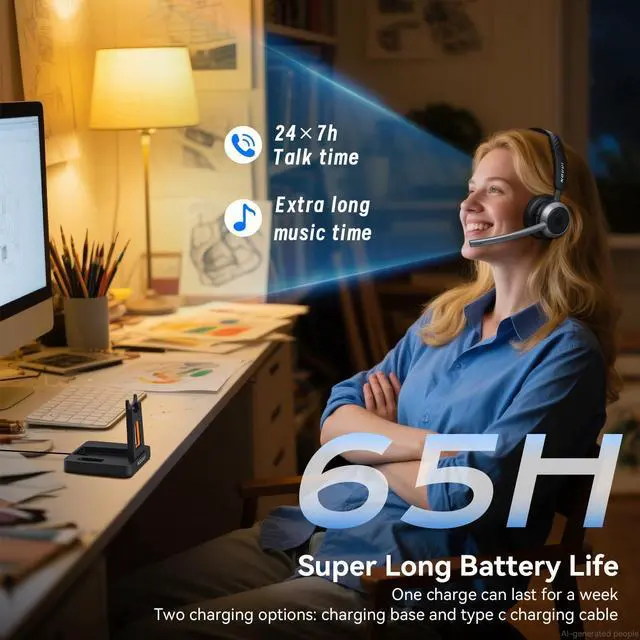
65-Hour Battery Life for a Full Week of Work
Up to 65H on one charge, ready for full week of meetings, remote work and no battery anxiety
One-Touch Mute Button for Instant Privacy
Easy mute button for quick privacy to helps deal with unexpected background noise


Immersive Stereo Sound for Work & Play
clear Stereo sound for clear calls, online meetings, training videos, and music
Hands-Free MFB Button
Hands-Free to answer/end a call, adjust volume, control music by MFB button,no need reach your phone


Wide Compatibility for Seamless Communication
Stable connection to phones, computers, laptop, wide compatibility ensures smooth calls across major meeting platforms like zoom, teams

How to Connect via USB Dongle
1, Plug the USB dongle into your computer’s USB port; 2, Wait for the blue LED to flash, showing the dongle is ready; 3, Turn the headset to ON; 4, Once you hear “Paired” and the blue light stays solid, the headset is connected
Note: Disable Bluetooth on other devices if previously paired.