

Your Browsing History
- Free 30-day Returns
$51.99


Meet Your Seller

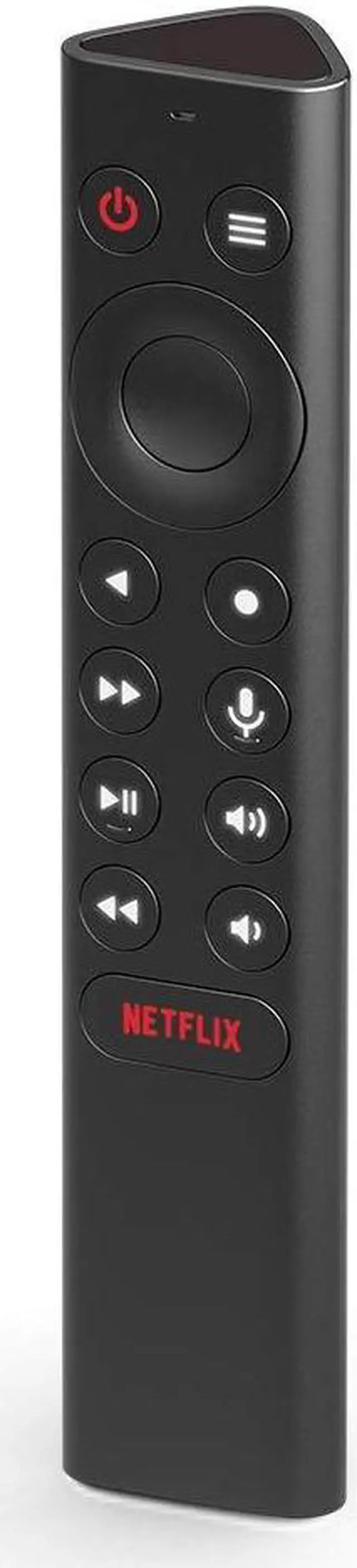
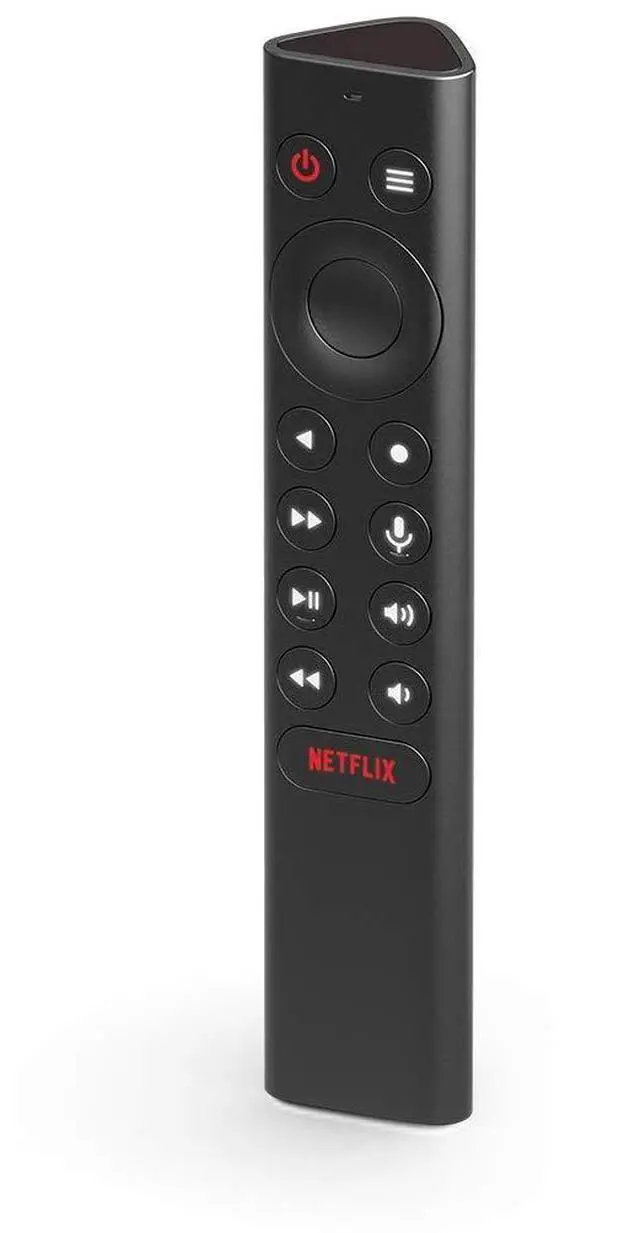


Shield Remote; Voice Search, Motion-Activated, Backlit Buttons, Customizable Menu Buttons, and IR Blaster to Control Your TV (930-13700-2500-100)
- Works with SHIELD TV 2015/2017/2019 models. Requires upgrade to the latest SHIELD Experience.
- Easy to use in the most darkly lit room. Pick up the remote and the buttons will instantly light up.
- Press the microphone button to access the powerful Google Assistant on your Android TV. Search for new movies, TV shows, or YouTube videos, look up stock prices, or check your commute time, all on your SHIELD TV.
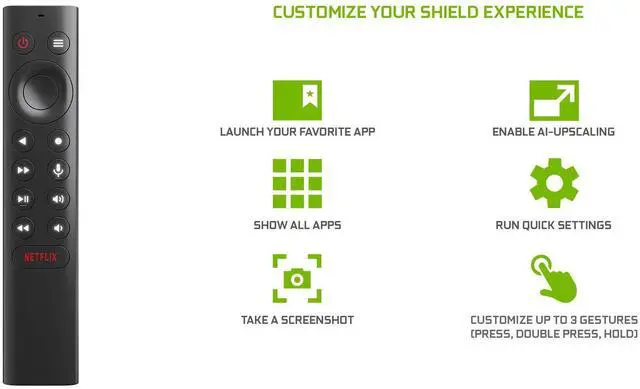
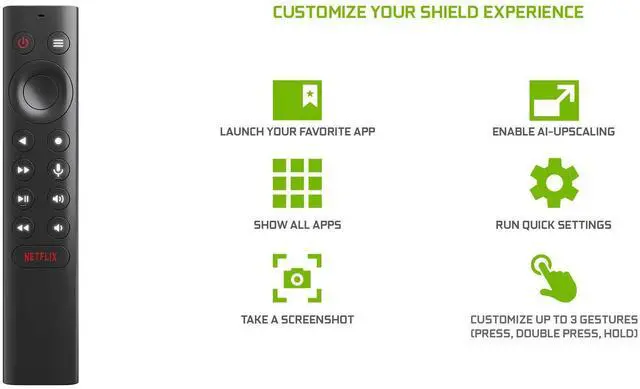
- Customize your menu button with more than 25 choices. Launch your favorite app, enable AI upscaling, or mute your sound, or more! Different options can be applied to up to 3 actions: single press, double press, long press.
- Control your home entertainment center with SHIELD Remotes built in IR blaster. Control volume, power, or input source.
- Use the SHIELD remote app to activate the remote locator. Say goodbye to lost remotes.
- SHIELD Remote connects to you SHIELD TV using wireless Bluetooth connectivity. Control your SHIELD even if its placed out of sight.
+
+
Overview
Specs
Reviews

Any questions? Our AI mode will help you find out quickly.
Try me now
Control your NVIDIA SHIELD from anywhere in the room with the NVIDIA SHIELD Remote. Its Bluetooth connectivity will ensure connectivity even without line-of-sight, while its built-in microphone will allow you to control your SHIELD with voice commands. It features a headphone jack for private listening, as well as a built-in rechargeable battery.
Warranty & Returns
Warranty, Returns, And Additional Information
Warranty
- Please contact the Seller directly for warranty information. Warranty information may also be found on the Manufacturer's website.
- CONTACT
Return Policies
- Return for refund within: 30 days
- Return for replacement within: 30 days
- This item is covered by Mintra Store Return Policy
Manufacturer Contact Info
- For a directory of all our manufacturers, please click below.
- Manufacturers Directory
LOADING...