




Frequently Q&A
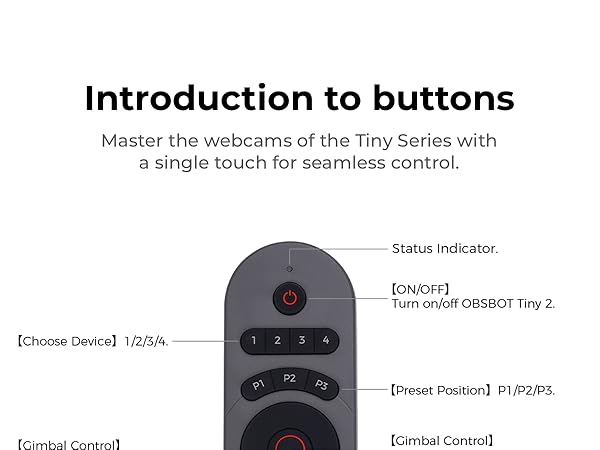
Question: How do I pair multiple Tiny 2 cameras to one remote?
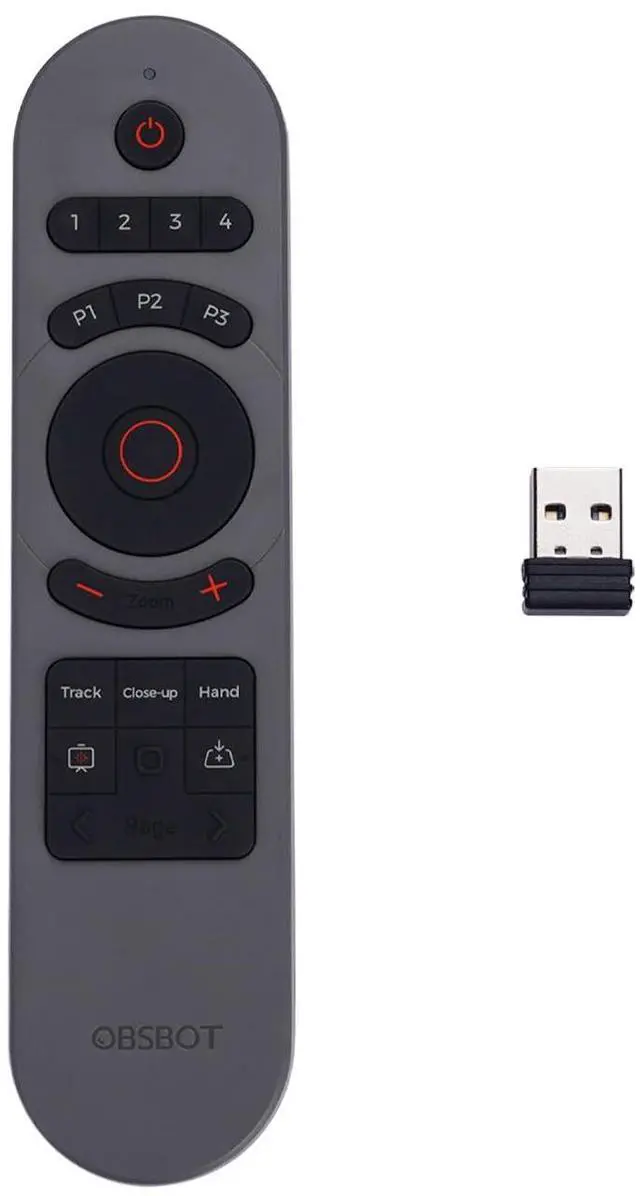
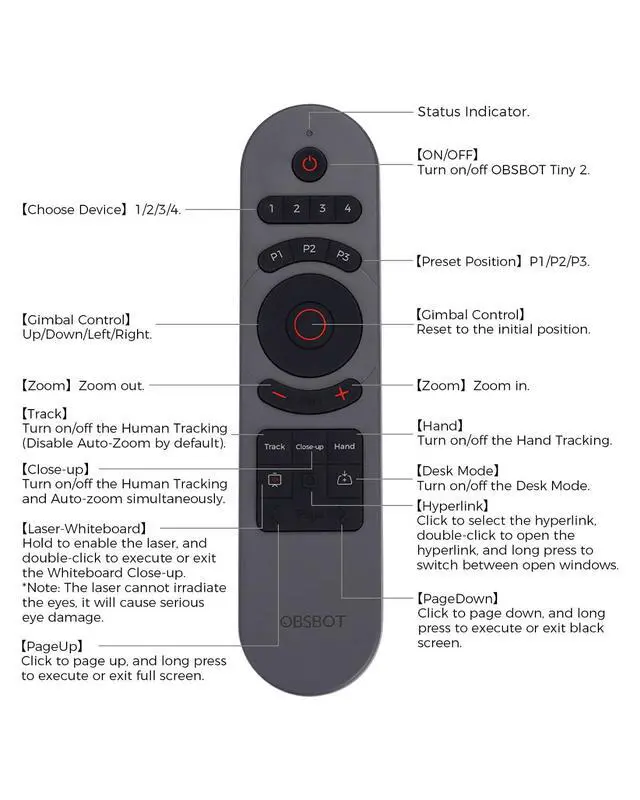
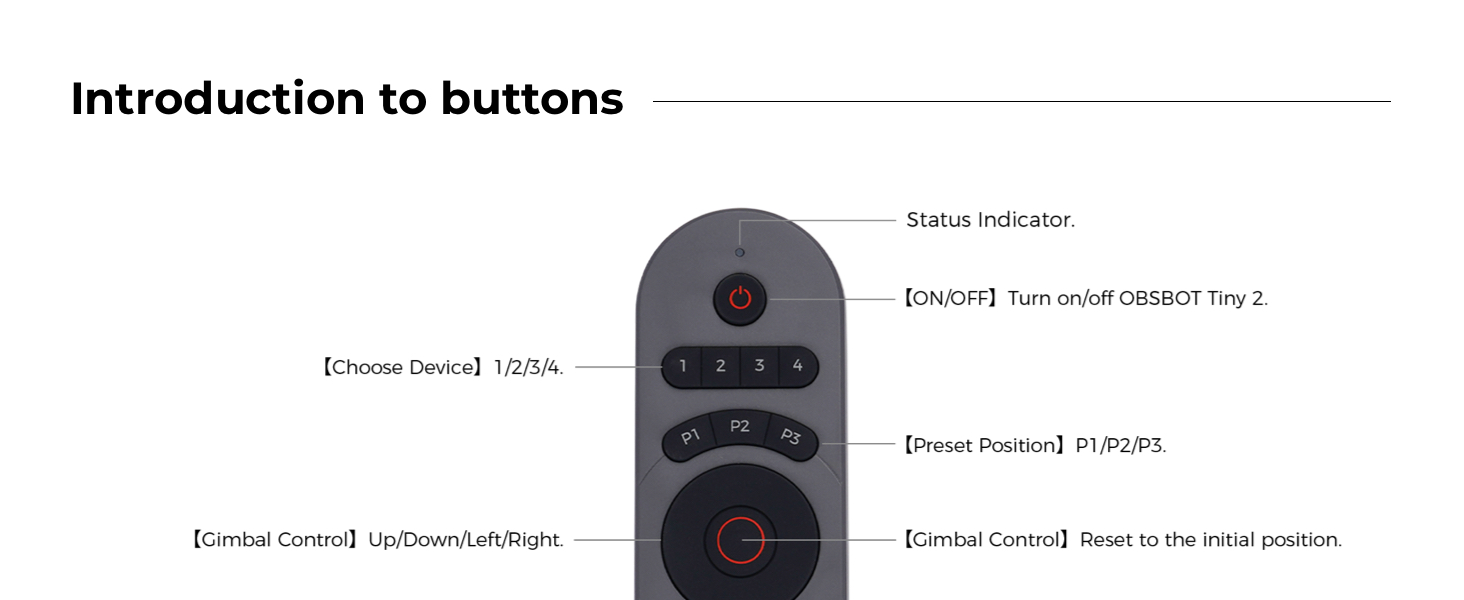
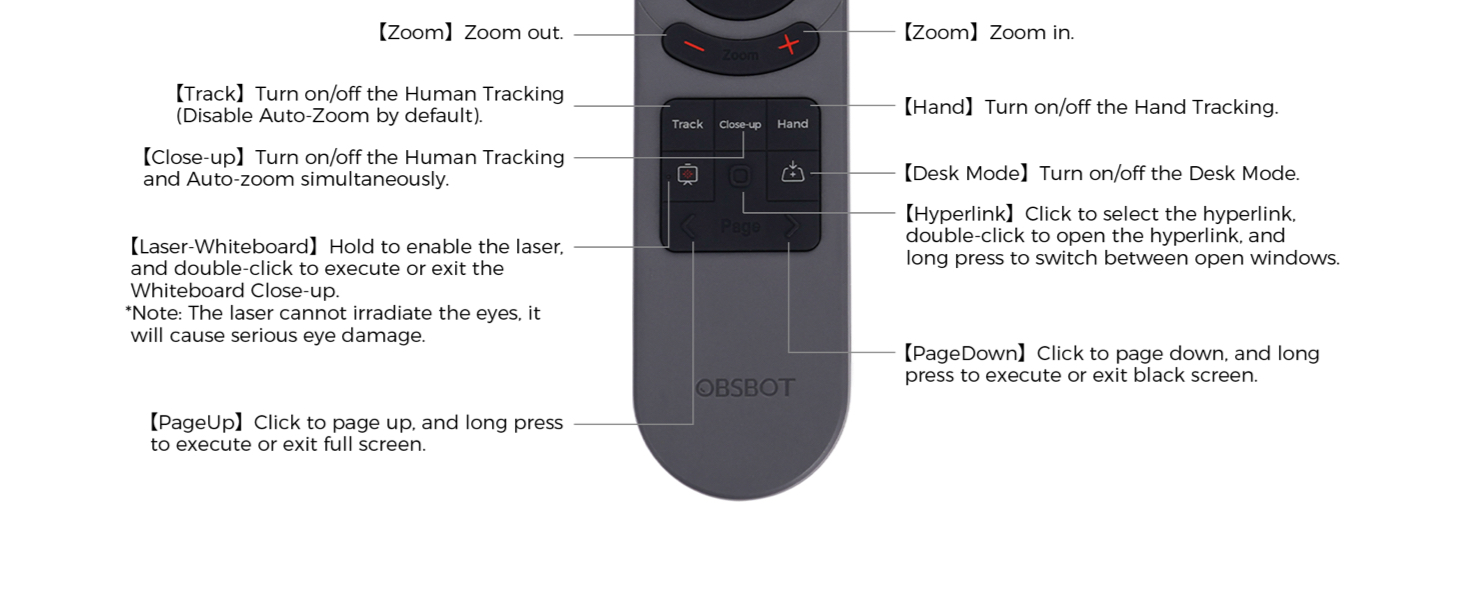
Answer: Press and hold the “Track+Hand” button for 3s, the indicator light will change from constant to continuous.
The blinking state means the remote control is in the Bluetooth pairing state, and the indicator light will continue to blink after you let go.
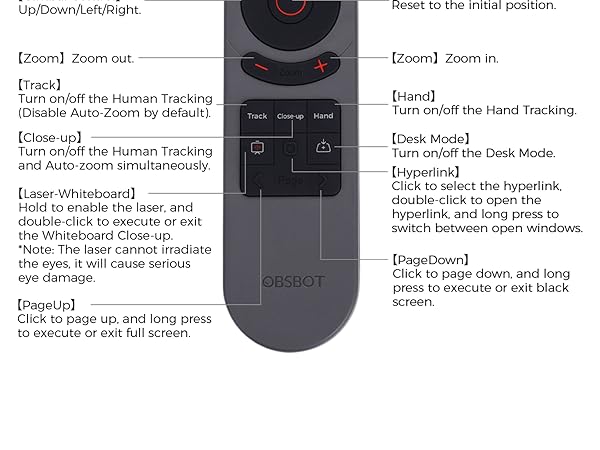
Question: Is the remote control used with the old model TINY4K/TINY?
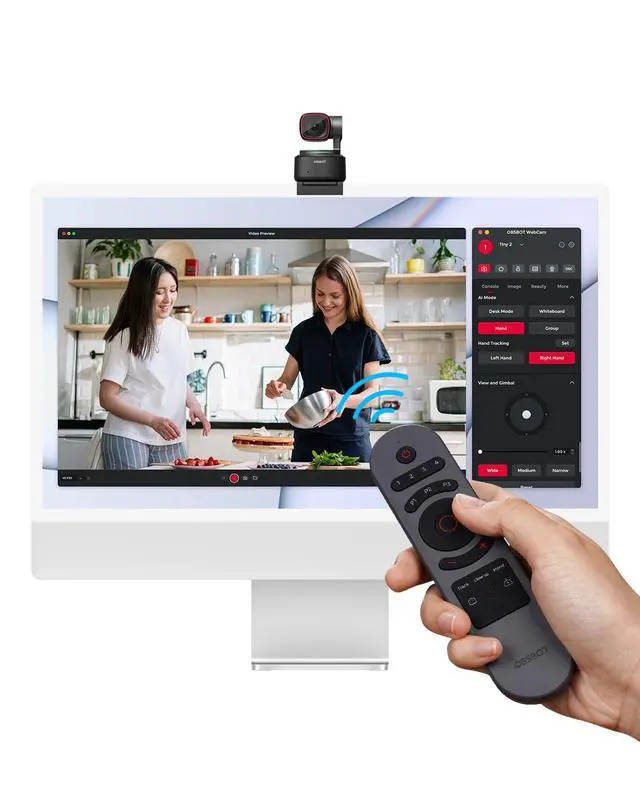
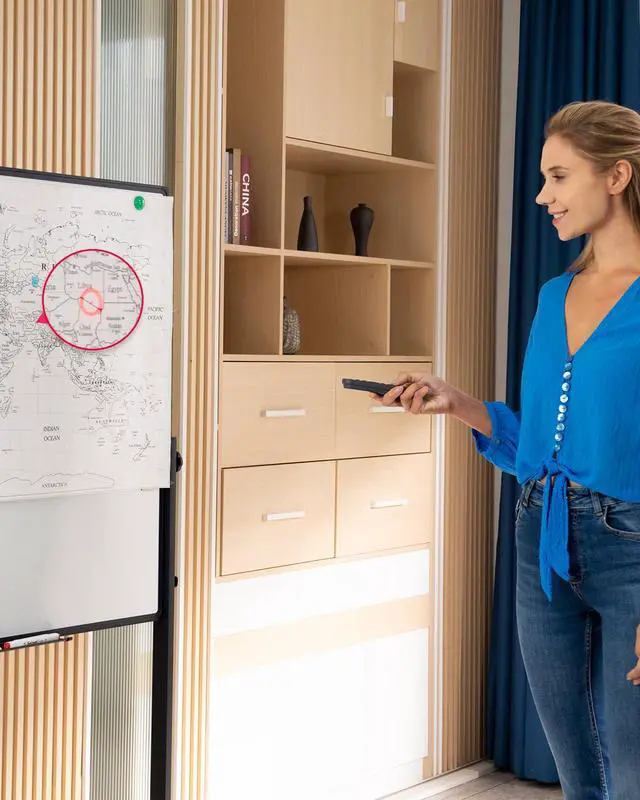
Answer: The TINY2 Remote works with both TINY4K and TINY, however, there are certain button functions that only work with TINY 2 and not TINY4K/TINY, such as the whiteboard function, different tracking modes, and other TINY2 exclusive functions.
Question: Is the remote control compatible with other electronic devices such as Android/Google TV?
Answer: TINY2 Remote is only for OBSBOT TINY series products, it is not compatible with other devices such as Android/Google tv.
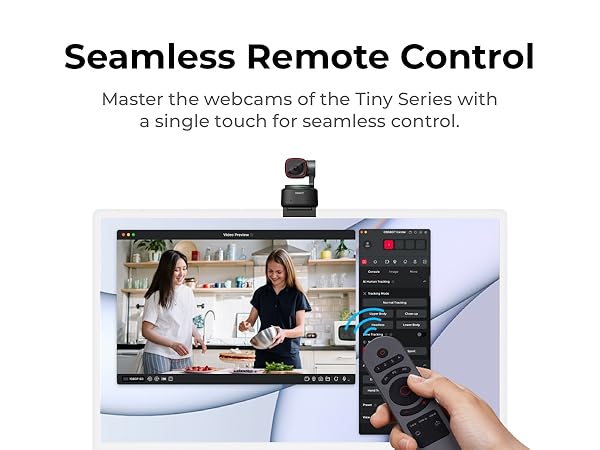
Question: Do i need to download software on my laptop for my remote controller to work? or is it included in the little USB key?
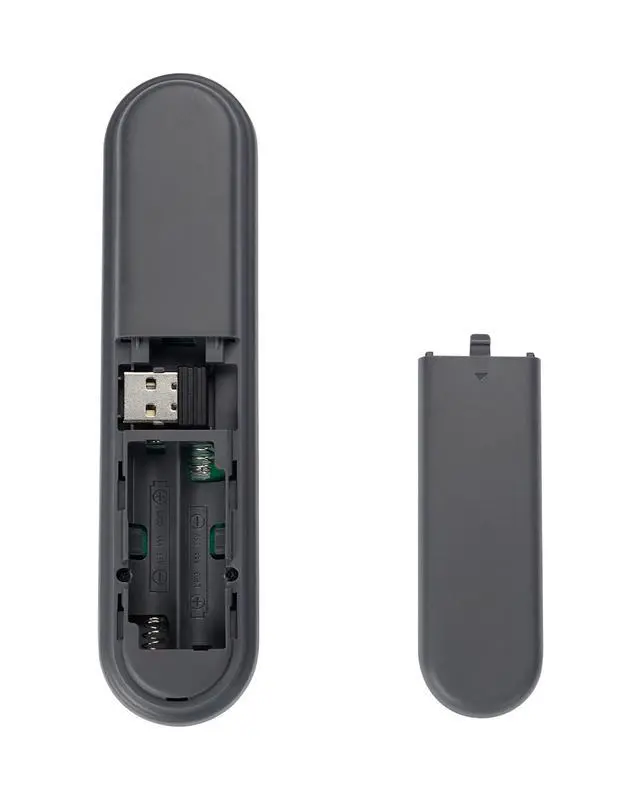
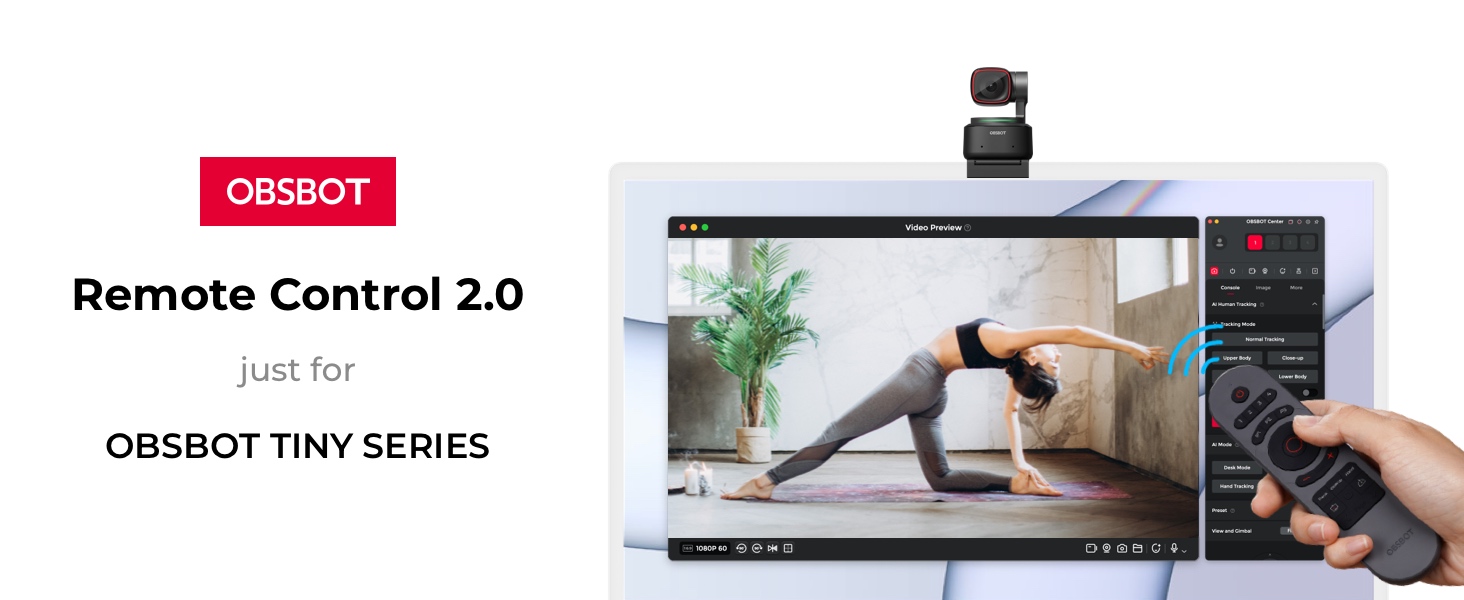
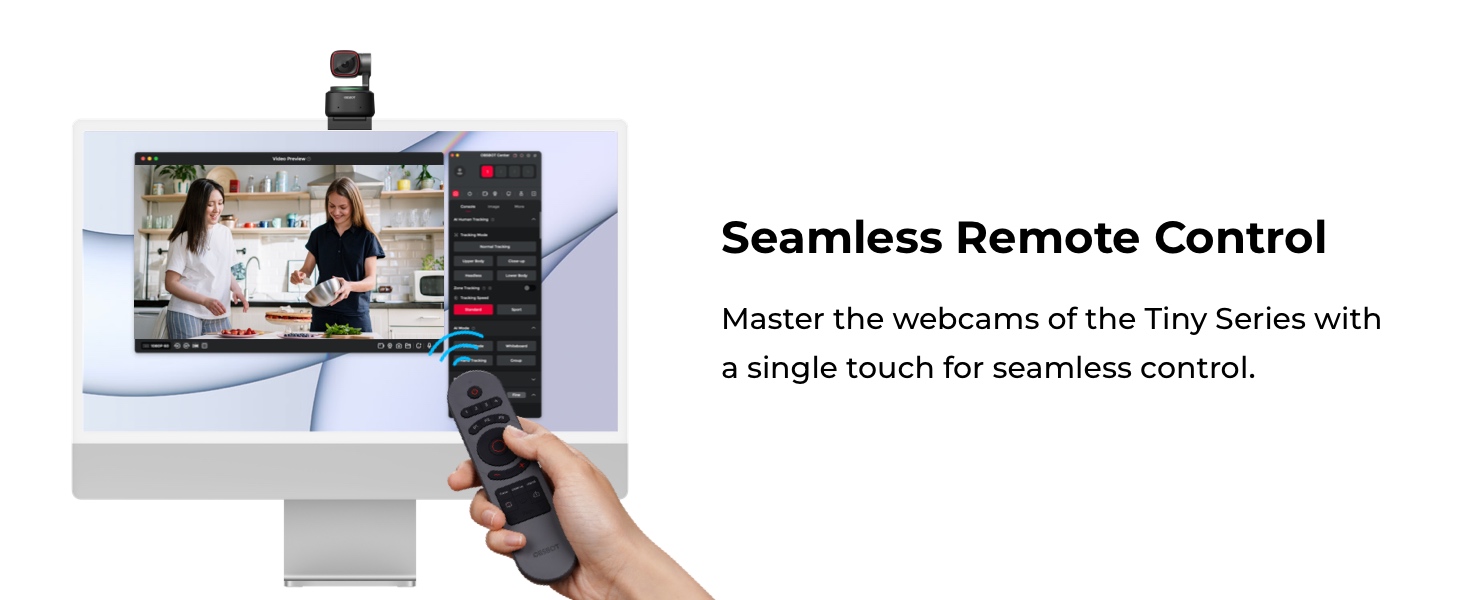
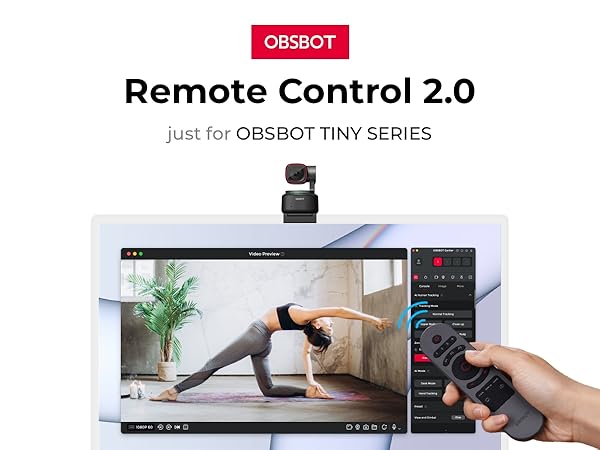
Answer: Yes, you need to downloadthe software for the remote controller which is OBSBOT Center software and open remote mode on the OBSBOT Center software. What's more, the usb adapter needs to plug in the computer/laptop which you download the software.

Connecting You to The Future
With the artificial intelligence as the core, OBSBOT focuses on the application research of new technologies in the field of videography. It hopes to use revolutionary technology and innovative products to innovate the way of public records and image creation, and to change people's social way.
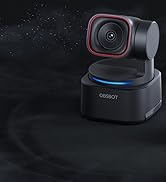
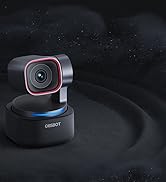
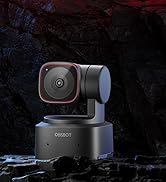
Tiny 3 Spatial Audio Webcam
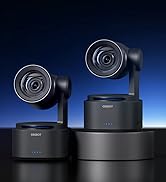
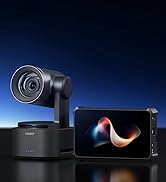
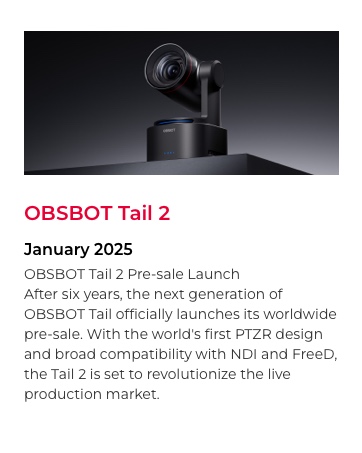
Tail 2 PTZR Live Camera
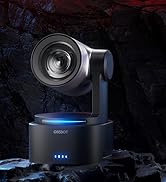
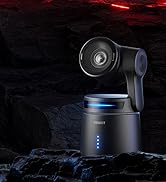
OBSBOT Pro Streaming Camera
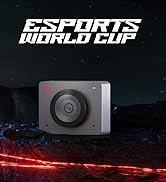
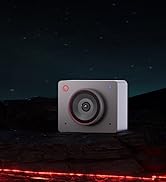
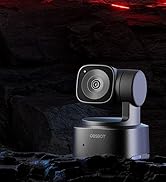
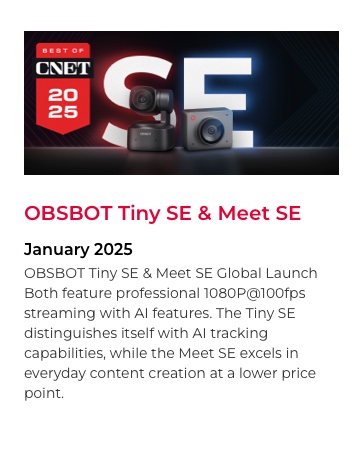
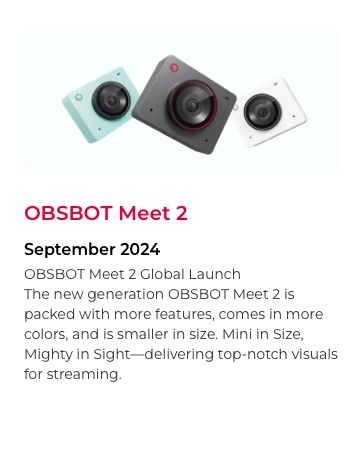
OBSBOT Budget-Friendly Webcam

Frequently Q&A
Question: How do I pair multiple Tiny 2 cameras to one remote?
Answer: Press and hold the “Track+Hand” button for 3s, the indicator light will change from constant to continuous.
The blinking state means the remote control is in the Bluetooth pairing state, and the indicator light will continue to blink after you let go.
Question: Is the remote control used with the old model TINY4K/TINY?
Answer: The TINY2 Remote works with both TINY4K and TINY, however, there are certain button functions that only work with TINY 2 and not TINY4K/TINY, such as the whiteboard function, different tracking modes, and other TINY2 exclusive functions.
Question: Is the remote control compatible with other electronic devices such as Android/Google TV?
Answer: TINY2 Remote is only for OBSBOT TINY series products, it is not compatible with other devices such as Android/Google tv.
Question: Do i need to download software on my laptop for my remote controller to work? or is it included in the little USB key?
Answer: Yes, you need to downloadthe software for the remote controller which is OBSBOT Center software and open remote mode on the OBSBOT Center software. What's more, the usb adapter needs to plug in the computer/laptop which you download the software.
Connecting You to The Future
With the artificial intelligence as the core, OBSBOT focuses on the application research of new technologies in the field of videography. It hopes to use revolutionary technology and innovative products to innovate the way of public records and image creation, and to change people's social way.
Tiny 3 Spatial Audio Webcam
Tail 2 PTZR Live Camera
OBSBOT Pro Streaming Camera
OBSBOT Budget-Friendly Webcam