

• $29.99
  • Free 30-day Returns
  • Price alert
    Shop it at NeweggBusiness.

    Meet Your Seller

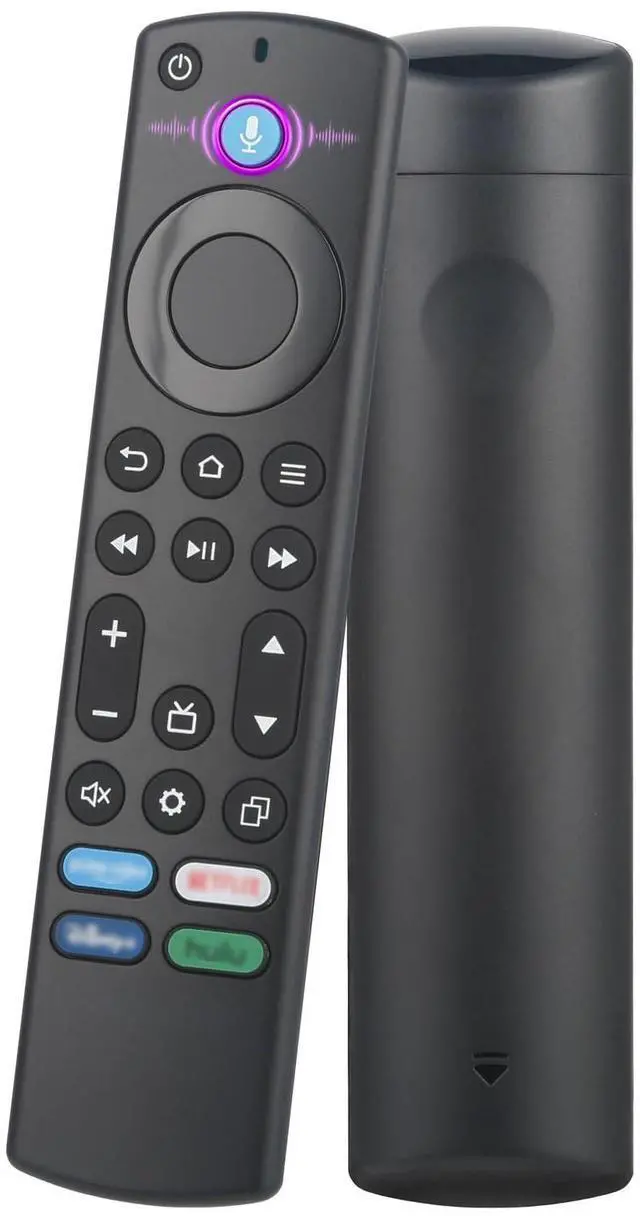
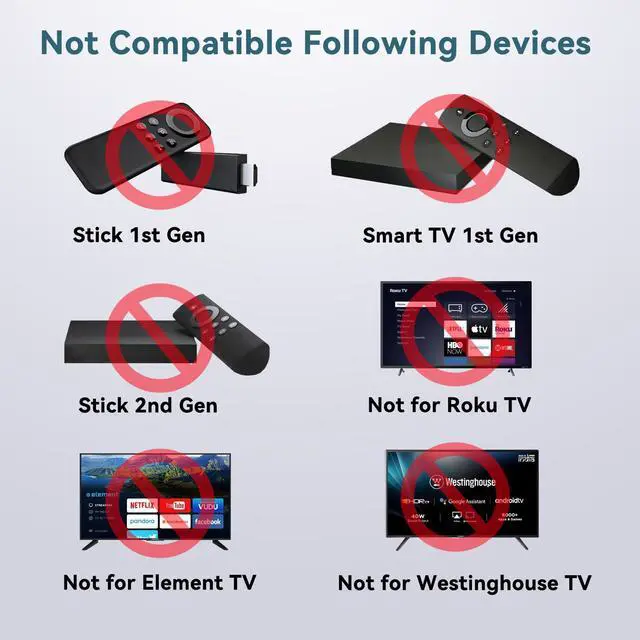
    Replacement Voice Remote Control for Fire Stick, Compatible for Fire TV Remote, Fit for Insignia/Toshiba/Pioneer Smart TV, Cube/FireStick, Not for Roku

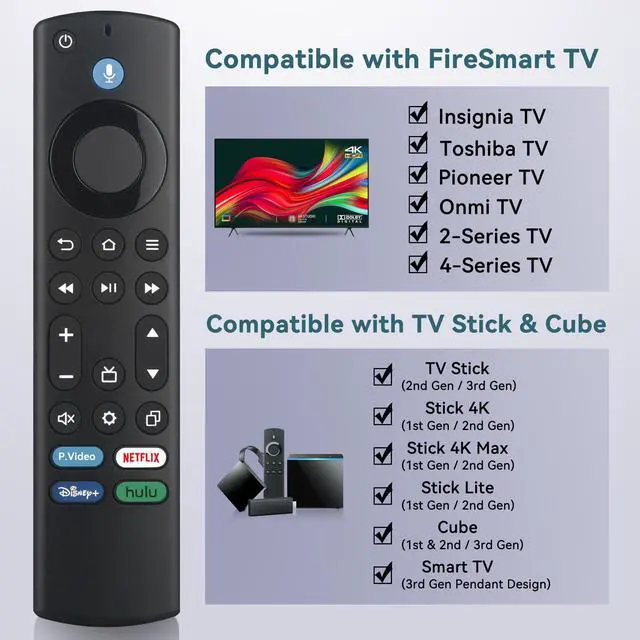
    • [Compatibile with FireStick]Replacement for Fire-Stick ( 2nd / 3rd Gen), TV Stick 4K (1st / 2nd Gen), TV Stick 4K Max (1st / 2nd Gen), TV Cube(1st / 2nd / 3rd Gen), TV Stick Lite( 1st / 2nd Gen), Smart TV (3rd Gen Pendant Design)
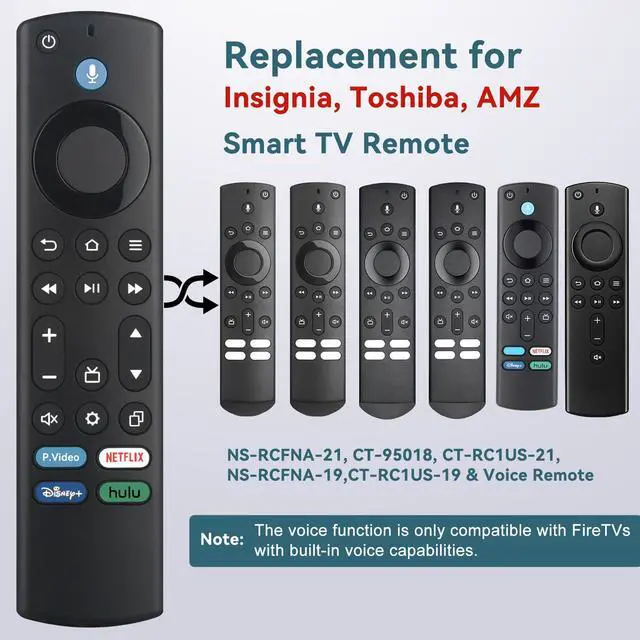
    • [Compatibile with Fire TV Remote]Replacement for Insignia, Toshiba, Pioneer, Omni Smart TV Remote. Not for Roku/Samsung
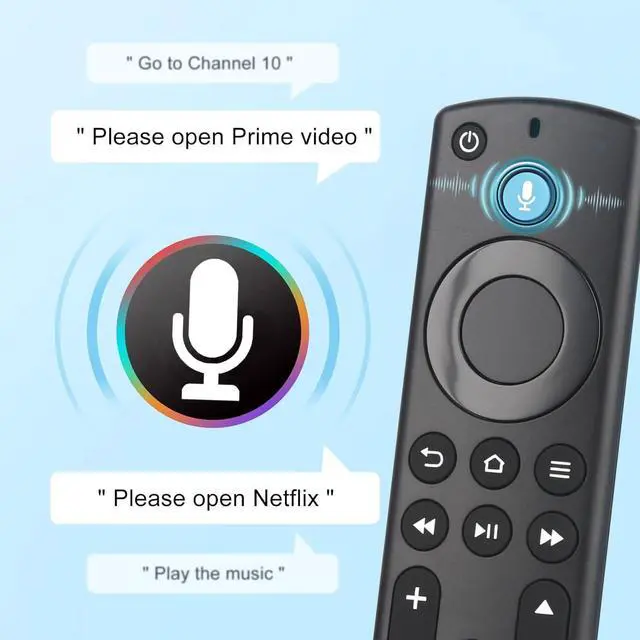
    • [Voice Control]Enjoy the convenience of controlling your device with your voice. Effortlessly search, launch apps, and adjust volume, completely hands-free.
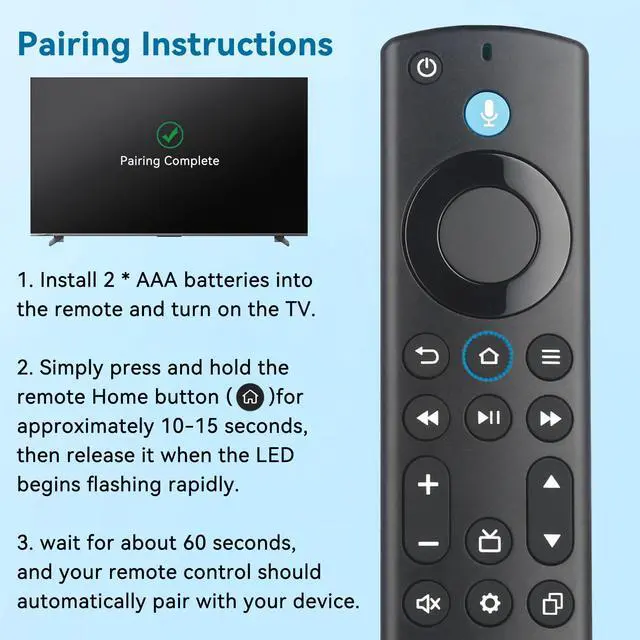
    • [Effortless Pairing]1. Press and hold the stick remote's Home button for 10-15 seconds. 2. Release the button once the LED light starts flashing rapidly. 3. Wait for about 60 seconds. The pairing will complete automatically.
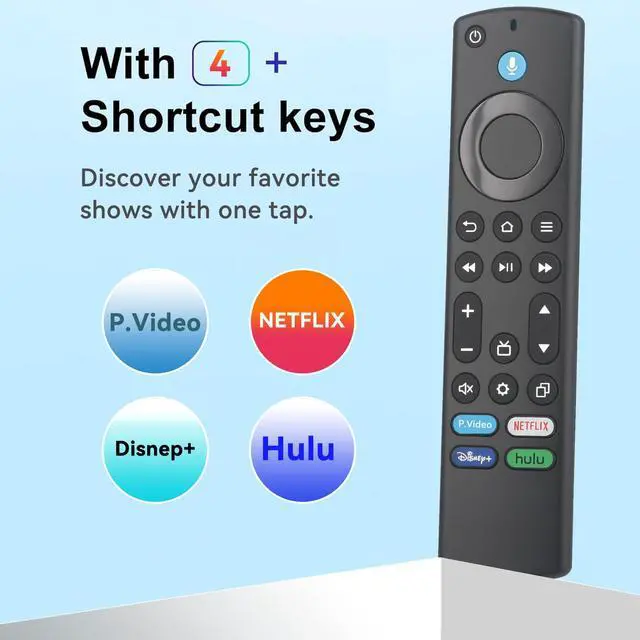
    • [4 Shortcuts with Fire TV Remote]The replaced fire tv remote features 4 shortcuts(with P.Video / Netflix / Disney+ / Hulu) for popular streaming channels. It makes your life easier!
    +
    +
    Overview
    Specs
    Reviews
    avatar

    Any questions? Our AI beta will help you find out quickly.

    Voice Remote for Fire Smart TV, FireStick and Fire Cube Remote Control
    Replacement for Insignia Toshiba Smart TV Remote
    Fire Stick Remote with Hotkey and Voice Search
    Compatible with Fire Stream Remote
    Easy Pairing to Fire TV Remote

    Note: If the VOLUME+/-, MUTE, and Power buttons don't work after pairing the new remote with the TV stick or cube, please press the HOME button first, then navigate to Settings at the top of the Screen, then select: > Equipment Control > Manage Equipment> TV > Change TV.

    Follow the prompts on the TV screen to learn the functions. Once learning is complete, the mentioned keys should work.

    Voice Remote for Fire Smart TV, FireStick and Fire Cube Remote Control
    Replacement for Insignia Toshiba Smart TV Remote
    Fire Stick Remote with Hotkey and Voice Search
    Compatible with Fire Stream Remote
    Easy Pairing to Fire TV Remote

    Note: If the VOLUME+/-, MUTE, and Power buttons don't work after pairing the new remote with the TV stick or cube, please press the HOME button first, then navigate to Settings at the top of the Screen, then select: > Equipment Control > Manage Equipment> TV > Change TV.

    Follow the prompts on the TV screen to learn the functions. Once learning is complete, the mentioned keys should work.

    Fit for Insignia/Toshiba/Pioneer Smart Fire TV Remote Controller, Compatible for Insignia, Toshiba, Pioneer Smart TV. Fire Stick ( 2nd / 3rd Gen), TV Stick 4K (1st / 2nd Gen), TV Stick 4K Max (1st / 2nd Gen), TV Cube(1st / 2nd / 3rd Gen), TV Stick Lite( 1st / 2nd Gen), Smart TV (3rd Gen Pendant Design


    Product information

    Brand OROSAUR
    Special Feature Voice Search
    Color Black
    Max Number of Supported Devices 7
    Compatible Devices Streaming Device, Television
    Product Dimensions 1.46 x 0.59 x 4.7 inches
    Item Weight 1.75 ounces
    Item model number FireSeries Remote
    Batteries 2 AAA batteries required.
    Date First Available December 31, 2025
    Manufacturer OROSAUR

    Warranty & Returns

    Warranty, Returns, And Additional Information

    Warranty

    • Please contact the Seller directly for warranty information. Warranty information may also be found on the Manufacturer's website.
    • CONTACT

    Return Policies

    • Return for refund within: 30 days
    • Return for replacement within: non-replaceable
    • This item is covered by shiyishan Return Policy

    Manufacturer Contact Info

    LOADING...