Price alert
Shop it at NeweggBusiness.

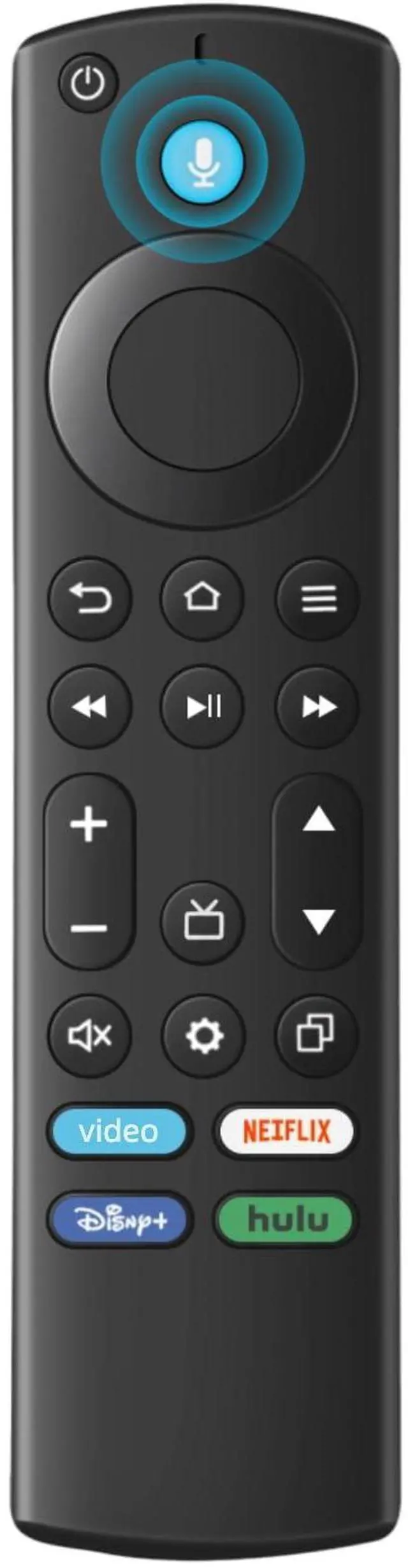
Replacement Remote for All Fire Series, TV Stick (HD, 4K, 4K Max, Lite), TV Cube and Omni, Insignia, Toshiba, Smart TVs, with Voice Control

Limited time offer, ends 06/04 By DongFangBiYueShangMao

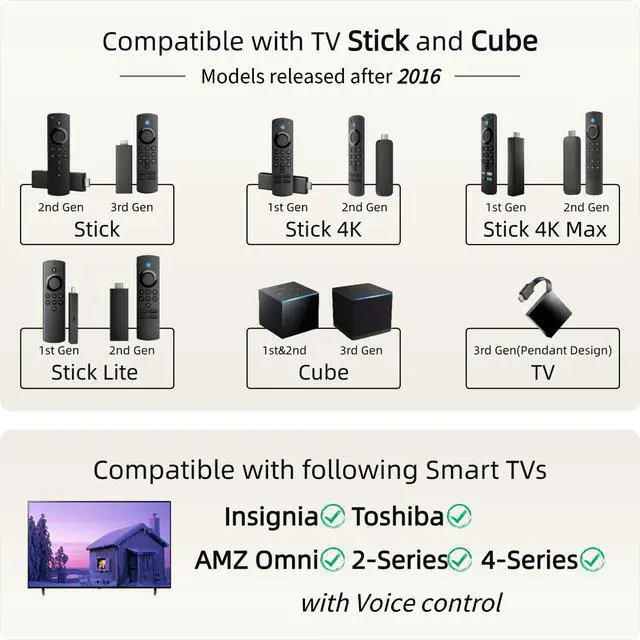
  • Compatibile with TV Stick ( 2nd / 3rd Gen), TV Stick 4K (1st / 2nd Gen), TV Stick 4K Max (1st / 2nd Gen), TV Cube(1st / 2nd / 3rd Gen), TV Stick Lite( 1st / 2nd Gen), Smart TV (3rd Gen Pendant Design)
  • Compatible with Insignia, Toshiba, Pioneer Smart TVs that support voice commands
  • This remote is compatible with streaming devices and smart TVs, and the pairing methods differ. Please refer to the instructions for pairing
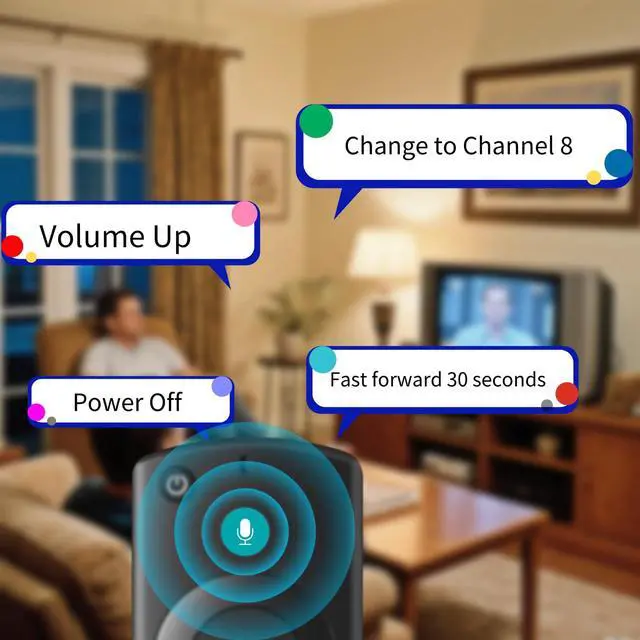
  • Voice Function: Use voice commands to find your favorite content faster than ever before
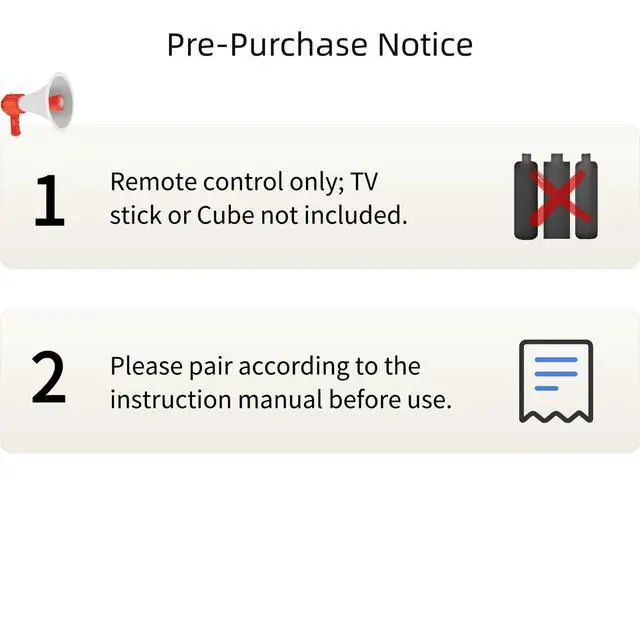
  • Package Contents: 1 Replacement Voice Remote, 1 User Manual (Batteries not included: requires 2 AAA)
+
+
Overview
Specs
Reviews
avatar

Any questions? Our AI beta will help you find out quickly.

for TV Stick and Cube
for Smart TV
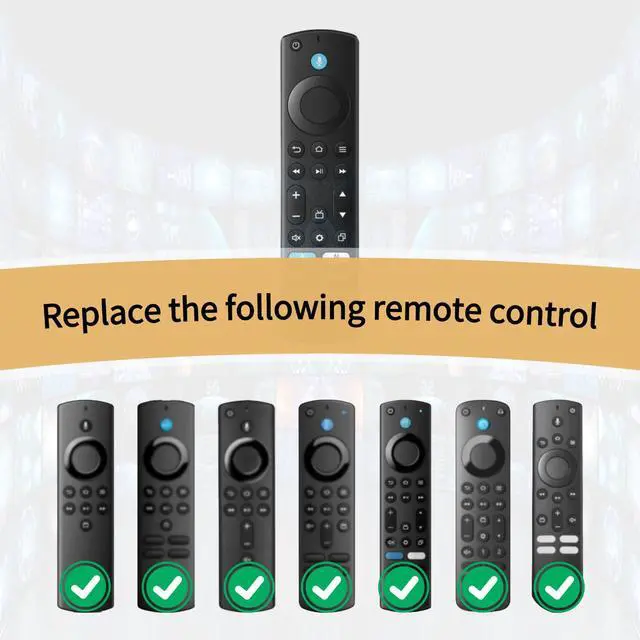
Replace the following remote
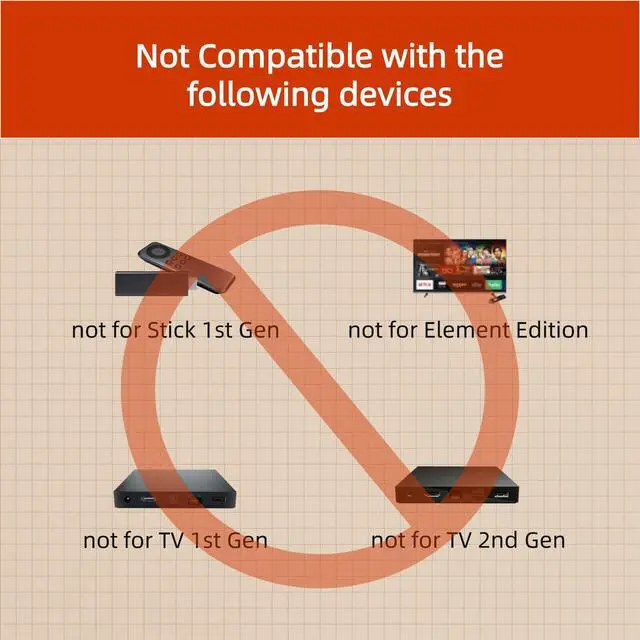
Not Compatible with
pair to tv stick or cube
Pair to Smart TV

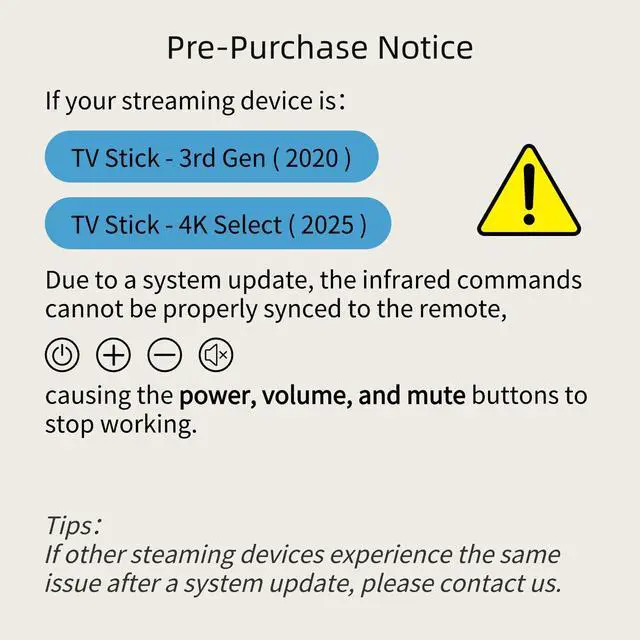
QA: If the VOLUME+/-, MUTE, and Power buttons don't work after pairing the new remote with the TV stick or cube, how can I solve the problem?

A: Press the HOME button first, then navigate to Settings at the top of the Screen, then select: > Equipment Control > Manage Equipment> TV > Change TV.

Follow the prompts on the TV screen to learn the functions. Once learning is complete, the mentioned keys should work.

for TV Stick and Cube
for Smart TV
Replace the following remote
Not Compatible with
pair to tv stick or cube
Pair to Smart TV

QA: If the VOLUME+/-, MUTE, and Power buttons don't work after pairing the new remote with the TV stick or cube, how can I solve the problem?

A: Press the HOME button first, then navigate to Settings at the top of the Screen, then select: > Equipment Control > Manage Equipment> TV > Change TV.

Follow the prompts on the TV screen to learn the functions. Once learning is complete, the mentioned keys should work.

for TV Stick HD ( 2nd Gen, 3rd Gen) for TV Stick 4K (1st Gen, 2nd Gen) for TV Stick 4K Max (1st Gen, 2nd Gen) for TV Stick Lite ( 1st Gen, 2nd Gen) for TV Cube (1st Gen, 2nd Gen, 3rd Gen) for Smart TV (3rd Gen Pendant Design) for Toshiba Smart TVs for Insignia Smart TVs: NS-32DF310NA21, NS32DF310NA21, NS-55DF710NA21, NS55DF710NA21, NS-65DF710NA21, NS65DF710NA21, NS-70DF710NA21, NS70DF710NA21, NS-75F301NA22, NS75F301NA22, NS-24F202NA22, NS-32F201NA22, NS-32F202NA22, NS-42F201NA22, NS-43DF710NA21, NS-43F301NA22, NS-50DF710NA21, NS-50F301NA22, NS-50F501NA22, NS-55F301NA22, NS-55F501NA22, NS-58F301NA22, NS-65F501NA22, NS-70F501NA22, NS24F202NA22, NS32F201NA22, NS32F202NA22, NS42F201NA22, NS43DF710NA21, NS43F301NA22, NS50DF710NA21, NS50F301NA22, NS50F501NA22, NS55F301NA22, NS-24DF310NA21, NS-24DF311SE21, NS-39DF310NA21, NS-43DF710NA19, NS-55DF710NA19, NS-505DF710NA19, NS24DF310NA21, NS24DF311SE21, NS39DF310NA21, NS43DF710NA19, NS55DF710NA19, NS505DF710NA19, NS-24DF310NA19, NS-32DF310NA19, NS-39DF510NA19, NS-50DF710NA19, NS-50DF711SE21, NS-58DF620NA20, NS24DF310NA19, NS32DF310NA19, NS39DF510NA19, NS40DF710NA19, NS50DF710NA19, NS50DF711SE21, NS58DF620NA20, NS-43DF710NA19, NS43DF710NA19, NS-55DF710NA19, NS55DF710NA19, NS-505DF710NA19, NS505DF710NA19, NS-50DF711SE21, NS-32DF310NA19, NS-58DF620NA20, NS40DF710NA19.


Product information

Brand ORQRQO
Special Feature Ergonomic, Voice Search
Color Black
Max Number of Supported Devices 1
Compatible Devices Television
Package Dimensions 6.18 x 1.53 x 0.74 inches
Item Weight 1.76 ounces
Item model number B0DC3PZLRL
Batteries 2 AAA batteries required.
Date First Available August 3, 2024
Manufacturer ORQRQO

Warranty & Returns

Warranty, Returns, And Additional Information

Warranty

  • Please contact the Seller directly for warranty information. Warranty information may also be found on the Manufacturer's website.
  • CONTACT

Return Policies

Manufacturer Contact Info

LOADING...