


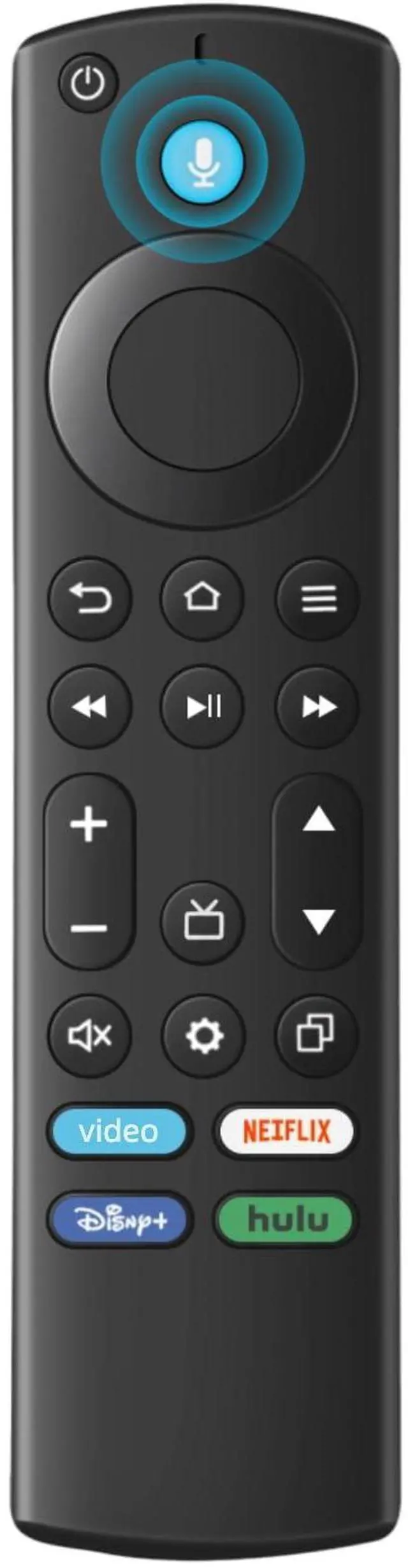
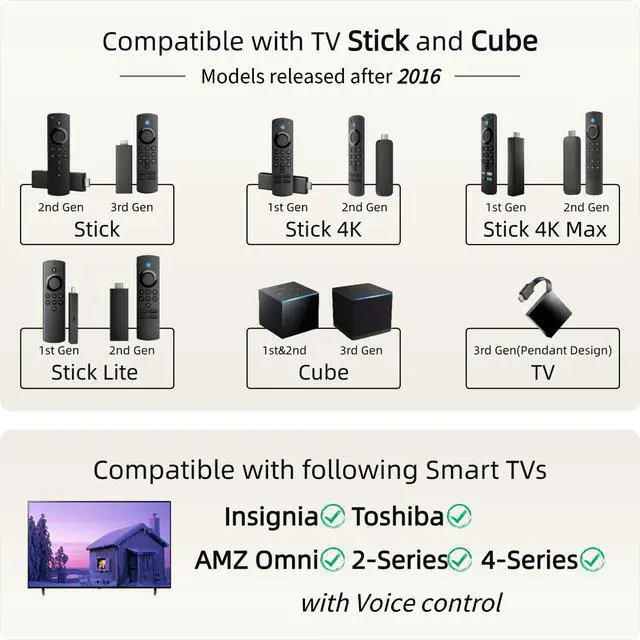
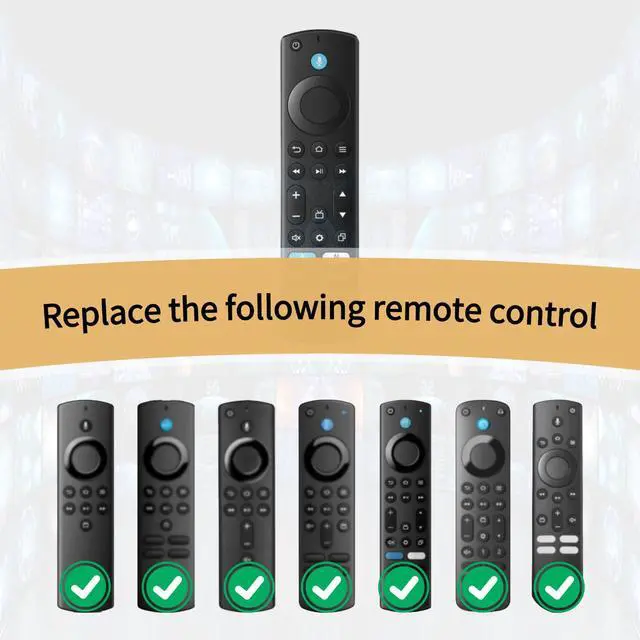
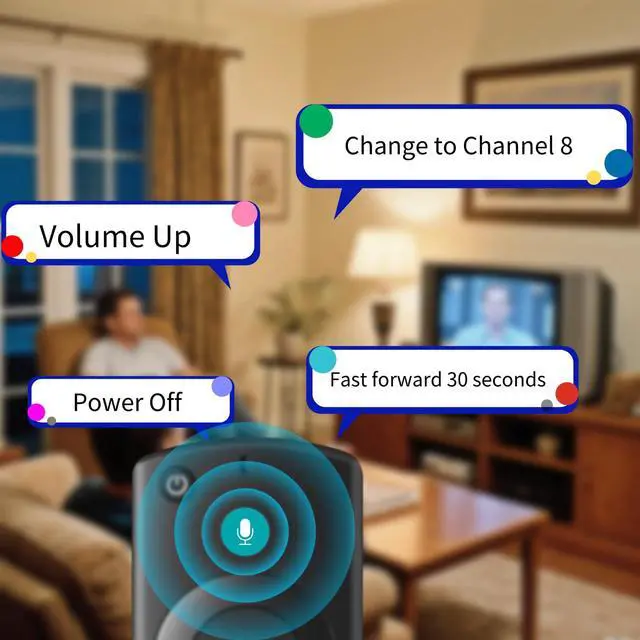
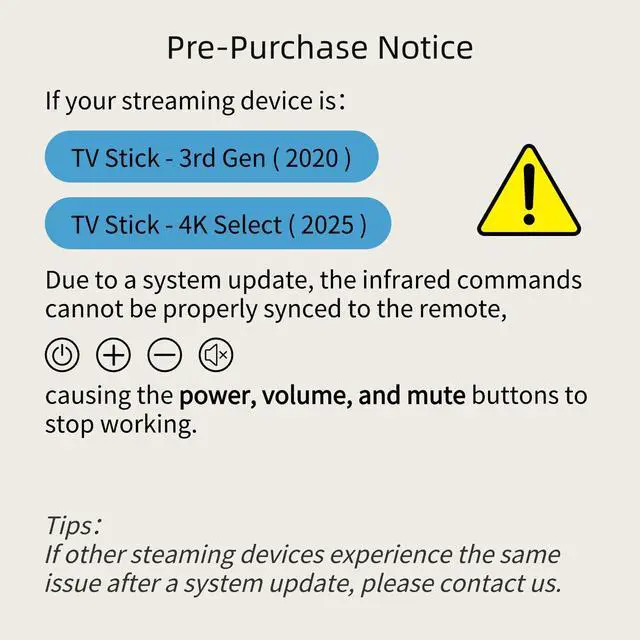


QA: If the VOLUME+/-, MUTE, and Power buttons don't work after pairing the new remote with the TV stick or cube, how can I solve the problem?
A: Press the HOME button first, then navigate to Settings at the top of the Screen, then select: > Equipment Control > Manage Equipment> TV > Change TV.
Follow the prompts on the TV screen to learn the functions. Once learning is complete, the mentioned keys should work.
QA: If the VOLUME+/-, MUTE, and Power buttons don't work after pairing the new remote with the TV stick or cube, how can I solve the problem?
A: Press the HOME button first, then navigate to Settings at the top of the Screen, then select: > Equipment Control > Manage Equipment> TV > Change TV.
Follow the prompts on the TV screen to learn the functions. Once learning is complete, the mentioned keys should work.