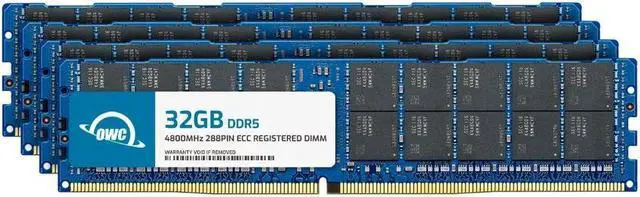
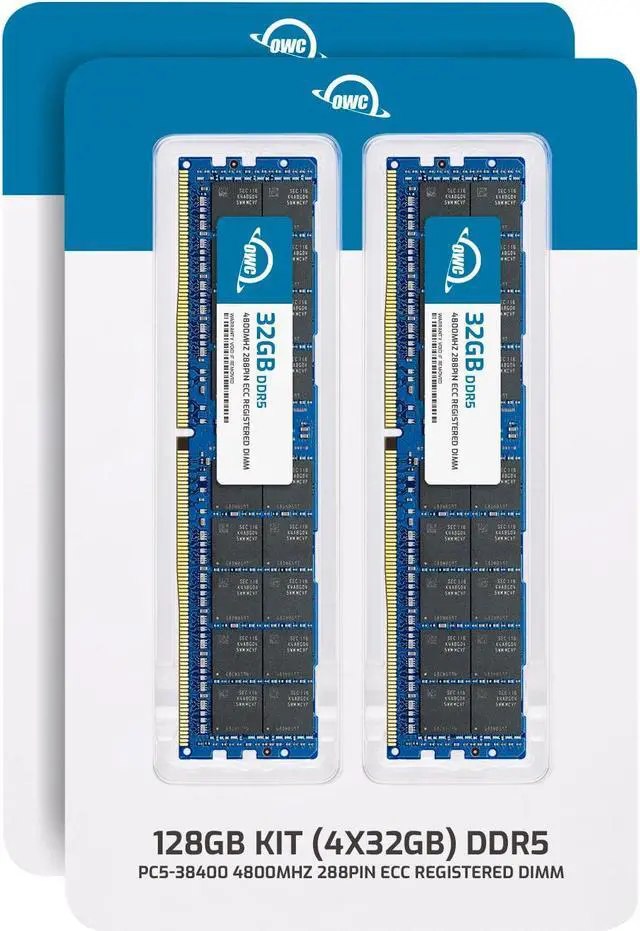
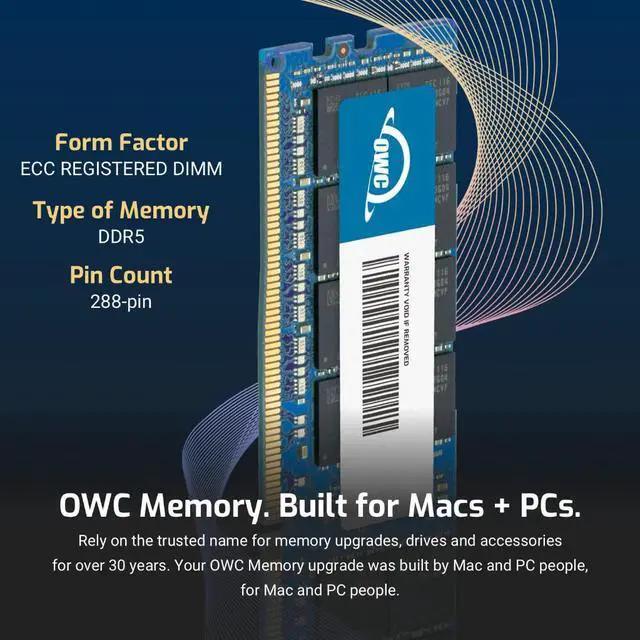
The OWC 128GB DDR5-4800 ECC Registered RDIMM kit includes four 32GB modules for upgrading compatible Dell PowerEdge C6600, C6620, MX760C, R660, or R6615 servers. It suits server administrators who need registered ECC memory for a supported system; it is not intended for standard desktop computers.
Recommended For
- IT administrators adding 128GB of memory to a Dell PowerEdge C6600, C6620, MX760C, R660, or R6615 that needs DDR5 ECC registered DIMMs.
- Server operators expanding a virtualization host’s memory for additional or larger virtual machines, provided the 128GB increase fits the host’s memory plan and supported DIMM population.
- Database and analytics teams upgrading a supported PowerEdge server when their workload benefits from more installed memory for data-intensive processing.
- Data-center teams standardizing memory upgrades across supported Dell PowerEdge systems that use 32GB DDR5-4800 ECC registered modules.
Real-World Use Scenarios
- When a compatible PowerEdge host is short on RAM for virtual machines, adding this kit can provide more memory capacity for the hypervisor and its VMs; the number of additional VMs depends on their individual memory needs and the server’s existing configuration.
- For a virtual desktop host supporting many active users, adding memory can give desktop instances more room to run concurrently and help address memory capacity as a bottleneck; it does not by itself guarantee a specific increase in user count.
- When a server runs a database alongside other business applications, adding RAM can increase the memory available to those workloads and reduce pressure to move active data out of memory, if memory capacity is the limiting factor.
- For compute-node workloads such as distributed data processing, extra memory can give jobs more working space on each node; overall job speed still depends on the processor, storage, network, and software configuration.
- When maintaining a supported PowerEdge server, this kit can be used to expand or refresh installed memory for ongoing mixed workloads; check the exact system, processor, and DIMM-population rules first, since supported configurations affect whether the modules run as expected.